Researchers say a real macOS malware campaign is using “ClickFix” social engineering to trick users into installing an infostealer called AmnesiaStealer. Victims are lured to a counterfeit GitHub download page that encourages them to copy/paste a Terminal command, which then downloads and runs the malware. After stealing credentials and app/browser data, a second stage can remotely control a hidden copy of the victim’s browser session to capture cookies and live activity.
How the Attack Worked
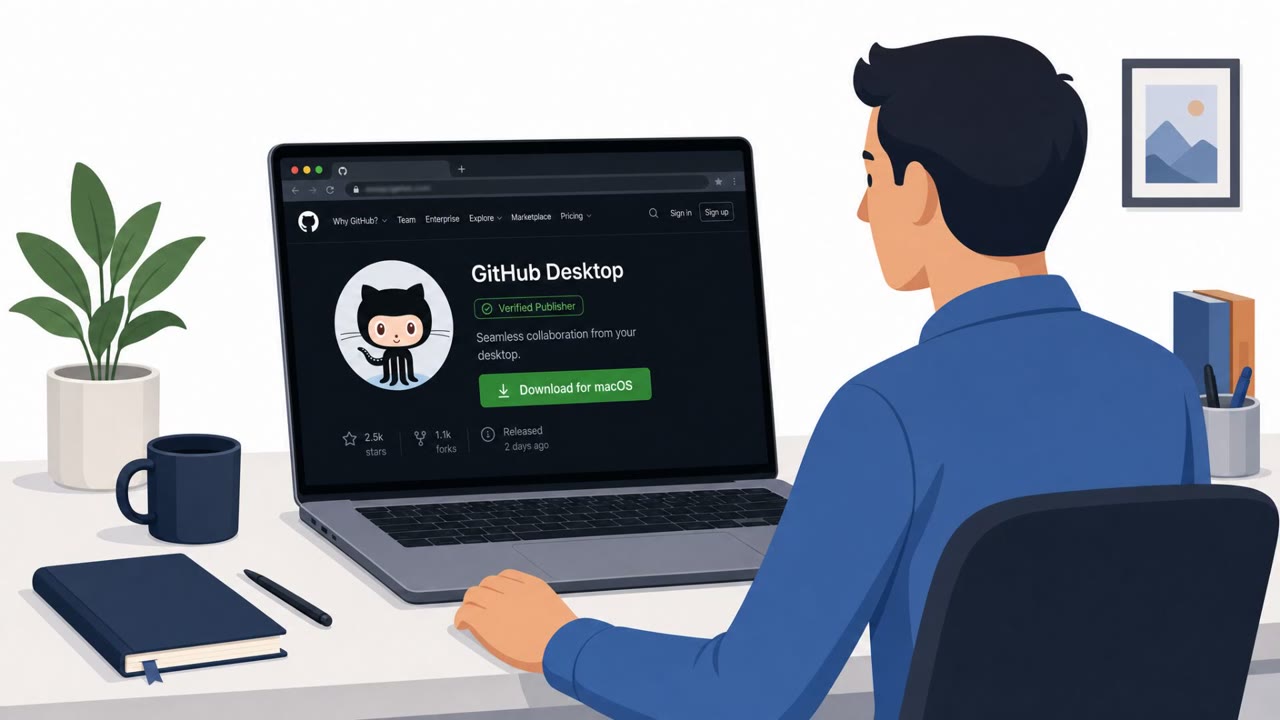
This campaign relies on a counterfeit GitHub download page that presents a Terminal installation box, framed as a convenience feature for advanced users. Numbered instructions guide the victim to open Terminal and install something. Clicking the page's copy button places a base64-encoded blob on the clipboard, which decodes into a single command. When the victim pastes and runs it in Terminal, a short, silent, self-deleting script downloads and executes the AmnesiaStealer binary. The malware then prompts the victim to enter their password and harvests data from sources including Apple Notes and Telegram. A second stage goes further, enabling remote and hidden control of a cloned browser profile across Chromium-family browsers, complete with live screencast and input control, plus plaintext cookie theft via the DevTools protocol.
Why the Lure Succeeded
The attack succeeds because it exploits a classic ClickFix pattern: a fake error or verification message manipulates the victim into copying and pasting a malicious script and running it themselves. Because the user enters the command manually, many antivirus and cyber defense tools categorize the action as legitimate user activity, letting the malware bypass security protections since the victim effectively infects themselves. The tactic also preys on users' natural desire to fix problems on their own rather than alerting IT, which discourages verification or reporting before damage is done.
What to Watch For
- Any website that asks you to copy a command and paste it into Terminal to fix, verify, or install something
- Download pages claiming to be GitHub that include a special install box with a copy button
- Prompts to enter your macOS password immediately after running a pasted command
- Messaging that discourages contacting IT and instead pushes self-service fixes
Building Resistance
Organizations should reinforce that legitimate installations rarely require pasting opaque commands into Terminal, and that any such request warrants pausing and verifying with IT before proceeding. Since this technique targets the instinct to self-resolve technical issues, awareness efforts should explicitly encourage reporting suspicious install prompts, especially on macOS, to reduce the chance that a single pasted command leads to credential and cookie theft across browsers and apps.
Key findings
- Attackers used ClickFix social engineering to distribute a new macOS infostealer (AmnesiaStealer).
- The lure uses a counterfeit GitHub download page with a “Terminal installation” box and a copy button that places a base64-encoded command on the clipboard.
- The copied command downloads a short, silent, self-deleting script that executes the AmnesiaStealer binary.
- The malware prompts the victim to enter their password and collects data from sources including Apple Notes and Telegram.
- A second stage enables remote, hidden control of a cloned browser profile (Chromium-family browsers) with live screencast and input control.
- The module can steal browser cookies in plaintext via the DevTools protocol and attempts to avoid automation detection.
Who’s being targeted
- Commonly targeted roles: All macOS users, Developers/Engineering, IT/Helpdesk, Executives who use macOS.
- Affected industries: Cross-industry (macOS users).
- Attack channels: website, email.
- Impersonated: GitHub download page (counterfeit), A generic system/error or verification prompt (ClickFix-style lure).
Red flags to watch for
- A download/install requires copying and pasting an opaque command into Terminal
- The page is a counterfeit GitHub download page
- Instructions encourage self-fixing instead of contacting IT
- Any “verification” that asks you to run a script/command is suspicious
- The workflow relies on bypassing security tooling by making the action look user-initiated
- Pressure to fix it yourself rather than report to IT
Frequently asked questions
What is the ClickFix technique used in this macOS attack?
ClickFix is a social engineering method where a fake error or verification message convinces a user to copy and paste a malicious script into their own Terminal and run it, making the action look self-initiated rather than an attack.
How does the fake GitHub page trick users into infecting themselves?
The counterfeit GitHub download page shows a Terminal installation box framed as a convenience feature, and clicking its copy button places a base64-encoded command on the clipboard that, when pasted and run, downloads and executes AmnesiaStealer.
What data does AmnesiaStealer collect from infected Macs?
It prompts the victim to enter their password and then collects data from sources including Apple Notes and Telegram, and a second stage can steal browser cookies in plaintext and remotely control a cloned browser session.
Why does ClickFix bypass antivirus and security tools?
Because the user manually enters and runs the command themselves, many antivirus and cyber defense tools categorize the action as legitimate user activity rather than a malicious process.
Read the video transcript
On your Mac, a page that looks like GitHub pops up: “Terminal installation for advanced users.” Copy, paste, fix it yourself. This is a real ClickFix scam pushing macOS AmnesiaStealer. When you hit copy, it drops a base64 blob on your clipboard, then a silent script pulls down the malware and asks for your Mac password. From there, AmnesiaStealer can raid Apple Notes and Telegram, then spin up a hidden Chromium browser profile it can remote-control, live-screencast, and strip cookies in plaintext, like someone driving your browser behind your back. Aha moment: any site or email that tells you to copy and paste a command into Terminal to ‘fix’ or ‘verify’ something is a stop sign. Do not run it, screenshot it and send it to IT.