Researchers describe an active campaign ("SMOKE#SCREEN") where attackers trick users with realistic software update and document-themed lures to install a legitimate remote-control tool (ScreenConnect). Once installed, the attacker gains persistent remote access that can look like normal IT activity. The campaign rotates lures and hosting methods (e.g., Dropbox and Cloudflare tunnels) and adapts to security tools to avoid detection.
Key findings
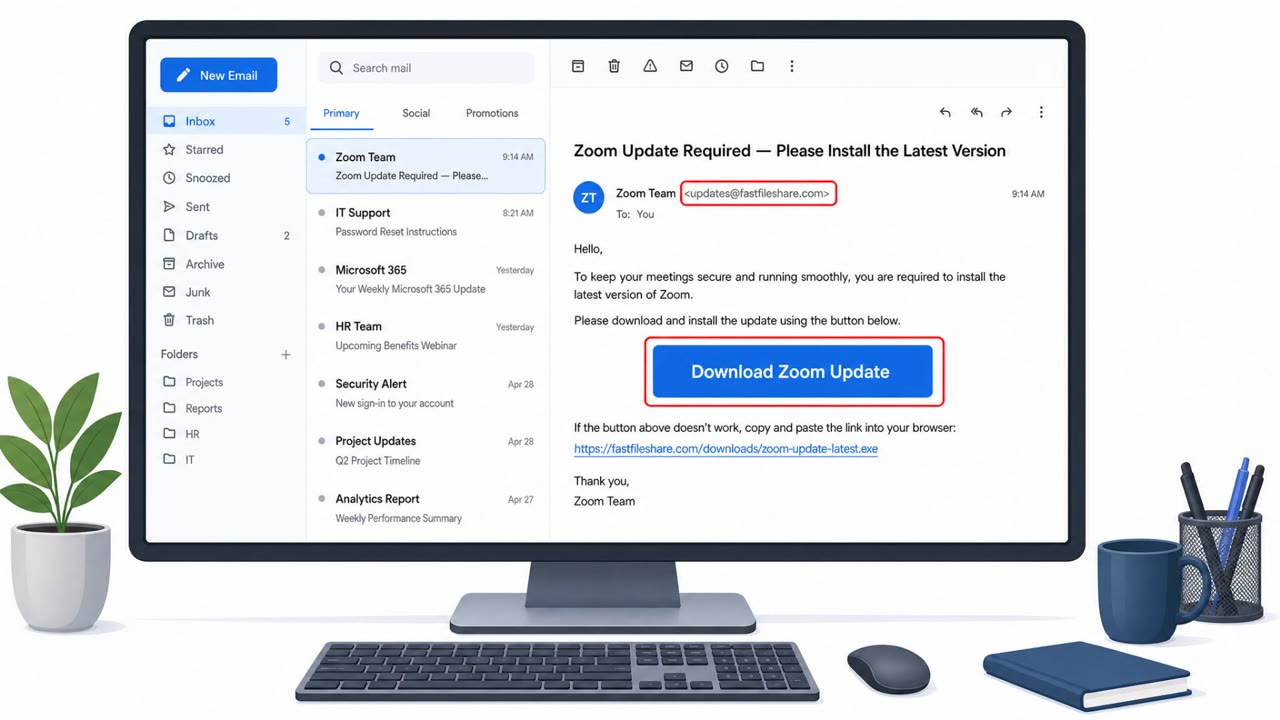
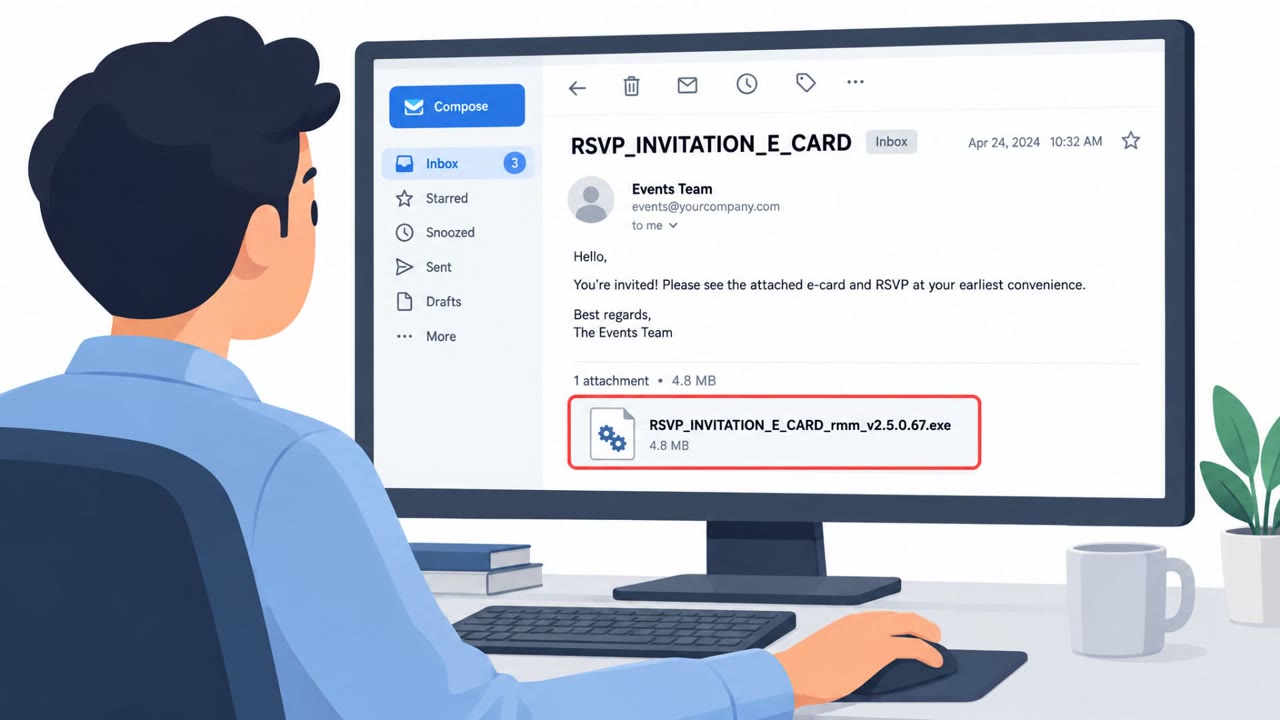
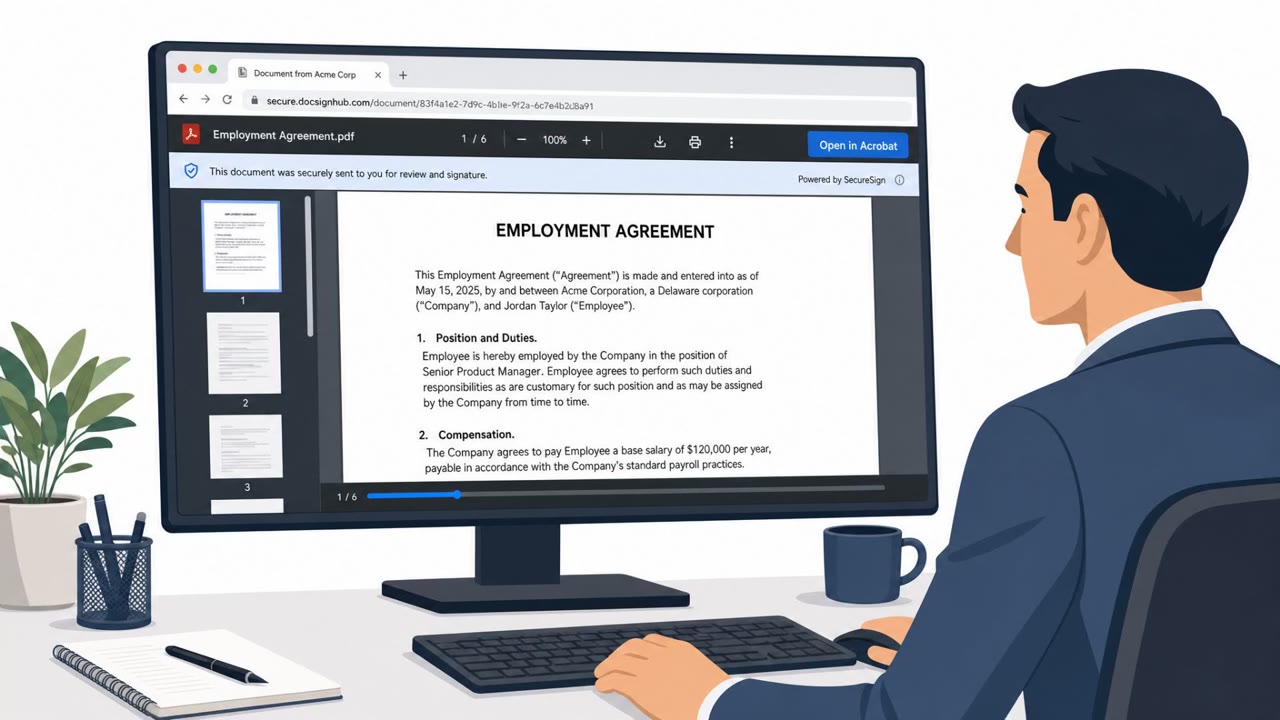
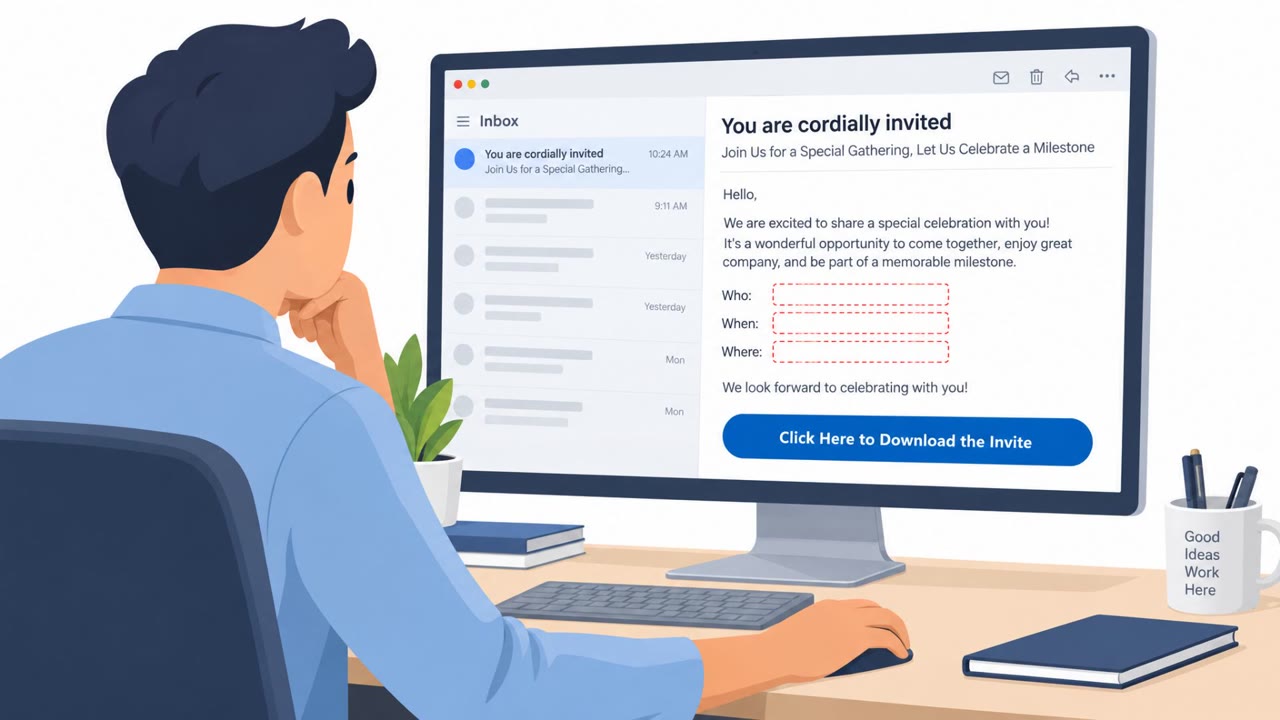
- Attackers use rotating lures (fake Zoom updates, Adobe notices, document reviews, system maintenance utilities) to get users to run files that install ScreenConnect for persistent remote access.
- A polished fake Zoom update page auto-triggers a download after two seconds and tells the user to run an MSI to complete the update.
- The campaign uses trusted platforms (e.g., Dropbox shared links) and Cloudflare tunnels to reduce suspicion and bypass reputation-based filtering.
- Observed adaptation includes disabling defenses in earlier samples and later shifting to stealth (e.g., delaying execution to evade EDR correlation windows).
- Final payload is a legitimate ConnectWise-signed ScreenConnect MSI, which may receive less scrutiny from some security products.
Who’s being targeted
- Commonly targeted roles: All employees, Executives, Finance, HR, IT Helpdesk, IT Operations, Security Operations (SOC).
- Affected industries: Multiple industries (not specified).
- Attack channels: website, email.
- Impersonated: Zoom, Internal business contact or software vendor notice.
Awareness takeaways
- Treat unexpected “software update” prompts (especially ones that download installers) as suspicious and verify through IT or the official vendor site.
- Be cautious when links or downloads are hosted on trusted third-party services (e.g., file-sharing platforms); attackers use them to appear safe.
- Remote access tools can be abused; employees should report any unexpected remote-control prompts or “IT-like” behavior on their device immediately.
- Security teams should watch for ScreenConnect/RMM connections to raw IP addresses rather than normal vendor domains, and for suspicious MSI installs from temp locations.
Red flags to watch for
- Update delivered via a web page that auto-downloads an installer after a short timer
- Pressure/urgency language about security or connections failing
- Unexpected request to run an MSI outside the normal corporate software update process
- “Update” file hosted on a consumer file-sharing service instead of the vendor/corporate portal
- Unexpected software update prompt outside standard IT channels
- Installer/source does not match official vendor domains
- Unsolicited request to open or run a file to view a document/notice
- File type or execution required for a “document review” or “software notice”
- Mismatch between the message’s claim and the organization’s normal workflow (e.g., software updates not managed by IT)
Read the video transcript
You’re in a Zoom call, it glitches, and a page pops up: “Zoom can’t make a secure connection, urgent update required.” Two seconds later, a file auto-downloads, ZoomUpdate.msi, and the page tells you, “Run this MSI to complete the update.” That’s SMOKE#SCREEN installing ScreenConnect for full remote control. Sometimes the “update” even comes from a Dropbox shared link that looks totally normal. But running it silently drops a legitimate, ConnectWise-signed ScreenConnect agent that looks just like real IT remote access. Aha moment: real Zoom never auto-downloads an MSI from random pages or Dropbox. If any “Zoom update” downloads an installer in your browser, stop and report it to IT immediately, don’t run it.