Researchers found three real-world incidents where attackers tricked users into installing or running remote access tools, then used a four-step VBScript chain to deliver additional payloads. After installation, the rogue ScreenConnect client could spread the same scripts to newly connected hosts, creating “worm-like” propagation over remote support sessions.
How the attack worked
Researchers documented three unrelated incidents that each used a different lure to get a rogue ScreenConnect client installed on a victim machine. One involved a tech support scam that persuaded a user to run Quick Assist, another delivered an MSI installer through phishing, and a third used a fake Geek Squad refund form that led to downloading and running an executable. In all three cases, the end result was the same: a ScreenConnect client under attacker control was installed on the host.
Once installed, the rogue client repeatedly executed a four-stage VBScript chain (1.vbs through 4.vbs) via wscript.exe. This chain profiled the host and delivered payloads that varied based on the results, including a ScreenConnect backdoor, UAC bypass and persistence tooling, tunneling utilities, and a cryptocurrency miner.
Why it succeeded
Each pretext exploited a moment where a user believed they were getting help or resolving a problem: a support call, an expected-looking installer, or a refund process. None of the lures required advanced technical deception, just enough plausibility to get the user to launch a tool or run a file. Because ScreenConnect is a legitimate and widely used remote support tool, its presence on a machine does not automatically raise suspicion, which helped the rogue installations blend into normal IT activity.
What to watch for
- Unsolicited requests to run remote access tools like Quick Assist, especially from unknown or unverified callers
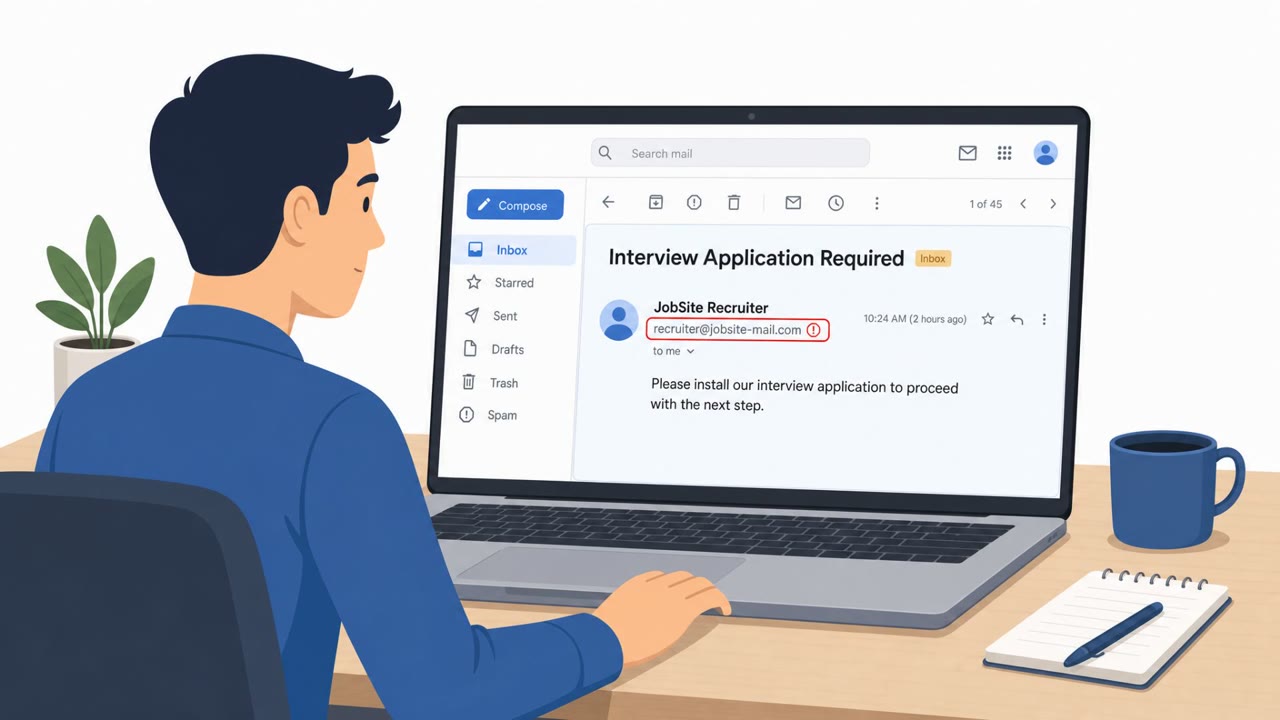
- Software installers, particularly MSI files, arriving unexpectedly by email
- Refund or billing processes that require downloading and running an executable
- New or unfamiliar ScreenConnect client installations that were not requested through an internal ticket
The worm-like spread mechanism is a key detail: connecting to an infected ScreenConnect client could cause a newly connected host to receive and execute the same script chain, extending the compromise beyond the original victim.
How to build resistance
- Verify any unsolicited tech support outreach through official company channels before taking action
- Avoid installing software from unexpected emails without confirming the request through a known internal process
- Treat any refund or billing page that requires running an executable as suspicious
- Limit file transfer permissions on remote support tools where possible to reduce the impact of this type of propagation
These incidents show that remote support tools, while useful for legitimate IT work, can be repurposed by attackers when initial access is gained through simple social engineering. Recognizing the common thread across tech support scams, phishing installers, and fake refund pages can help employees and IT teams catch these attempts before a rogue client gets a foothold.
Key findings
- Three unrelated incidents used different initial lures (Quick Assist tech-support scam, phishing MSI, and a fake Geek Squad refund form) to install rogue ScreenConnect clients.
- After installation, the rogue ScreenConnect repeatedly executed a four-stage VBScript chain (1.vbs through 4.vbs) via wscript.exe.
- The workflow enabled worm-like spread: connecting to an infected ScreenConnect client could cause the newly connected host to receive and execute the same script chain.
- Observed command-and-control endpoints included tele-sync.opik[.]net (45.13.237[.]190), 131.123.40[.]98:8041, and borertors92.anondns[.]net.
- Payloads varied based on host profiling results (state values like 000/001/010/011), including a ScreenConnect backdoor, UAC bypass/persistence tooling, tunneling utilities, and a cryptocurrency miner.
Who’s being targeted
- Commonly targeted roles: All employees, IT support / service desk, Helpdesk managers, Security operations, Teams using remote support tools (ScreenConnect/other RMM).
- Affected industries: Multiple / unspecified (any organization using remote support tools like ScreenConnect).
- Attack channels: vishing, email, website.
- Impersonated: Tech support representative, Remote support / IT tool provider (ScreenConnect), Geek Squad.
Red flags to watch for
- Unsolicited tech support outreach
- Pressure to launch remote access software (Quick Assist)
- Request results in installation of an unexpected remote access client
- Unexpected installer delivered by email
- Installer triggers scripts from a temp directory soon after install
- Remote access software installed without a verified internal ticket/request
- Refund process requires running an executable
- Downloaded file installs remote access tooling
- Connection made to an unfamiliar domain after execution
Frequently asked questions
How did attackers get victims to install the rogue ScreenConnect client?
Three separate incidents used a Quick Assist tech-support scam, a phishing email with an MSI installer, and a fake Geek Squad refund form to trick users into installing or running the client.
What made this ScreenConnect abuse worm-like?
Once a rogue ScreenConnect client was installed, connecting to it could cause a newly connected host to receive and execute the same four-stage VBScript chain, allowing the infection to propagate over remote support sessions.
What payloads were delivered after the initial script chain ran?
Depending on host profiling results, attackers delivered a ScreenConnect backdoor, UAC bypass and persistence tooling, tunneling utilities, or a cryptocurrency miner.
How can organizations reduce risk from this kind of remote access tool abuse?
Awareness guidance includes verifying unsolicited tech support requests through official channels, avoiding installation of software from unexpected emails, treating executable-based refund processes as suspicious, and limiting file transfer permissions on remote support tools.
Read the video transcript
Imagine this: you let “tech support” in once, and their ScreenConnect session quietly spreads to every machine they remote into after you. Researchers saw three real cases: a fake Quick Assist support call, a phishing email with ScreenConnect.ClientSetup.msi, and a bogus Geek Squad refund page. All ended with a rogue ScreenConnect client running a four-step VBScript chain named 1.vbs through 4.vbs over wscript.exe. Here’s the nasty part: once that rogue ScreenConnect is in, any system that connects to it can be fed the same VBScript chain, worm-like. Depending on a hidden state value like 000 or 011, it can drop a ScreenConnect backdoor, UAC bypass tools, tunneling utilities, or even a crypto miner talking to sites like tele-sync.opik.net or 131.123.40.98:8041. Your move: if anyone you didn’t contact tells you to open Quick Assist or install ScreenConnect.ClientSetup.msi, stop and verify through our official support channel before you click anything.