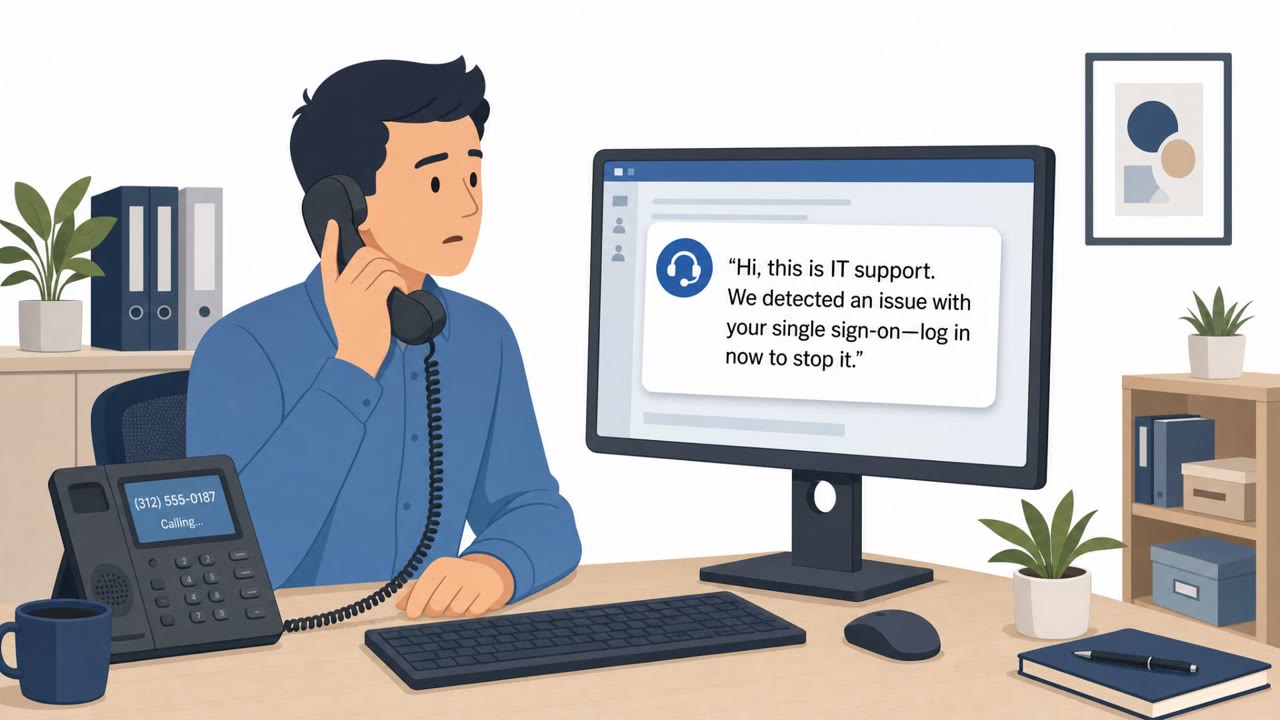
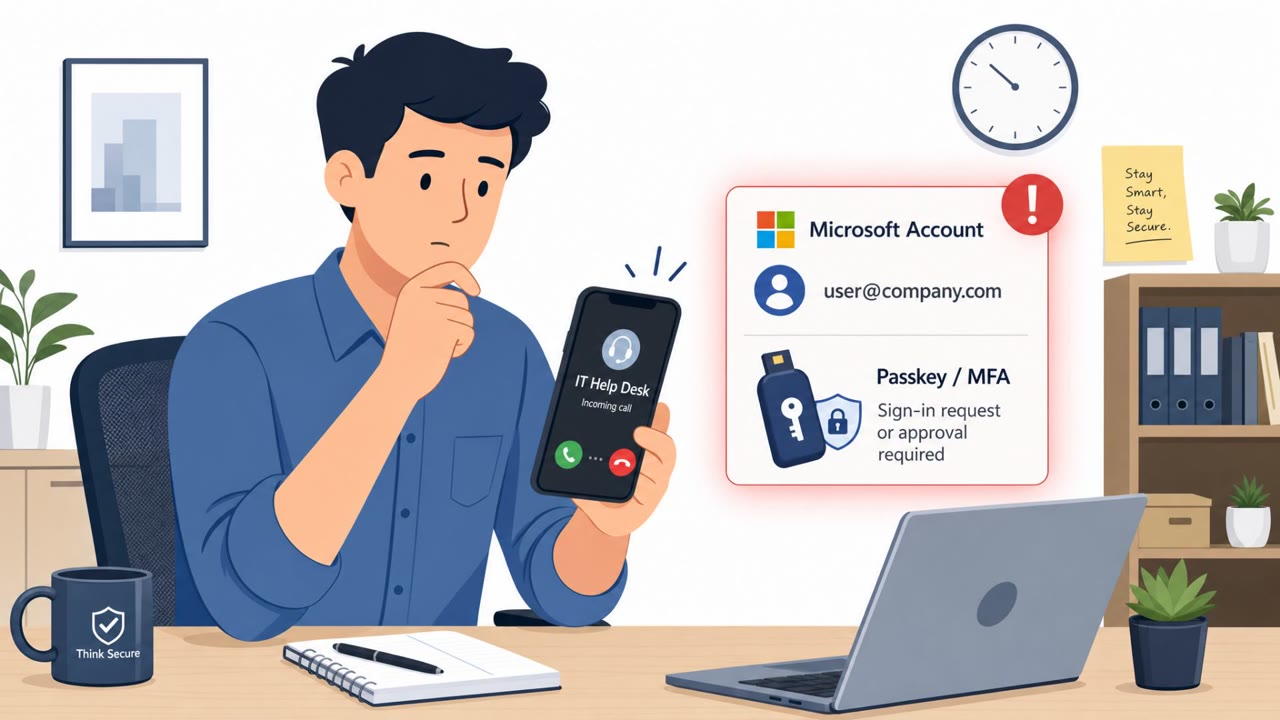
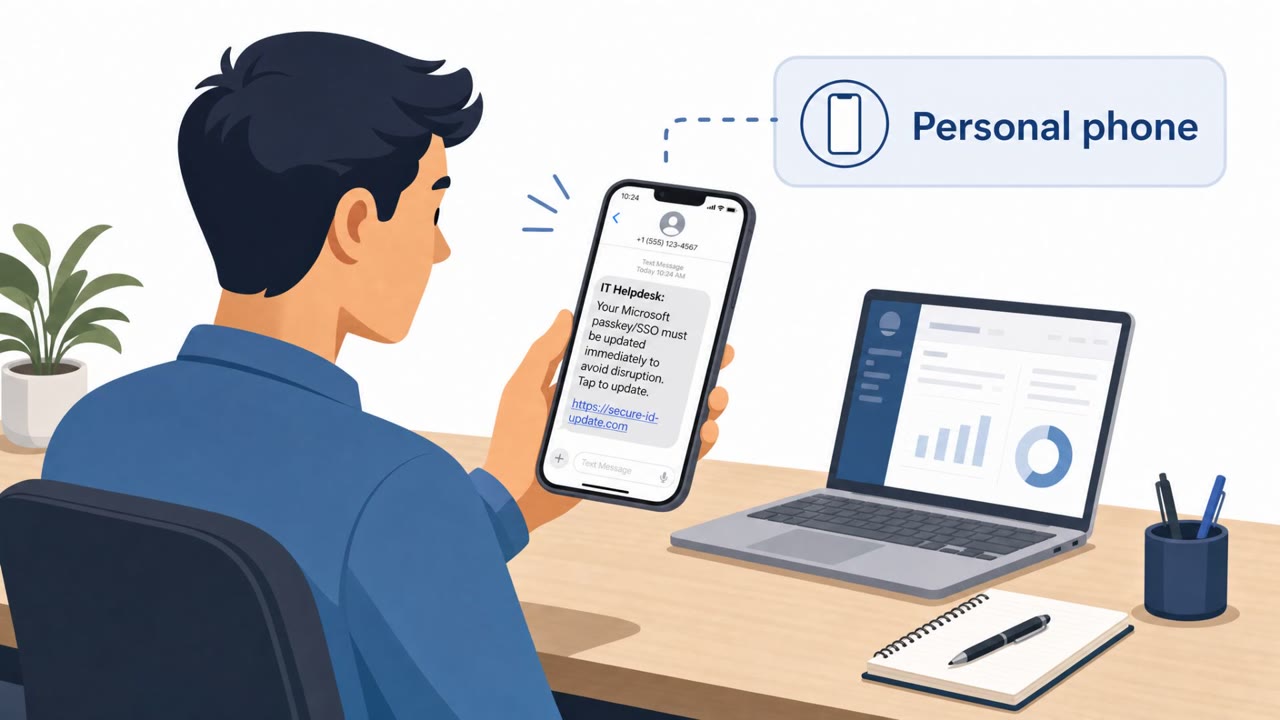
The bulletin describes real-world social engineering where staff were tricked into disclosing sensitive data or access. In one case, Revolut employees responded to fraudulent information requests sent from a real government-domain email account, exposing extensive customer records. Separately, researchers observed a “passkey”-themed campaign using phone and text messages to drive employees to lookalike Microsoft 365 sign-in pages to take over accounts.
Key findings
- Revolut reported data exposure after employees complied with fraudulent information requests that appeared to come from an email account in a legitimate government domain.
- The Revolut exposure included highly sensitive KYC and financial data (identity documents, selfies, contact details, IBANs, statements, withdrawals, and transaction histories).
- A passkey-themed social engineering campaign targeted Microsoft 365 accounts using phone and text lures to send employees to lookalike sign-in pages.
- After compromising accounts, attackers registered their own authentication methods and accessed data in SharePoint, OneDrive, and Exchange.
Who’s being targeted
- Commonly targeted roles: All employees, Compliance and Legal, Fraud/Risk teams, Customer Support, IT administrators, Executives.
- Affected industries: Financial services / fintech, Any organization using Microsoft 365 (cross-industry), Government (referenced as impersonated/abused identity).
- Attack channels: email, vishing, smishing, website.
- Impersonated: A government agency (using a legitimate government-domain email account), Microsoft 365 sign-in / account security team (via lookalike sign-in pages).
Awareness takeaways
- Treat any request for customer/KYC or employee data as high risk and verify it through a formal process (case/ticket + legal validation), even if the sender domain looks legitimate.
- Train staff that phone/text messages can be used to drive phishing; employees should navigate to Microsoft 365 using known bookmarks/apps, not links.
- Add monitoring and approvals for new authentication method registration to prevent attackers from “locking in” persistence after a phishing login.
- Explain the business impact: account takeover can expose sensitive collaboration and email data (SharePoint/OneDrive/Exchange), not just the mailbox.
Red flags to watch for
- Unusual or urgent request for large volumes of customer/KYC data
- Request relies on email-only approval instead of a validated legal request process
- Sender domain may be legitimate but the request is not verified via an independent channel
- Phone/text directing you to sign in via a link instead of using your normal Microsoft 365 URL/app
- Lookalike sign-in page (slight URL/domain differences)
- Unexpected prompts to add or approve new authentication methods
Read the video transcript
Imagine this: a real government email address asks you for customer records. Revolut replied to one… and exposed full KYC and financial data. The trick? Two plays. One: a massive email-only ask for identity documents, selfies, IBANs, and full transaction histories, all waved through just because the address ended in .gov. Two: a passkey-themed call or text pushing you to a lookalike Microsoft 365 sign-in page to 'enable passkeys'. Here’s the nasty part: once someone signs in on that fake Microsoft 365 page, the attacker quietly registers their own authentication methods, then starts pulling data from SharePoint, OneDrive, and Exchange, way beyond just email. Your move: if someone asks for customer data or to 'verify passkeys' via email, call, or text, stop and use your normal route, our legal request process or your usual Microsoft 365 bookmark or app, never the link they send you.