Microsoft described two real-world campaigns: an invoice fraud blast impersonating executives to trick finance teams into ACH payments, and a passkey-themed helpdesk scam that steals or bypasses authentication to take over Microsoft cloud accounts. In the second campaign, victims are called or texted and then pushed to fake Microsoft login pages, after which attackers add their own MFA methods and quickly download email and files from SharePoint/OneDrive.
How the attack worked
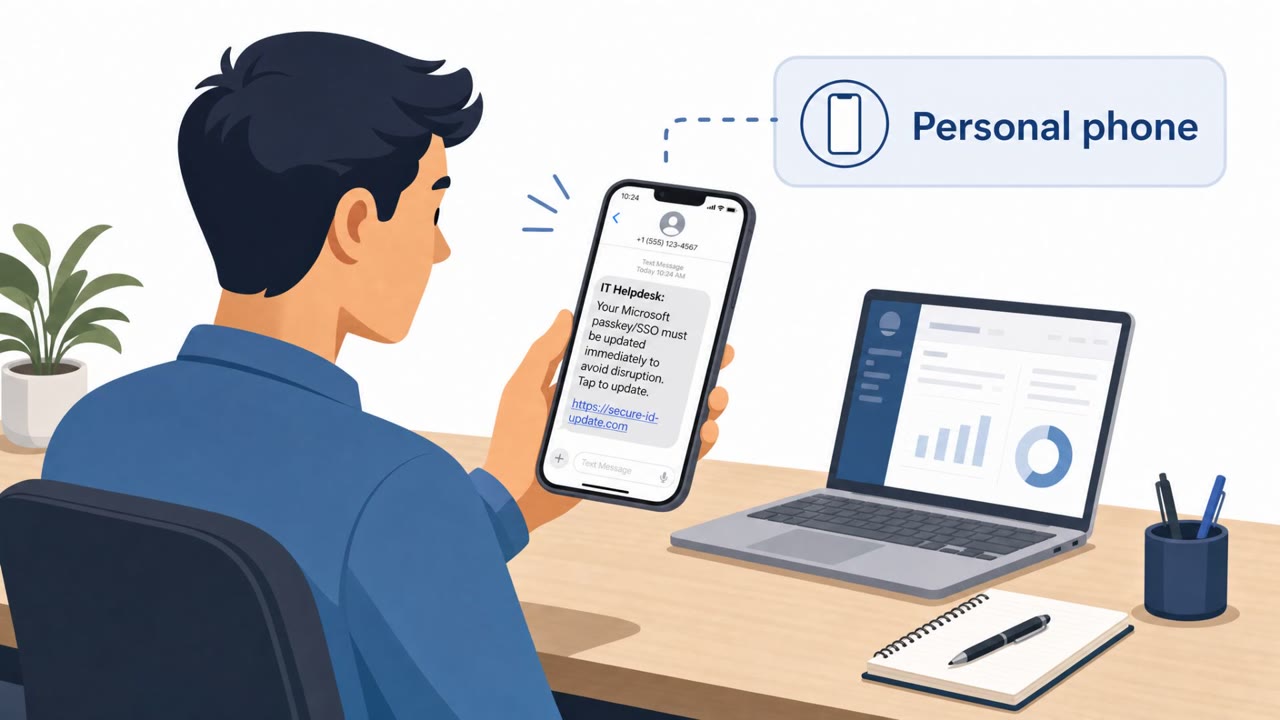
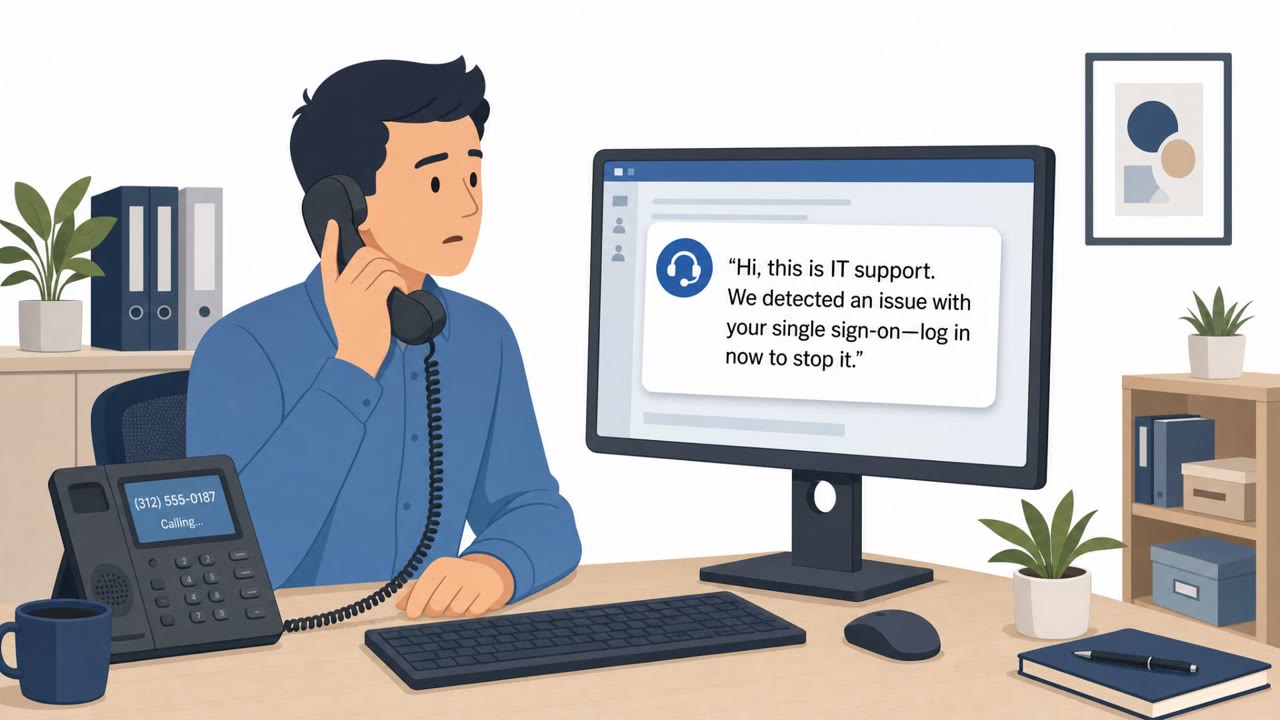
Microsoft described two distinct real-world campaigns. The first targeted Accounts Payable and Finance staff with executive impersonation emails demanding ACH transfers for a fake ServiceNow annual subscription invoice, using trusted infrastructure, fabricated invoices, and even forged supporting email threads to appear legitimate. The second campaign used passkey, MFA, and SSO themes to hijack Microsoft accounts directly. Attackers called or texted a victim's personal phone, posed as the internal IT help desk, and pushed an urgent need to update authentication settings. Victims were then redirected via SMS to counterfeit Microsoft sign-in pages, where adversary-in-the-middle or device-code authentication flows let attackers capture session access and take over the account. In some cases, already compromised accounts were used to send similar passkey-themed lures internally via Microsoft Teams.
Why it succeeded
Both campaigns relied on urgency and authority rather than technical exploits. The invoice scam borrowed real executive names and paired them with a plausible vendor renewal, giving finance staff a reason to act quickly outside normal procurement checks. The helpdesk scam exploited the fact that identity and access issues feel time sensitive: an employee told their passkey or MFA needs immediate attention is primed to comply without pausing to verify the source. Once attackers gained account control, they reinforced their access by adding their own MFA methods, making the takeover harder to notice or reverse quickly.
What to watch for
- Unexpected calls or texts to a personal phone claiming to be IT help desk staff
- Urgent requests to update passkeys, MFA, or SSO settings
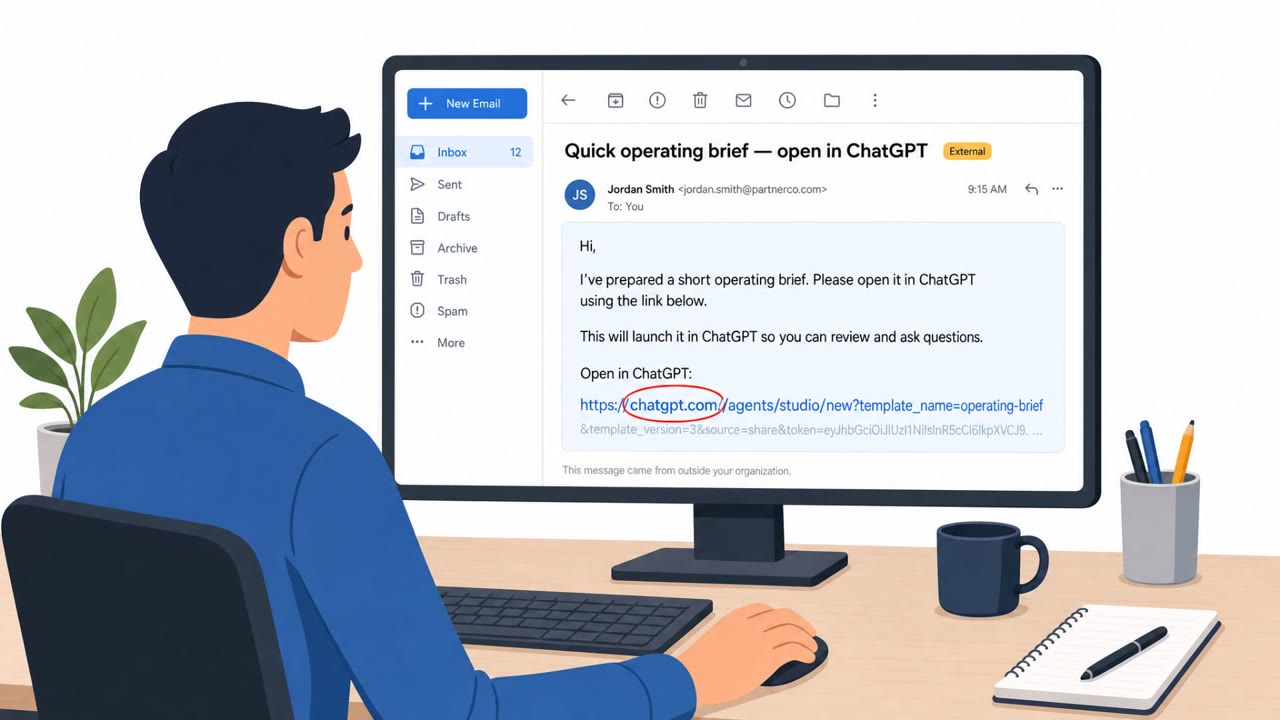
- Links that lead to sign-in pages resembling Microsoft's login but on unfamiliar domains
- Invoice emails carrying an embedded 'approval' from an executive rather than following normal payment workflows
- Attached invoices paired with supporting email threads that could be fabricated
How to build resistance
Employees should verify any passkey, MFA, or SSO change request through official IT channels before clicking a link or entering credentials, especially when the outreach arrives on a personal device. Finance teams should independently confirm payment requests tied to executive emails using known contacts and established procurement steps, rather than acting solely on an emailed 'approval.' Organizations can also reduce risk by training staff to recognize authentication-themed domains and by reinforcing that legitimate IT support rarely initiates urgent, unsolicited outreach about account security settings.
Key findings
- Microsoft reported a campaign that sent "over a million scam emails" (Aug 3–5, 2026) impersonating CEOs to push Accounts Payable teams into making ACH payments for a fake "ServiceNow annual subscription."
- The invoice fraud emails used "trusted infrastructure" plus "fabricated invoices" and even a "forged email thread" to appear legitimate, including real executive names in signatures.
- A separate campaign used passkey/MFA/SSO-themed helpdesk pretexts: attackers "call or message a user's personal phone number" and then redirect targets via SMS to "counterfeit websites" mimicking Microsoft sign-in.
- Attackers aimed to take over Microsoft accounts through "adversary-in-the-middle (AitM) or device-code authentication flows," then added attacker-controlled MFA methods for persistence and performed large-scale cloud data collection.
- Microsoft linked initial access activity in the passkey campaign to threat actors including "Storm-3121" and "Storm-3032" (with overlap references to UNC6671 and other community names).
Who’s being targeted
- Commonly targeted roles: Accounts Payable, Finance, All employees, Executives (for impersonation risk), IT help desk / Identity team.
- Affected industries: IT services, Consumer goods, Real estate, Manufacturing, Enterprise organizations using Microsoft 365/Entra ID.
- Attack channels: email, vishing, smishing, website, teams.
- Impersonated: Company CEO (executive impersonation) using vendor branding (ServiceNow), Organization's IT help desk, Internal coworker/IT (using an already compromised account).
Red flags to watch for
- Pressure to pay based on an "approval" embedded in the email rather than normal procurement process
- Domain and sender branding slightly off (impersonation domains)
- Attached invoice plus a "supporting" thread that can be fabricated
- Unexpected IT helpdesk outreach to a personal phone number
- Link leads to a lookalike Microsoft login site
- Urgent language about avoiding immediate access loss
- Unexpected passkey/SSO enrollment request via Teams
- Sender is a real internal account but the request is out of normal process
- Links/domains reference passkeys/SSO but are not official company or Microsoft domains
Frequently asked questions
How does the passkey helpdesk scam work?
Attackers call or text a user's personal phone claiming to be the organization's IT help desk, urging an urgent passkey, MFA, or SSO update. Victims are redirected via SMS to counterfeit Microsoft sign-in pages, where attackers use adversary-in-the-middle or device-code flows to take over the account.
What happens after an account is taken over?
According to the reporting, attackers add their own MFA methods to maintain persistence and then quickly collect email and files from SharePoint and OneDrive.
Is this related to the invoice fraud campaign?
They are two separate campaigns described in the same report. One uses passkey/MFA/SSO pretexts to hijack Microsoft accounts, while the other impersonates CEOs to push Accounts Payable teams into ACH payments for a fake ServiceNow subscription invoice.
What are the warning signs of the invoice fraud emails?
Red flags include a purported executive 'approval' embedded in the email, impersonation domains, fabricated invoices, and even forged supporting email threads meant to add legitimacy.
Read the video transcript
You get a call on your personal phone: “This is IT help desk, you need to update your Microsoft passkey now or you’ll lose access.” They text you a link that looks like Microsoft sign-in. You tap, see a familiar blue login page, enter your password, approve the prompt… and in the background, an adversary-in-the-middle flow hands your session to them. Now they add their own MFA method to your Microsoft account and quietly start downloading mail, SharePoint, and OneDrive files, using your session as if they were you. If anyone contacts your personal phone about passkeys, MFA, or SSO, don’t tap the link, hang up and contact our IT team through the official helpdesk channel you already use.