Criminals using the “Greatness” phishing-as-a-service kit are running real-world phishing campaigns that trick employees into approving a Microsoft device-code login flow, allowing attackers to bypass MFA and steal access tokens. Recent activity includes RingCentral “voicemail” lures and multi-step redirect chains with CAPTCHA and anti-analysis checks, ending at either an adversary-in-the-middle (AiTM) proxy or a device-code endpoint. Once attackers have tokens, they can quickly access Microsoft 365 data (Outlook, Teams, SharePoint, OneDrive) and maintain access for weeks.
Key findings
- Greatness PhaaS now supports both AiTM token theft and device-code phishing from the same operator panel.
- Campaigns include spoofed RingCentral voicemail lures that can reach inboxes by abusing “safe sender” exclusions even when SPF/DKIM/DMARC fail.
- Victims are driven through a five-stage redirect chain with fingerprinting and a CAPTCHA gate before reaching either an AiTM proxy or a device-code endpoint.
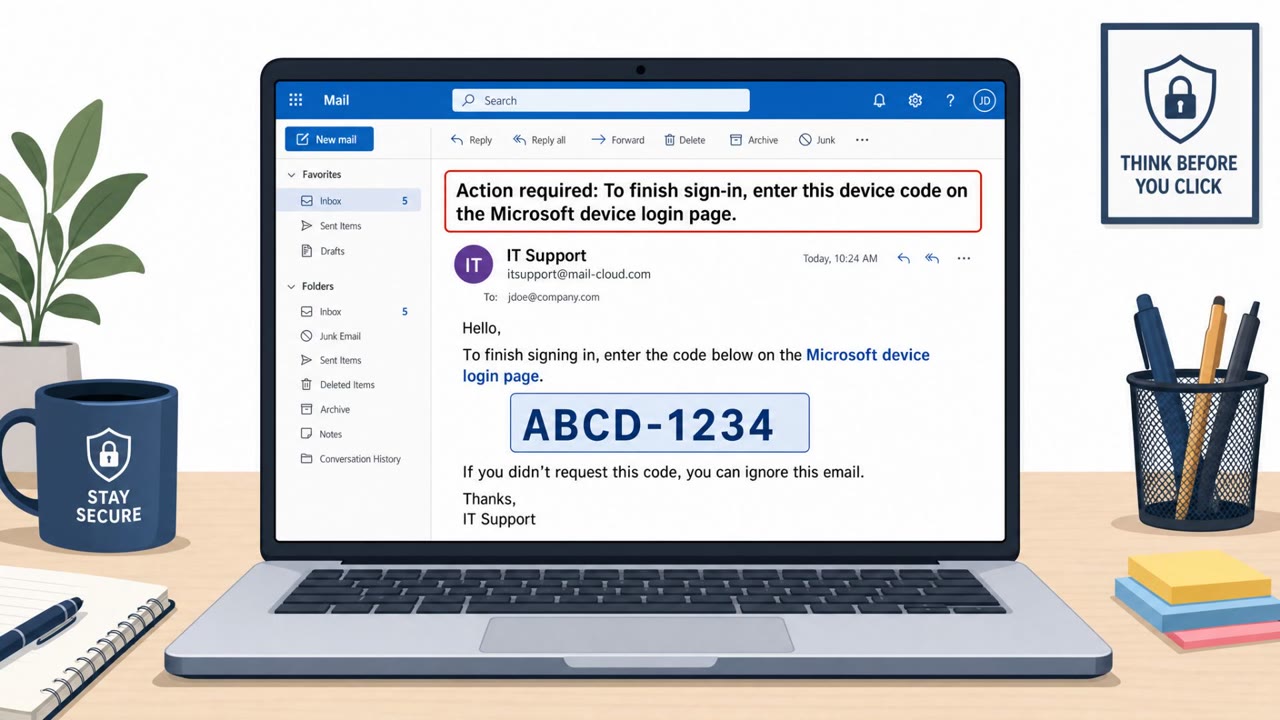
- Device-code phishing uses Microsoft’s legitimate device authorization flow, making the login page look real; the main clue is an unexpected short code and a reason to enter it.
- After compromise, stolen tokens may be replayed within minutes and used to enumerate Microsoft 365 resources via Microsoft Graph; observed access sometimes persists for weeks.
Who’s being targeted
- Commonly targeted roles: All employees, Executives, IT / Identity & Access Management, Microsoft 365 administrators, Helpdesk / Service Desk.
- Affected industries: Any organization using Microsoft 365, Any organization using RingCentral, Business and professional services (general).
- Attack channels: email, website.
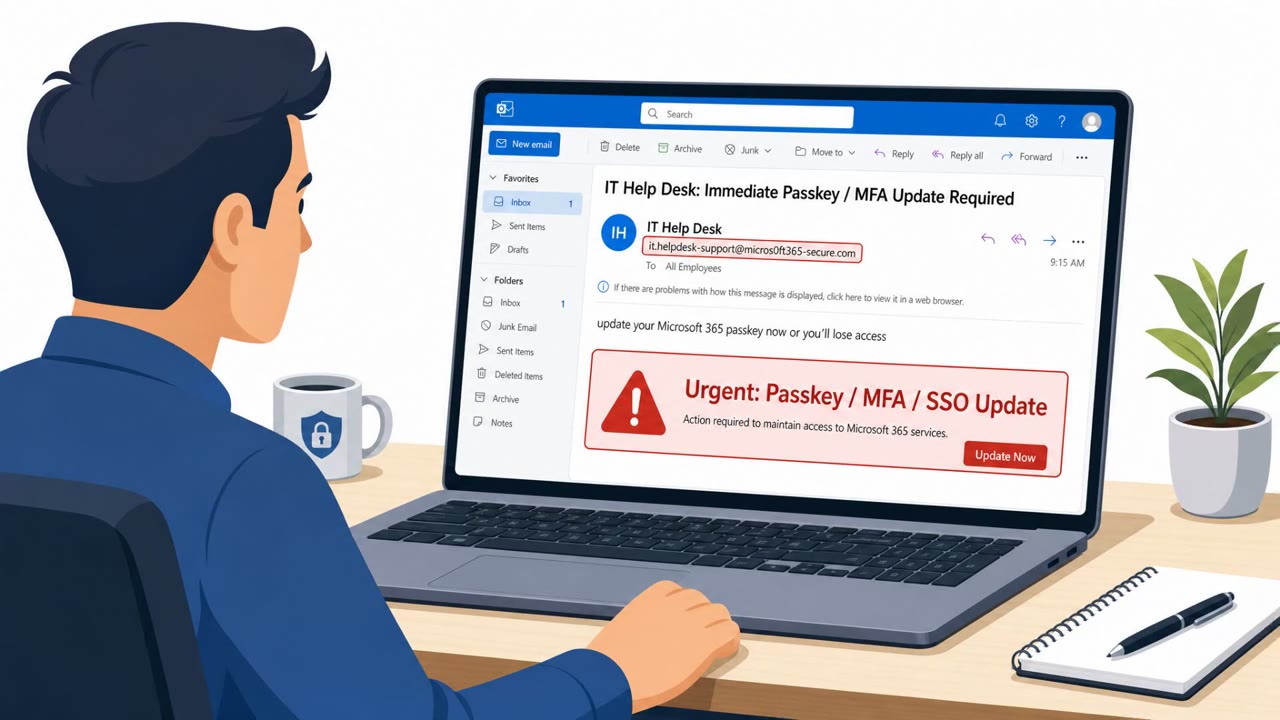
- Impersonated: RingCentral, Microsoft.
Awareness takeaways
- Treat unexpected ‘device code’ prompts as suspicious, even if the page looks like real Microsoft.
- Don’t rely on “safe sender”/allow-list trust for vendor emails; verify unexpected voicemail/document notifications through the vendor portal or known bookmark.
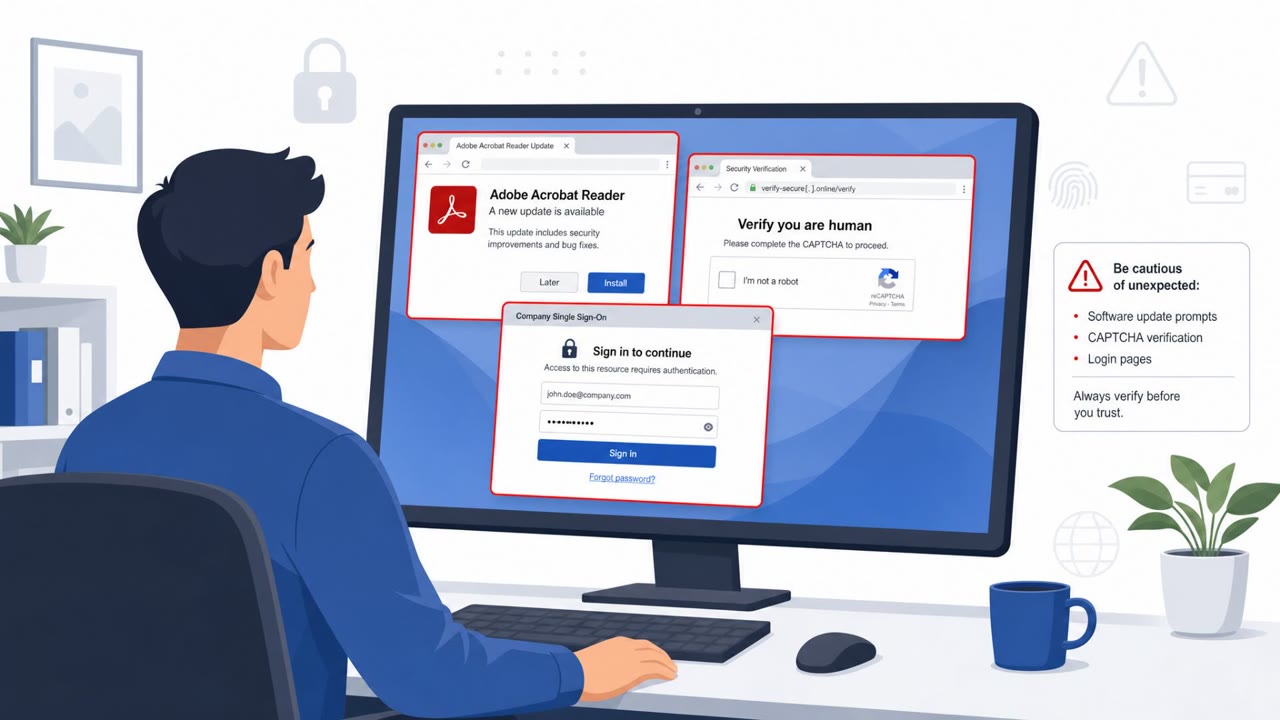
- Assume a clicked phishing link may include multiple hidden redirects and CAPTCHA gates; users should stop and report if a simple task becomes a multi-step ‘verification’ journey.
- Plan for fast attacker follow-on actions after a successful phish (minutes), including token replay and mailbox/Teams/SharePoint access; emphasize immediate reporting.
Red flags to watch for
- Message lands in the inbox despite email authentication failures (SPF/DKIM/DMARC)
- Unexpected prompt to enter a short device code for a normal activity like listening to voicemail
- Link goes through multiple redirects and a CAPTCHA before showing the final page
- Link routes through unusual redirect steps and CAPTCHA gates
- Unexpected sign-in prompt for routine content access
- Post-login account activity occurs quickly from unfamiliar infrastructure
Read the video transcript
You get an email: “New voicemail received (RingCentral), listen to message.” Looks normal, lands right in your inbox. You click. Now it’s a five-step maze: redirects, a CAPTCHA, then a real Microsoft page asking you to enter a short device code to hear the voicemail. This is the Greatness kit using Microsoft’s legit device-code flow. There’s nothing visually wrong. The only clue: you weren’t expecting a device code for a simple voicemail. If you ever see a surprise Microsoft device code prompt, stop. Don’t enter it, report the email or page to Security immediately.