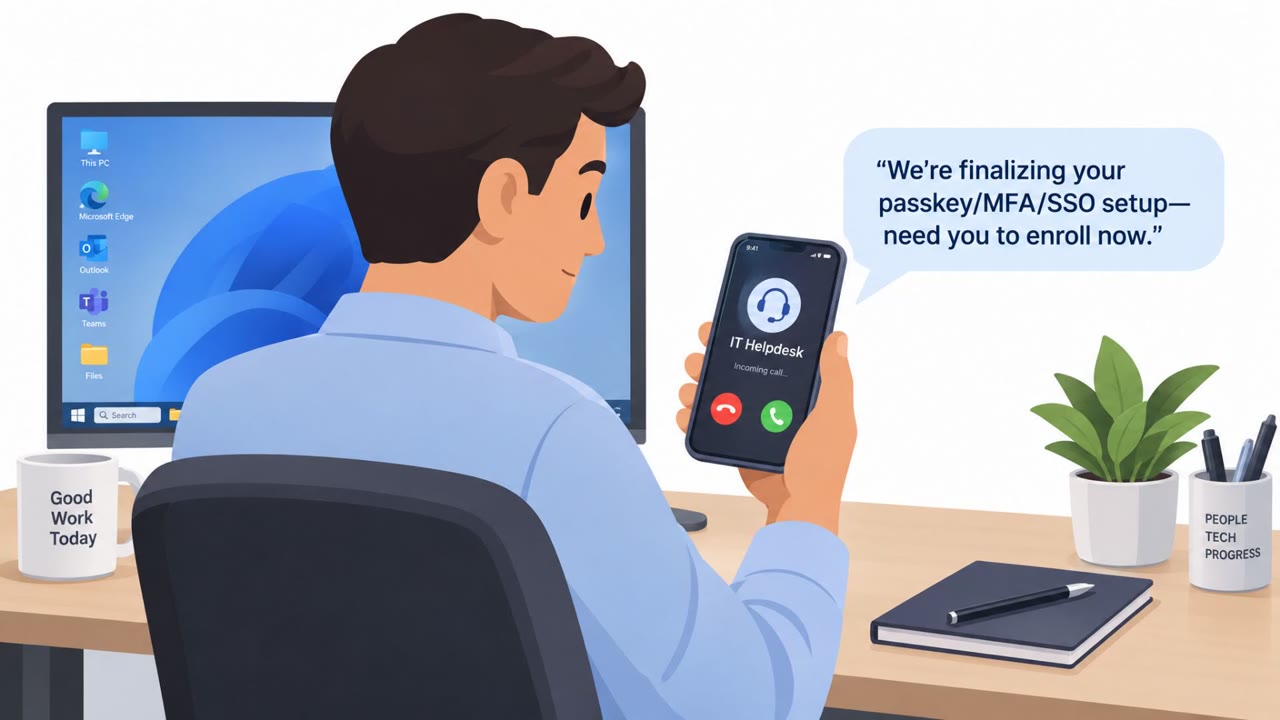
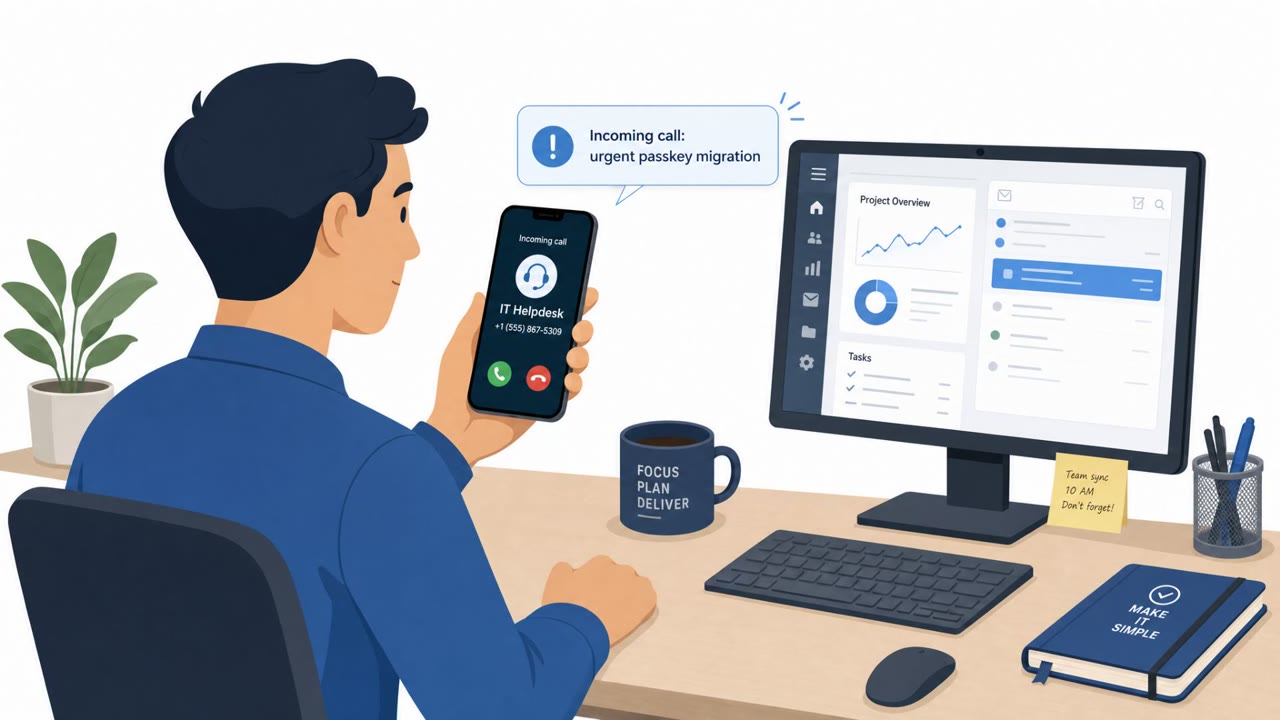
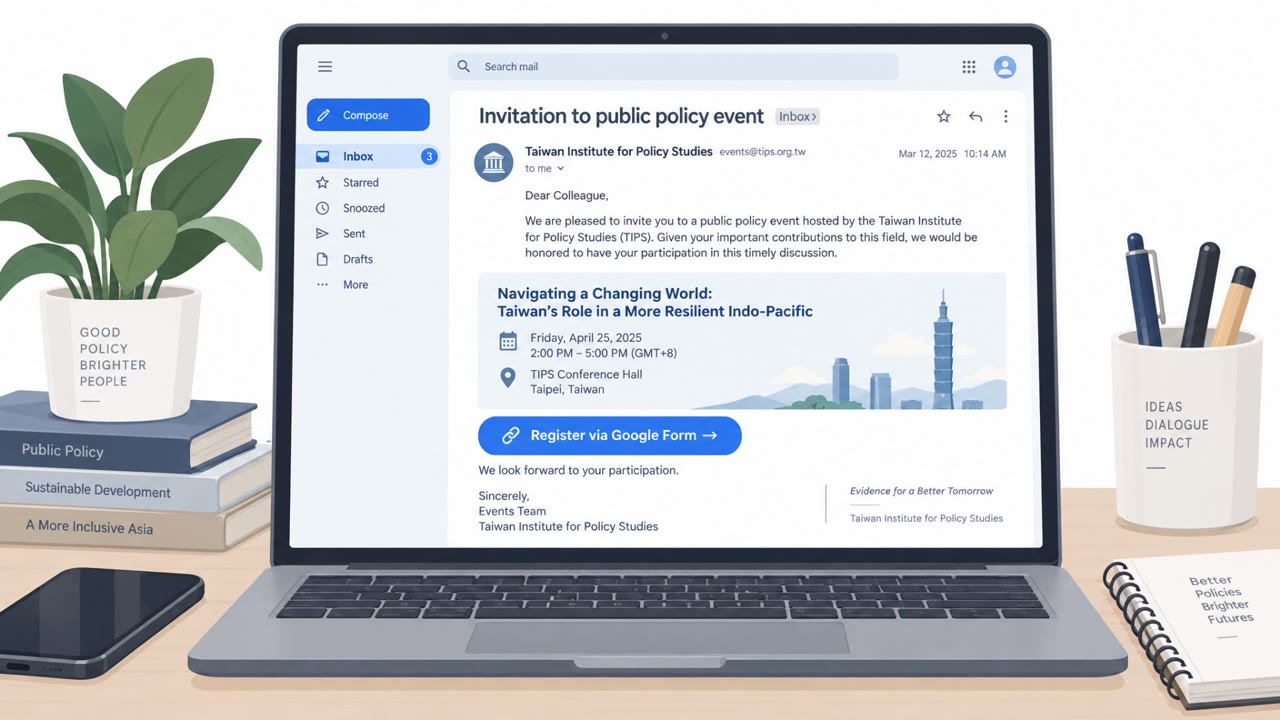
Microsoft warns of an active social engineering campaign where attackers pose as an IT help desk and pressure employees to “update” passkeys/MFA/SSO. Victims are sent to fake Microsoft sign-in pages or tricked into approving access via device-code login, enabling attackers to add their own MFA methods and quietly steal data from SharePoint, OneDrive, and Exchange.
How the attack worked
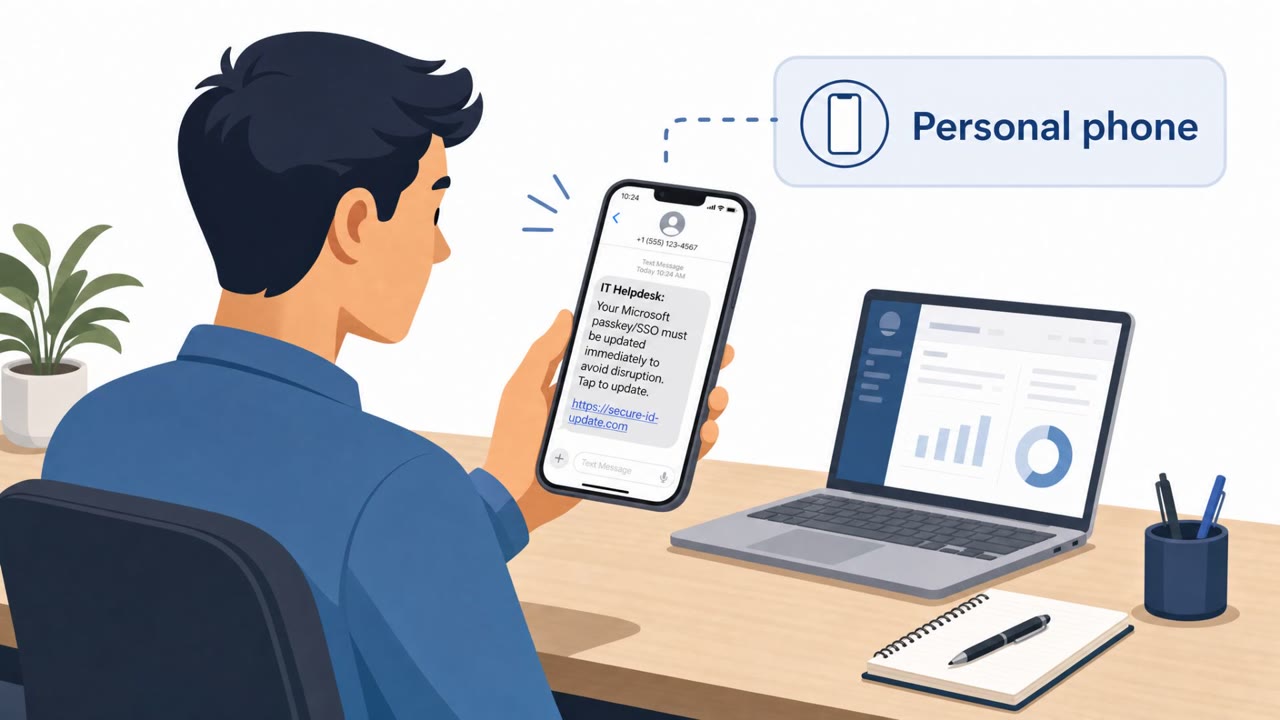
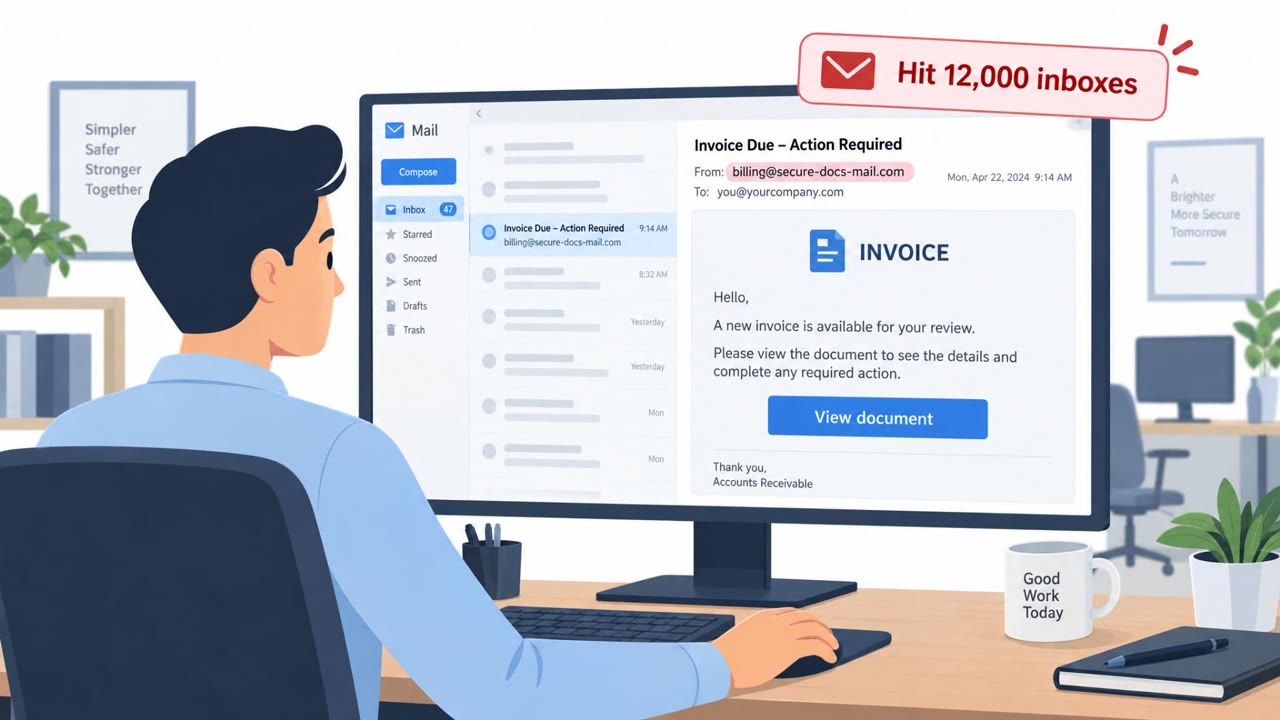
This campaign starts with a message, by email or SMS, that impersonates a corporate IT help desk. The pretext is simple: a passkey, multifactor authentication, or single sign-on setting supposedly needs to be updated right away or the employee will lose account access. That urgency pushes the target toward a link that leads either to a fake Microsoft sign-in page or into a device-code authentication flow.
Both paths are dangerous in different ways. The fake sign-in pages act as adversary-in-the-middle phishing sites, capturing not just a password but the active session token, which can bypass normal MFA checks. The device-code flow is arguably more deceptive because it uses Microsoft's real authentication page. The user believes they are approving a routine sign-in, but they are actually authorizing an attacker-controlled application to access their account.
Why it succeeded
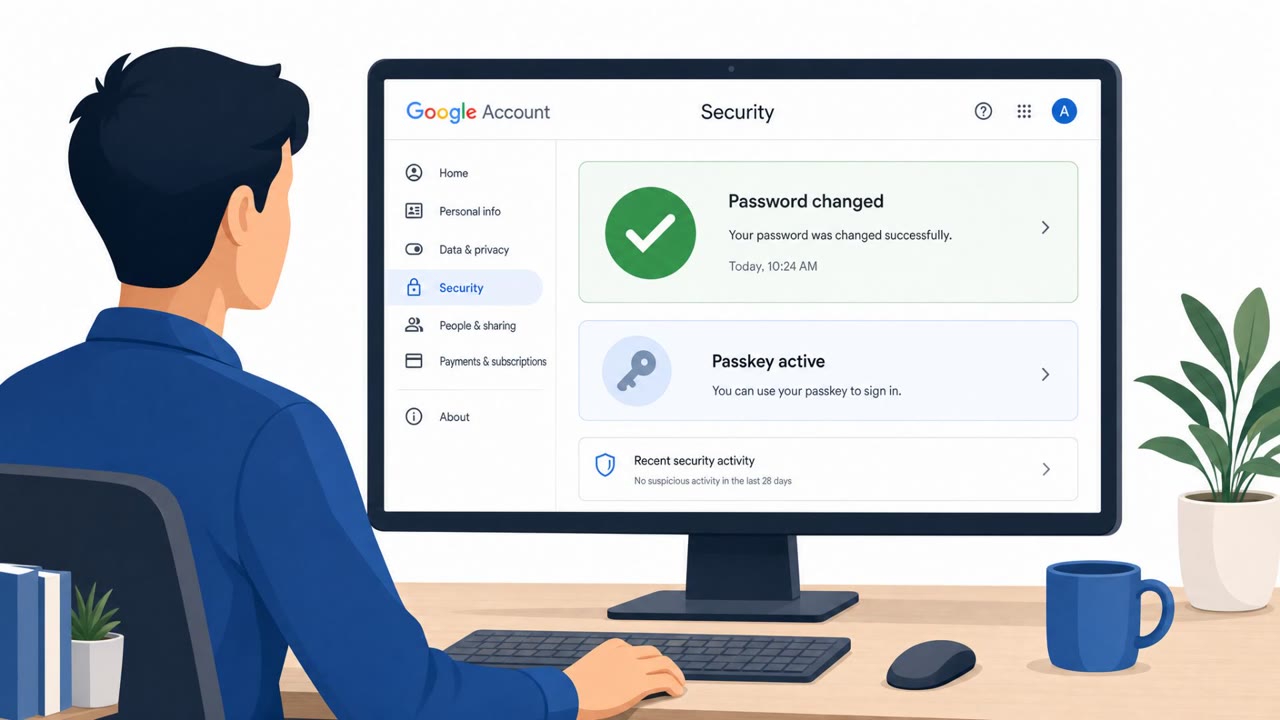
The scenario works because it borrows legitimacy from two directions at once: a trusted internal source (IT) and a trusted external one (Microsoft's own login pages or device-code system). Employees are conditioned to respond quickly to IT requests, especially ones framed around losing account access. Once inside, attackers commonly register their own phone number or authenticator app as a new MFA method. That step is what makes the intrusion durable: a password reset alone will not remove attacker access unless the added authentication method is also revoked and sessions and tokens are invalidated.
What to watch for
- Unsolicited messages, especially urgent ones, claiming a passkey, MFA, or SSO setting must be updated immediately
- Sign-in links delivered by text message rather than through known internal channels
- Prompts to authorize a device or app that you did not initiate yourself
- Any unexpected MFA enrollment notification, which may indicate an attacker has added their own method
After initial access, attackers use Microsoft Graph to inventory users, groups, roles, applications, authentication methods, SharePoint sites, OneDrive files, and mailbox content. Data theft can be deliberately throttled to blend in with normal activity, and intrusions may persist for hours or multiple days before being noticed.
Building resistance
- Verify any passkey, MFA, or SSO update request with IT through a known internal contact method rather than replying to the message or link directly
- Use bookmarked or manually typed URLs to reach Microsoft sign-in pages instead of clicking links from email or SMS
- Treat any device-code or app-authorization prompt you did not initiate as suspicious and report it immediately
- If a suspicious login or approval is suspected, report it right away so unauthorized authentication methods can be removed and sessions and tokens revoked, since a single compromised identity can expose cloud files, email, and connected applications across an organization
Key findings
- Attackers impersonate corporate IT help desks and claim passkey/MFA/SSO settings must be updated urgently to avoid losing access.
- Victims are directed to fake Microsoft sign-in pages (including adversary-in-the-middle phishing) or pushed into device-code authentication flows.
- After initial access, attackers add their own authentication methods (phone number/authenticator app) to maintain access even after password resets unless sessions/tokens and methods are revoked/removed.
- Attackers use Microsoft Graph to inventory cloud resources (users, groups, roles, apps, auth methods, SharePoint/OneDrive, mailboxes).
- Data theft can be intentionally throttled to blend in (e.g., fewer than 1,000 files/emails per hour) and intrusions may last hours to multiple days.
- Microsoft attributed initial access to multiple threat actors, including Storm-3121 and Storm-3032, and linked activity to data theft and extortion.
Who’s being targeted
- Commonly targeted roles: All employees, Executives, Finance, HR, IT helpdesk, Cloud/Identity administrators.
- Affected industries: Any organization using Microsoft 365 (cross-industry).
- Attack channels: email, smishing, website.
- Impersonated: Corporate IT help desk, Corporate IT / Microsoft 365 support, Microsoft sign-in / device-code authentication.
Red flags to watch for
- Urgent pressure to act immediately “to avoid losing access”
- Login link leads to a lookalike Microsoft sign-in page
- Unexpected authentication changes prompted by an unsolicited message
- IT requests arriving via SMS with a login link
- A link to a sign-in page you didn’t request
- Message implies account access will be lost unless you act now
- You are asked to authorize a device/app you are not setting up
- Unexpected device-code prompts or approvals
- Approval request does not match your current login activity
Frequently asked questions
How does the passkey phishing scam impersonate IT help desks?
Attackers pose as corporate IT and warn employees that a passkey, multifactor authentication, or single sign-on setting must be updated immediately or access will be lost, pushing them toward fake Microsoft sign-in pages or device-code authentication flows.
What happens after an attacker gains access to an account?
Attackers commonly register a phone number, authenticator app, or other MFA method they control, which can preserve access even after a password reset unless defenders remove the unauthorized methods and revoke active sessions and tokens.
Why is device-code phishing dangerous even though it uses Microsoft's real login page?
Device-code phishing can trick a user into authorizing an attacker-controlled client through Microsoft's legitimate authentication page, meaning the victim believes they are approving something normal while granting an attacker access.
What can attackers do once inside a Microsoft 365 environment?
They use Microsoft Graph to inventory users, groups, directory roles, applications, authentication methods, SharePoint sites, OneDrive files, and mailbox content, and can throttle data theft to fewer than 1,000 files or emails per hour to avoid detection.
Read the video transcript
You get an email from “IT Help Desk”: update your Microsoft 365 passkey now or you’ll lose access. You click their link and land on what looks exactly like a Microsoft login. But it’s an adversary-in-the-middle page, quietly stealing your password and session so they can add their own MFA and stay in your account. From there, they register their own phone or authenticator app, then quietly pull files and emails from SharePoint, OneDrive, and Exchange using normal-looking Microsoft Graph activity. If you ever get an urgent passkey, MFA, or SSO update request, don’t touch the link, contact our IT using our internal help desk or chat and ask, "Did you really send this?"