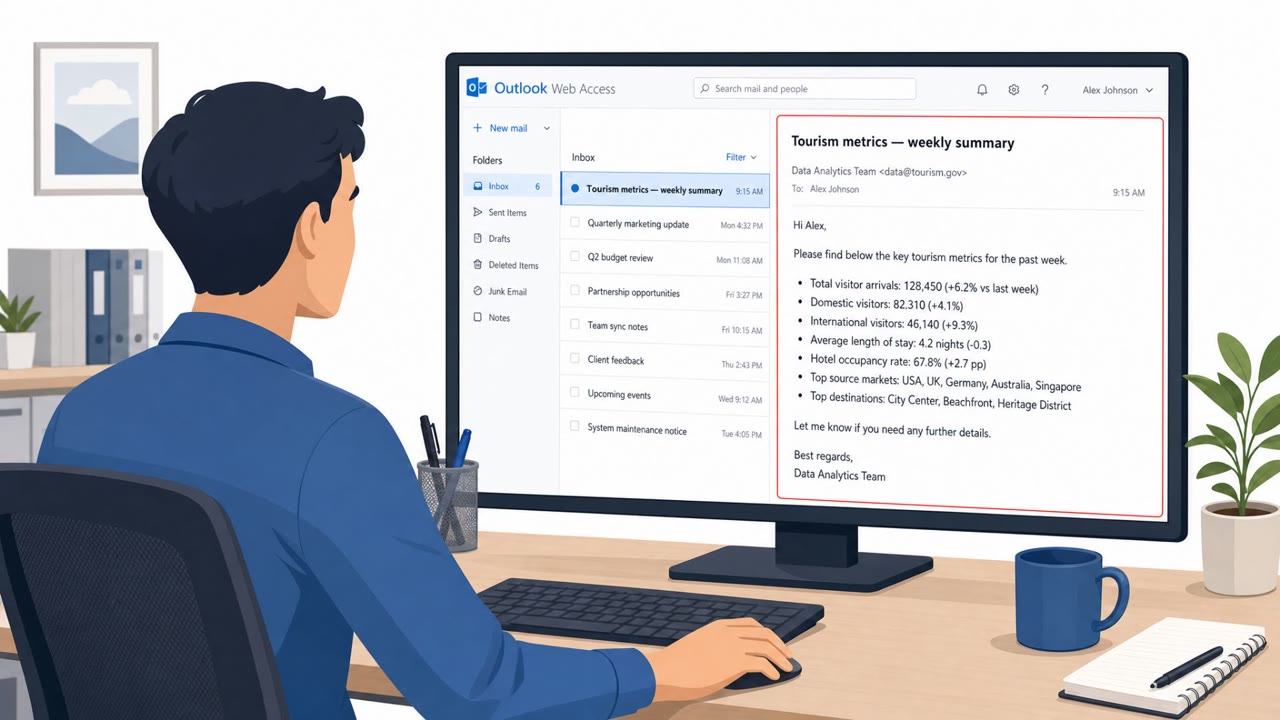
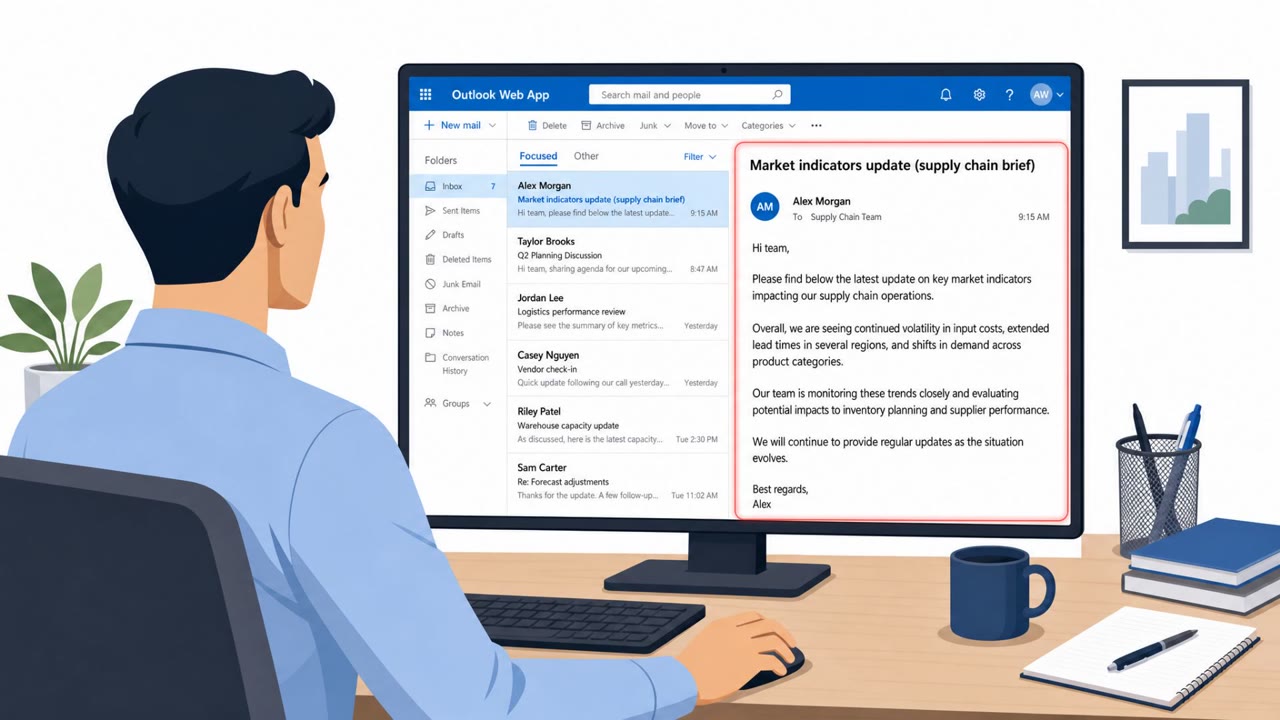
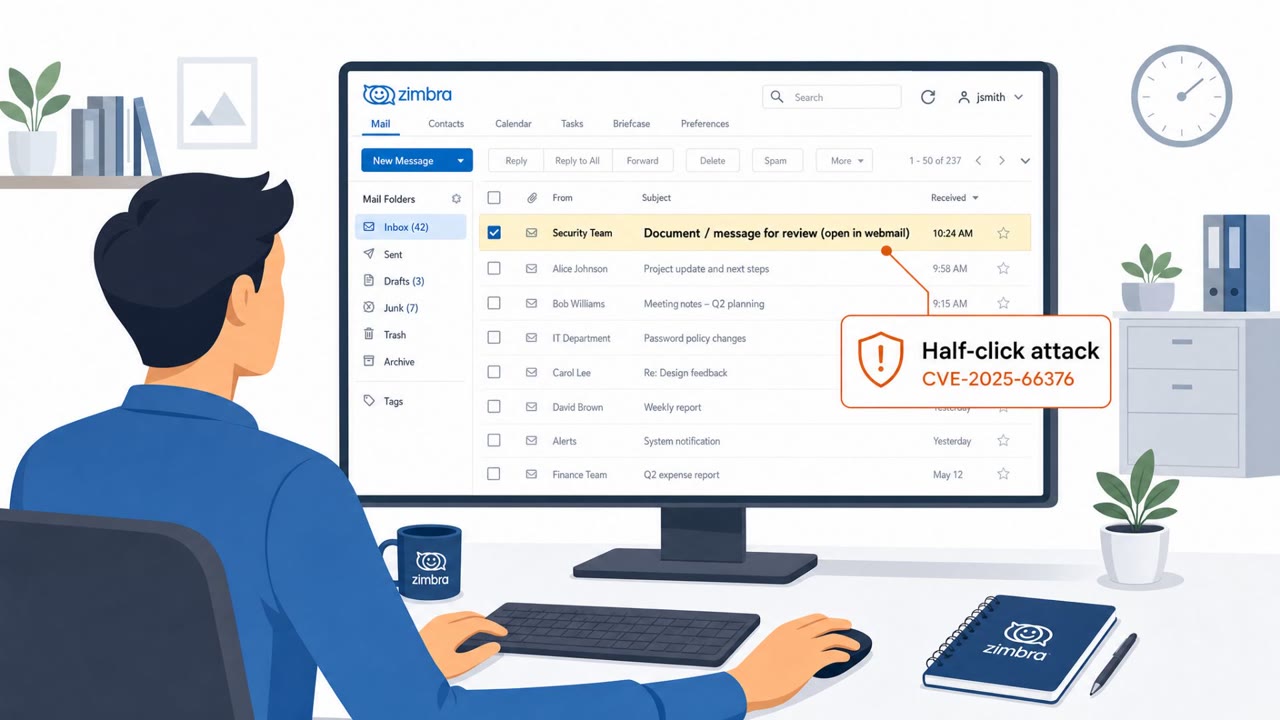
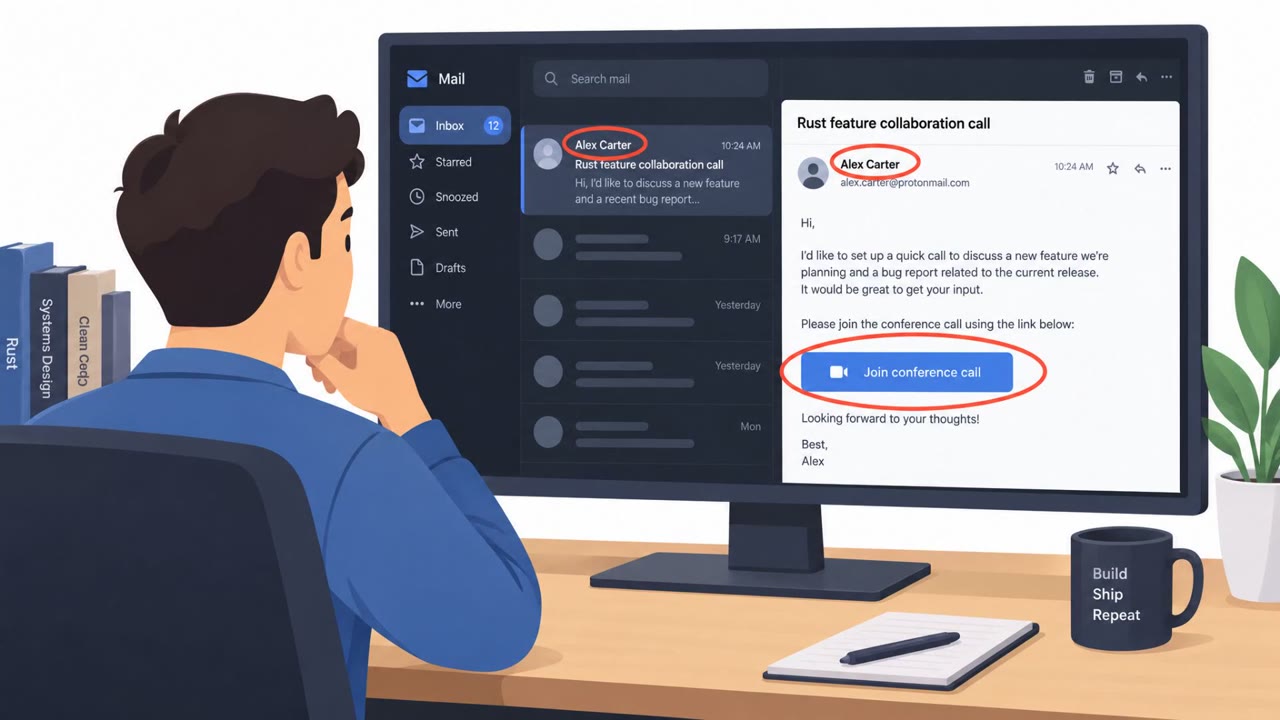
Proofpoint reports a Russian-linked espionage group is using booby-trapped emails that infect users simply when they open the message in Outlook Web Access (OWA) on on‑premises Exchange. The attack runs malicious JavaScript inside the victim’s logged-in mail session and installs a stealthy browser-based implant that can persist even after password changes or device rebuilds.
How the attack worked
This campaign relies on a browser-based implant that activates when a target simply opens a message in Outlook Web Access on an on-premises Exchange server. There is no link to click and no attachment to download. Once the email is opened, the browser executes attacker-controlled JavaScript inside the victim's already-authenticated mail session. That session-level access is what makes the technique unusually dangerous: the attacker inherits the same trust the browser already has with the mailbox.
The lures themselves are described as generic and unremarkable. This is a deliberate choice, since bland, low-signal messages are more likely to be opened and skimmed without triggering suspicion, and then forgotten.
Why it succeeded
Most phishing awareness training focuses on avoiding suspicious links and attachments. This attack sidesteps that entirely. Because opening and reading the email is the only action required, employees who have been trained to scrutinize links and files may still fall victim, since there is nothing obvious to avoid clicking.
The generic nature of the lure content compounds this. Emails that look like ordinary, low-priority correspondence do not stand out in a busy inbox, and may blend into the everyday noise of legitimate email traffic.
What to watch for
- Unexpected, vague, or purposeless emails that arrive without clear context.
- Messages that seem unremarkable but come from unfamiliar or unexpected senders.
- Continued signs of account or mailbox compromise even after a password reset.
- Use of Outlook Web Access on unpatched, on-premises Exchange servers, which increases exposure to this style of attack.
Building resistance
Defenders and end users should adjust their mental model of what counts as a risky action in email. Awareness training should reinforce that opening or skimming a message can be enough to trigger compromise in some attacks, not just clicking a link or downloading a file.
Organizations should also recognize that a password change alone may not fully remediate a compromise if the foothold lives inside the mailbox session rather than on the device itself. Incident response processes should account for mailbox-focused remediation steps in addition to standard credential resets.
Finally, treating bland, generic emails with the same scrutiny as more obviously suspicious ones can help staff catch campaigns that are intentionally designed to look unremarkable and avoid detection.
Key findings
- Proofpoint says TA488 ("Laundry Bear") is exploiting CVE-2026-42897 (XSS) in Outlook Web Access on on-prem Exchange Server.
- Targets can be compromised by opening a booby-trapped email in OWA; the attack does not rely on clicking links or downloading attachments.
- The payload is a browser implant (OWAReaper) that lives inside OWA and “survives browser restarts, password changes, and even a complete device rebuild.”
- Targets include government organizations in the US and Europe, plus telecoms, financial services, hospitality, and aerospace.
- Lures are described as “generic and unremarkable,” likely to blend into normal email traffic.
Who’s being targeted
- Commonly targeted roles: All staff using Outlook Web Access (OWA), Government and defense personnel, IT/Email administrators, Security leadership.
- Affected industries: Government, Defense, Telecommunications, Financial services, Hospitality, Aerospace.
- Attack channels: email.
- Impersonated: Unknown / generic sender (no specific impersonation described).
Red flags to watch for
- Unexpected generic email with no clear purpose or context
- Message appears "unremarkable" but arrives out of the blue
- Using OWA on an unpatched on‑prem Exchange Server increases risk
Frequently asked questions
Do you have to click a link to be compromised by this attack?
No. The attack does not depend on persuading the victim to follow a link or download a file. Simply opening the booby-trapped email in Outlook Web Access is enough to trigger malicious JavaScript in the authenticated mail session.
Does changing my password remove the infection?
Not necessarily. The implant can survive browser restarts, password changes, and even a complete device rebuild because the foothold resides in the compromised mailbox rather than on the Windows device itself.
Who is being targeted by this campaign?
Targets include government organizations in the US and Europe, as well as telecoms, financial services, hospitality, and aerospace sectors, according to the findings.
Why are these emails hard to spot?
The lures are described as generic and unremarkable, which is intended to make recipients more inclined to open and skim the email while overlooking it as suspicious.
Read the video transcript
You know that email that just says, "Subject: Quick question"? With no link, no attachment? That alone can burn you. Proofpoint says TA488, also called Laundry Bear, is abusing CVE-2026-42897 in Outlook Web Access. Just opening their booby-trapped email in OWA runs their JavaScript inside your logged-in mailbox. Their OWAReaper implant hides inside your mailbox, so it can survive browser restarts, password changes, even a full device rebuild. And the lure stays boring on purpose, so you skim it and forget it. If you see a random, context-free "Quick question" in OWA, don’t just open and move on, hit Report Phishing so security can check the mailbox, not just your password.