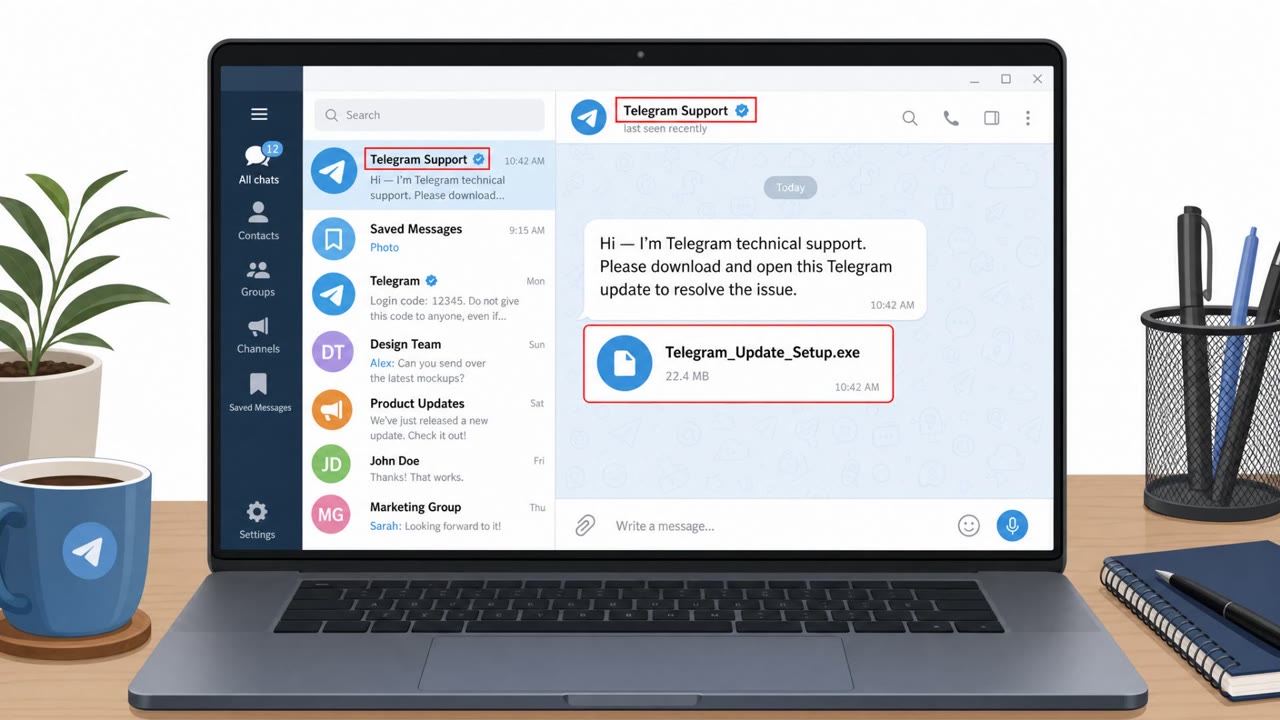
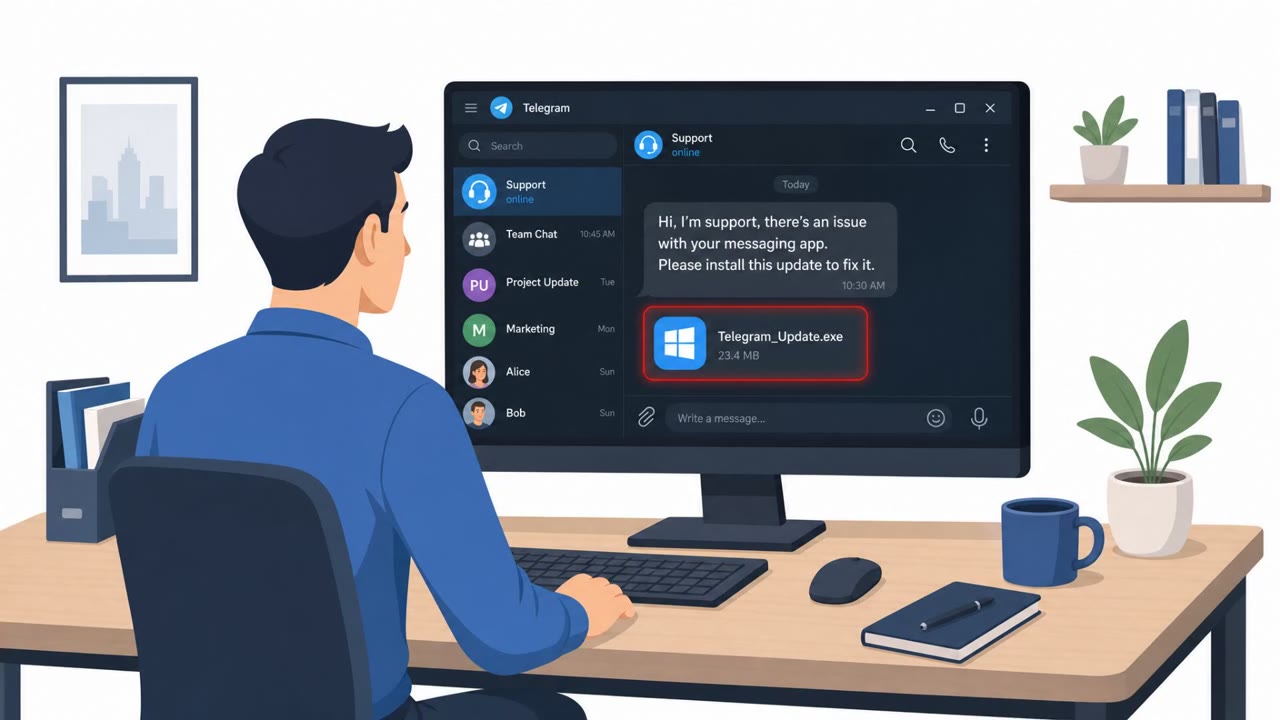
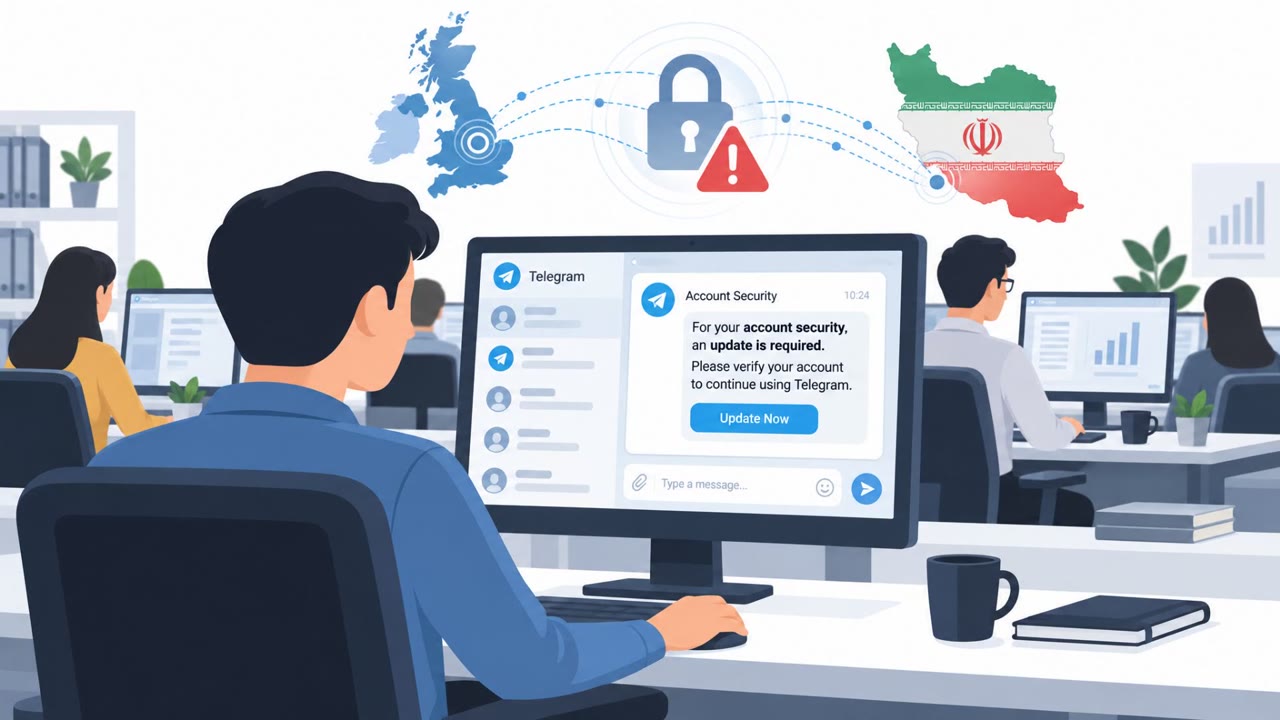
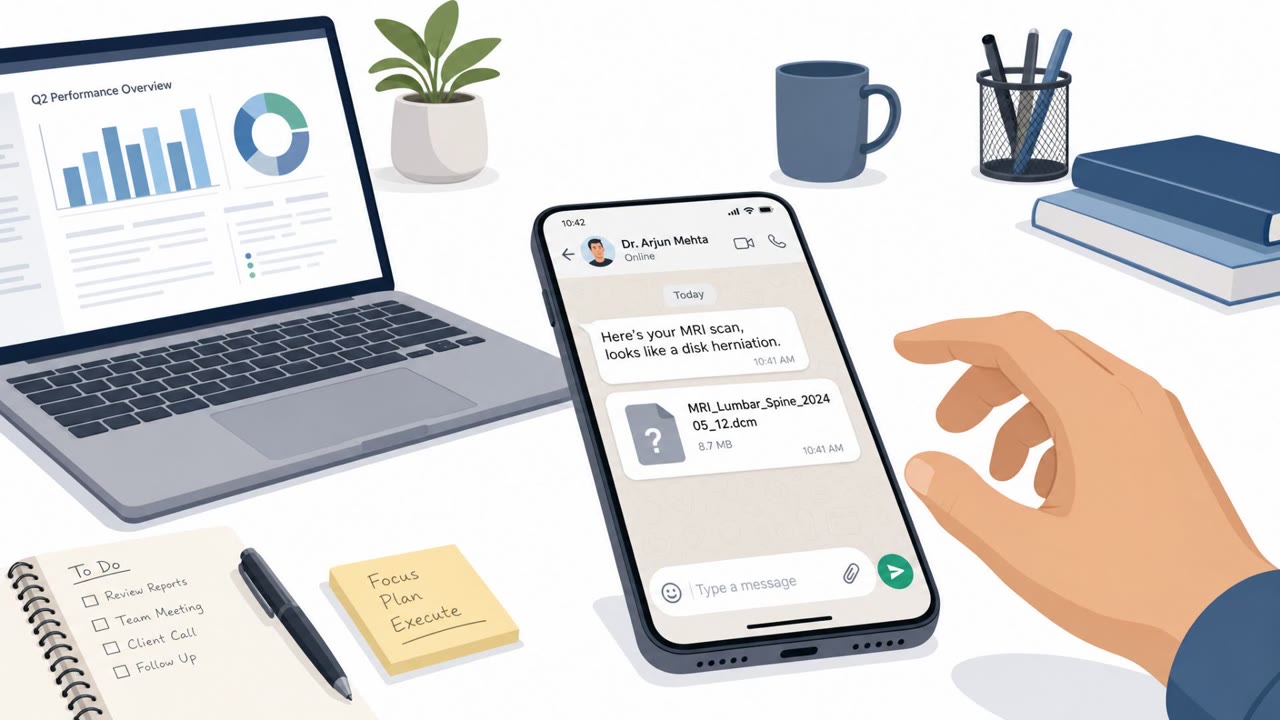
UK, US, and Dutch agencies warned that Iranian state-linked actors used social messaging apps to build trust with dissidents, journalists, and activists before sending disguised files that install Windows malware. The attackers often impersonated someone the target already knows or “technical support,” then delivered fake installers or documents (including “MRI scan results”) to trick victims into opening them.
Key findings
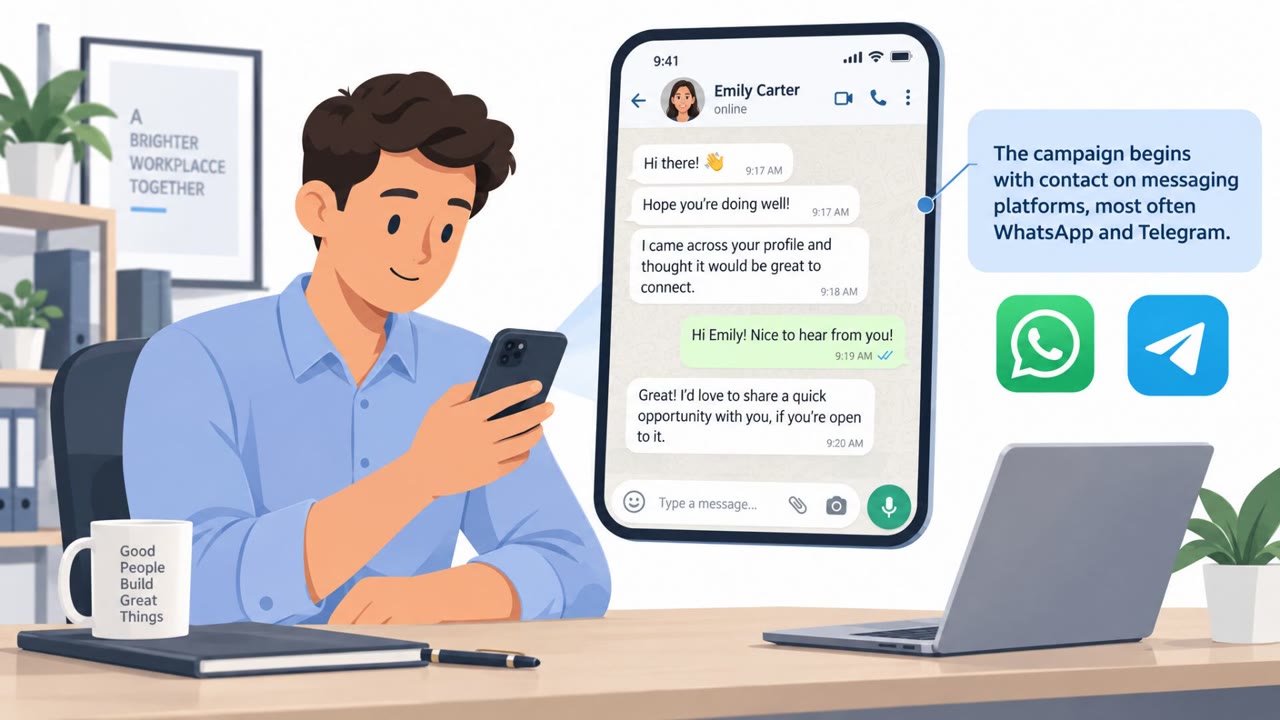
- Attackers contacted targets on WhatsApp/Telegram and “spending time building trust before attempting to deliver malware.”
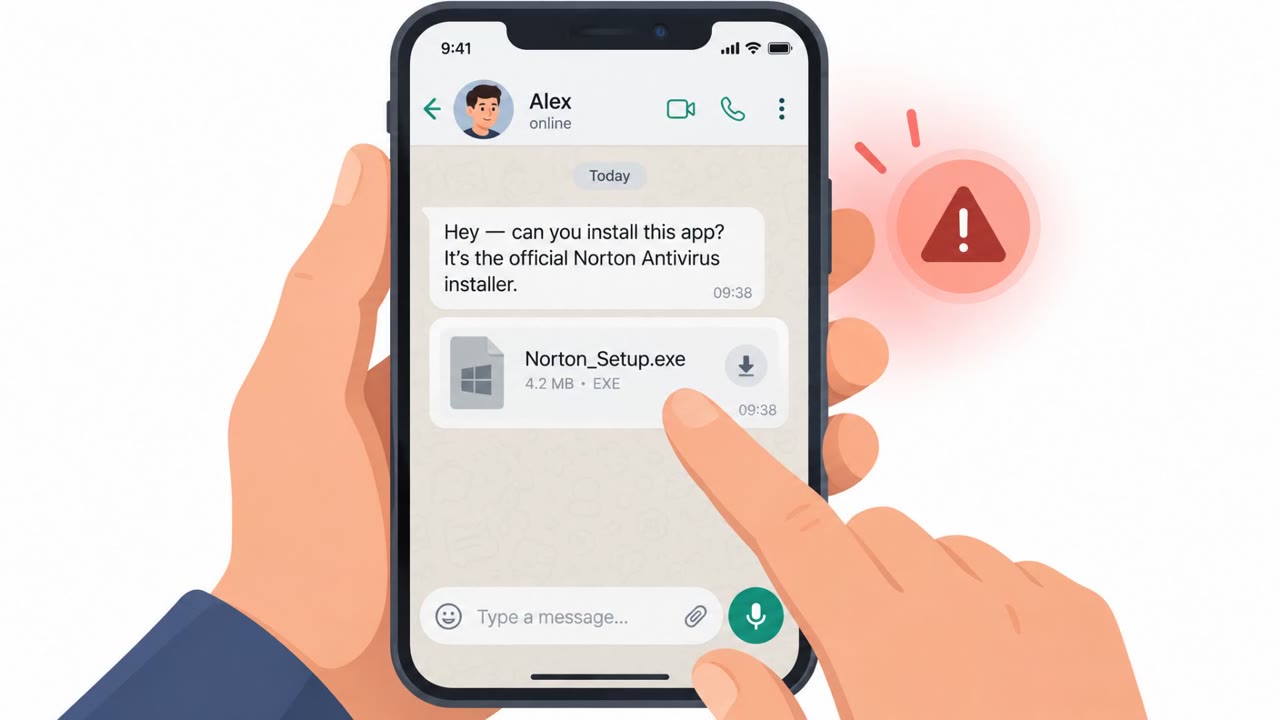
- Impersonation was central: the actor “often purports to be an individual previously known to the target or technical support from the social messaging platform.”
- Malware delivery relied on believable bait files, including “fake installers” for well-known apps and even files “disguised as MRI scan results.”
- If work-device infection failed, actors tried to move the target to a personal device to bypass corporate controls.
- Stolen data was exfiltrated via “Telegram bot” infrastructure and cloud object storage (VultrObjects, StorjShare), sometimes hidden with HTTPS/SOCKS5 proxies.
Who’s being targeted
- Commonly targeted roles: Journalists, NGO staff, Activists/advocacy teams, Executive protection / high-risk users, IT helpdesk (awareness of impersonation).
- Affected industries: Journalism / Media, Human rights / NGOs, Activists / civil society groups, Government / public sector (dissidents targeted abroad).
- Attack channels: telegram, whatsapp.
- Impersonated: Technical support from the social messaging platform (Telegram), Someone the target already knows (friend/colleague/source), Helpful peer/community member or “support” helper in messaging app.
Awareness takeaways
- Treat unsolicited “support” messages in WhatsApp/Telegram as suspicious, verify via official channels before following instructions.
- Never install software from chat links/attachments; only use official app stores or vendor websites.
- Be alert to long-con trust-building and personalized approaches, rapport-building can be part of the attack.
- High-risk staff should get guidance for personal devices too, because attackers may pivot when corporate controls block them.
Red flags to watch for
- Unsolicited “support” outreach via chat instead of official support channels
- Being asked to install software from a direct file/link in a message
- Pressure to move off a managed work device onto a personal device
- Unexpected medical or urgent personal file from a chat contact
- Attachment type/filename looks odd for medical results (e.g., executable/installer)
- Request to open on a personal device to “make it easier”
- Software installer delivered via chat instead of official website/app store
- Decoy screen appears while something else installs silently
- Unusual instruction to install quickly or ignore warnings
Read the video transcript
The attack doesn’t start in your inbox anymore. It starts in your Telegram or WhatsApp chats. Iran-linked operators chat like normal for days, then: 'Telegram Support: We detected an issue with your account, please install this updated Telegram client to restore secure messaging.' They send a fake installer that quietly drops Windows malware. Or they pose as a friend on WhatsApp: 'Hey, can you take a quick look at these MRI scan results?' The attachment is really an installer, and if your work laptop blocks it, they push you to open it on your personal phone or PC instead. If any 'support' or contact sends software in chat, don’t install it. Stop there and get the app only from the official store or website, never from the message.