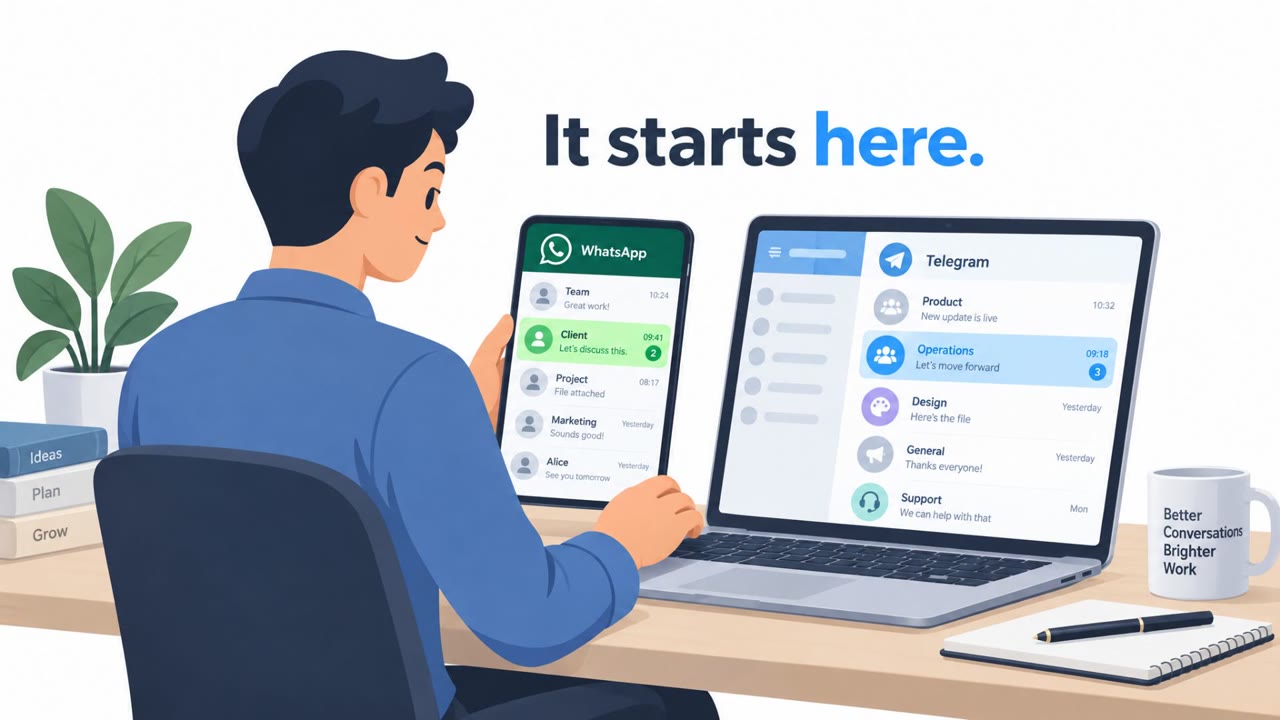
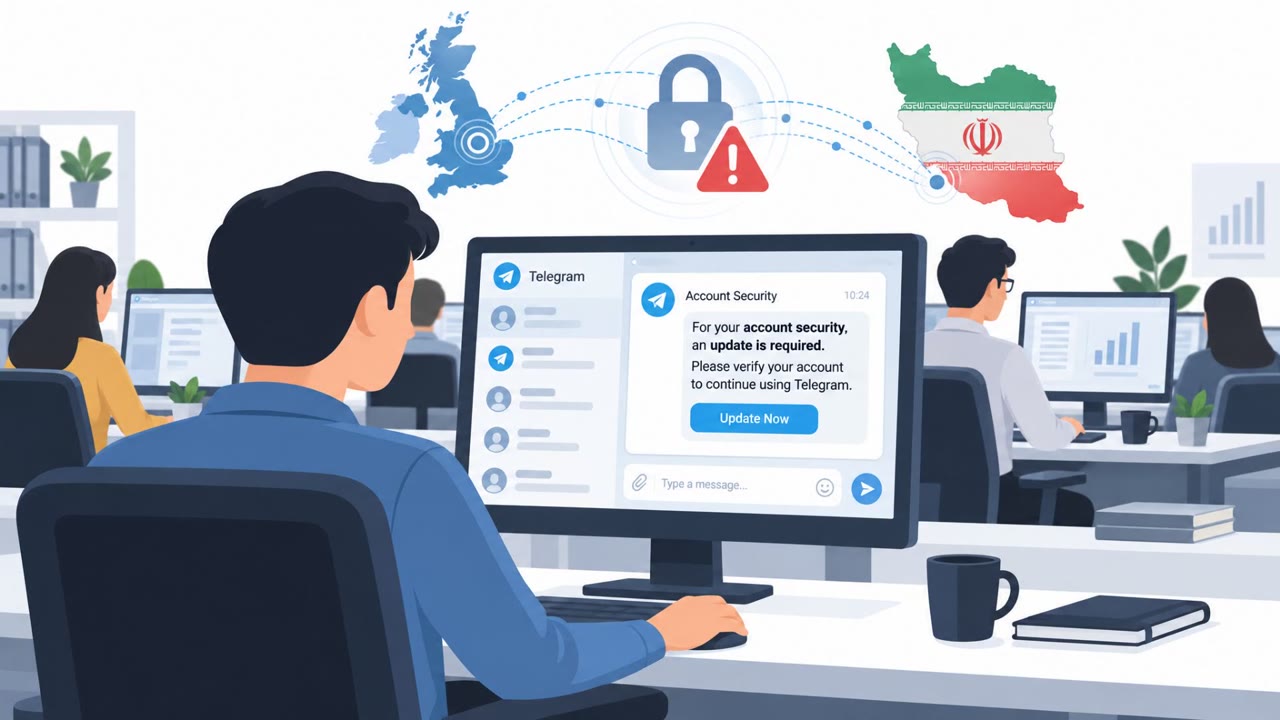
A joint UK-US-Dutch advisory warns Iranian state-backed cyber actors are targeting dissidents, activists, and journalists by first contacting them on WhatsApp or Telegram and building trust. The attackers then persuade victims to open a malicious file disguised as legitimate software (or even MRI results), infecting Windows devices with CHOSEN BRICK to steal messages, emails, and other sensitive information.
Key findings
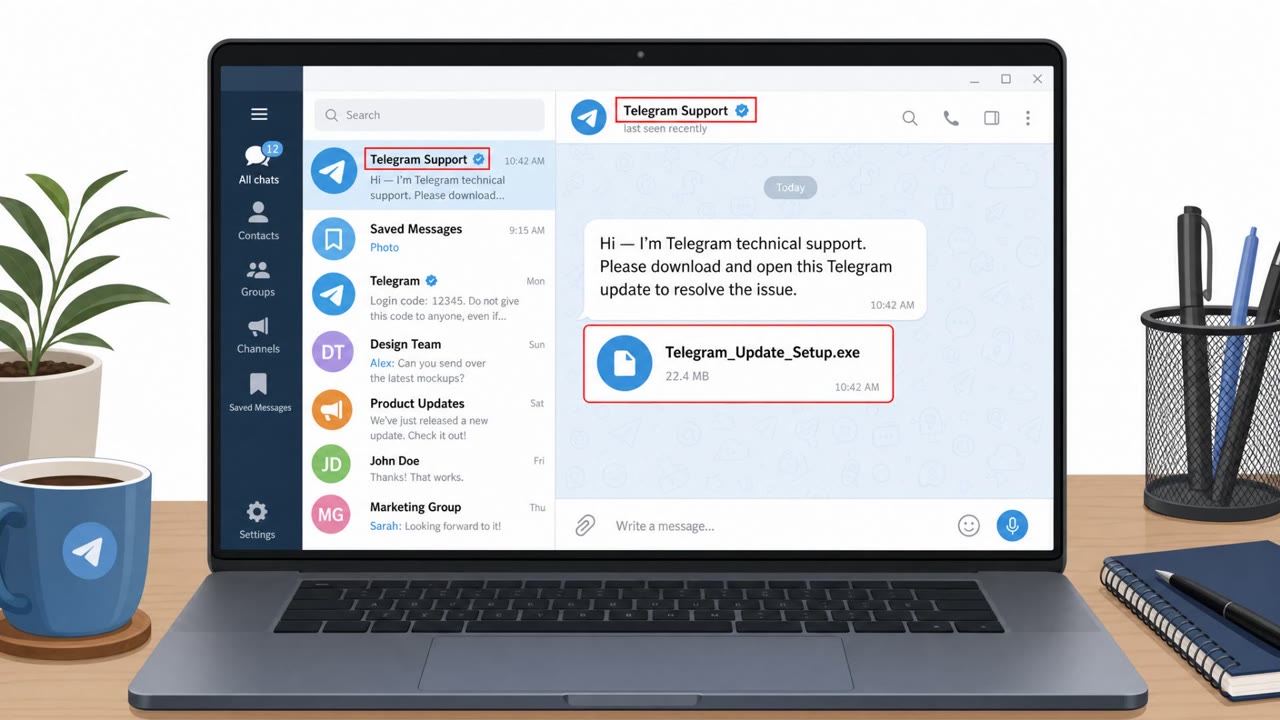
- Attackers initiate contact on WhatsApp and Telegram, impersonating someone the target knows or platform technical support, and build rapport before sending anything malicious.
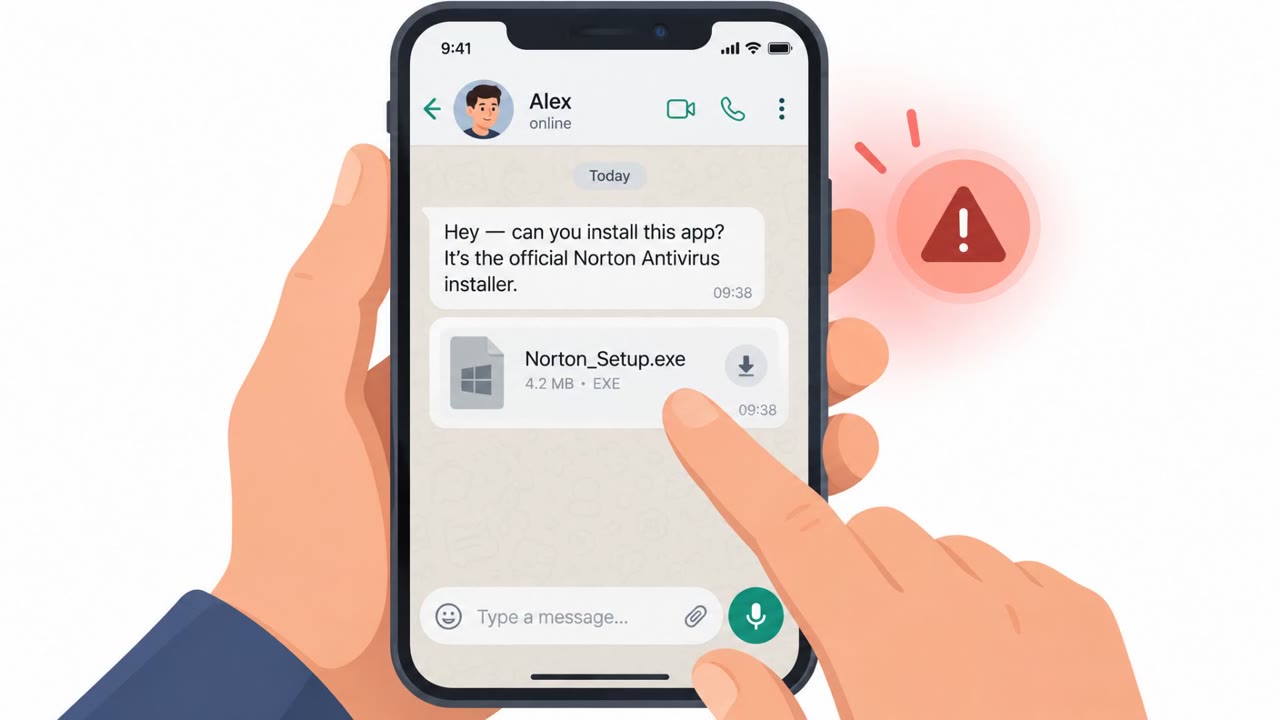
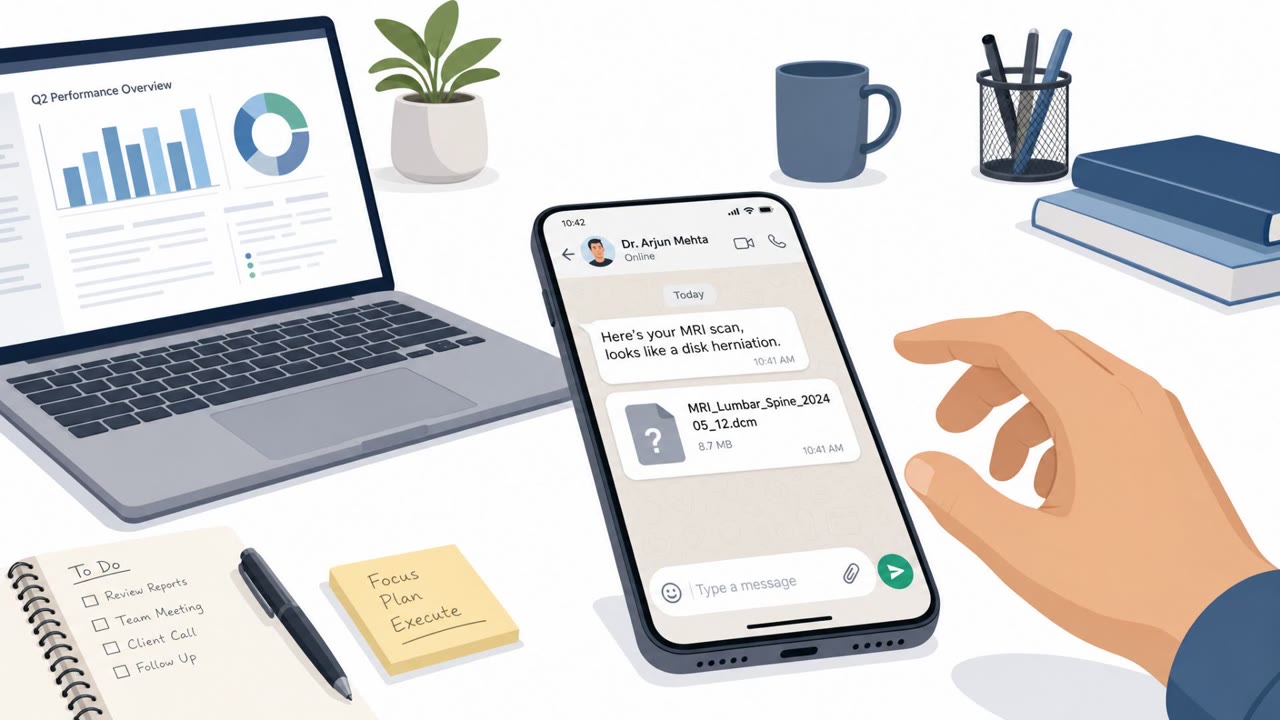
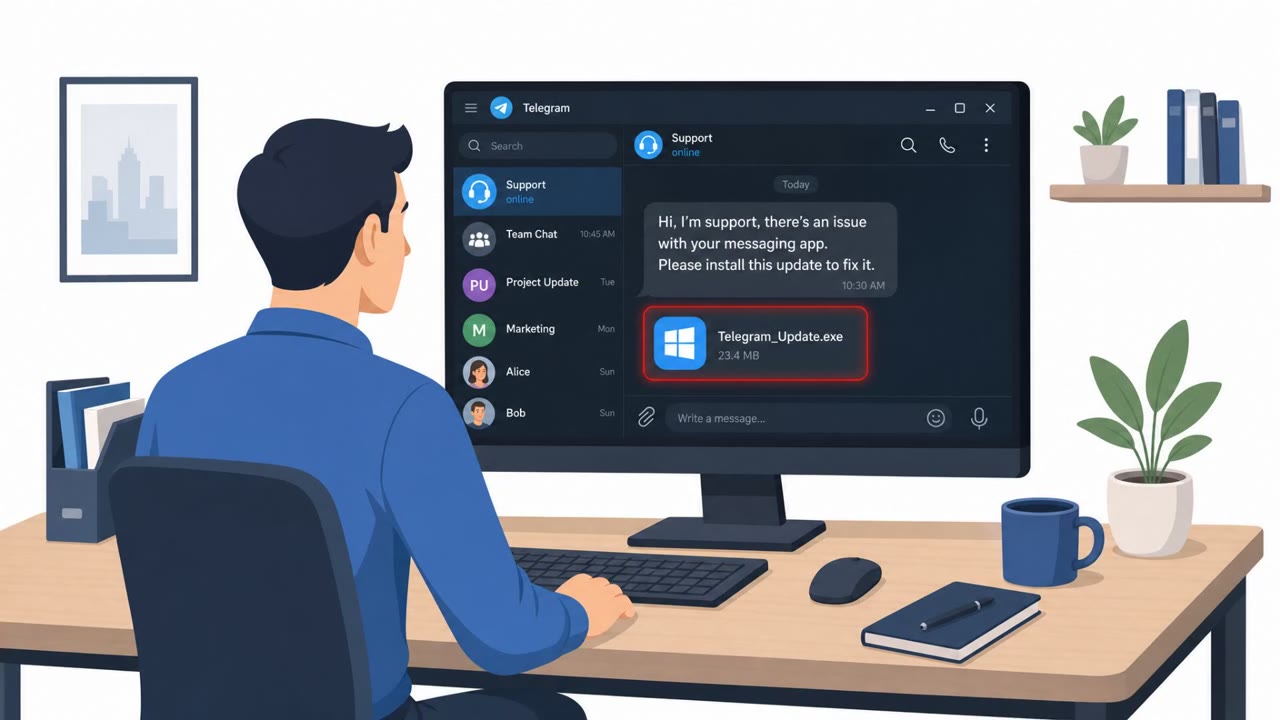
- Victims are persuaded to download and open files disguised as legitimate software (e.g., fake Pictory, RunwayML, Norton, Telegram, Adobe Flash Player, KeePass) or even MRI scan results.
- Attackers often try to get the file opened on a work device first, then push for a personal device if the work environment seems risky or blocked.
- CHOSEN BRICK targets Windows, aims to evade Microsoft Defender, and persists via registry Run keys.
- The malware can collect contacts, emails, and social media messages; it can also capture screenshots and turn on the microphone.
- Captured information has reportedly appeared on pro-Iranian leak sites in some cases.
Who’s being targeted
- Commonly targeted roles: All staff (messaging-app safety basics), Executives and VIPs, Journalists / communications teams, NGO / advocacy teams, Anyone at elevated personal risk (travelers, public-facing staff).
- Affected industries: Media and journalism, Non-profits / NGOs, Human rights and activist organizations, Government (individuals abroad).
- Attack channels: whatsapp, telegram.
- Impersonated: Someone the target already knows, Telegram technical support, A trusted personal contact (implied) sharing medical results.
Awareness takeaways
- Treat unsolicited WhatsApp/Telegram messages that try to build trust and then push a download as high risk, verify the sender through a separate, known channel.
- Never install ‘software updates’, ‘security tools’, or ‘support apps’ that arrive via chat attachments/links, use only official vendor sources.
- Be cautious about opening sensitive-looking files (e.g., medical results) delivered through messaging apps; confirm authenticity before opening.
- Share guidance with at-risk staff about personal-device targeting and encourage them to seek help if they think they executed a suspicious file.
Red flags to watch for
- A contact asks you to install software via a chat link/file instead of an official app store/vendor site
- Unusual urgency or insistence to open an installer
- The sender builds rapport and then pivots to a file download
- “Support” reaches out first through a messaging app
- Support asks you to run an attached file/installer
- The file claims to be well-known software (antivirus/password manager) but arrives via chat
- Unexpected medical/sensitive file delivered via chat
- Pressure to open immediately without verification
- File type/format doesn’t match normal medical sharing methods
Read the video transcript
The campaign begins on WhatsApp or Telegram, where someone who looks familiar starts a friendly chat. They build rapport, then drop a file: 'Hey, install this new Pictory video tool' or 'Telegram support needs you to run this security app.' It’s actually CHOSEN BRICK malware for Windows. Once you run it, CHOSEN BRICK dodges Microsoft Defender, sits in your registry, and can quietly grab your emails, chats, contacts, screenshots, even turn on your mic, and that data has shown up on pro-Iranian leak sites. If anyone on WhatsApp or Telegram sends you software or MRI results to open on your PC, stop and verify them through a separate channel before you click.