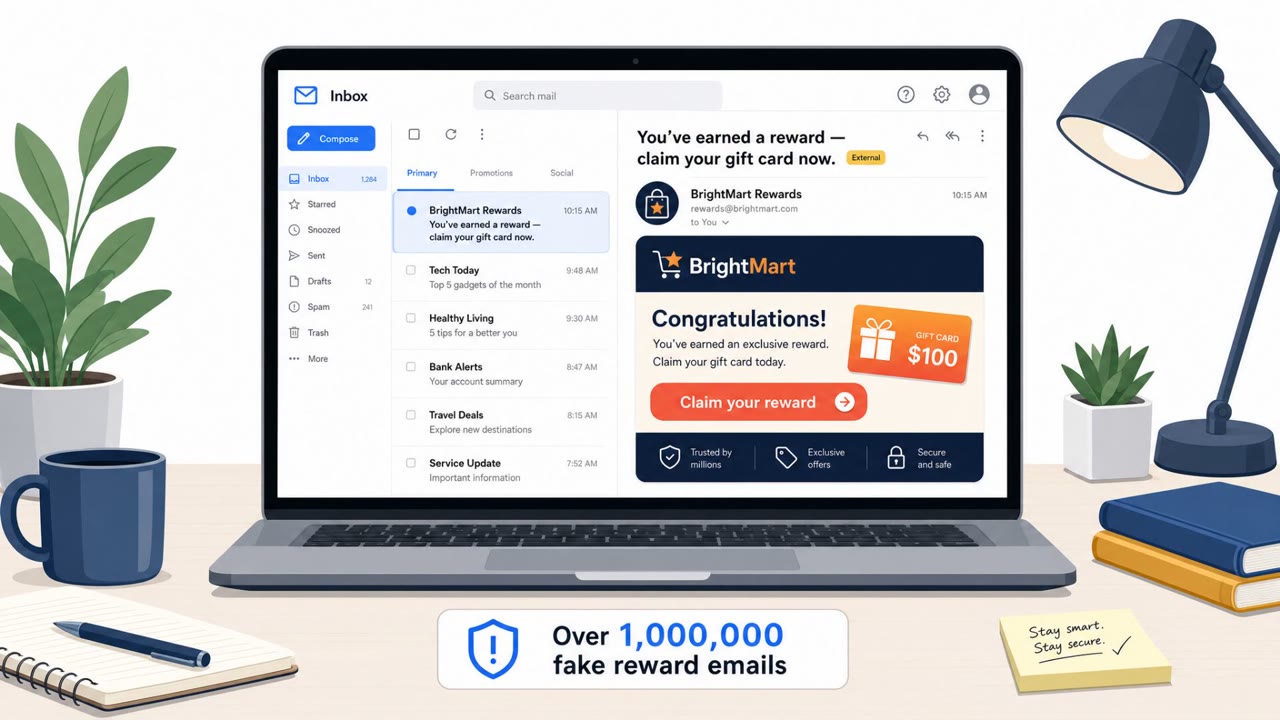
The article describes an FBI-warned phishing operation (Kali365) that tricks Microsoft 365 users into approving access via a real Microsoft device-code login flow, often without stealing a password. Victims are lured with document-sharing themed emails and prompted to enter a device code, unintentionally granting attackers access through legitimate authentication steps.
Key findings
- Kali365 targets Microsoft's OAuth device authentication flow (device code sign-in), which is a legitimate login method.
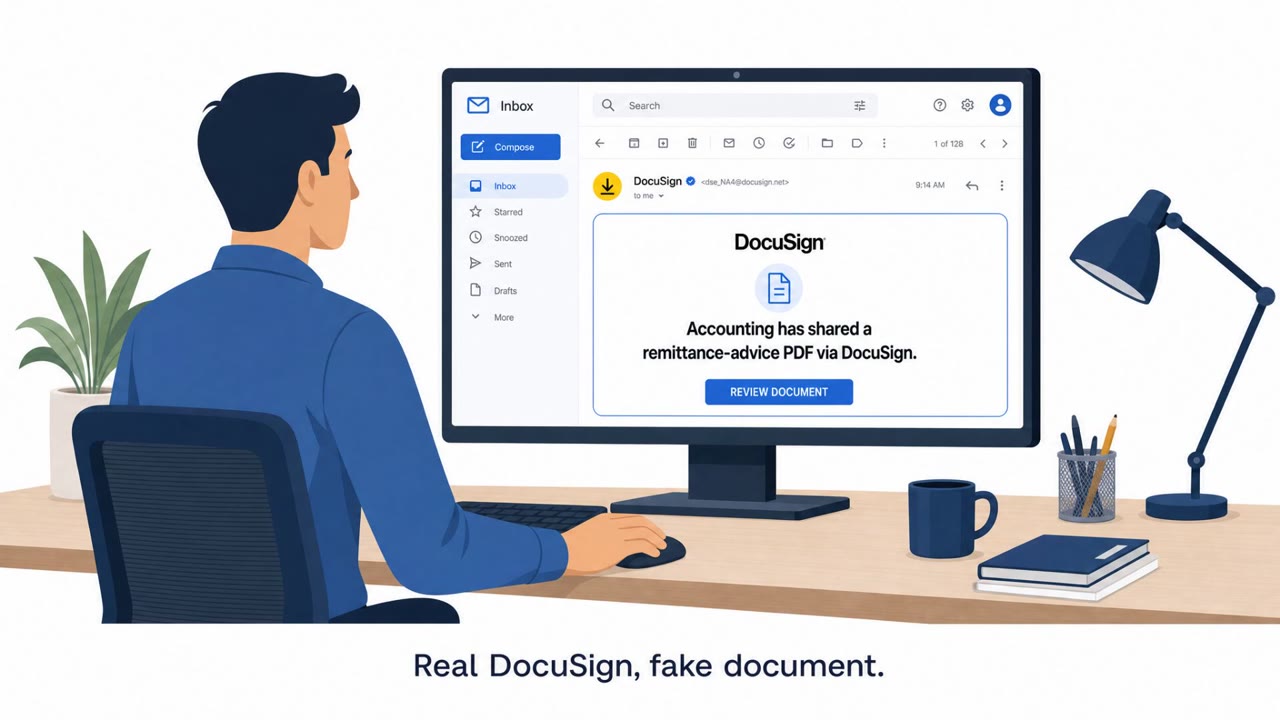
- The lure uses emails that look like they come from trusted document-sharing services and asks the victim to enter a device code to view shared content.
- Victims may complete MFA successfully because the authentication flow is real; the attacker succeeds by manipulating trust in the process.
- The platform is described as Phishing-as-a-Service with features like AI-generated emails, campaign automation, dashboards, and OAuth token capture, lowering the skill barrier for attackers.
Who’s being targeted
- Commonly targeted roles: All staff, Executives, HR, Finance, IT helpdesk, IT administrators, Security team.
- Affected industries: All sectors using Microsoft 365 / cloud SaaS and identity providers.
- Attack channels: email, website.
- Impersonated: Trusted document-sharing service (via a Microsoft sign-in workflow).
Awareness takeaways
- Train staff that “real” login screens can still be part of a scam, verify sign-in prompts you didn’t initiate.
- Treat device-code login requests as high-risk and require extra verification before proceeding (especially when initiated from an email).
- Emphasize that MFA success doesn’t always mean safety, attackers can trick users into authorizing access on their behalf.
- Prepare for more frequent, scalable identity-focused phishing because advanced tooling is being sold as a service.
Red flags to watch for
- Unexpected request to enter a "device code" just to view a shared document
- Email appears to be from a document-sharing service but pushes you into an authentication flow you didn’t initiate
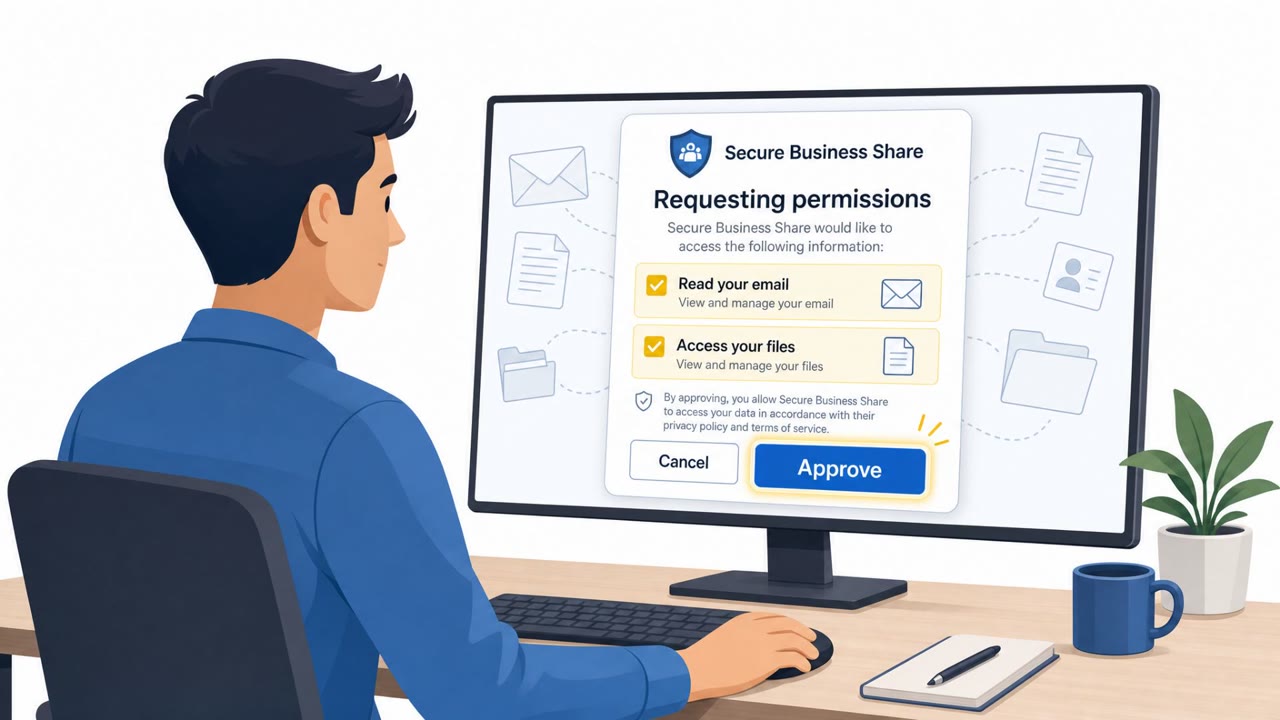
- You are asked to approve/complete sign-in steps that grant access rather than simply viewing a file
Read the video transcript
You get an email: “A document has been shared with you. Enter this Microsoft device code to view it.” Looks normal, right? Behind that email is Kali365, a phishing-as-a-service kit that abuses Microsoft’s real OAuth device-code login. You type the code, see the genuine Microsoft 365 screen, even pass MFA, and you just granted them access. Here’s the twist: nothing looks fake. The login and MFA are real. The only weird thing is the setup, an email about a shared file pushing you to enter a random device code and approve access, instead of just opening the document. If an email about a shared file ever asks you to enter a Microsoft device code, stop. Don’t type it, report the message to Security right away.