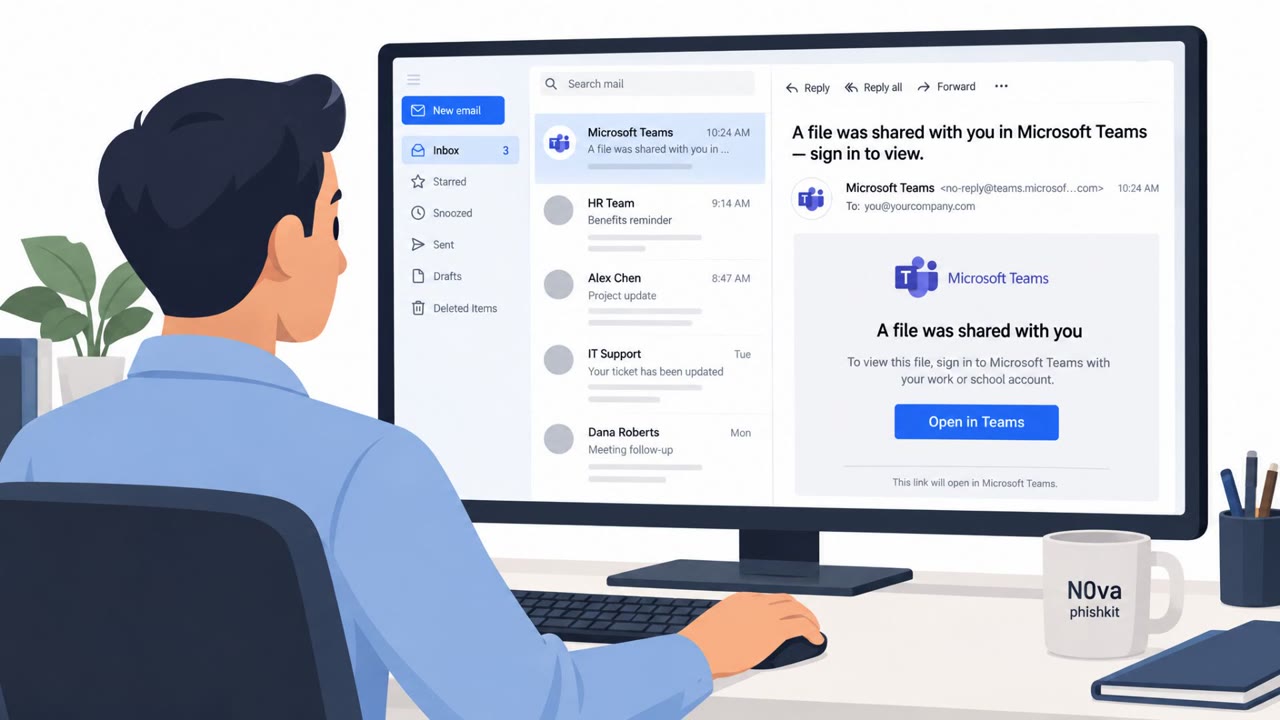
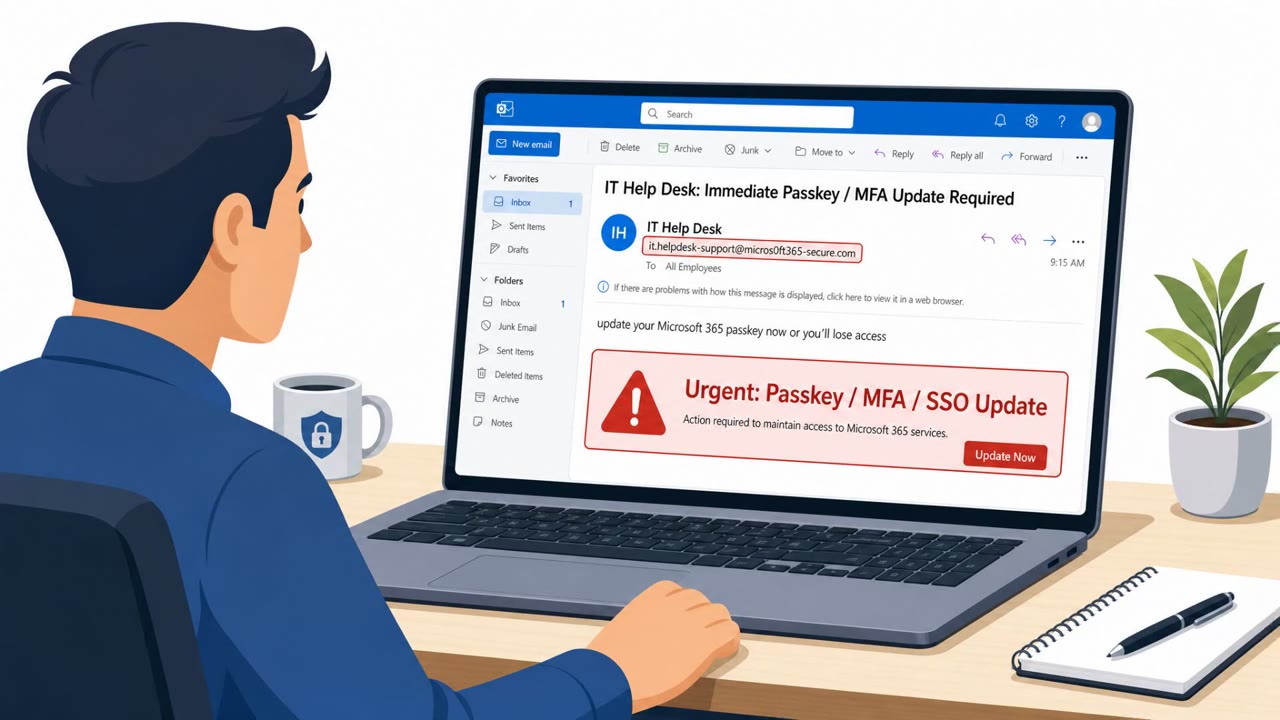
The article describes how attackers use QR codes in emails (“quishing”) to hide malicious links, push victims onto less-protected mobile phones, and steal credentials or MFA tokens. It also cites an FBI notice describing North Korea’s Kimsuky using QR codes in spearphishing emails targeting think tanks, academia, and government, with lures like questionnaires, event registration pages, and “secure drives.”
How the attack worked
Quishing emails embed a QR code in place of a standard hyperlink. Because the destination is encoded in a visual pattern rather than readable text, some traditional email filters cannot extract and inspect the URL before it reaches the inbox. Once a recipient scans the code, typically with a personal phone, they are taken to a page designed to harvest credentials or MFA codes. This shift is significant: it moves the interaction from a relatively well-protected corporate environment to a potentially unmanaged mobile device, bypassing business-grade security controls.
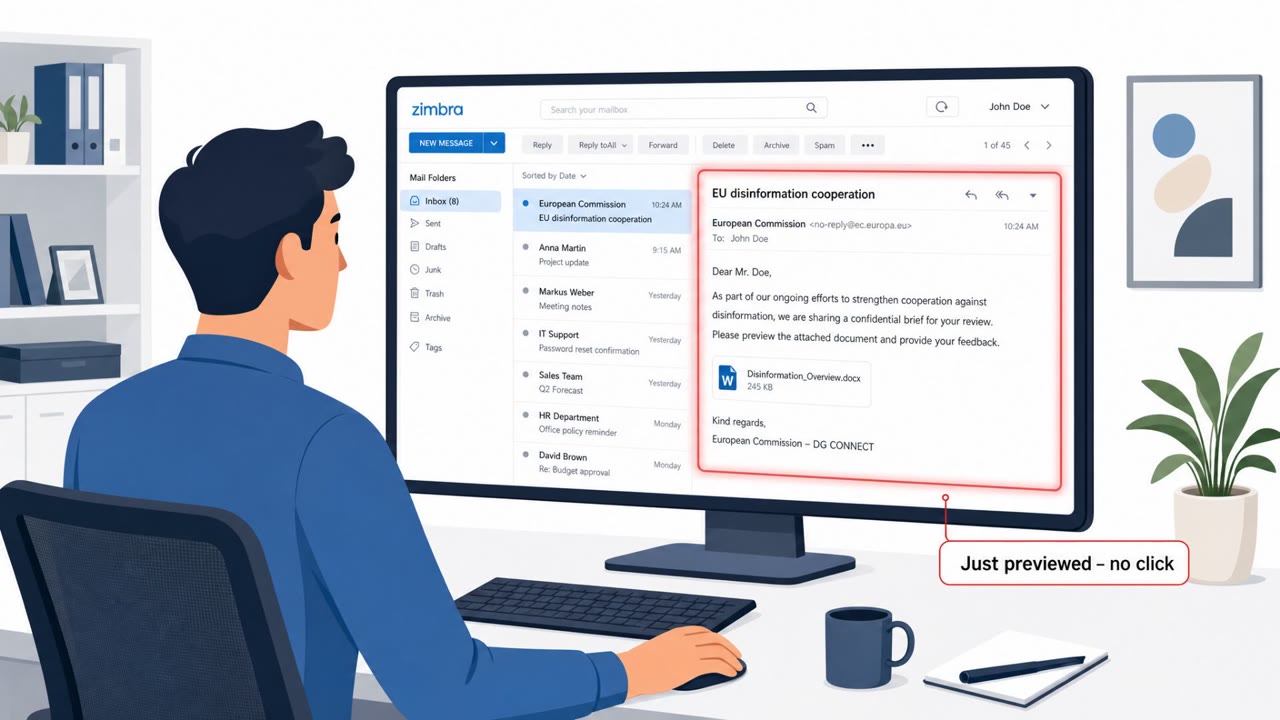
An FBI notice described North Korea's Kimsuky group using this technique in spearphishing emails against think tanks, academic institutions, and government entities. The lures varied, with emails claiming that scanning the code would lead to questionnaires, registration landing pages, or secure drives.
Why it succeeded
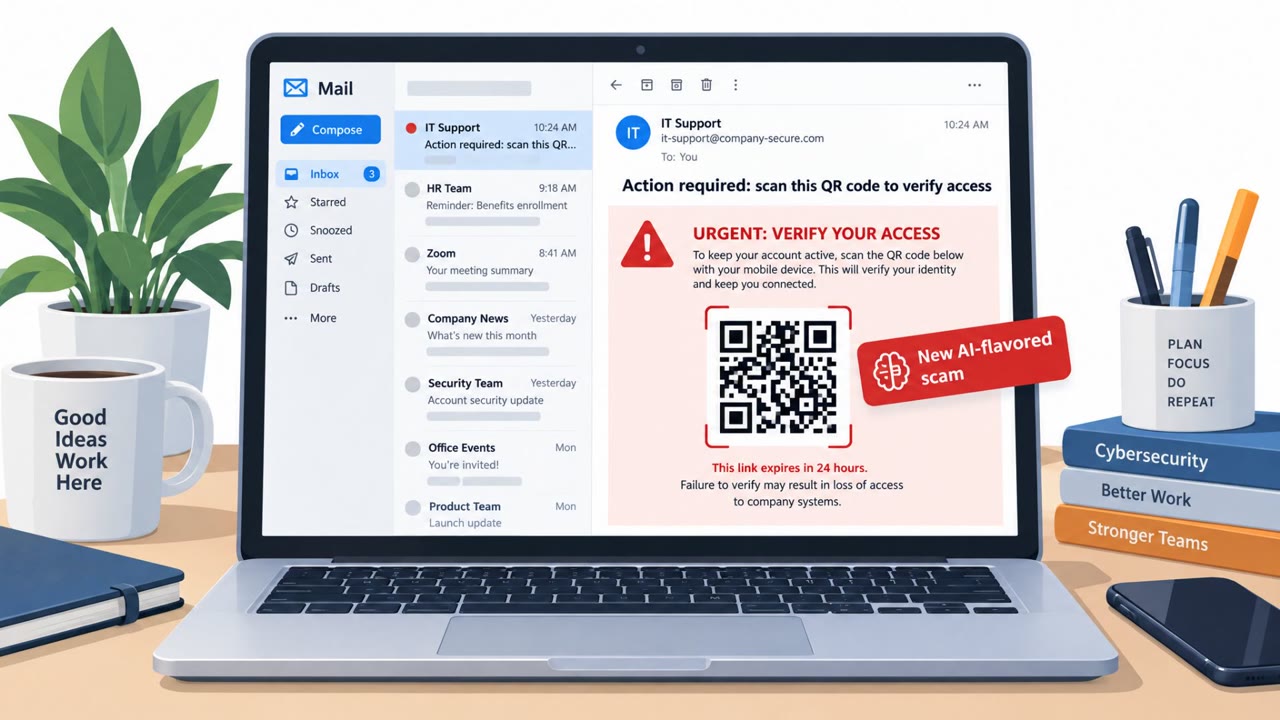
Quishing borrows familiar social engineering tactics from classic phishing. Emails frequently impersonate trusted brands and create urgency around account security, such as alerts urging users to secure an account or authenticate to confirm details. Because a QR code image contains little accompanying text, there is typically not much content to analyze for typos or grammatical mistakes, removing common cues that might otherwise raise suspicion. ESET reports malicious QR codes appeared in 11% of phishing emails in H1 2026, indicating the technique is being used at meaningful scale.
What to watch for
- An unsolicited email asks you to scan a QR code instead of clicking a normal, verifiable link
- The QR code's destination cannot be checked before scanning
- The message creates urgency, such as claiming an account needs to be secured or verified immediately
- Minimal surrounding text, reducing the usual typo or grammar red flags
- The request pushes you toward using a personal phone rather than a managed corporate device
How to build resistance
Organizations and individuals can reduce risk from quishing by treating unsolicited QR codes in email as inherently suspicious rather than convenient. Employees should avoid scanning QR codes from unexpected messages and report them to security teams. If a message claims to come from a trusted sender or brand, recipients should verify it by contacting the sender using details sourced independently, not the contact information provided in the email itself. Because quishing often relies on shifting activity to less-protected mobile devices, awareness training should explicitly cover this pattern so staff recognize when an interaction is being redirected away from managed, monitored systems.
Key findings
- QR codes in emails can hide malicious URLs from both users and some traditional email security controls, increasing delivery to inboxes.
- Quishing often moves the interaction from a managed corporate device to a personal/unmanaged phone with fewer security controls.
- Attackers commonly impersonate trusted brands and create urgency (e.g., “secure your account” / “confirm details”) to prompt scanning.
- ESET reports malicious QR codes appeared in 11% of phishing emails in H1 2026.
- The FBI warned that North Korea’s Kimsuky used embedded QR codes in spearphishing emails against think tanks, academic institutions, and government entities, with lures including questionnaires, registration pages, and “secure drives.”
Who’s being targeted
- Commonly targeted roles: All employees, Executives, Government and public-sector staff, Researchers/Academics, Finance and operations teams, IT/Helpdesk (for reporting/triage).
- Affected industries: Government, Education (universities/academic institutions), Nonprofit/Think tanks.
- Attack channels: email.
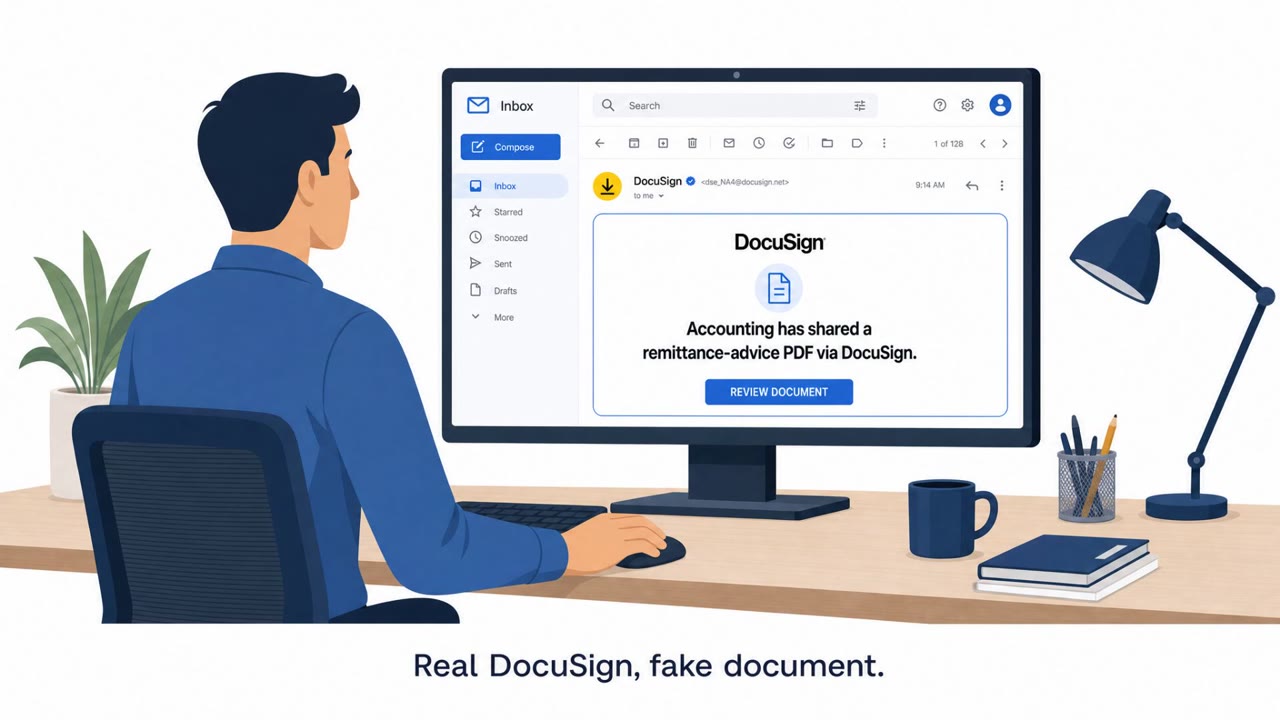
- Impersonated: A trusted organization/service (generic) offering a questionnaire, registration, or secure document access, Trusted brand (example given: DocuSign or Microsoft).
Red flags to watch for
- Unsolicited email asks you to scan a QR code instead of providing a normal link
- The QR destination is hidden and cannot be verified easily before scanning
- Creates implied urgency/importance to get you to act quickly
- Uses a QR code to initiate login instead of standard corporate login methods
- Branding may look familiar but the destination is concealed in the QR image
- Minimal text reduces opportunities to spot typical phishing errors
Frequently asked questions
What is quishing?
Quishing is phishing that uses QR codes embedded in emails instead of standard clickable links, hiding the destination URL from both users and some email security filters.
Why do attackers use QR codes instead of regular links?
QR codes encode the destination as a visual pattern rather than readable text, which hides malicious URLs so some traditional email filters cannot extract and inspect them. They also often shift the interaction to a mobile device with fewer corporate security controls.
Who has been targeted with QR code phishing?
An FBI notice described North Korea's Kimsuky group using embedded QR codes in spearphishing emails against think tanks, academic institutions, and government entities, with lures like questionnaires, registration pages, and secure drives.
How should employees respond to QR codes in unsolicited email?
Employees should avoid scanning QR codes in unsolicited emails, report anything suspicious, and verify any claimed trusted sender using contact details sourced separately from the email.
Read the video transcript
You get an email saying, “Secure your account now” with a big QR code and almost no text. Looks legit, right? This is quishing. Attackers hide the bad link inside that QR code, then push you off your protected laptop onto your personal phone, where our defenses are weaker. FBI reports say groups like North Korea’s Kimsuky email QR codes for fake questionnaires, event registrations, even “secure drives.” You can’t see where that code goes until you’ve already scanned it. Here’s the move: if an unsolicited email tells you to scan a QR code, don’t. Stop, don’t scan, and report the email to security.