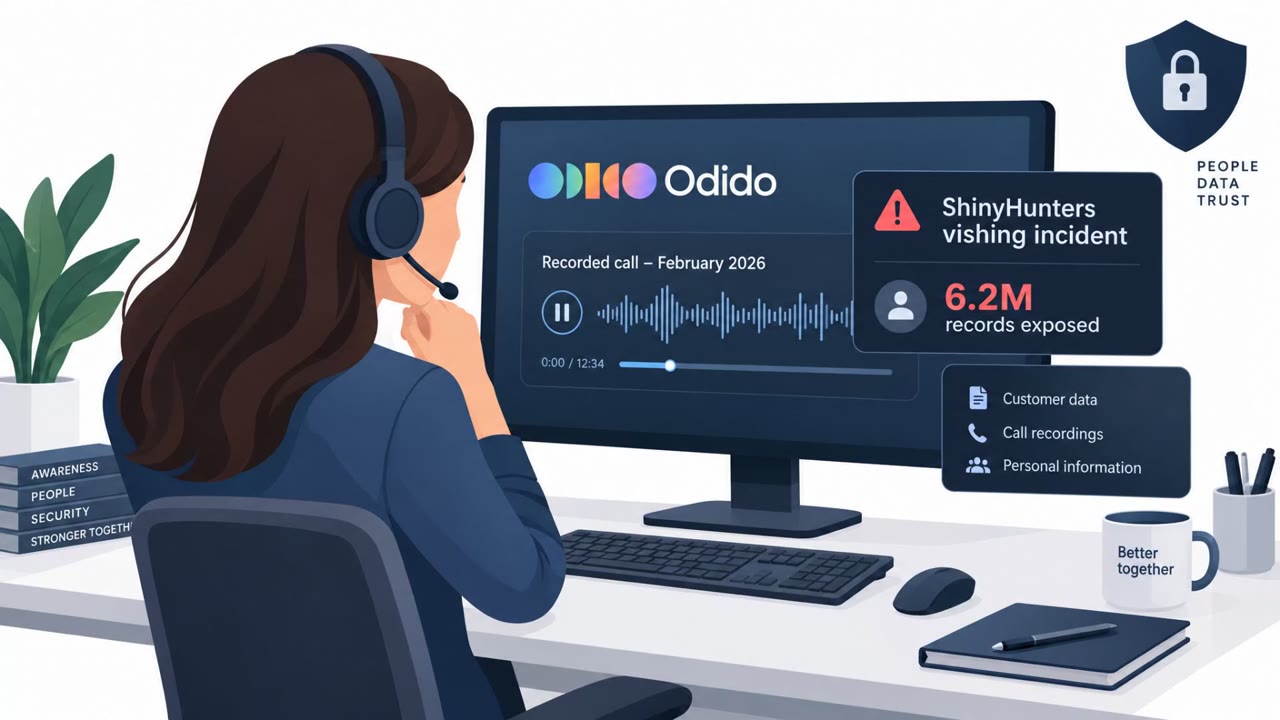
Arctic Wolf reports a wave of phone-based social engineering where attackers pose as internal IT, guide executives through “routine” MFA/passkey setup, and then send a company-branded login link that steals Microsoft 365 credentials and session tokens. Once inside, attackers methodically inventory SharePoint/OneDrive/Exchange and then perform bulk data theft, followed by extortion.
How the attack worked
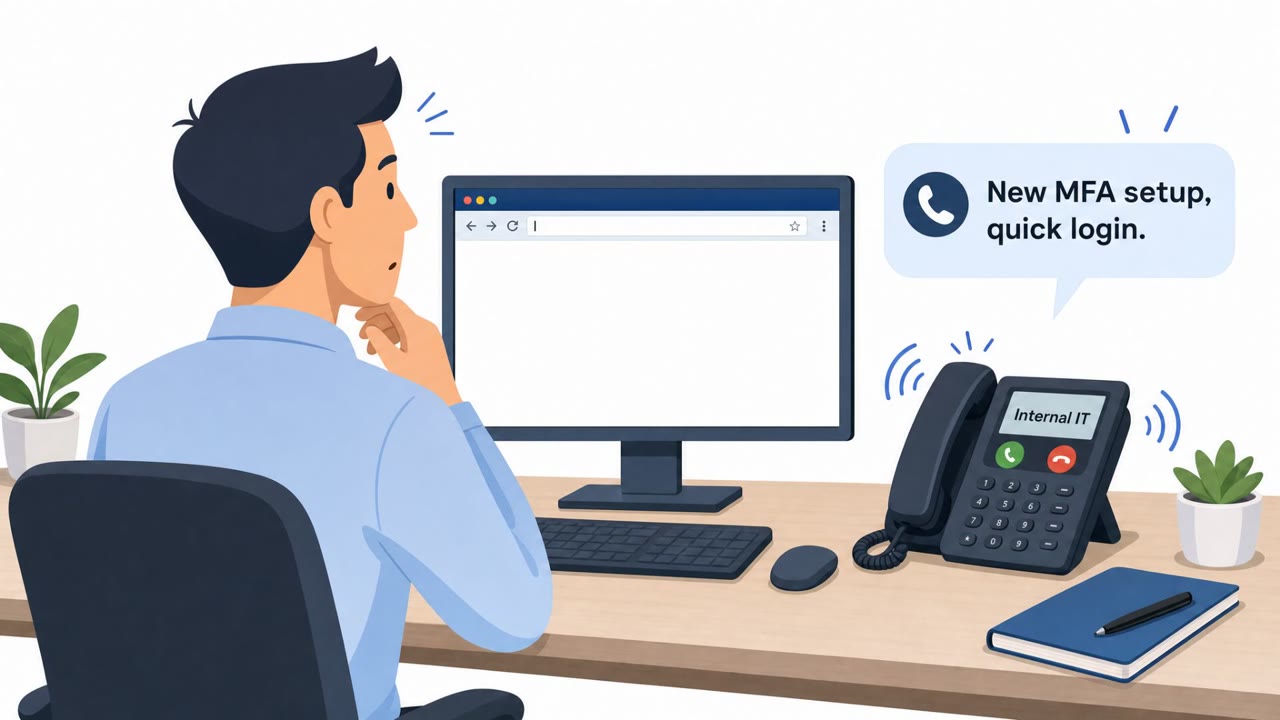
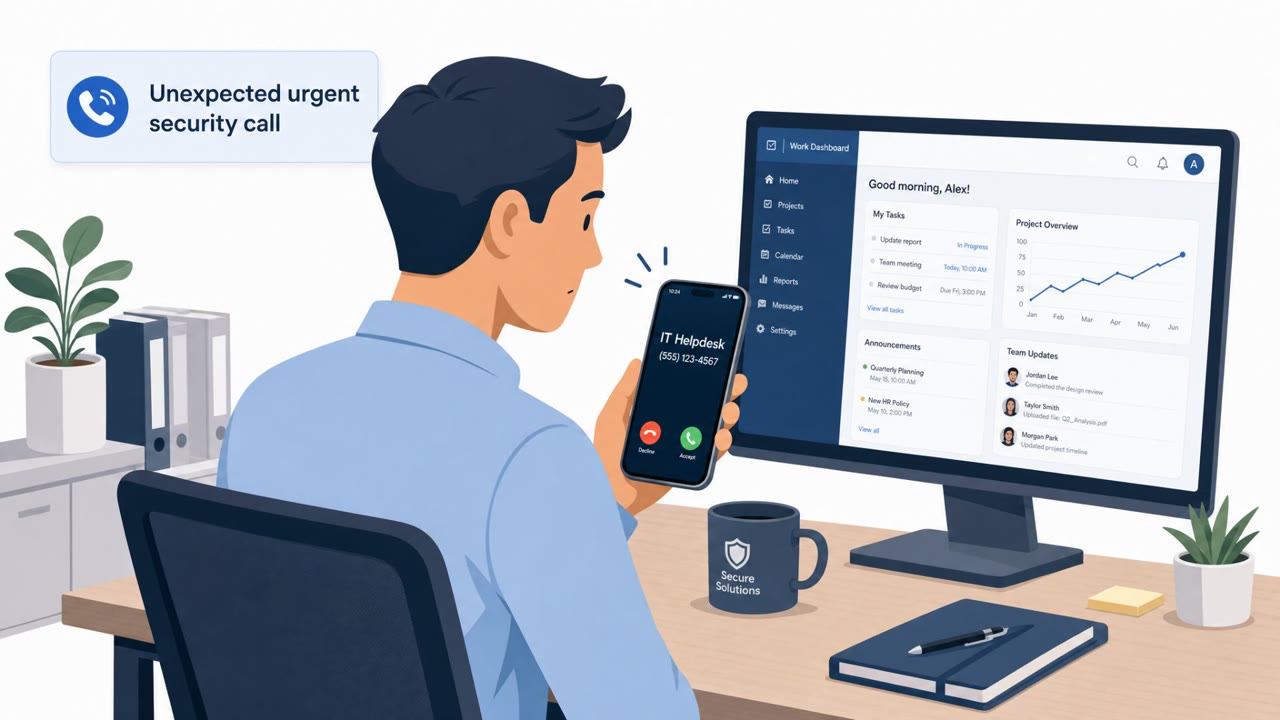
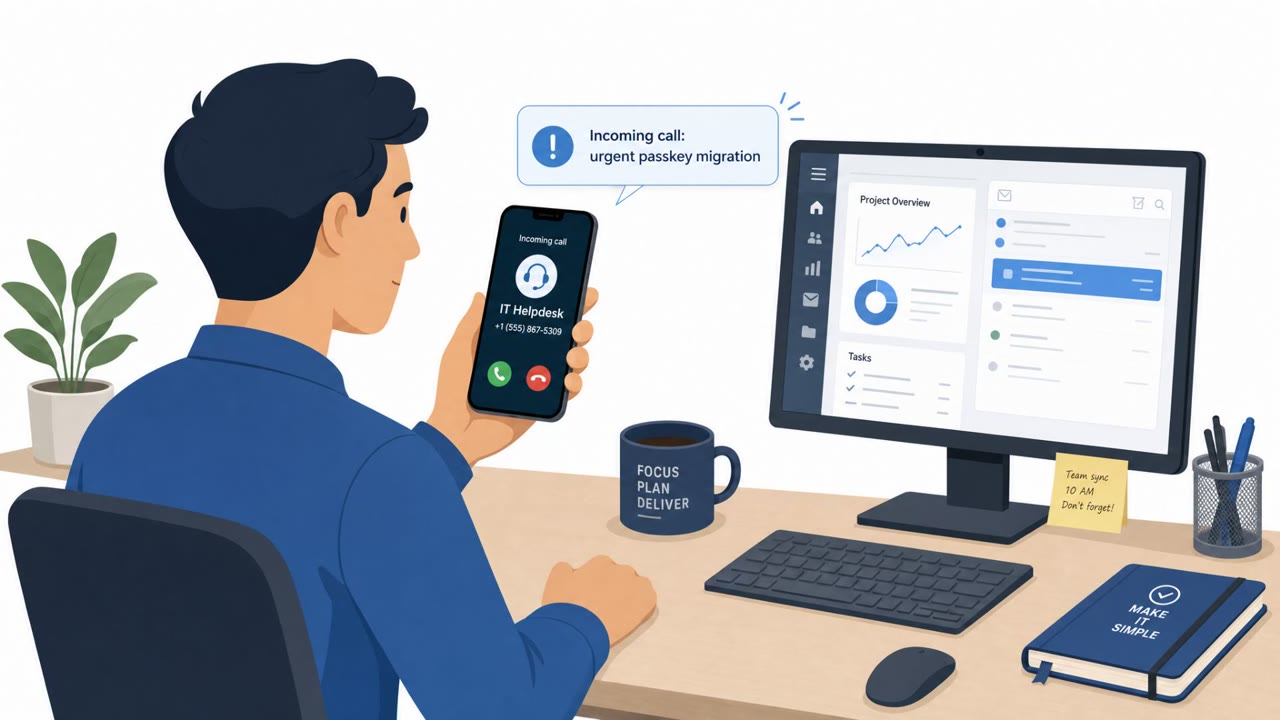
This social engineering campaign begins with a phone call, not an email. The caller claims to be internal IT and walks the employee through what sounds like a routine passkey or MFA setup. Once trust is established, the caller sends a link to an authentication page styled to look like the victim's own company portal, frequently hosted on a subdomain that carries the company's name. Behind that page sits an adversary-in-the-middle panel, manually gated per victim, that stages the real Microsoft 365 login flow, captures the password and MFA approval, and lifts an authenticated session token. The targets are primarily US-based and heavily skew toward Directors, Vice Presidents, and other executive staff.
Why it succeeded
The attack blends a live human interaction with a technically convincing web flow. A phone call from someone claiming to be IT carries built-in authority, and framing the request as routine MFA or passkey setup lowers suspicion since it mirrors legitimate onboarding processes many employees have experienced before. Because the phishing page is branded to look like the company's own sign-in portal and hosted on a lookalike subdomain, visual inspection alone is unlikely to catch it. The session token theft also bypasses the protection MFA is meant to provide, since the token is captured after the victim completes authentication.
What happens after access
Once attackers have a valid session, they move methodically rather than immediately grabbing data. They first review account and app details through pages like My Sign-ins, My Profile, and My Apps. From there they search through SharePoint site by site and page by page to map what is stored before copying anything. The final step is bulk collection and exfiltration from SharePoint, OneDrive, Exchange, and other SaaS providers such as Box, which precedes extortion. Sign-ins and downloads are routed through residential proxies, which complicates detection by making the traffic look like it originates from ordinary consumer networks.
What to watch for
- Unsolicited help-desk calls initiating MFA or passkey setup, especially targeting executives
- Login links sent during a call rather than accessed through a known bookmark or portal
- High volumes of FileAccessed and FileDownloaded events across SharePoint and OneDrive
- Spikes in MailItemsAccessed events suggesting mailbox harvesting
- Sign-ins or downloads originating from residential proxy IP ranges
Building resistance
Organizations should train help-desk staff and end users to treat unexpected IT calls about authentication changes as suspicious and verify them through a known internal number or ticketing system. Employees should be reminded to never sign in through a link sent during a phone call, instead navigating to Microsoft 365 directly. Tightening Conditional Access policies to challenge or block proxy and hosting traffic reduces the value of a stolen token, and monitoring for anomalous residential-proxy token replay alongside bulk file access patterns can help defenders catch the intrusion before mass exfiltration and extortion occur.
Key findings
- Attackers call employees pretending to be internal IT and walk them through “routine” MFA/passkey setup.
- Victims are sent to a company-branded authentication page (often a subdomain containing the company name) that is actually an adversary-in-the-middle (AiTM) setup to capture password + MFA and steal session tokens.
- Targets are “primarily US-based” and heavily include executives (Directors, VPs, and other executive staff).
- After access, attackers first review account/app details (e.g., “My Sign-ins,” “My Profile,” “My Apps”), then systematically enumerate SharePoint before bulk exfiltration from SharePoint, OneDrive, Exchange, and also SaaS like Box.
- Attackers route sign-ins/exfiltration through residential proxies (example: NodeMaven), complicating detection.
Who’s being targeted
- Commonly targeted roles: Executives, Directors and Vice Presidents, IT help desk / Service desk, Microsoft 365 administrators, Security operations (SOC), SharePoint/OneDrive site owners.
- Affected industries: Construction and engineering, Healthcare, Pharmaceuticals, Real estate, Property management, Finance, Professional services.
- Attack channels: vishing, website.
- Impersonated: Internal IT / Help Desk, Microsoft 365 user session (stolen token reuse).
Red flags to watch for
- Unexpected help-desk call initiating MFA/passkey setup
- Login page is a lookalike “company” page hosted on an unfamiliar subdomain
- Caller pressures you to complete sign-in and approve MFA while on the phone
- Unusual access patterns such as systematic SharePoint site-by-site discovery
- High volumes of file access/download events in a short time
- Sign-ins and downloads coming from residential proxy IPs rather than expected corporate locations
Frequently asked questions
How do attackers impersonate IT help desk in this attack?
They call employees, often executives, claiming to be internal IT and walk them through what sounds like routine passkey or MFA setup, then send a company-branded authentication link.
What happens after the fake login page steals credentials?
An adversary-in-the-middle panel captures the password and MFA approval and uses them to pull an authenticated session token, giving attackers direct access to Microsoft 365.
What do attackers do once inside a compromised account?
They first review account pages like My Sign-ins and My Apps, then systematically enumerate SharePoint site by site before performing bulk collection and exfiltration from SharePoint, OneDrive, Exchange, and other SaaS platforms such as Box.
How can organizations detect this activity?
Watch for high volumes of FileAccessed and FileDownloaded events, MailItemsAccessed spikes, and sign-ins or downloads originating from residential proxy IPs rather than expected corporate locations.
Read the video transcript
Imagine this: you pick up the phone and hear, “Hi, this is IT. We need to walk you through a routine passkey and MFA setup.” They text you a link to what looks like our company Microsoft 365 sign-in page, even using our name in the subdomain. You log in, approve MFA while they’re on the line… and they quietly steal your password and session token. With that session, they open My Sign-ins, My Profile, My Apps, then crawl SharePoint site by site before bulk-downloading files from SharePoint, OneDrive, Exchange, even Box, often from residential proxy IPs that don’t look obviously bad. Your move: if “IT” calls you out of the blue to set up MFA or passkeys and sends a login link, hang up, go to our normal M365 portal or bookmark yourself, and contact IT using our official help-desk channel.