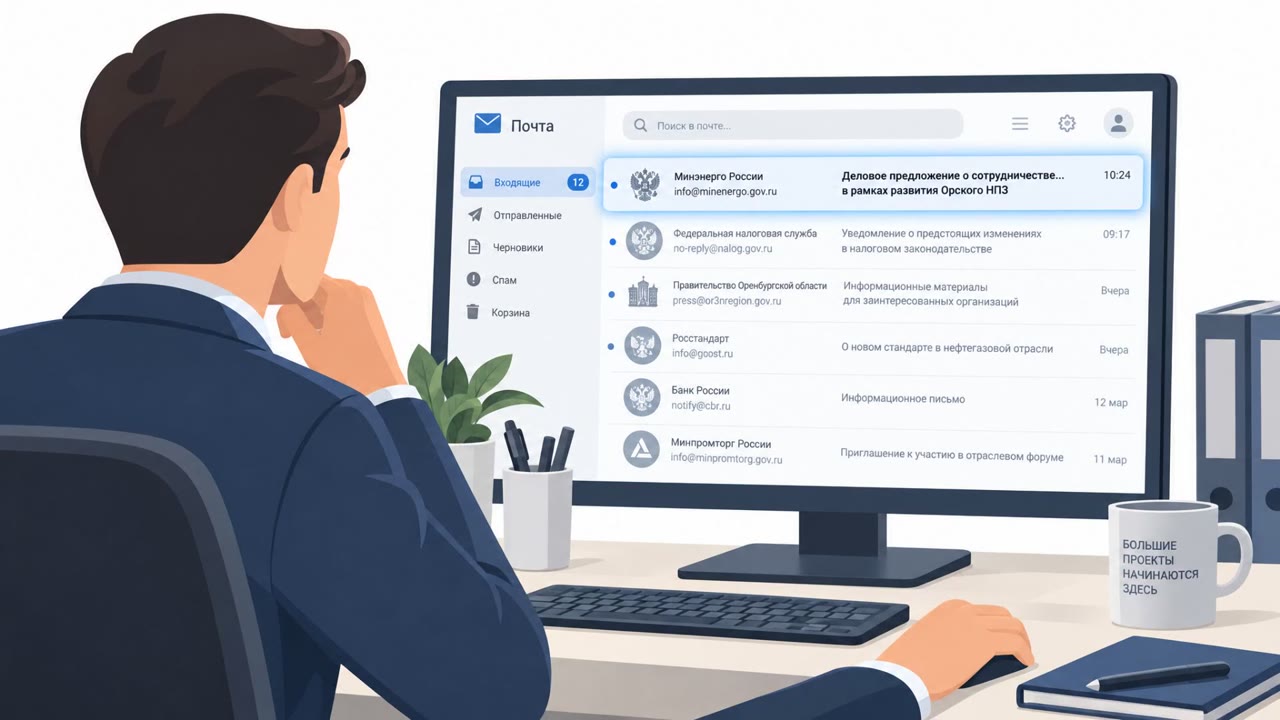
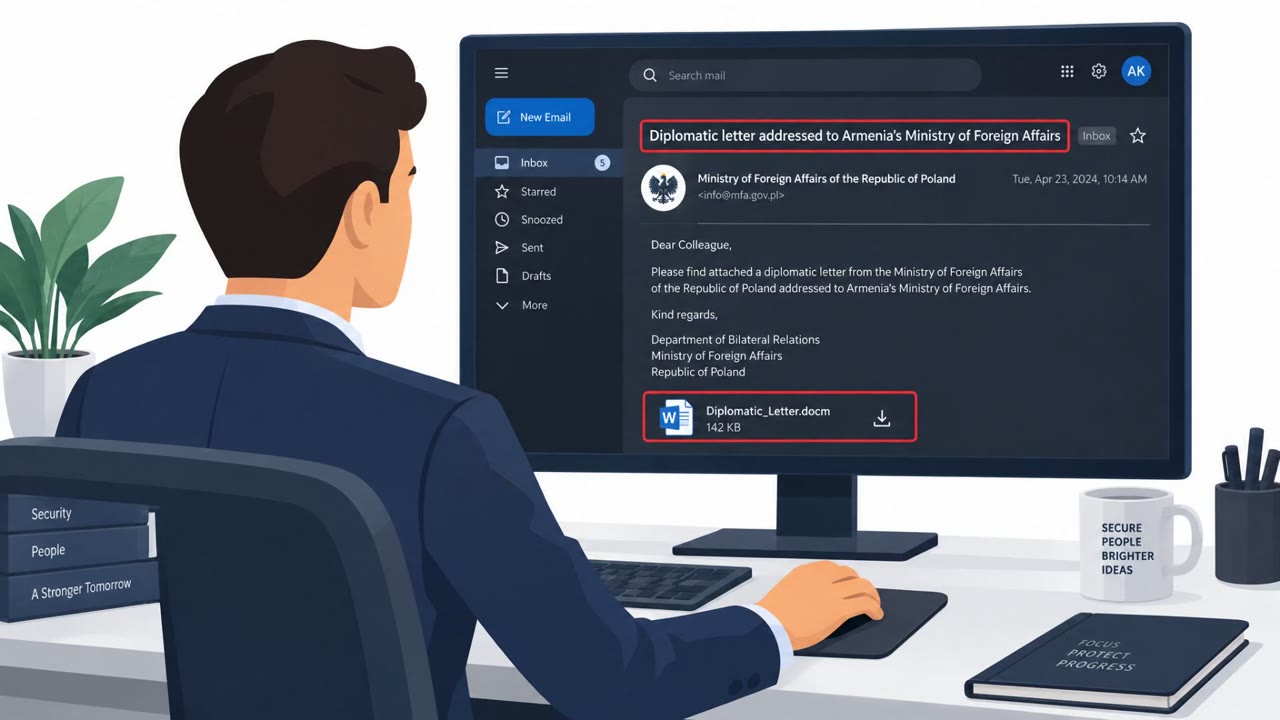
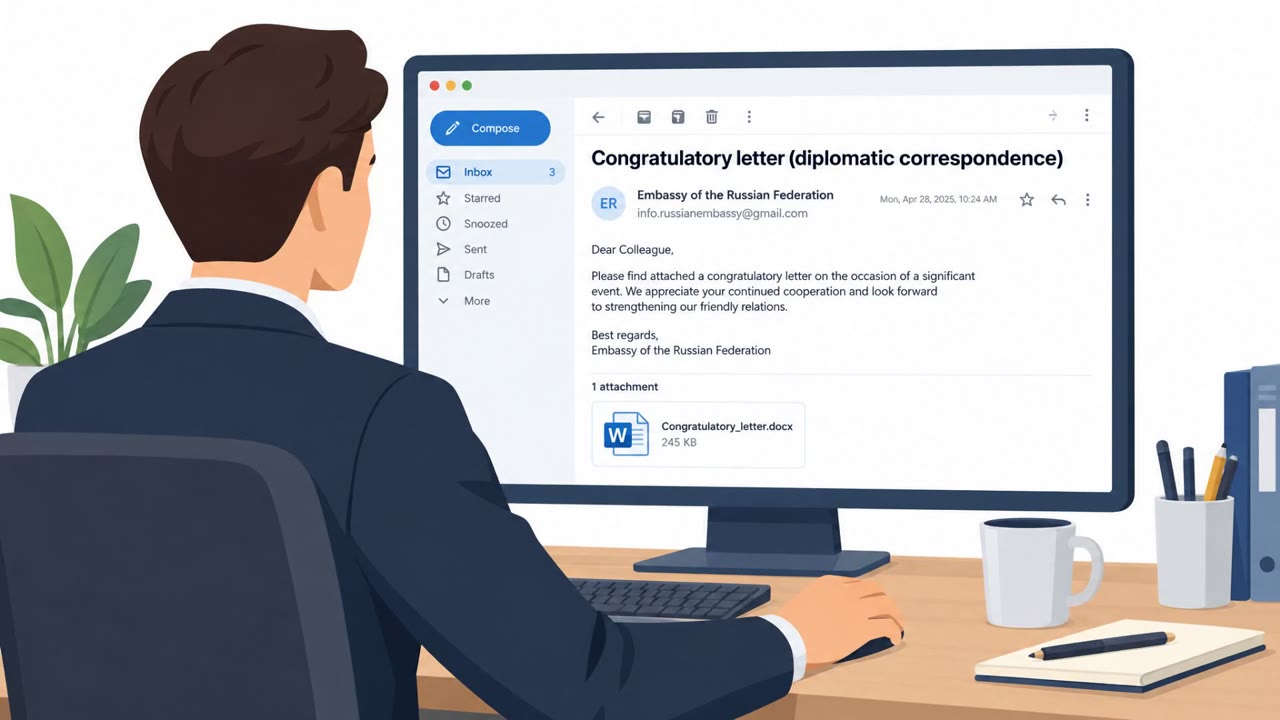
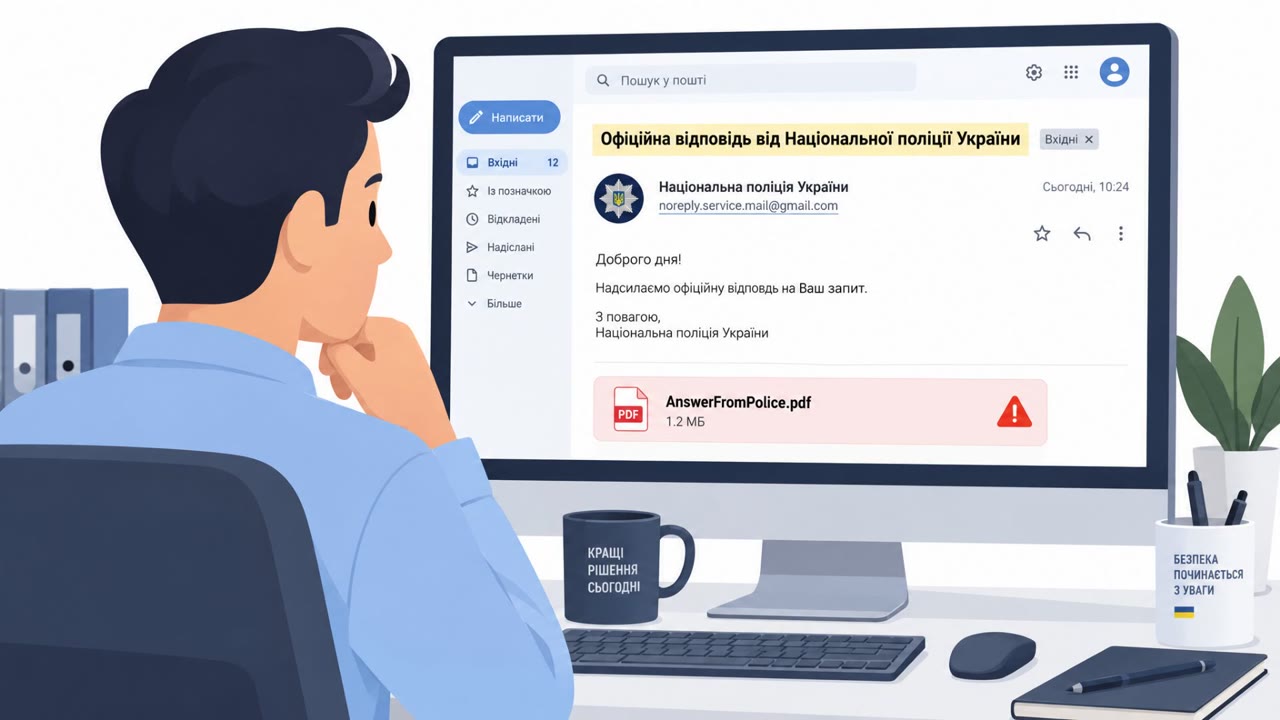
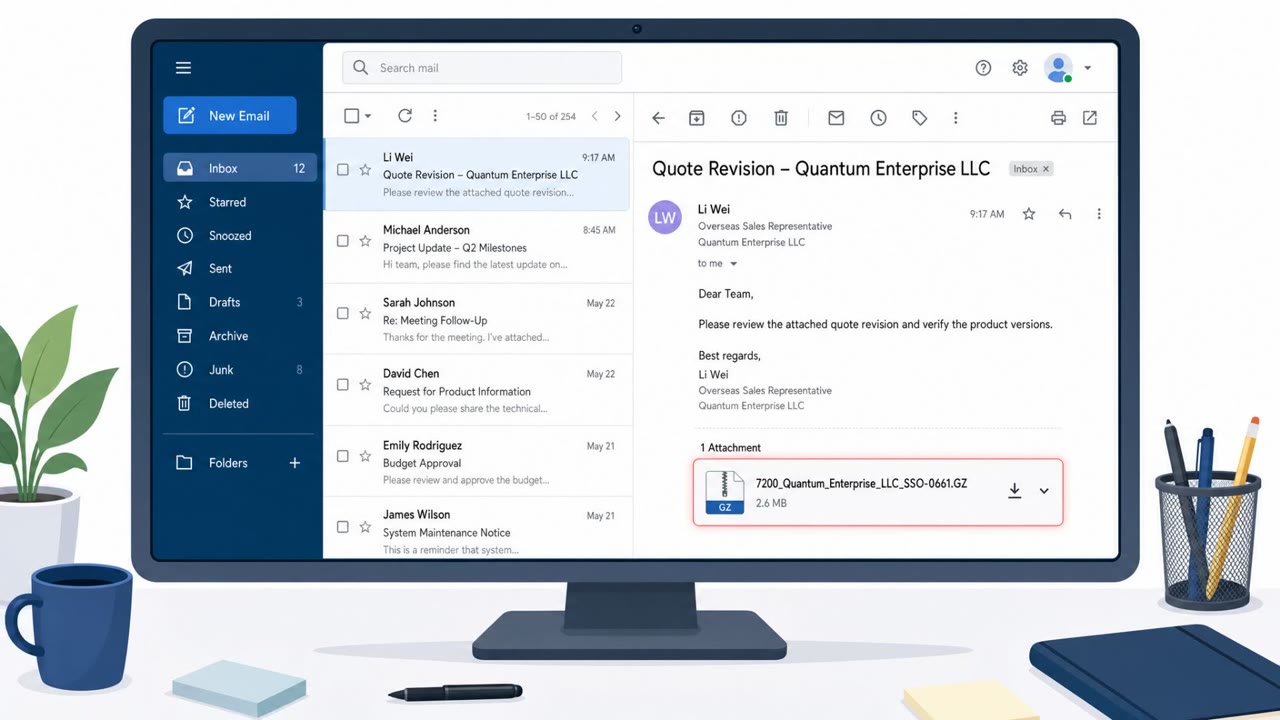
AhnLab reports real-world spear-phishing attacks by the Kimsuky group that impersonate diplomatic personnel and trick targets into opening disguised LNK “document” attachments. Opening the fake document launches scripts that install tools like the PebbleDash backdoor and PrxClient proxy, enabling remote control and data theft. The campaign is described as targeting people in the education sector and using diplomatic-themed decoy files to look legitimate.
How the Attack Worked
This campaign, attributed by AhnLab to the Kimsuky group, relies on spear-phishing emails that impersonate diplomatic personnel. Victims receive what appears to be a document attachment, such as one named to resemble a PDF, but the file is actually an LNK shortcut. Filenames observed include "D.21 SEOUL.Lnk," "AIE NO. 178 SEOUL.Lnk," and a heavily padded name using dots and spaces to hide the true .Lnk extension. When the victim opens the file expecting a document, it instead triggers a script chain, launching tools like Mshta and PowerShell, which act as a dropper for further payloads.
The Payloads Behind the Lure
Once the script chain executes, it installs the PebbleDash backdoor and the PrxClient proxy malware, along with additional tools used for privilege escalation and keylogging. This combination gives an attacker remote control over the compromised system and a path to steal information stored locally, including credentials and other sensitive data.
Why It Succeeded
The lure works because the attachment is disguised to look like an ordinary document, and the decoy content itself carries diplomatic-related themes to reinforce the impersonation. Recipients expecting routine correspondence from a diplomatic contact have little reason to suspect that opening the file will run a script rather than open a document viewer. The use of an LNK file instead of a more commonly flagged executable format also helps the attachment blend in with everyday file traffic.
What to Watch For
- Attachments with a .Lnk extension rather than .pdf or .docx, even if the filename looks document-like
- Filenames padded with excessive dots or spaces, which can be used to hide the real file extension
- Unexpected outreach that claims to come from diplomatic personnel, particularly directed at education-sector staff
- Any attachment that triggers a script or installer process instead of opening in a normal viewer
Building Resistance
AhnLab notes that this campaign has recently focused on individuals working in the education sector, including faculty, researchers, and administrative staff, making targeted awareness training for this group a priority. Organizations should reinforce that file extensions matter more than filenames, verify unexpected requests from high-trust external contacts such as diplomatic staff before opening attachments, and treat any script-driven behavior following an attachment open as a signal to isolate the system and investigate. Combining user awareness with technical controls that flag LNK attachments in email can reduce the chance that this type of disguised-document lure leads to a successful compromise.
Key findings
- Attackers impersonated diplomatic personnel and used diplomatic-themed decoy documents to entice victims.
- The lure relied on LNK files disguised as documents (e.g., PDF-looking filenames) that executed scripts to install malware.
- Payloads included PebbleDash (backdoor) and PrxClient (proxy), plus tooling for privilege escalation and keylogging.
- AhnLab states the campaign recently targeted individuals working in the education sector.
Who’s being targeted
- Commonly targeted roles: Education staff, Faculty, Researchers, Administrative staff, IT / Helpdesk (for attachment handling guidance).
- Affected industries: Education, Government / Public sector (diplomatic theme / impersonation).
- Attack channels: email.
- Impersonated: Diplomatic personnel.
Red flags to watch for
- Attachment is a .Lnk file rather than a .pdf/.docx
- Filename is made to look like a document but is executable
- Unexpected diplomatic outreach to education-sector staff
- “PDF” is actually a .Lnk file
- Excessive dots/spaces in filename to hide the real extension
- Attachment launches scripts (PowerShell/mshta) instead of opening a document
Frequently asked questions
What is the Kimsuky LNK phishing attack?
It is a spear-phishing campaign in which attackers impersonate diplomatic personnel and send LNK files disguised as documents, such as PDFs, that install backdoor and proxy malware when opened.
Who is being targeted by this campaign?
AhnLab reports the campaign has recently targeted individuals working in the education sector, including faculty, researchers, and administrative staff.
What malware does the attack install?
The LNK files execute scripts that install the PebbleDash backdoor and PrxClient proxy malware, along with tools for privilege escalation and keylogging.
How can I spot one of these malicious attachments?
Watch for attachments with a .Lnk extension disguised to look like a .pdf or .docx, especially with excessive dots or spaces used to hide the real file extension.
Read the video transcript
You get an email from a “diplomat” to your campus inbox: “Please review the attached document.” Looks important, right? But this “document” is actually an LNK shortcut. Names like “vvn.31.Pdf………….Lnk” hide the real extension. When you open it, it doesn’t show a real PDF; it quietly runs PowerShell and mshta to drop PebbleDash and PrxClient for remote control and data theft. Here’s the gotcha: Kimsuky is sending these to people in the education sector, impersonating diplomatic personnel and using diplomatic-themed decoy files. The only thing that gives it away? The attachment isn’t a real .pdf or .docx at all, it’s .Lnk. So if a “diplomat” sends you a document and the attachment ends in .Lnk, stop. Don’t open it, report the email to security and delete it.