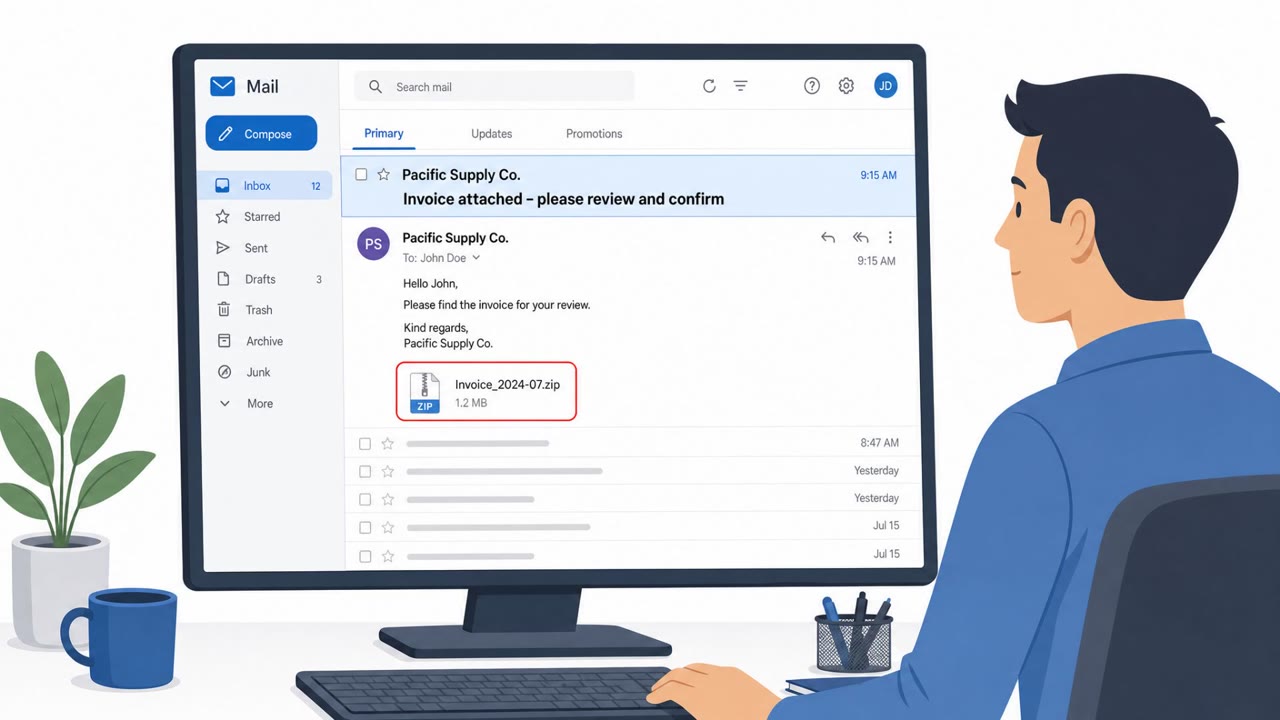
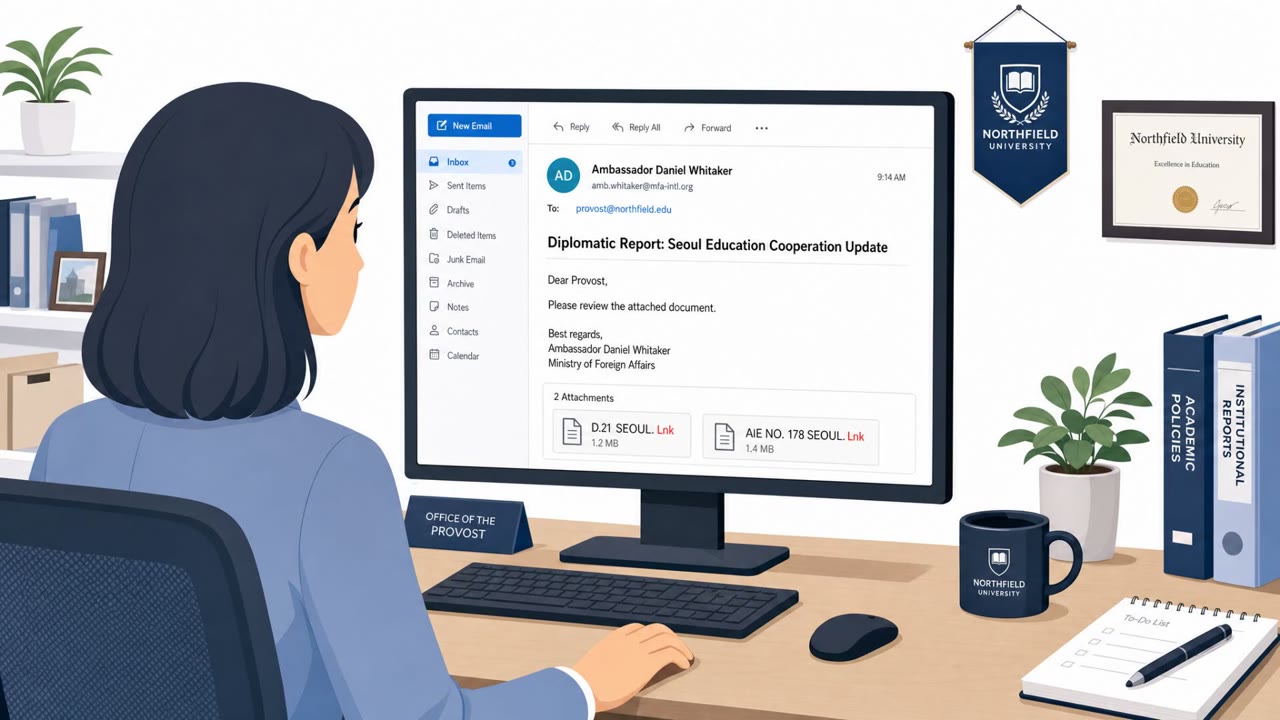
AhnLab reported a real phishing email campaign that pretends to be a sales representative asking the victim to review and revise a quote and verify product versions. The email includes a malicious compressed attachment that leads to an executable which ultimately installs PhantomStealer, an information-stealing malware.
How the Attack Worked
This campaign, reported by AhnLab ASEC, used a business-like pretext to get a foothold on victim machines. The sender impersonated a sales team member at an overseas company and claimed that a previous quote needed to be revised, asking the recipient to verify product versions and review an attached quote. This kind of request fits naturally into procurement, finance, and sales workflows, which is likely why those roles are called out as primary targets.
The email carried a compressed attachment named 7200_Quantum_Enterprise_LLC_SSO-0661.GZ. Inside was an executable, 7200_Quantum_Enterprise_LLC_SSO-0661.Exe. If a recipient extracted and ran that file, it functioned as an injector: it attempted to disable security tools and then ran PhantomStealer inside a legitimate Windows process, making detection harder.
Why It Succeeded
The pretext works because it mirrors routine business correspondence. A request to double-check a quote or verify product versions is mundane enough that recipients in procurement, finance, and sales may not pause before opening the attachment. There is no obvious urgency or threat in the language, which lowers suspicion compared to more aggressive phishing lures.
The attack also relies on a compressed file format to bypass some email security filtering, since scanners may not always unpack and inspect nested executables the same way they inspect direct attachments.
What PhantomStealer Does
Once running, PhantomStealer is built to harvest a wide range of sensitive data, including:
- Keystrokes and screenshots
- Account credentials stored in browsers and applications
- Login session cookies
- System and network information
- Cryptocurrency wallet data and clipboard contents
This breadth means a single successful click can expose stored passwords, active sessions, and financial assets, not just a single account.
Red Flags to Watch For
- Unexpected compressed attachments tied to a quote or invoice
- Pressure to "verify" or "revise" details using an attachment instead of a known portal or system
- Attachments that unpack into executable (.exe) files
Building Resistance
Organizations should treat unsolicited quote or invoice emails with attachments as high-risk, even when they look like ordinary business correspondence. Employees handling procurement, finance, and sales communications should be trained to avoid opening compressed attachments from unfamiliar senders and to never run executables received by email. If an attachment has already been opened, reporting it immediately gives security teams the best chance to limit exposure of credentials, session cookies, and wallet data before they are exfiltrated. This maps to techniques such as T1566.001 and T1204.002.
Key findings
- The phishing pretext is a business-like request to review/revise a quote and verify product versions.
- The lure is a compressed attachment named “7200_Quantum_Enterprise_LLC_SSO-0661.GZ” containing an executable “7200_Quantum_Enterprise_LLC_SSO-0661.Exe.”
- If opened, the executable acts as an injector that attempts to disable security tools and run PhantomStealer inside a legitimate Windows process.
- PhantomStealer is described as collecting keystrokes, screenshots, stored browser/app credentials, session cookies, and cryptocurrency wallet/clipboard data.
- The report lists an apparent C2/mail server configuration: “mail.Mnt[.]Com:587” and a username “phan@trimnt.Com”.
Who’s being targeted
- Commonly targeted roles: Procurement, Finance/AP, Sales, Executive Assistants, All employees (general awareness).
- Attack channels: email.
- Impersonated: A sales team member at an overseas company.
Red flags to watch for
- Unexpected compressed attachment related to a quote
- Pressure to revise/verify details using the attachment rather than a known system/portal
- Attachment contains (or leads to) an executable file
Frequently asked questions
What is the PhantomStealer phishing attack?
It is a phishing email campaign that impersonates a sales team member asking a recipient to review and revise a quote and verify product versions, using a compressed attachment that leads to an executable installing PhantomStealer malware.
What does PhantomStealer steal?
According to the report, it collects keystrokes, screenshots, stored browser and application credentials, login session cookies, system and network information, and cryptocurrency wallet and clipboard data.
How does the malicious attachment work?
The email contains a compressed file named 7200_Quantum_Enterprise_LLC_SSO-0661.GZ, which contains an executable that acts as an injector, attempting to disable security tools before running PhantomStealer inside a legitimate Windows process.
What should employees do if they open the attachment?
The report's guidance is to report it immediately, since the attack is designed to steal sensitive information such as passwords, cookies, and wallet data.
Read the video transcript
You get an email: “Please review the attached quote revision and verify the product versions.” Looks totally routine, right? But that .GZ file hides an EXE: 7200_Quantum_Enterprise_LLC_SSO-0661.Exe. Open it, and PhantomStealer quietly injects into Windows, turns off protection, and starts grabbing keystrokes, screenshots, saved passwords, cookies, even crypto wallet data. Here’s the tell: a random overseas “sales rep” sends an unsolicited quote revision, and the only way to review it is a compressed .GZ file that turns into an EXE. Real vendors send quotes as PDFs or through your usual portal, not as runnable programs. Your move: if an email quote or invoice comes with a compressed file or anything that turns into an EXE, don’t open it, report it to Security immediately.