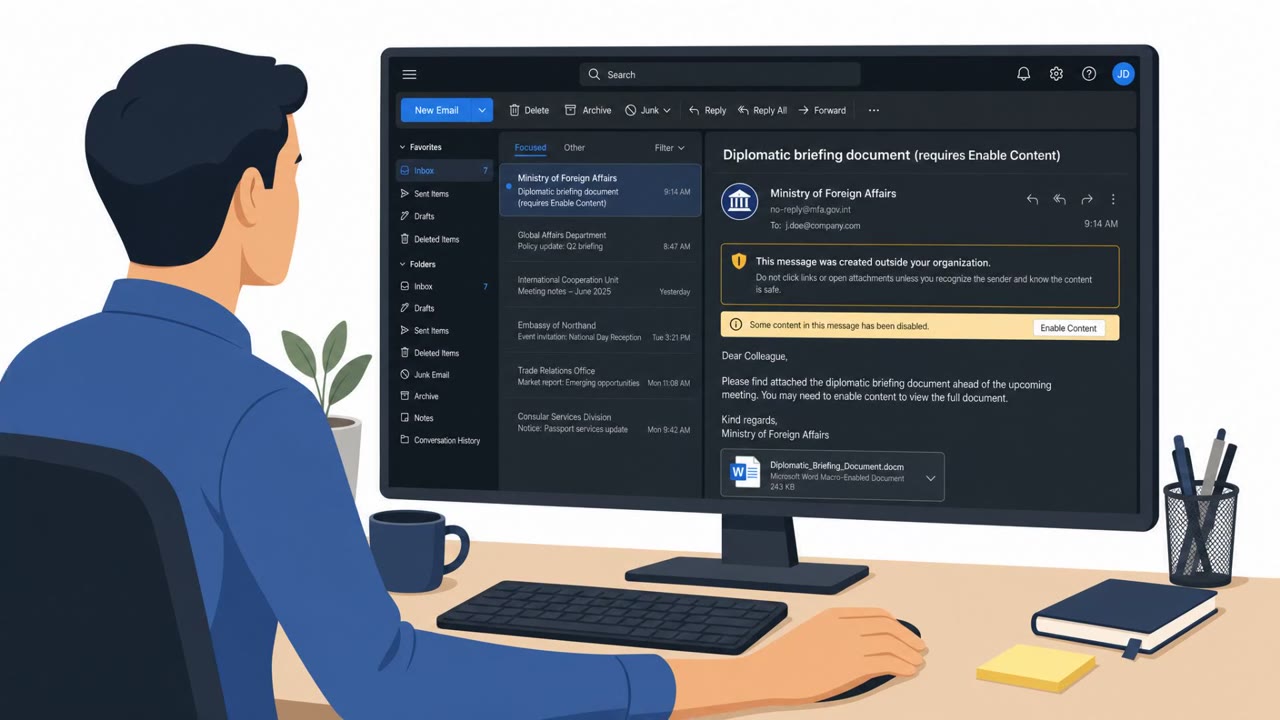
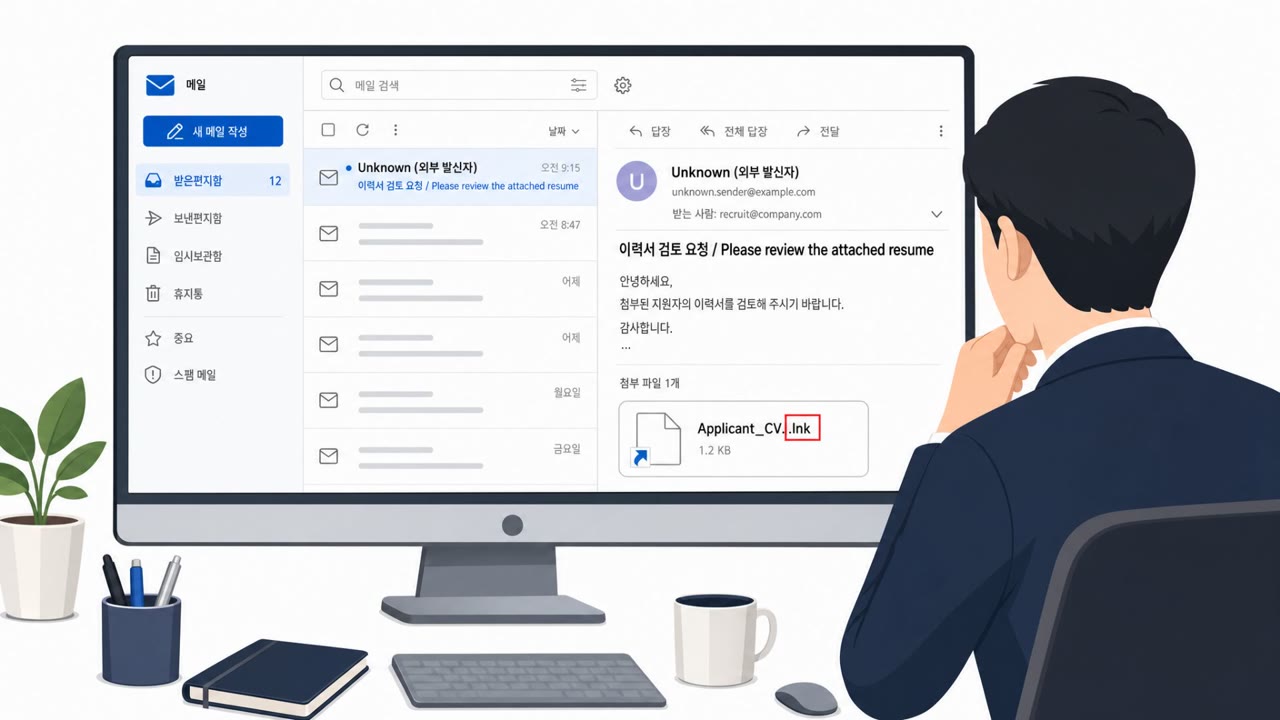
Researchers say North Korea-linked Kimsuky is using AI tools to improve phishing campaigns that deliver malware through ZIP files containing malicious Windows shortcut (LNK) files. The lures are designed to look like legitimate international event materials, research reports, or meeting requests, and some are tailored to finance/virtual asset themes to increase trust. Once opened, the attack triggers PowerShell-based malware and uses Git repositories as command-and-control infrastructure.
How the attack worked
Kimsuky, a threat actor linked to North Korea, has been observed using AI tools to improve the quality of its phishing lures. The campaign delivers ZIP file attachments that contain malicious Windows shortcut (LNK) files disguised as materials tied to international events, research reports, or meeting requests. When a recipient opens the ZIP and runs the LNK file, it triggers an embedded PowerShell loader that begins the infection process. Some lures are specifically tailored to finance and virtual asset themes, which are used to increase the target's trust in the message. The attack infrastructure also relies on public Git repositories, which serve as command-and-control channels as well as tools for malware development, testing, and data management.
Why it succeeded
The core reason these lures work is that AI-generated decoy documents look and read like legitimate business materials. They use natural language, polished structure, and formats similar to authentic documents, which reduces the suspicion a recipient might otherwise feel. Historically, defenders and employees have been trained to spot phishing through poor grammar, awkward translations, or formatting mistakes. That signal is now unreliable because AI can produce lures that read as well as genuine correspondence, removing one of the most commonly taught detection cues.
What to watch for
Several behaviors are worth flagging even when the writing itself looks legitimate:
- Unexpected ZIP attachments where a simple document share would normally use a PDF or Word file
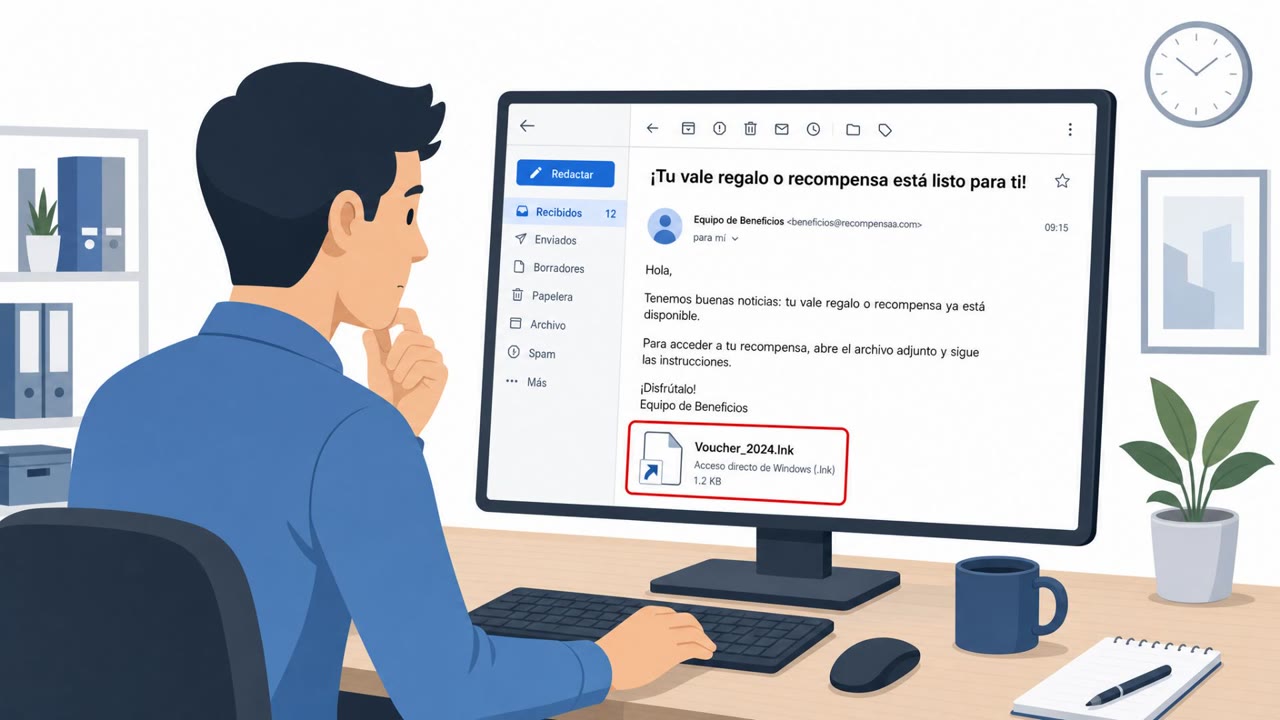
- A file inside a ZIP archive that turns out to be a Windows shortcut (.LNK) rather than a document
- Messages that pressure recipients to open an attachment instead of using an established shared drive or verified link
- Unsolicited finance or virtual asset topics designed to trigger curiosity or urgency
- Highly polished writing in an unsolicited message that feels unusually well-crafted for the context
Building resistance
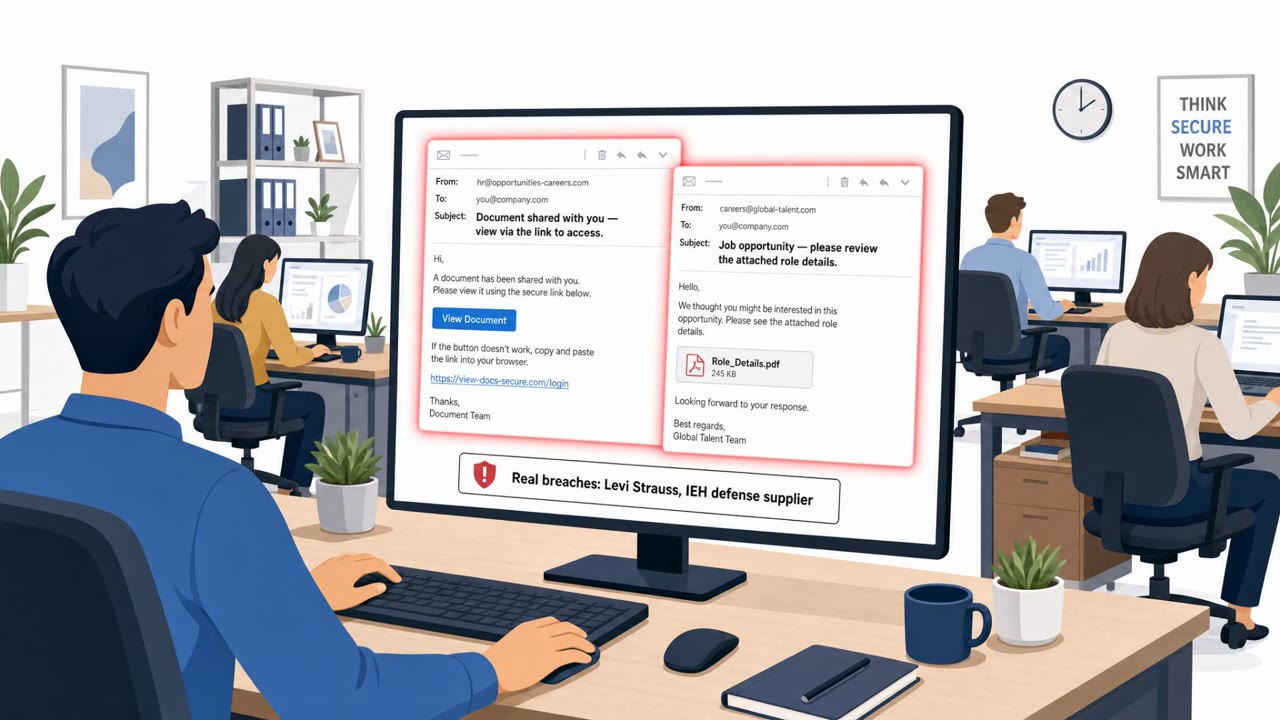
Because writing quality is no longer a dependable signal, organizations should shift toward behavior-based detection. This means watching for anomalous activity after a file is opened, such as PowerShell execution, attempts to establish persistence, or unexpected external communications. Security teams should also train staff, particularly executive assistants, government program staff, finance and treasury employees, and researchers, to treat ZIP attachments containing LNK files as inherently high risk and to report them rather than open them. Building a habit of verifying meeting requests and business documents through a known channel, rather than acting on an attachment alone, reduces the chance that a well-crafted lure leads to a successful compromise.
Key findings
- Kimsuky is operating local LLM tools (e.g., Ollama, GPT4All, Msty) to support attack operations and reduce exposure to cloud-based monitoring.
- Recent phishing emails deliver ZIP files containing malicious LNK shortcuts that run an embedded PowerShell loader when executed.
- AI-generated decoy documents are designed to look like real business materials and increase user trust, including lures related to finance and virtual assets.
- Attack infrastructure includes public Git repositories used for command-and-control as well as malware development/testing and data management.
- Defenders are advised to rely less on “bad writing” cues and more on behavior-based detection after LNK execution (PowerShell, persistence, external communications).
Who’s being targeted
- Commonly targeted roles: Government staff, Executives and executive assistants, Finance/Treasury teams, Researchers and analysts, Security operations / IT helpdesk.
- Affected industries: Government, Think tanks, Academia, Security research.
- Attack channels: email.
- Impersonated: Conference organizer or external collaborator, Business partner or finance-related contact.
Red flags to watch for
- Unexpected ZIP attachment for a simple document share
- File inside the ZIP is a Windows shortcut (.LNK) instead of a PDF/Word document
- The message pressures opening attachments rather than using an official shared drive/link
- Highly polished writing that feels “too perfect” for an unsolicited outreach
- Unsolicited finance/virtual asset topic aimed at triggering curiosity/urgency
- Attachment-driven workflow rather than a known, verified business process
Frequently asked questions
What makes Kimsuky's phishing lures different from typical phishing?
Kimsuky uses AI tools to generate decoy documents with natural language and polished formatting that mimic real business materials, making them harder to spot than traditional phishing with obvious errors.
How does the malware get executed in these attacks?
Victims receive a ZIP file containing a malicious Windows shortcut (LNK) file; opening the archive and running the LNK triggers an embedded PowerShell loader.
Should employees still look for spelling and grammar mistakes to spot phishing?
No. Because AI can produce convincing, well-written decoy documents, relying on writing quality as a red flag is no longer effective; behavior-based detection after file execution is recommended instead.
What roles are most targeted by these lures?
Government staff, executive assistants, finance and treasury teams, researchers, and security operations or IT helpdesk staff are named as target audiences.
Read the video transcript
That super-polished email about an ‘upcoming international meeting’? It might be AI-written malware from Kimsuky. Kimsuky runs local AI tools like Ollama and GPT4All to craft these lures, then hides malware in a ZIP. Inside is a Windows shortcut, a .LNK file, that silently launches PowerShell when you double-click it. They even send flawless finance or virtual asset “reports” that feel legit on purpose. Your tell isn’t bad grammar anymore, it’s the weird workflow: unexpected ZIP, and inside, a shortcut instead of a PDF or Word file. If you get a ZIP that holds a .LNK shortcut instead of a normal document, stop, don’t open it. Report the email and attachment to security immediately.