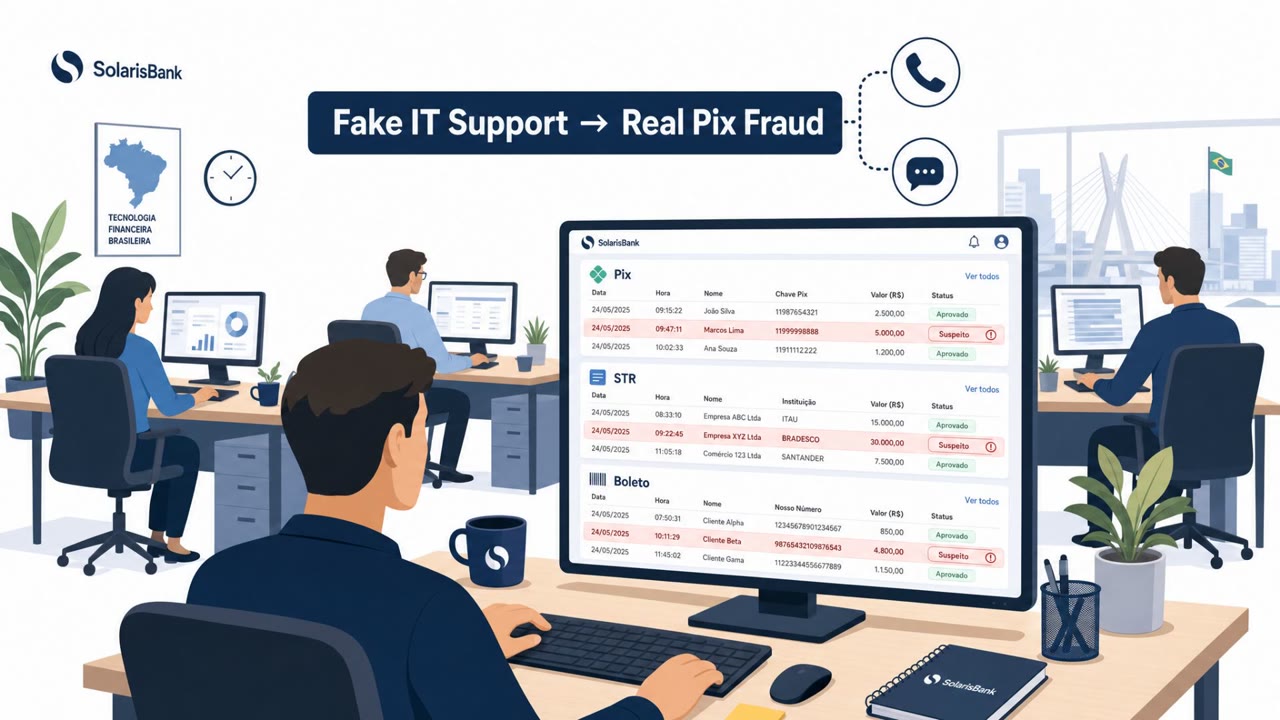
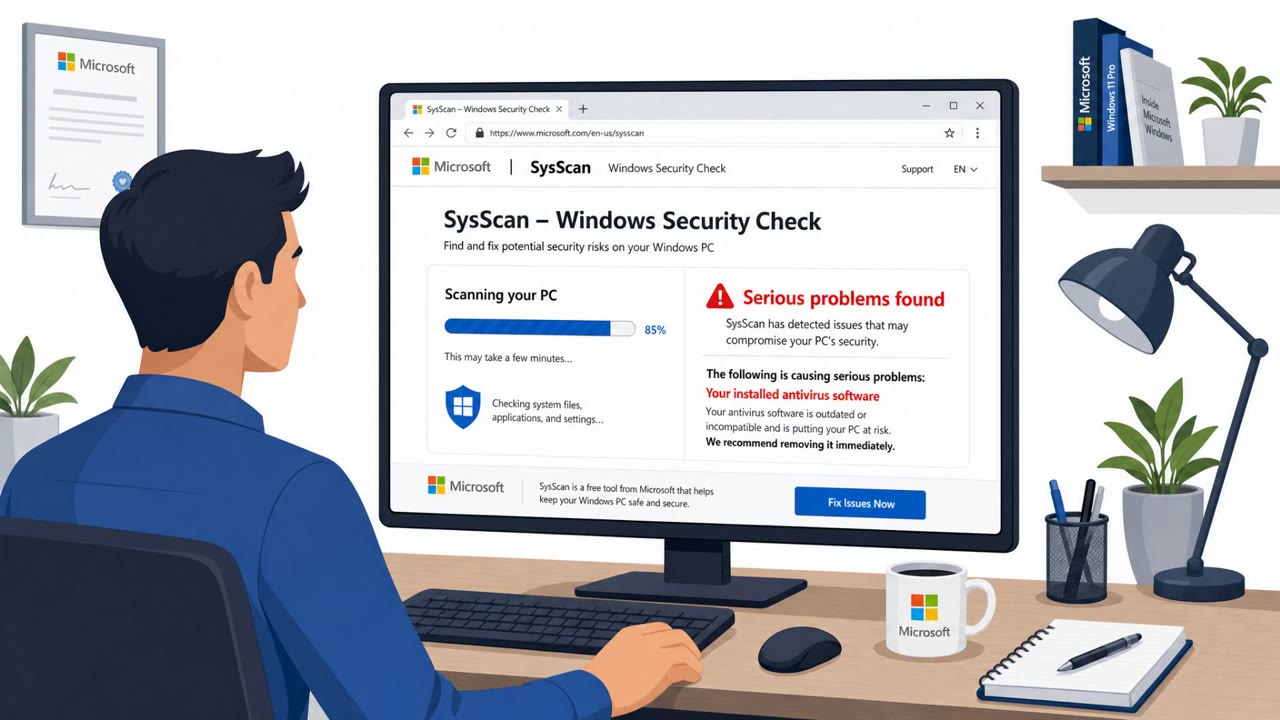
Leaked internal files suggest the Luna Moth (Silent Ransom Group) operation used scripted phone-based impersonation to convince employees to grant remote access to their work computers. The leak indicates a coordinated two-person workflow, one attacker talks to the victim while another operates the remote-access session, to steal data and extort payment.
How the attack worked
According to leaked internal files, the Luna Moth operation (also referred to as Silent Ransom Group) relied on scripted phone calls rather than malware delivery to gain initial access. The process reportedly began with a planning stage where operators researched target organizations and individuals, gathering enough business context to make the first contact look legitimate before pushing the conversation to a phone call.
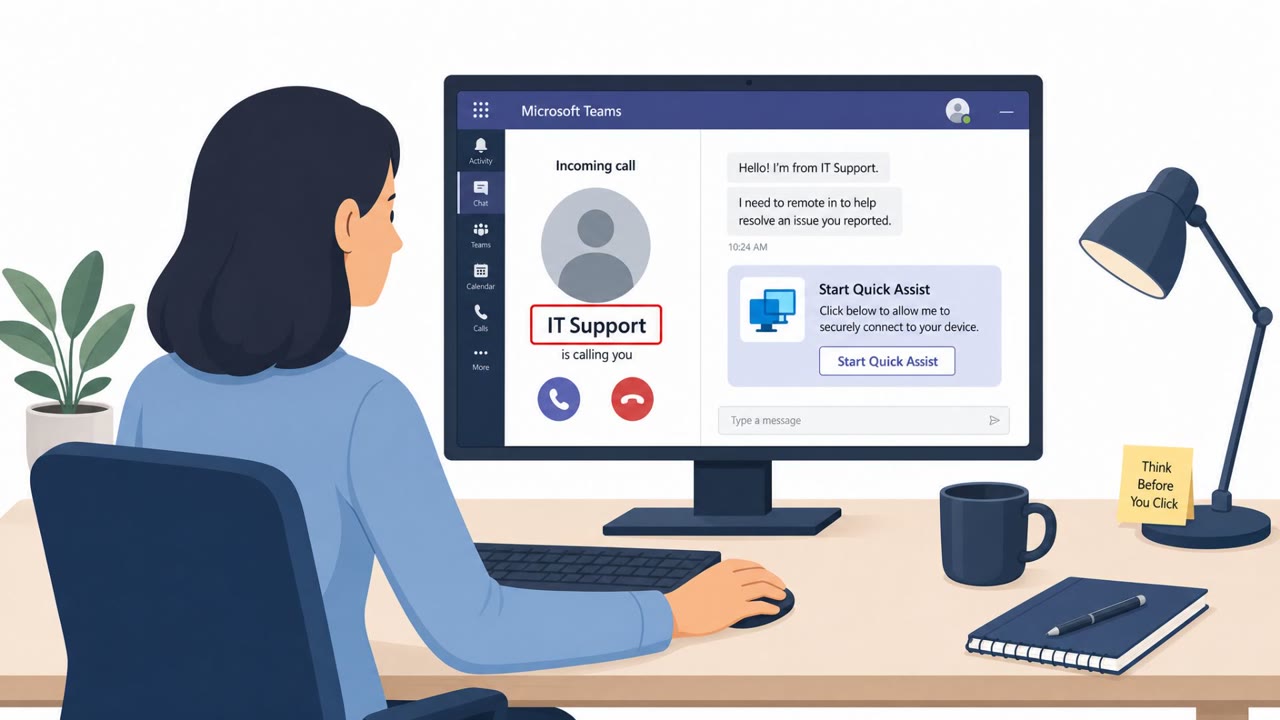
Once on the phone, the attacker typically impersonated IT support or an IT security worker and asked the employee to approve a remote-access session using a remote access software tool. The leak suggests this wasn't improvised: attackers were reportedly given scripts that accounted for common victim reactions, including guidance on how to respond if someone was distrustful or resistant to the request.
A coordinated two-person workflow
One of the more notable details from the leak is the apparent division of labor. While one attacker stayed on the line, reassuring the victim and keeping them calm, a second person reportedly operated the remote-access tool in the background. The two were said to coordinate through a group messaging service, allowing the conversation to continue smoothly while technical actions happened out of view of the victim.
This structure meant the person speaking to the victim could focus entirely on sounding credible and managing objections, while the actual intrusion work happened in parallel, making the call feel more like an internal support interaction than a security incident.
Why it succeeded
- The pretext leveraged a trusted, familiar role, internal IT support, that employees are conditioned to cooperate with.
- Scripted responses to skepticism reduced the chance a hesitant employee would end the call or raise an alarm.
- Splitting the social and technical work let each attacker focus on their task, improving the credibility of the call and the efficiency of the access.
- The approach targeted a wide range of roles, including finance, HR, and executive assistants, not just technical staff.
What to watch for and how to build resistance
- Treat unsolicited calls claiming to be IT support or IT security as suspicious, especially if they pressure you to grant remote access quickly.
- Verify any unexpected IT request through a separate, known channel, not a number or contact provided by the caller.
- Be alert to callers who try to bypass normal ticketing or verification steps.
- Limit which remote access tools employees are permitted to install or use, reducing the options available to an attacker even if a call succeeds in persuading someone.
- Train staff to expect persistence and rehearsed answers to objections, since attackers may already have a response prepared for hesitation or distrust.
Key findings
- The operation reportedly starts with research to make initial outreach look legitimate before pushing the victim into a phone conversation.
- Attackers commonly impersonate IT support/IT security to persuade employees to approve a remote-access session.
- Leaked guidance allegedly includes scripts for handling common victim reactions, including distrust or resistance.
- The leak suggests a split-role model: one person talks to the victim while another runs the remote-access tool, coordinating via group messaging.
Who’s being targeted
- Commonly targeted roles: All employees, IT helpdesk, Security team, Finance, HR, Executive assistants.
- Attack channels: vishing.
- Impersonated: Internal IT Support / IT Security, Internal IT Support (two-person ‘support team’).
Red flags to watch for
- Unsolicited IT call that pressures you to grant remote access
- Caller tries to bypass normal ticketing/verification steps
- Request to use/install a remote access tool you don’t normally use
- Caller focuses on keeping you calm/distracted rather than explaining a verifiable ticket/request
- You hear delays while “someone else” is supposedly working in the background
- Remote session activity doesn’t match what was explained
Frequently asked questions
How did Luna Moth trick employees into granting remote access?
Attackers posed as IT support or IT security staff on the phone, convincing employees to approve a remote-access session on their work computer using a remote access software tool.
Did one attacker handle the whole scam?
No, leaked documents suggest a split-role model where one person talked to the victim to keep them calm while a second person operated the remote-access tool, coordinating through a group messaging service.
What should employees do if they get an unexpected IT support call?
Verify the request through a separate, known channel rather than the number that called, and avoid approving remote sessions or installing remote access tools on request.
Were the attackers prepared for skeptical employees?
Yes, leaked guidance reportedly included scripts covering common victim responses, including how to handle someone who is distrustful or resistant.
Read the video transcript
Imagine this: your phone rings, and it’s “IT security” saying, “We need to check something on your computer.” This is how the Luna Moth group works: one person talks like calm IT support, while a second quietly drives a remote-access tool on your machine to steal data and set up extortion. They’ve done their homework, they follow scripts for every reaction, and they push: “Can you start a remote support session so we can fix it?” If it’s an unexpected call, that pressure to install or approve a remote tool is your red flag. Your move is simple: if IT calls you out of the blue asking for remote access, hang up and call your real IT number or helpdesk portal yourself before you click anything.