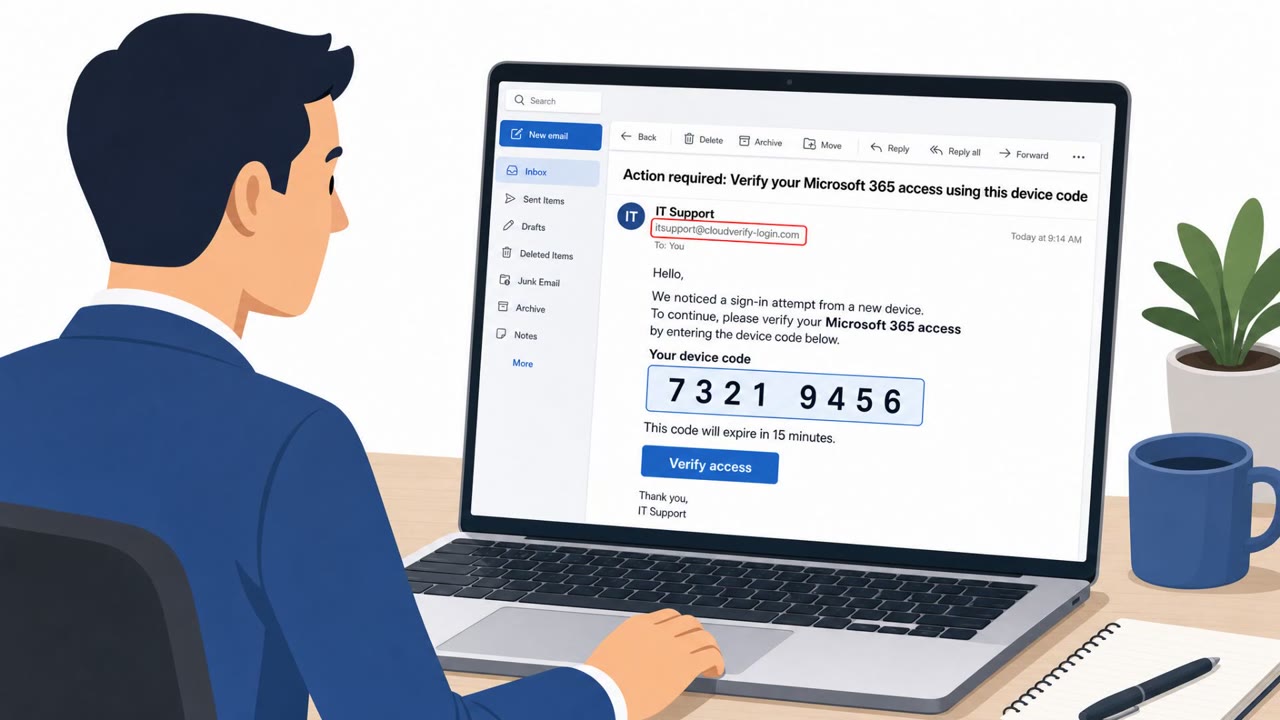
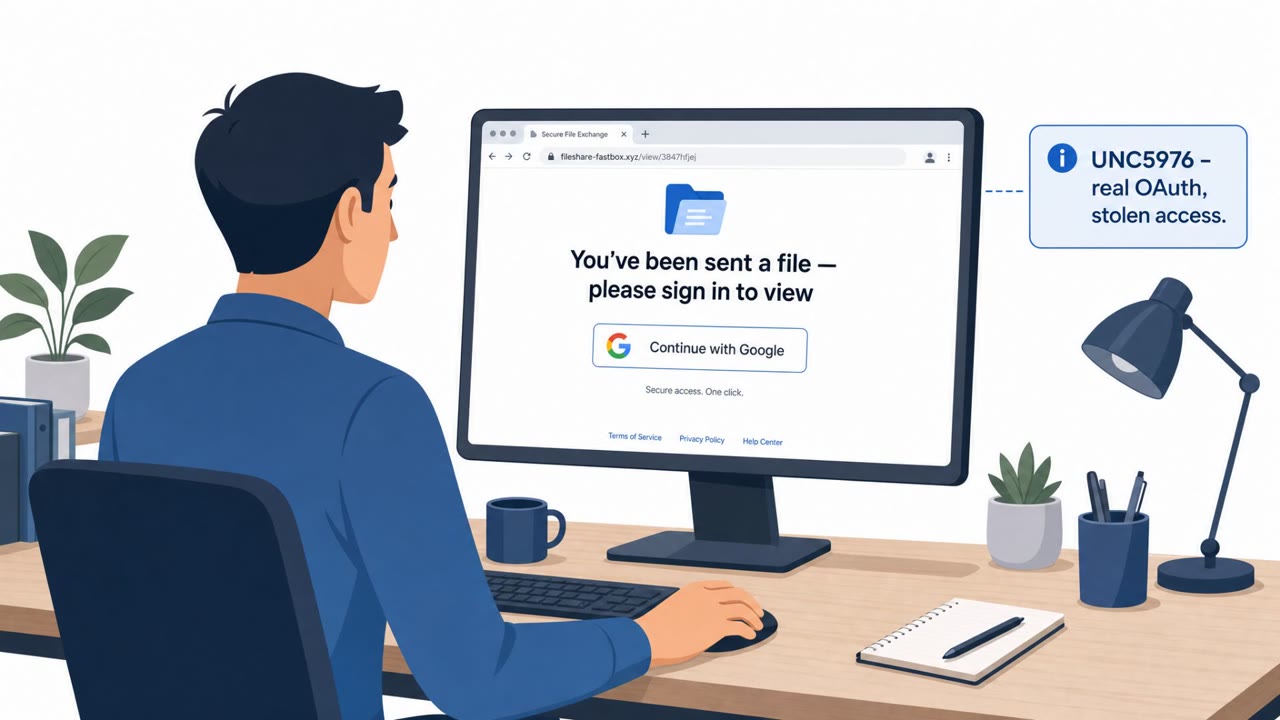
A SecurityWeek roundup highlights multiple real-world scams and campaigns where attackers trick people rather than “hack” systems directly. Notable items include OAuth “consent phishing” (getting users to approve a malicious app’s access), and phishing-evasion using invisible Unicode characters inserted into financial lure words.
Key findings
- Microsoft observed a phishing-related evasion campaign (Feb–Jun) using invisible Unicode tag characters inserted into financial lure terms such as “funding,” generating up to 2.37 million messages per day.
- The FBI warned that attackers are using OAuth consent phishing to get persistent access without stealing passwords by impersonating trusted figures and pushing victims to approve a malicious app.
- US banking customers were targeted via fake financial websites and sponsored search results that redirected victims into credential-harvesting phishing pages.
- A former AT&T employee was sentenced for SIM swapping that enabled account takeovers and attempted losses near $600,000 (insider-enabled fraud).
Who’s being targeted
- Commonly targeted roles: All employees, Executives, Finance, IT / IAM (identity and access management), Helpdesk / Service desk.
- Affected industries: Finance / Banking, Telecommunications, Government.
- Attack channels: email, website.
- Impersonated: A trusted figure (e.g., internal leader/vendor contact), A financial institution (bank).
Awareness takeaways
- Treat “app permission” requests as high-risk and verify before approving OAuth consent (especially if it offers access to email/files).
- Be cautious with search ads for sensitive logins (like banking). Navigate using saved bookmarks or manually typed known URLs.
- Don’t assume security tools will catch every phishing attempt, attackers may use evasion tactics such as invisible Unicode in lure terms.
Red flags to watch for
- Unexpected request to approve app permissions
- Legitimate-looking permissions that grant broad access to email/files
- Request comes from an impersonated “trusted figure” rather than a known internal process
- Sponsored/search ad result leads to a lookalike site
- Bank login page URL/domain doesn’t match the known official domain
- Unexpected prompts or page design inconsistencies during login
Read the video transcript
You know that box that says, “This app wants to access your email and files”? That click can hand over your whole account. FBI’s warning: attackers use OAuth consent phishing. They impersonate a manager or vendor, email you, “Please approve this app so I can share the documents,” then a legit-looking Microsoft-style screen asks to read your mail and files, no password theft needed. At the same time, Microsoft saw millions of phishing emails using invisible Unicode in words like “funding” to dodge filters, and fake bank sites hiding behind sponsored search ads that steal logins when you search for your bank. If any email or pop-up asks you to approve an app for email or file access, stop and forward it to the security team before you click Approve, one check now beats handing over your account for good.