One-Click Link Triggers Teamcenter XSS Attack

Bishop Fox · High sophistication
Last updated October 15, 2026

A security assessment found that a single crafted link could run attacker-controlled JavaScript in the browser of a logged-in Siemens Teamcenter user (CVE-2026-58113). Because Teamcenter’s login redirect page auto-submits a form on load, simply opening the link (e.g., from a phishing email or chat) can trigger code execution without any additional clicks. The researchers demonstrated real impact by silently changing workflow delegation (surrogate) settings via Teamcenter’s API using the victim’s authenticated session.

Key findings

  • A crafted URL to Teamcenter’s /auth/ login-redirect flow can execute JavaScript in a logged-in user’s browser (reflected XSS).
  • The exploit is “zero interaction” beyond opening the link because the page auto-submits a form on load, firing an injected event handler.
  • The attacker does not need a Teamcenter account; the victim only needs to be authenticated when opening the URL.
  • The researchers weaponized the XSS to make a state-changing API call that assigns a surrogate delegate (setSurrogate), allowing another account to act on behalf of the victim within workflow permissions.
  • The proof-of-concept notes delivery is realistic via “a phishing email or a chat message.”

Who’s being targeted

  • Commonly targeted roles: Engineering, Manufacturing/Operations, Product lifecycle management (PLM) users, Workflow approvers, IT/SSO administrators, PLM administrators.
  • Affected industries: Manufacturing, Aerospace, Industrial hardware/engineering, Product lifecycle management (PLM) environments.
  • Attack channels: email, website.
  • Impersonated: Teamcenter/SSO login page (impersonated via a crafted URL).

Awareness takeaways

  • Treat unexpected “login redirect/SSO” links as suspicious; navigate to Teamcenter from a known bookmark instead of clicking.
  • Assume “just viewing a page” can be enough for compromise; report links that claim no extra clicks are needed to “fix” a session.
  • Be extra cautious with PLM/workflow systems: account changes can directly affect approvals and released designs; verify delegation/approval changes through established processes.

Red flags to watch for

  • Unexpected login/SSO link that you did not request
  • Unusually long URL with many query parameters (e.g., locale, correlationId, sessionId)
  • Pressure to click a link to “fix” sign-in or redirect behavior
Try Mirage

Mirage safely runs attacks like this one against your own team, so you find out what happens before a real adversary does.

Get a demo
Read the video transcript

You get an email: "Subject: Teamcenter SSO Redirect Required, Please Sign In." Looks routine, right? But this one crafted Teamcenter login-redirect link hides a reflected XSS bug, opening it is enough to run someone else’s JavaScript in your logged-in browser. Because that page auto-submits a form, you never click anything, yet the attacker’s code can quietly call Teamcenter’s setSurrogate API and assign a delegate who can act as you in workflows. If you see an unexpected Teamcenter SSO or login-redirect link, don’t click it, close the message and open Teamcenter from your normal bookmark instead.

Categories

Similar attacks

Hotel Wi‑Fi Hijack Pushes Fake Updates & Phishing

Hotel Wi‑Fi Hijack Pushes Fake Updates & Phishing

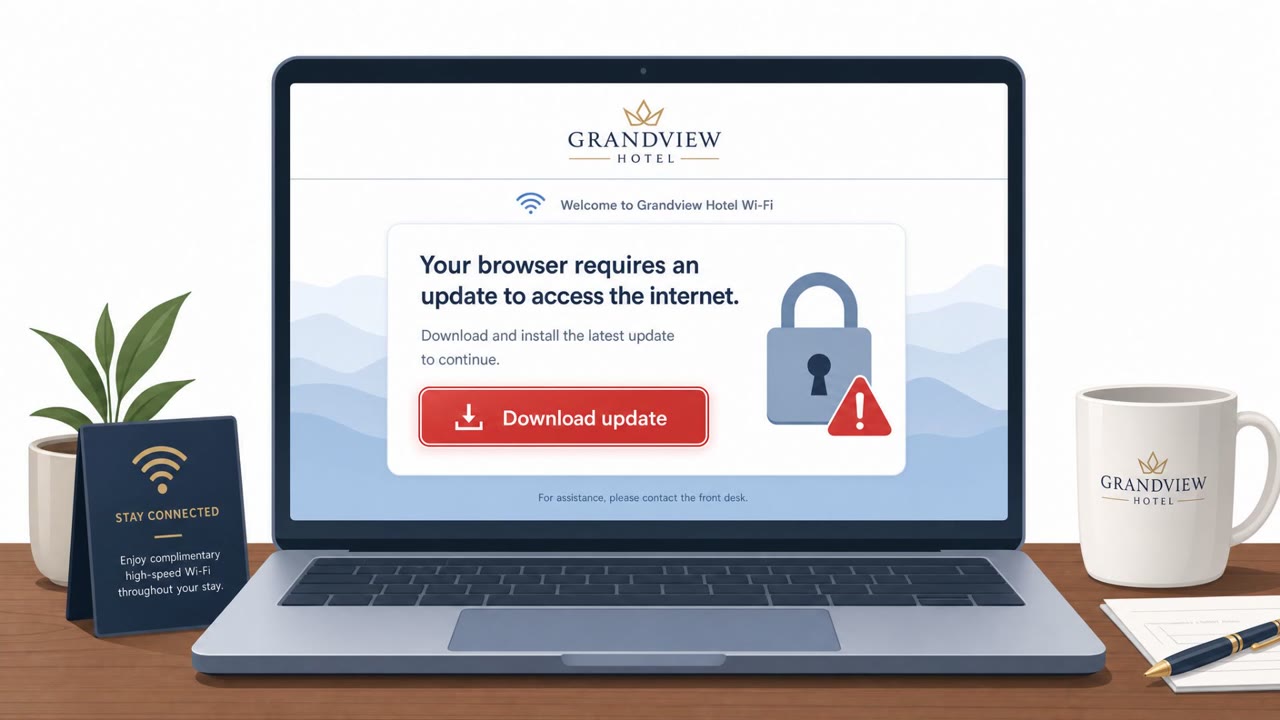
Microsoft reported a campaign where attackers abused hotel Wi‑Fi captive portals to manipulate DNS/HTTP traffic and redirect people to attacker-controlled phishing pages. Victims were tricked into installing malware disguised as browser/operating system updates, and some pages redirected users into…

August 3, 2026
Fake Claude App and Alert Apps Drive New Scams

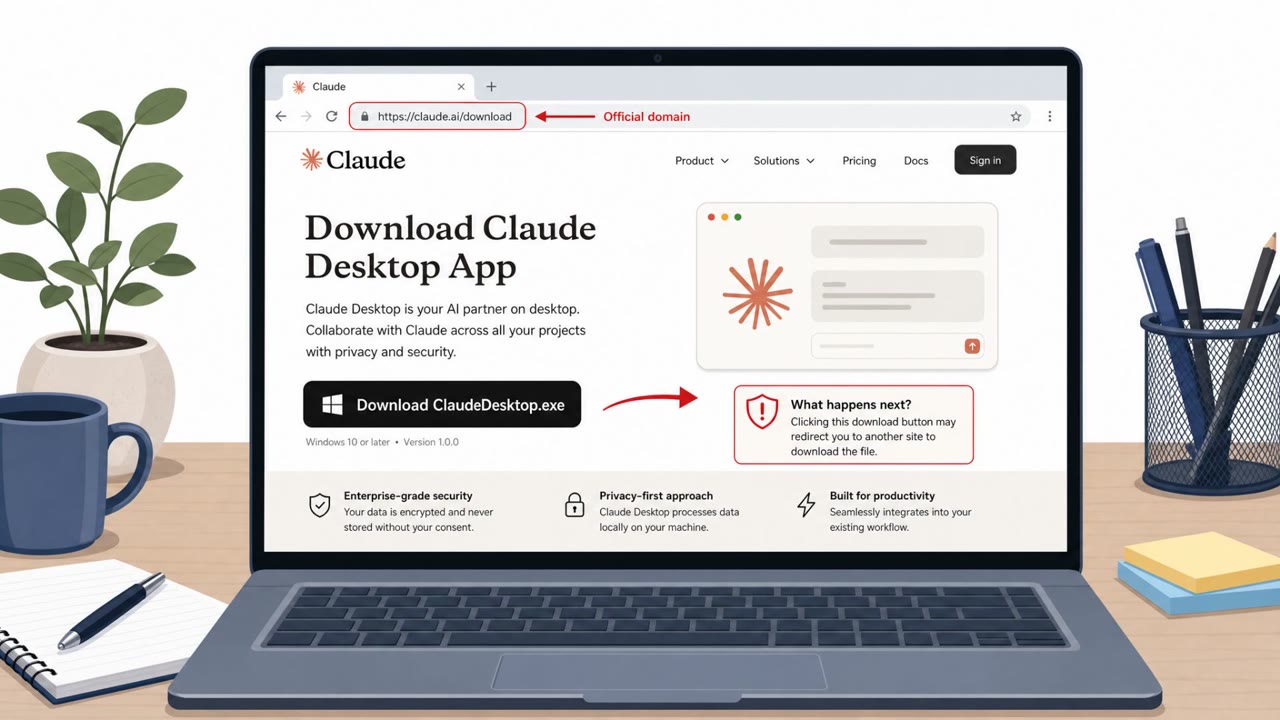
Fake Claude App and Alert Apps Drive New Scams

This roundup describes multiple real-world campaigns where attackers trick people into installing malicious software that looks legitimate (a fake Claude desktop app, a fake emergency alert app, and banking-malware phishing). The common pattern is “looks normal, feels urgent,” leading users to…

July 23, 2026
Trezor Users Hit by Phish via Brevo Breach

Trezor Users Hit by Phish via Brevo Breach

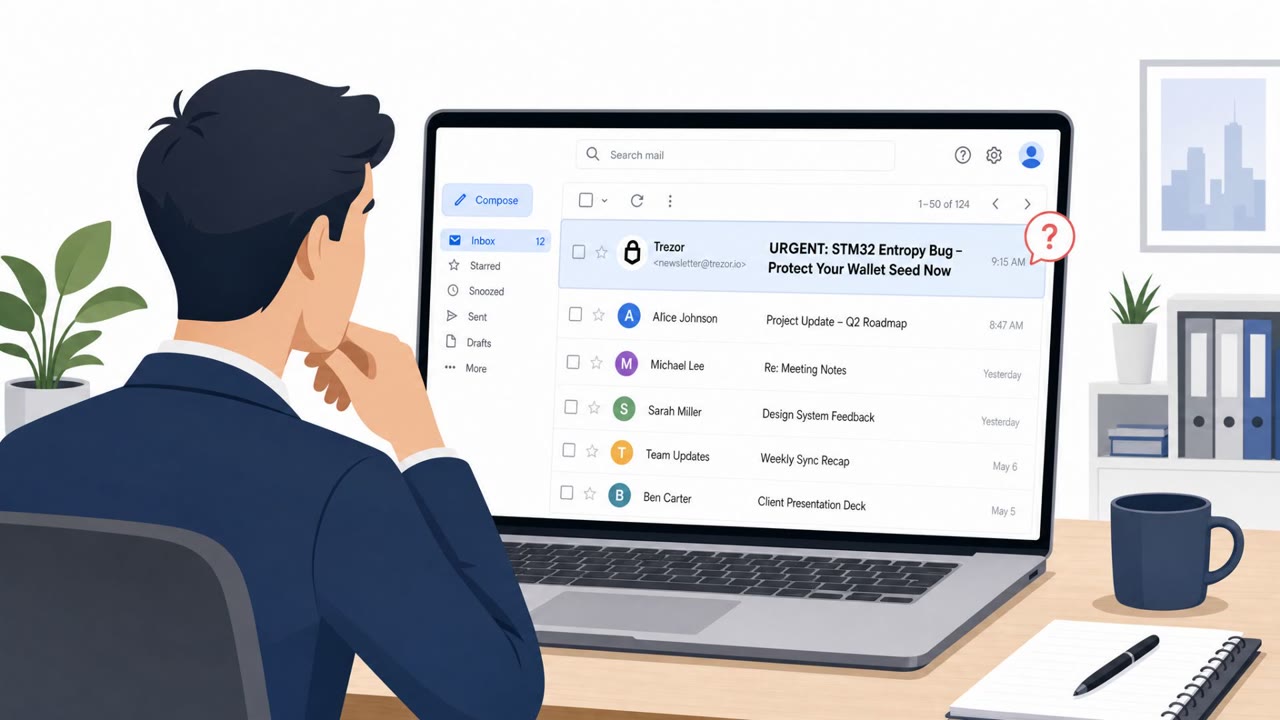
Attackers broke into Brevo, the email platform Trezor uses for newsletters, and sent a phishing “security warning” from Trezor’s real mailing system. The email claimed a serious hardware issue could expose wallet recovery seeds and pushed people to a malicious site/app that asked for a wallet…

September 14, 2026
BlueMoon Phishing Uses Browser Zero-Days to Spy

BlueMoon Phishing Uses Browser Zero-Days to Spy

Multiple suspected China-linked espionage groups used a new exploit kit (“BlueMoon”) that starts with phishing emails and a malicious link to break into organizations in the US and Southeast Asia. Clicking the link can trigger browser and Windows vulnerabilities to install surveillance tools,…

September 9, 2026
Levi’s Breach Tied to Phone-to-Phish Workflow

Levi’s Breach Tied to Phone-to-Phish Workflow

Levi Strauss disclosed a breach after attackers used social engineering to access three employees’ work computers and steal some corporate data. Separately, reporting and Google’s tracking describe a broader campaign where criminals call employees while posing as coworkers or IT, then send them to…

August 10, 2026
Defense Supplier Phish Exposes Export-Controlled Data

Defense Supplier Phish Exposes Export-Controlled Data

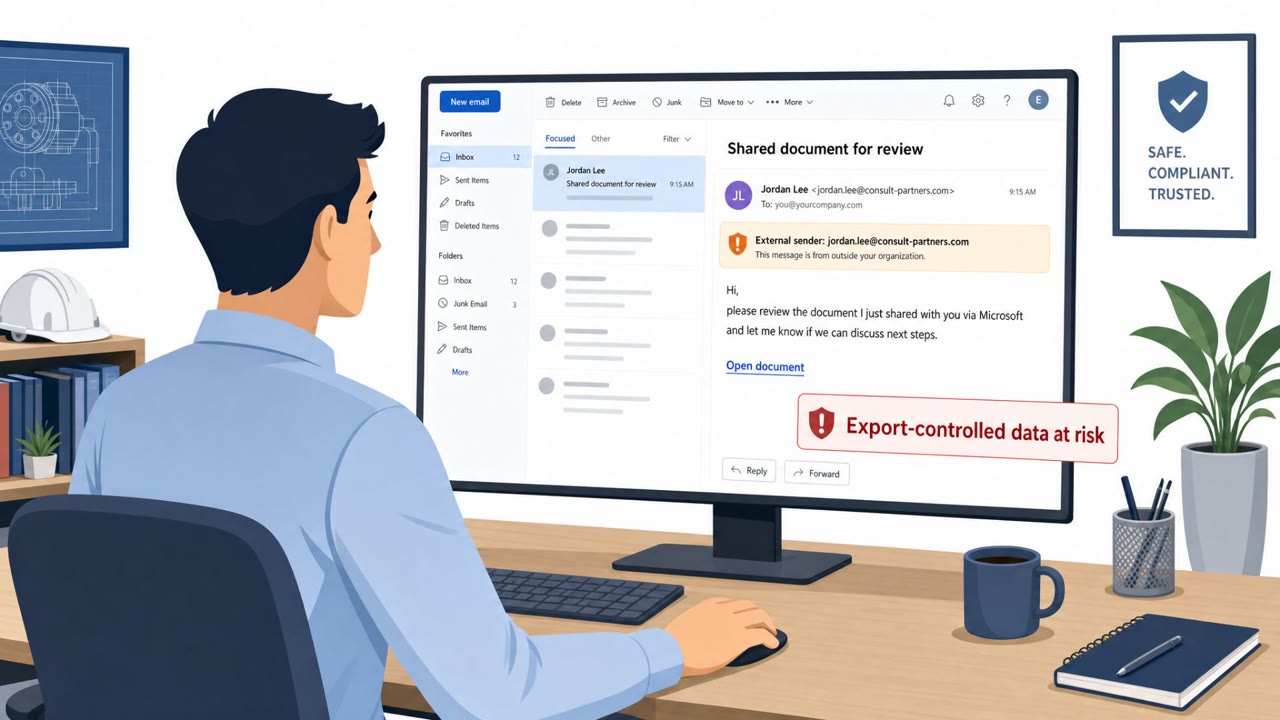
IEH Corporation disclosed that a phishing email tricked an employee into entering Microsoft 365 credentials on a fake login page, giving an attacker access to the employee’s mailbox. The compromised inbox contained emails and attachments including engineering documents and potentially…

August 9, 2026