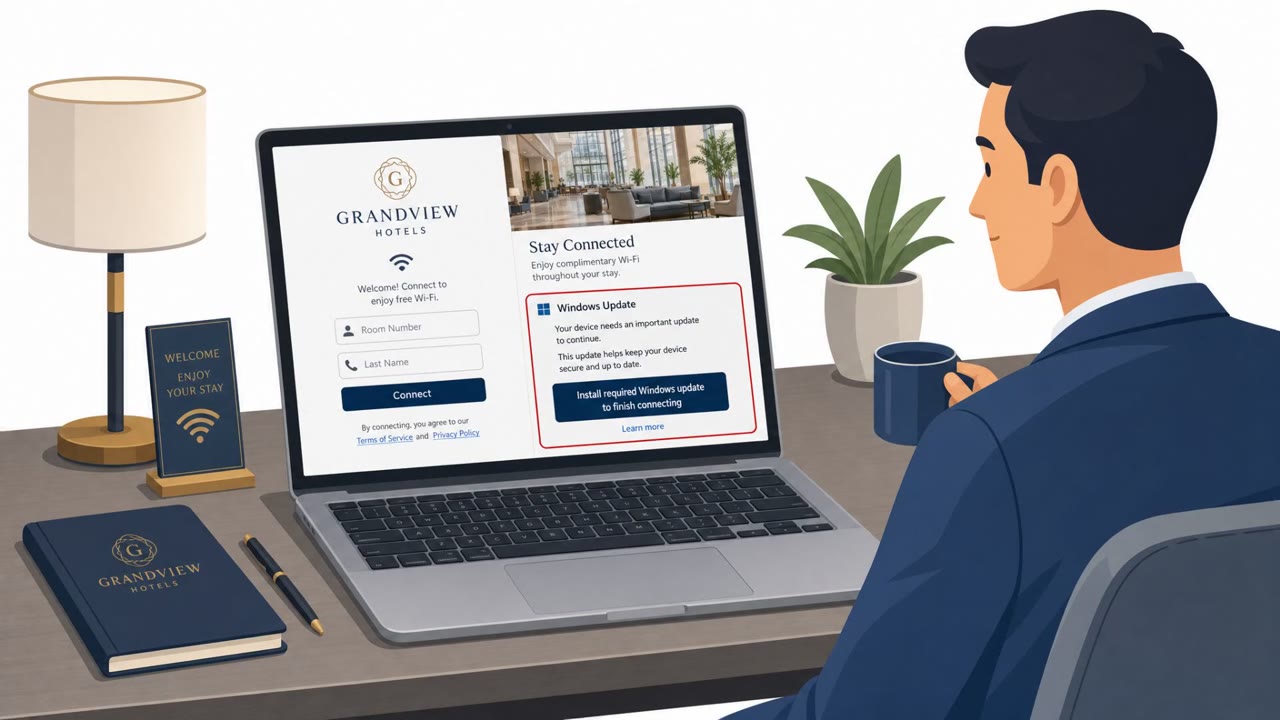
Microsoft reported a campaign where attackers abused hotel Wi‑Fi captive portals to manipulate DNS/HTTP traffic and redirect people to attacker-controlled phishing pages. Victims were tricked into installing malware disguised as browser/operating system updates, and some pages redirected users into Microsoft device-code sign-in flows to steal access.
How the attack worked
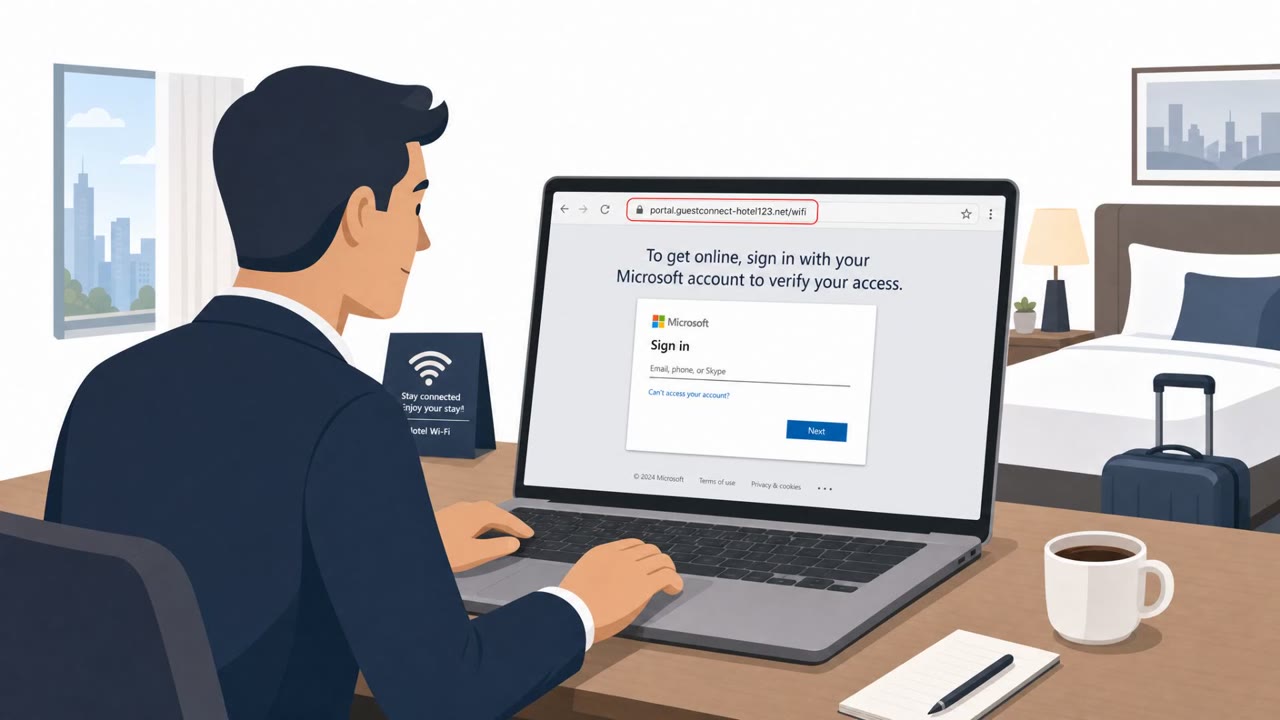
This campaign targeted people connecting to hotel Wi-Fi networks that use captive portals, the login pages you see before internet access is granted. Attackers manipulated DNS and HTTP traffic on these networks, effectively placing themselves in an adversary-in-the-middle position between the victim and the internet. From there, they redirected users through actor-controlled phishing infrastructure instead of the legitimate hotel login flow.
One path pushed malware disguised as a browser or operating system update. This wasn't a random pop-up: it was triggered by automated connectivity checks that browsers issue when joining a new network, giving the fake update prompt an air of legitimacy. Another path redirected some landing pages into Microsoft device code authentication flows, a real sign-in mechanism that, if abused this way, can be used to capture access to a victim's account.
Why it succeeded
The attack exploited a moment of low suspicion: joining hotel Wi-Fi. Travelers expect a login page and often expect some friction before getting online, so an update prompt or a sign-in request doesn't immediately stand out. Because the manipulation happened at the network level, the redirect could appear on a page that otherwise looked like a normal captive portal, with no obvious sign that traffic had been rerouted through attacker infrastructure.
The use of a real Microsoft authentication mechanism, device code sign-in, added another layer of legitimacy. Most people have never seen a device code prompt and have no baseline for what a suspicious one looks like.
What to watch for
- A software update prompt that appears immediately after connecting to Wi-Fi, especially one not delivered through your OS settings, app store, or company update tool
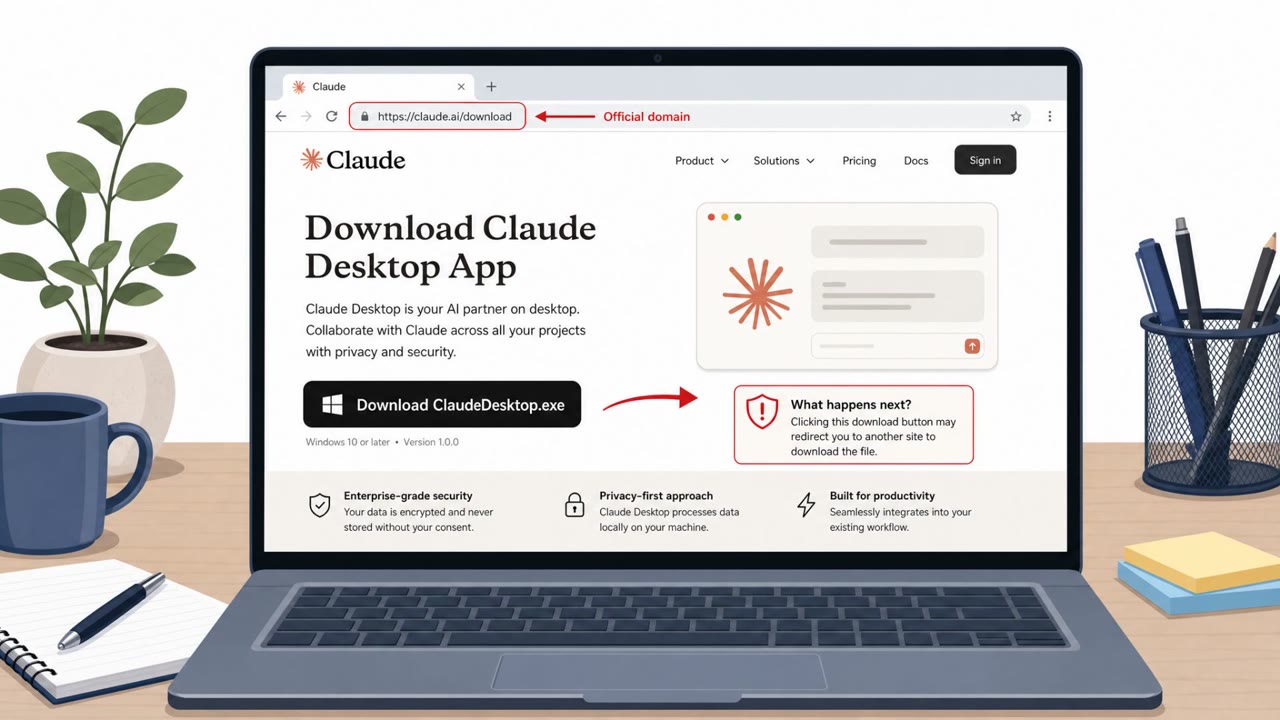
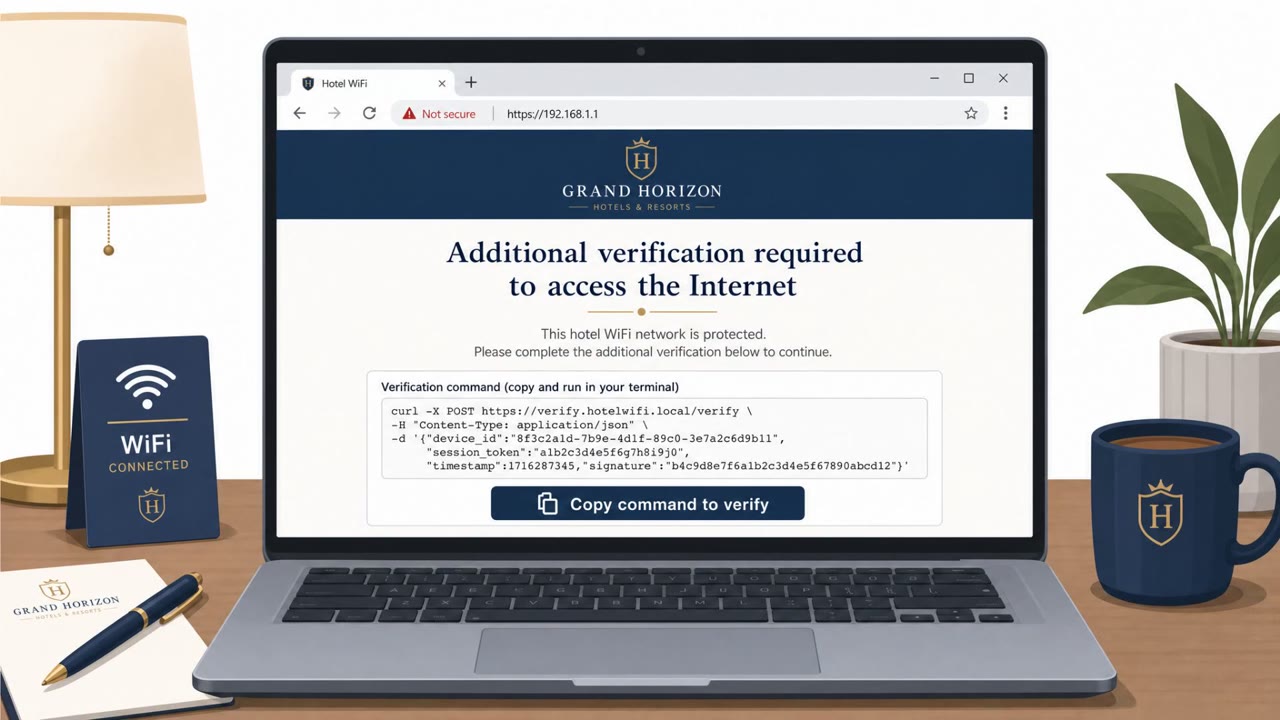
- A Wi-Fi login page that asks you to download or run a file before granting internet access
- A Microsoft sign-in or device code prompt appearing during what should be a simple Wi-Fi connection process
- Any login request you did not initiate yourself on another device
Building resistance
Traveling employees, executives, sales staff, and anyone using Microsoft 365 single sign-on should treat network-level prompts with skepticism by default. Update software only through official mechanisms, never through a link or download offered by a Wi-Fi login page. Device code sign-in requests should be treated as a red flag unless you personally started that sign-in process on another device; if one appears unexpectedly, stop and report it. Because redirects on public networks are not proof of legitimacy, the safest habit while traveling is to verify any unexpected prompt independently rather than acting on it in the moment.
Key findings
- Microsoft says Storm-2945 manipulated DNS/HTTP traffic on hospitality networks using captive portals to redirect users to attacker-controlled infrastructure.
- Attackers delivered malware that looked like browser or operating system updates, triggered by normal browser “connectivity checks.”
- The campaign included phishing infrastructure enabled by an adversary-in-the-middle (AitM) position on the network.
- Some landing pages redirected victims to Microsoft device code authentication flows (a known way to steal sign-in tokens).
Who’s being targeted
- Commonly targeted roles: Executives, Sales, Traveling employees, Finance, IT/Helpdesk, Anyone using Microsoft 365 SSO.
- Affected industries: Hospitality (hotels, captive-portal Wi‑Fi), Organizations whose employees travel and use public Wi‑Fi.
- Attack channels: website.
- Impersonated: Hotel Wi‑Fi captive portal / browser or operating system update prompt, Microsoft 365 sign-in (device code authentication).
Red flags to watch for
- Update prompt appears immediately after joining Wi‑Fi (not from the official app store/update tool)
- A Wi‑Fi login page demanding a software install to get online
- Unusual download/executable file offered by a web page
- Microsoft sign-in appears unexpectedly during a Wi‑Fi login process
- Device-code prompts when you didn’t initiate sign-in on another device
- Login request originates from a public Wi‑Fi/captive portal context
Frequently asked questions
How did attackers use hotel Wi-Fi to phish users?
They manipulated DNS and HTTP traffic on networks served by captive portals, redirecting users through attacker-controlled infrastructure to phishing pages while the victim believed they were simply connecting to hotel internet.
What made the fake update prompts convincing?
The malware was delivered in response to normal automated connectivity checks issued by browsers, so victims saw an update prompt that appeared right after joining the network rather than through an official update channel.
Why is a Microsoft device-code sign-in prompt dangerous here?
Some captive-portal landing pages redirected victims into a device code authentication flow, a known method attackers use to steal sign-in access, especially risky if the prompt appears unexpectedly during a Wi-Fi login.
Who is most at risk from this kind of attack?
Executives, sales staff, consultants, finance and IT personnel, and any Microsoft 365 users who travel and connect to hotel or public Wi-Fi are the primary targets.
Read the video transcript
You join hotel Wi‑Fi, and instantly see: “Your browser requires an update to access the internet.” Looks normal, right? Microsoft says a group called Storm‑2945 hijacks hotel Wi‑Fi captive portals, manipulating DNS and HTTP so your traffic quietly detours through their servers. They use that spot to push malware that pretends to be a browser or OS update. Here’s the twist: some CaptiveCrunch pages don’t push a file at all. They bounce you into a Microsoft device‑code sign‑in that looks legit, then steal your sign‑in tokens. You think you’re just connecting to Wi‑Fi; they’re quietly taking your Microsoft 365 access. If hotel Wi‑Fi ever demands a software install or surprise Microsoft device‑code sign‑in, stop. Close the page and report it to IT, don’t install, don’t approve, just report.