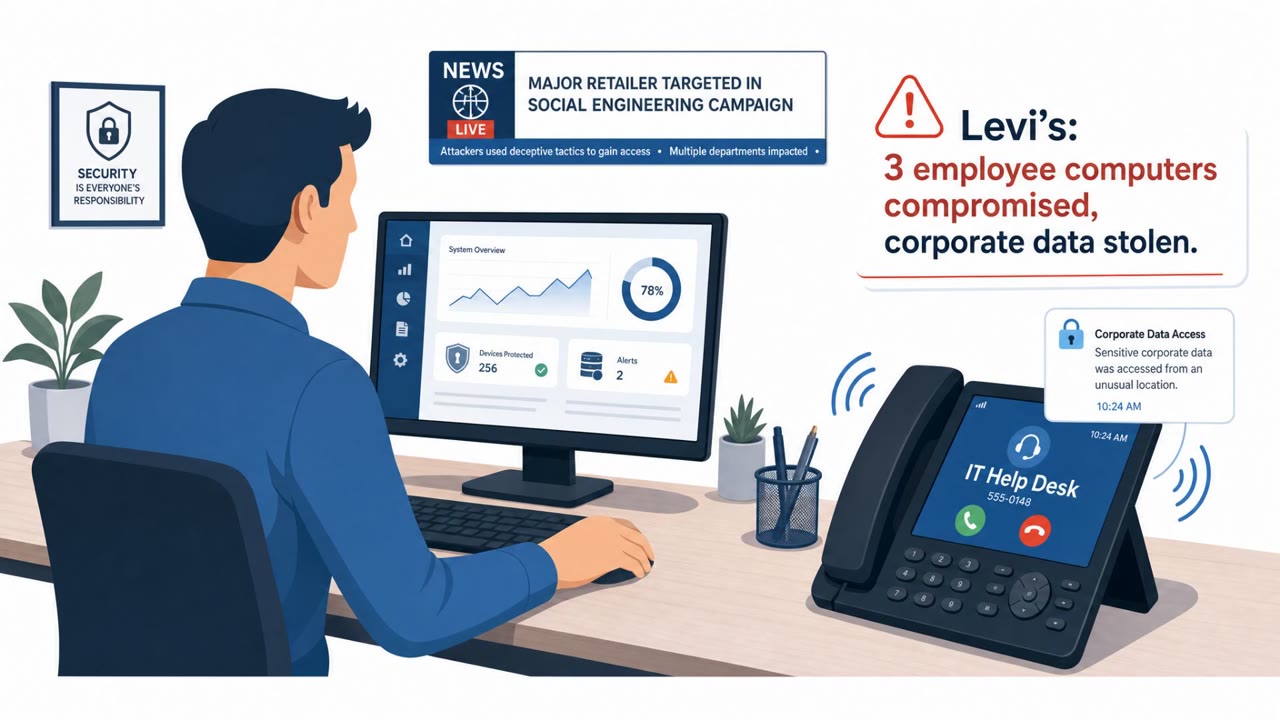
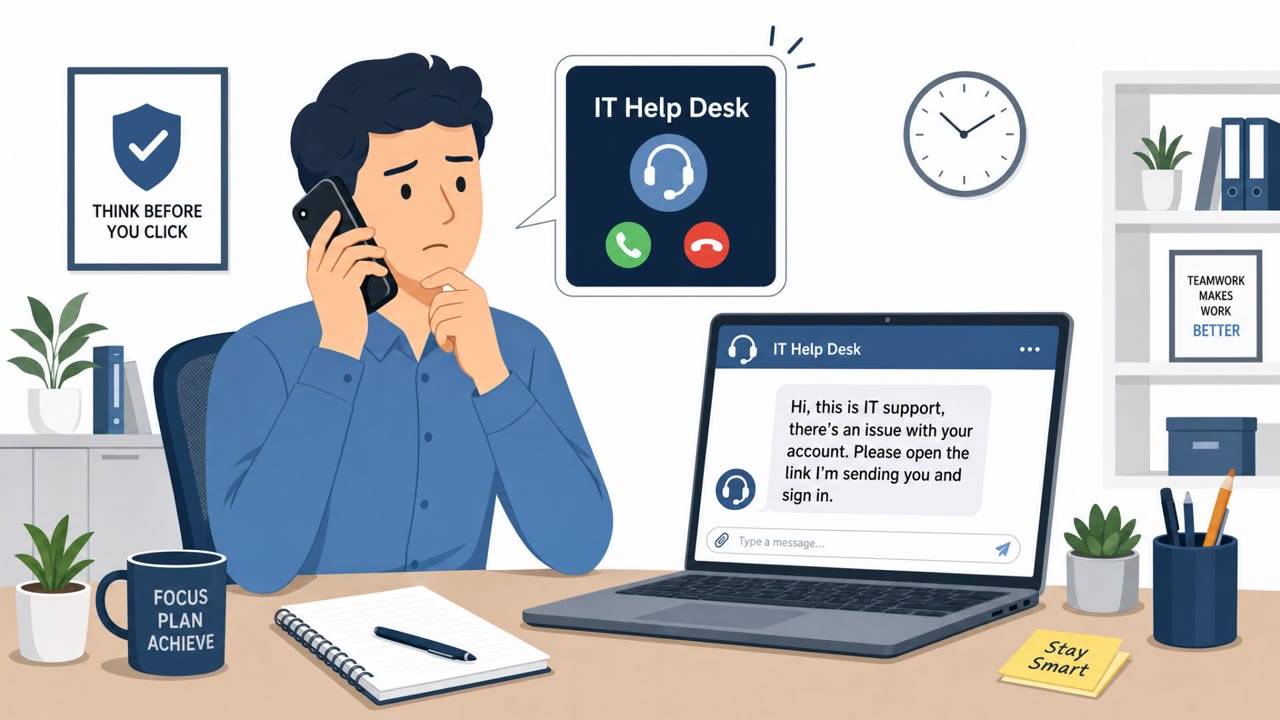
Levi Strauss disclosed a breach after attackers used social engineering to access three employees’ work computers and steal some corporate data. Separately, reporting and Google’s tracking describe a broader campaign where criminals call employees while posing as coworkers or IT, then send them to fake login pages to capture passwords and MFA codes.
What Happened
Levi Strauss disclosed a breach after attackers used social engineering to gain access to three employees' work computers. From there, the intruders accessed and exfiltrated what the company described only as certain corporate information. Levi's said it detected the intrusion, started incident response procedures, and managed to cut off the unauthorized access.
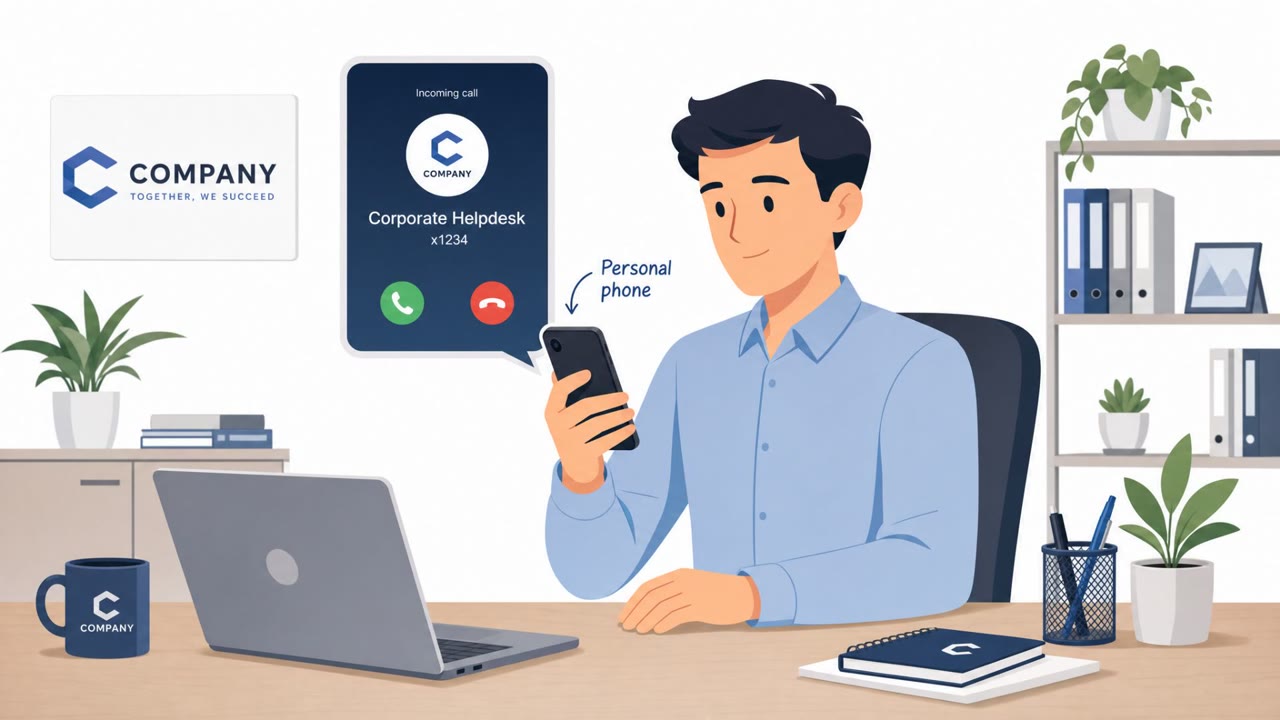
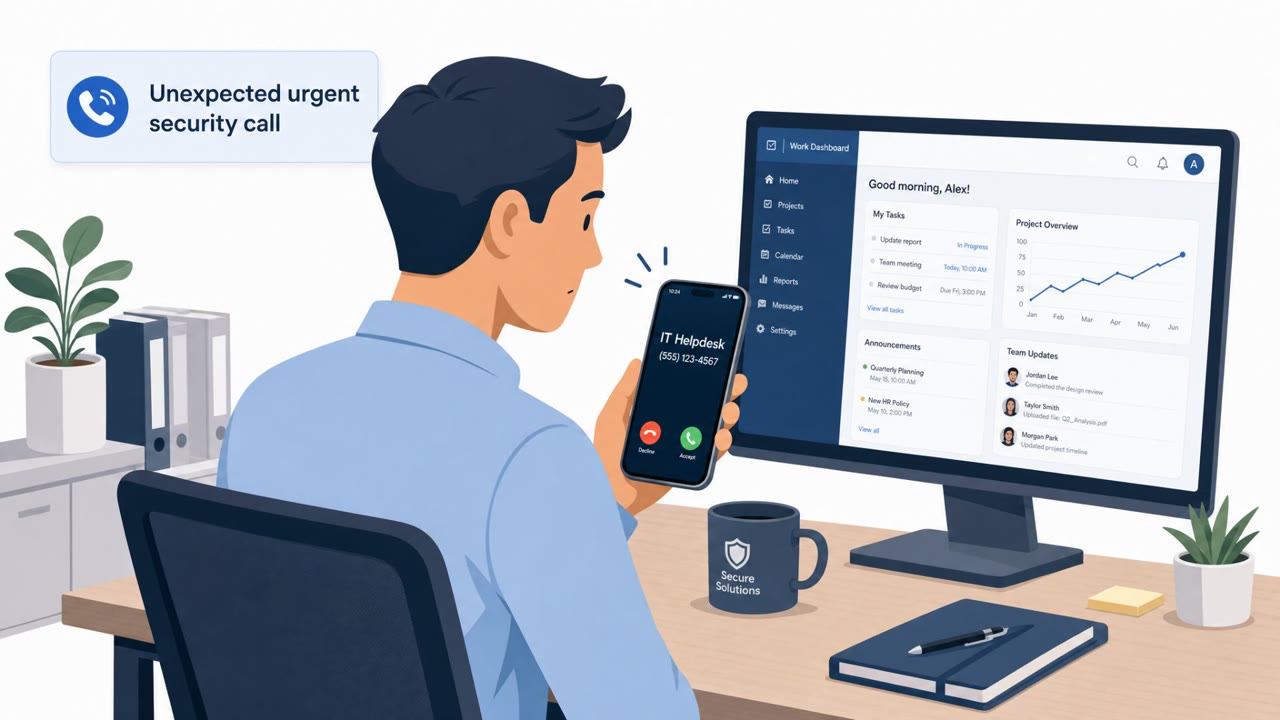
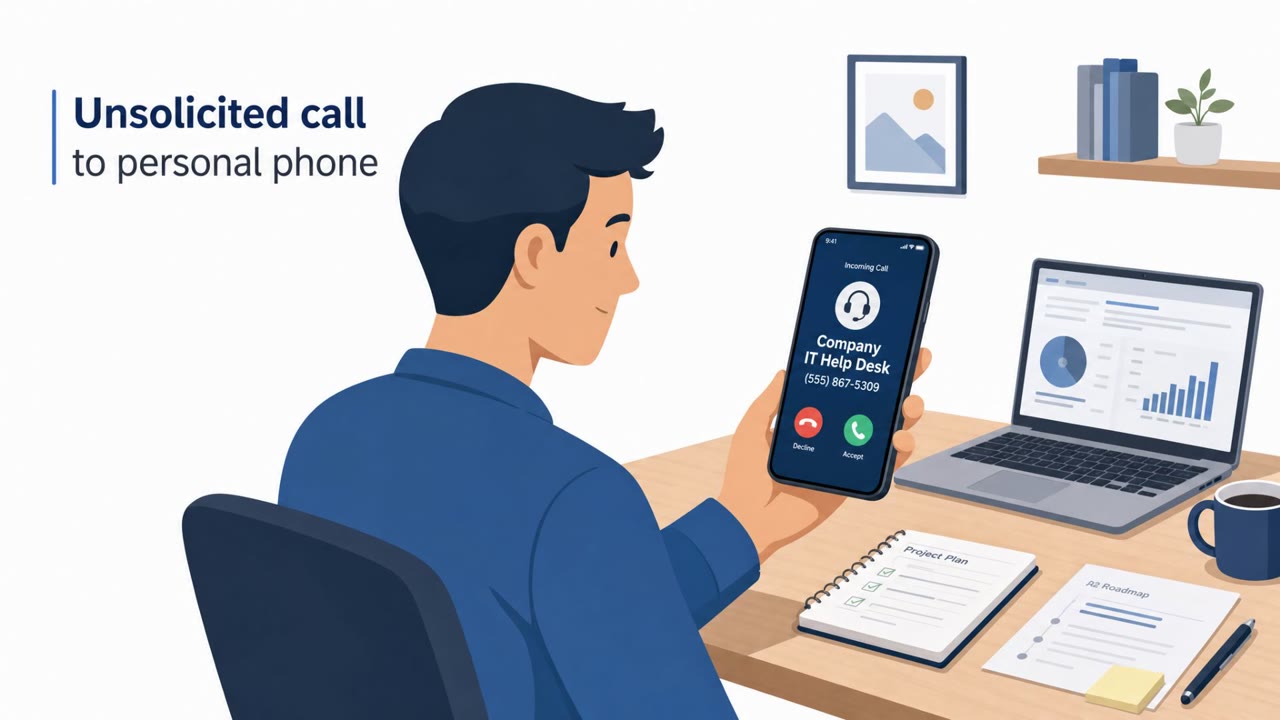
Separately, reporting describes a much broader campaign affecting more than 200 organizations. In that workflow, attackers phone employees on their personal mobiles while posing as colleagues or IT support staff, then direct them to spoofed login pages designed to harvest credentials and multi-factor authentication codes. Google researchers are tracking several crews involved in this wider campaign, which may sit under an umbrella group dubbed UNC6671. There is no confirmation that this group was responsible for the Levi's incident specifically.
Why This Approach Works
Calling a personal mobile number bypasses corporate spam filters and security awareness training that focuses mostly on email. A caller who sounds confident and claims to represent IT support or a familiar colleague can create urgency around a supposed account issue, pushing the target to act quickly rather than verify. Once the victim is directed to a convincing but fake login page, entering both a password and an MFA code hands attackers everything needed to bypass standard multi-factor protections.
Red Flags to Watch For
- An unsolicited call to a personal mobile number from someone claiming to be internal IT or a colleague
- Pressure to visit a specific login page provided during the call rather than a known, bookmarked company URL
- Any request to read out or enter an MFA code as part of resolving an account issue
- Requests that bypass normal IT ticketing or verification procedures
- Any interaction that results in someone else gaining access to your work computer
Building Resistance
Employees across all roles, including IT/helpdesk, finance, legal, and executives, should treat unsolicited IT support calls to personal phones as suspicious and verify the request through official channels before taking any action. Passwords and MFA codes should never be entered into a site reached via a link or instructions from an unexpected caller; instead, navigate to company systems using known, saved URLs.
The Levi's case also shows the value of fast detection and response: even after attackers gained initial access, the company was able to identify the intrusion and cut off unauthorized access before it escalated further. Reinforcing a culture where employees report suspicious calls or login prompts immediately, without fear of blame, can materially reduce the impact of these phone-to-phish attacks.
Key findings
- Levi Strauss said attackers used social engineering to access three employees’ work computers and exfiltrate “certain corporate information.”
- Levi’s reported it detected the intrusion, began incident response, and “managed to cut off the unauthorized access.”
- A wider campaign reportedly targeted 200+ organizations, using phone calls to personal mobiles while impersonating colleagues or IT support.
- The broader workflow directs victims to “spoofed login pages designed to harvest credentials and multi-factor authentication codes.”
- Google researchers are tracking multiple crews possibly under an umbrella group called “UNC6671,” but there is no confirmation it was responsible for Levi’s incident.
Who’s being targeted
- Commonly targeted roles: All employees, IT/Helpdesk, Finance, Legal, Executives.
- Affected industries: Manufacturing, Healthcare, Insurance, Technology, Hospitality, Finance, Legal services.
- Attack channels: vishing, website, social_engineering.
- Impersonated: Internal IT support staff (or a colleague), Unspecified (social engineering used to gain access).
Red flags to watch for
- Unsolicited call to a personal mobile number claiming to be internal IT
- Pressure to use a specific login page provided by the caller
- Asked to provide/enter an MFA code as part of the “fix”
- Unexpected requests to change account settings or access systems
- Requests that bypass normal IT ticketing/verification
- Any request that results in someone else gaining access to your workstation
Frequently asked questions
How did attackers breach Levi Strauss?
Levi Strauss said attackers used social engineering to access three employees' work computers and exfiltrate certain corporate information.
What is the broader campaign linked to this attack?
A wider campaign reportedly targeted more than 200 organizations by calling employees on personal mobiles while posing as colleagues or IT support, then directing them to spoofed login pages that harvest credentials and MFA codes.
Was a specific threat group confirmed to be behind the Levi's incident?
No. Google researchers are tracking multiple crews possibly under an umbrella group called UNC6671, but there is no confirmation this group was responsible for the Levi's incident.
How did Levi's respond to the breach?
Levi's said it detected the intrusion, began incident response procedures, and managed to cut off the unauthorized access.
Read the video transcript
Levi’s got breached because someone answered the wrong “IT support” call. Same playbook is hitting 200-plus companies. The script goes like this: they call your personal mobile, pose as a coworker or IT, warn about an account issue, then walk you to a login page to “fix” it and grab your password and MFA code. In the Levi’s case, social engineering got attackers onto three employees’ work computers and let them exfiltrate corporate data, until Levi’s spotted it and cut off access. Aha moment: if “IT” calls your personal phone and tells you where to log in, hang up and report it to our security team immediately. Real IT will never need your MFA code over the phone.