Microsoft says Russian-linked threat actors compromised hotel and conference guest Wi‑Fi “captive portal” networks to redirect travelers to fake Microsoft 365 sign-in pages, device-code phishing, or fake update pages. The goal was to steal cloud credentials (including Entra ID device codes) and trick victims into running malware under the guise of browser/OS updates.
Key findings
- Microsoft named the campaign “CaptiveCrunch” and tied it to Storm-2945, a sub-cluster of Midnight Blizzard.
- Attackers manipulated DNS/HTTP on compromised captive-portal Wi‑Fi networks at hotels and conference centers to redirect victims.
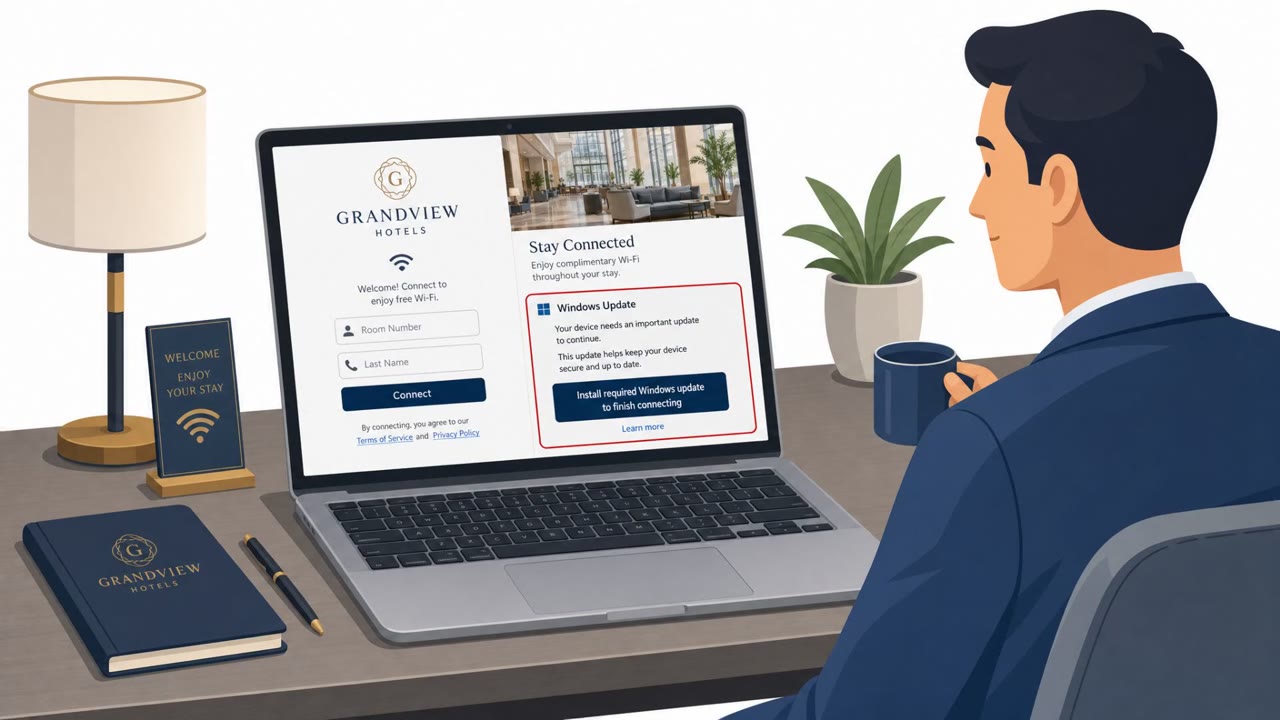
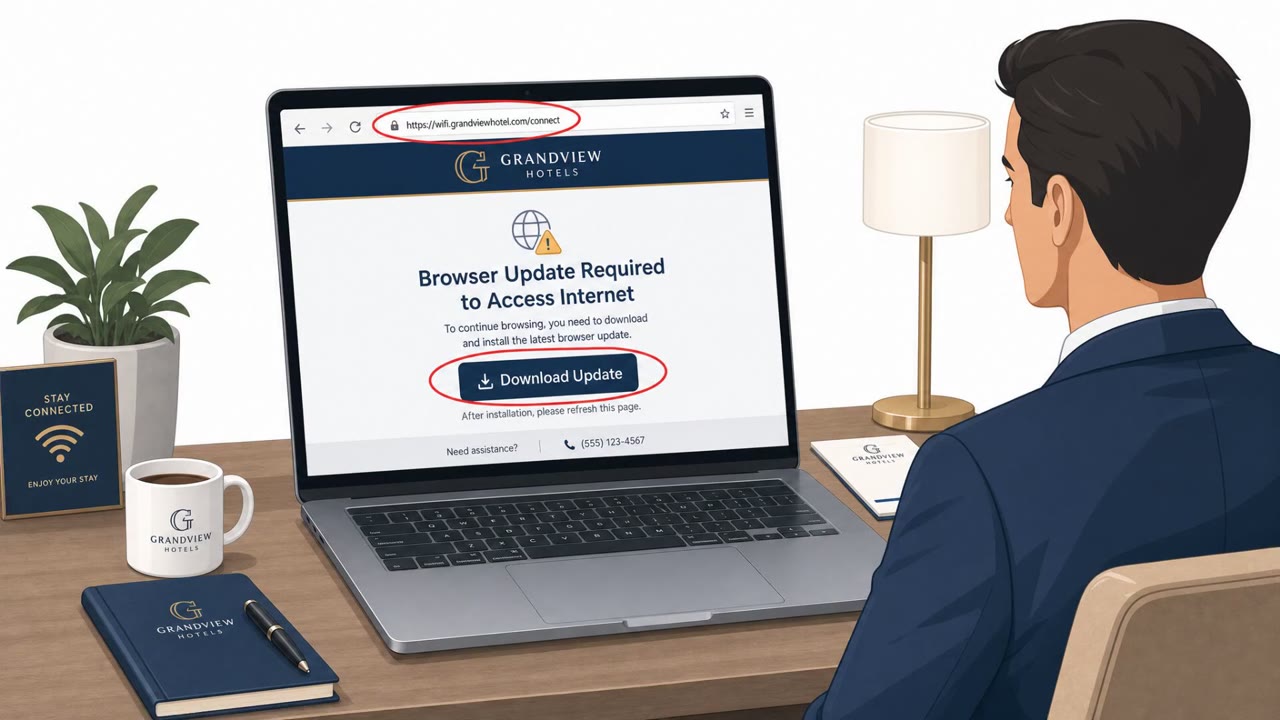
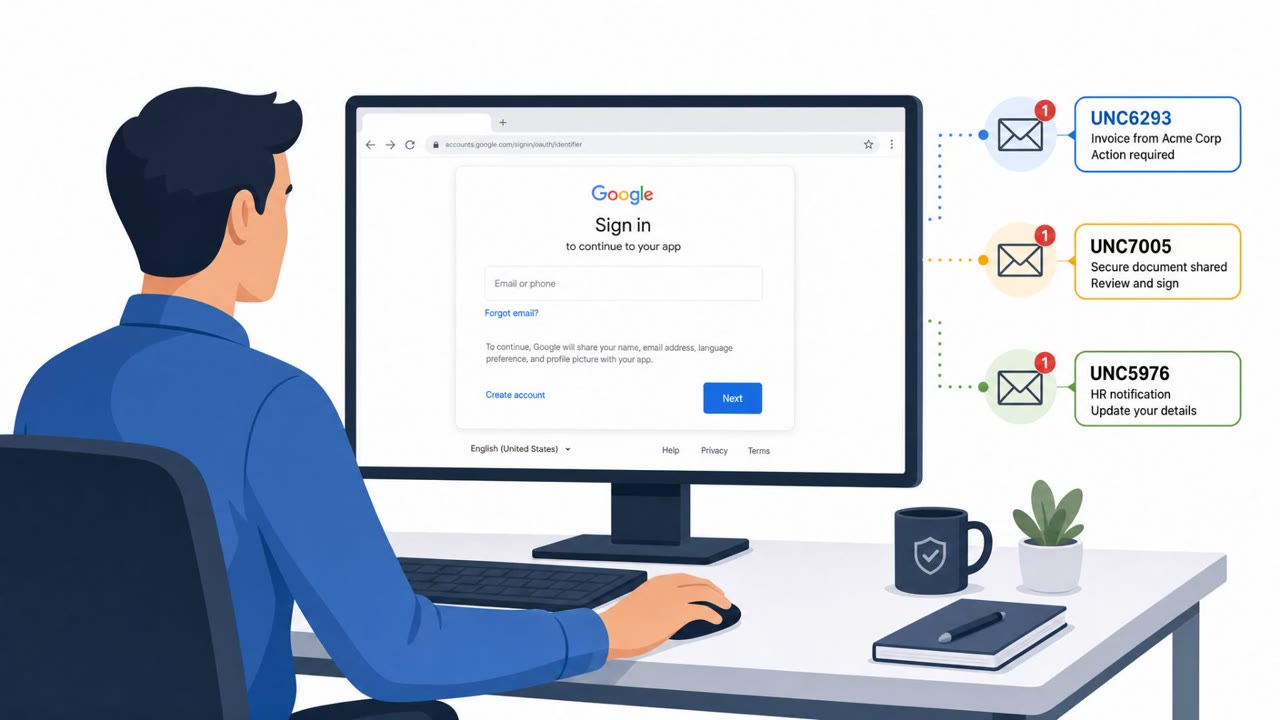
- Victims were sent to (1) phishing pages impersonating Microsoft 365 sign-in, (2) device code phishing abusing Microsoft Entra ID flows, or (3) fake update pages using ClickFix to persuade users to download/run malware.
- Two malware strains were identified: CornFlake (Windows RAT) and ChocoShell (in-memory PowerShell credential stealer).
- ClickFix pages were also configured to deliver an Android APK, suggesting Android targeting.
Who’s being targeted
- Commonly targeted roles: Executives, All traveling employees, Government / diplomatic staff, IT administrators, Finance leaders frequently traveling.
- Affected industries: Government / Diplomacy, Hospitality (hotels, conference centers), Any industry with traveling employees.
- Attack channels: website.
- Impersonated: Microsoft 365 sign-in (via the venue’s Wi‑Fi captive portal), Microsoft Entra ID authentication flow, Browser update page or operating system update page.
Awareness takeaways
- Treat hotel and conference Wi‑Fi as untrusted; use managed connectivity (VPN/cellular hotspot) where possible.
- Never enter Microsoft 365 credentials (or device codes) into login prompts that appear as part of a guest Wi‑Fi portal flow.
- Do not install “updates” or “tools” offered by captive portals; only update via trusted device/app update mechanisms.
- Minimize what employee information is shared with hospitality providers during guest Wi‑Fi registration.
Red flags to watch for
- Unexpected Microsoft 365 login prompt appears immediately after joining hotel/conference Wi‑Fi
- Login page is reached through the Wi‑Fi portal flow rather than a known Microsoft URL/bookmark
- Anything about the page or certificate/URL looks unusual compared to normal corporate sign-in
- Device-code sign-in is unexpected for routine Wi‑Fi access
- Instructions push you to authenticate in a way you don’t normally use for your account
- You are asked to approve a sign-in you didn’t initiate
- Updates are offered through a hotel/conference Wi‑Fi page instead of the device’s normal update mechanism
- Pressure/urgency to install immediately to continue browsing
- Any request to manually download/run an executable (or APK) from a pop-up/update page
Read the video transcript
You join hotel Wi‑Fi, and boom, before the internet even works, a perfect Microsoft 365 login pops up. Microsoft calls this campaign CaptiveCrunch. Compromised hotel and conference Wi‑Fi quietly hijack DNS and HTTP, then redirect you to fake Microsoft 365 sign-in, bogus Entra ID device-code pages, or fake update screens that drop CornFlake or ChocoShell malware. The tell: the login or device-code prompt comes as part of the guest Wi‑Fi flow, not from your normal Microsoft URL or bookmark. If hotel Wi‑Fi suddenly wants your work password or a device code, that’s CaptiveCrunch territory. When you travel, treat hotel and conference Wi‑Fi as hostile: if it ever asks for your Microsoft 365 password or a device code, stop, disconnect, and switch to VPN or your phone’s hotspot instead.