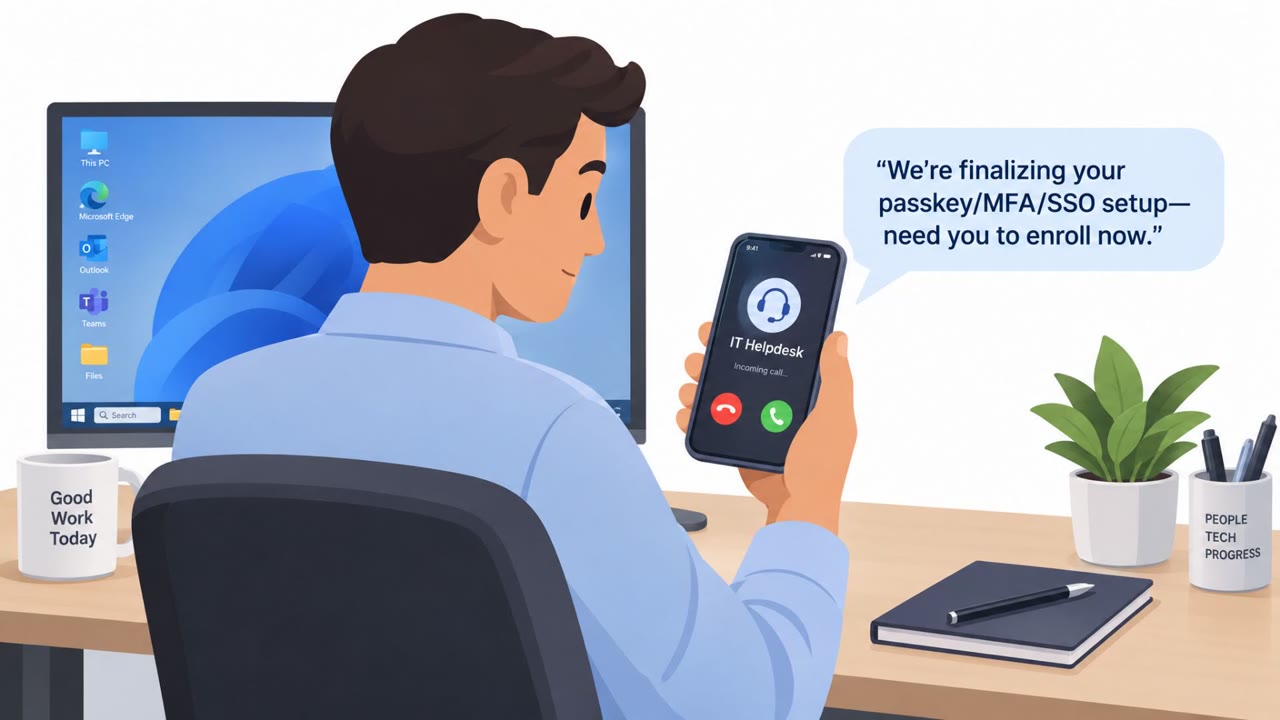
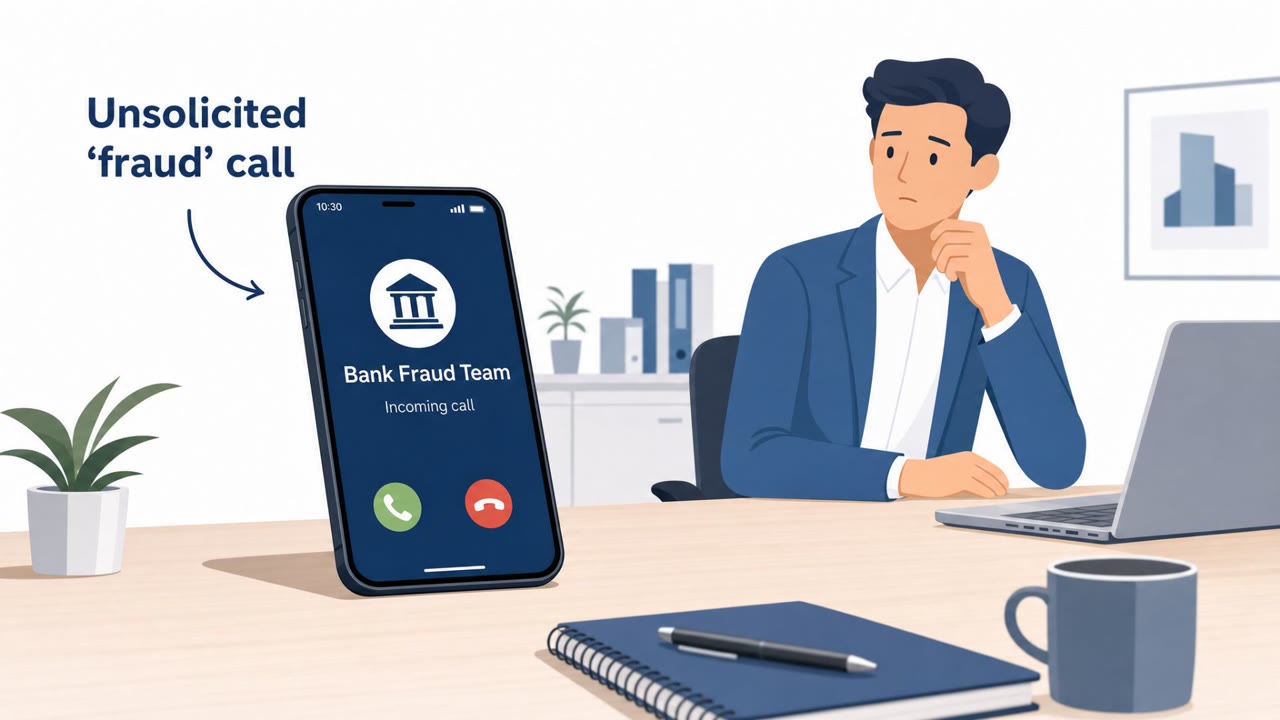
This weekly roundup includes real-world social engineering campaigns, including scammers mailing fake IRS letters to cryptocurrency holders and a phishing campaign impersonating Bank of America. The lures are designed to pressure victims into visiting a bogus compliance portal or installing remote access software on Windows, giving attackers a path to steal information or take over the device.
How the Attack Worked
Two separate real-world campaigns combined physical and digital channels to pressure victims into acting quickly. In one, scammers sent physical letters to cryptocurrency holders that copy the look of official IRS notices. The letters tell recipients they must enroll in something called a Digital Asset Compliance Portal before a deadline, or risk penalties. In the other, a phishing campaign impersonating Bank of America tried to trick Windows users into installing ScreenConnect remote access software, then made it difficult to uninstall.
Both scenarios rely on a trusted, high-authority impersonated entity (a tax agency or a major bank) paired with a call to action that leads either to a bogus portal or to installation of remote access tooling. This mix of channels, physical mail plus a website in one case, email plus software installation in the other, is designed to feel more credible than a typical inbox phishing attempt.
Why It Succeeded
The lures work because they exploit routine anxieties around taxes and banking security:
- Unexpected compliance threats delivered via unsolicited letter carry an air of officialdom that recipients rarely question at first glance.
- Deadline and penalty language creates urgency, pushing recipients to act before they verify.
- A bank email framed as an account protection or "Account Guard" alert plays on legitimate concern for account safety, making a request to install software seem reasonable.
- Once ScreenConnect is installed, its legitimate use as a remote support tool masks its role in this scam, and removal is deliberately made hard.
What to Watch For
Defenders and employees should treat the following as warning signs:
- A compliance threat arriving by unsolicited physical mail rather than a known government channel.
- Any message directing you to a nonstandard portal instead of an official government site.
- A bank communication that asks you to install remote access software rather than log into a known, bookmarked portal.
- Software that becomes difficult to uninstall, which can indicate it was designed for unwanted persistence rather than genuine support.
How to Build Resistance
Organizations, particularly in finance, banking, cryptocurrency, and government-adjacent roles, should reinforce a few habits. Treat mailed "official" compliance notices as suspicious and verify via known government channels before taking any action. Be wary of messages that threaten penalties or use deadlines to pressure quick action, and verify independently first. Most importantly, employees should never install remote access tools from links or instructions in an unsolicited email, even if it appears to come from a bank. Helpdesk and IT teams should also be prepared to flag and respond quickly to reports of unexpected remote access software installations.
Key findings
- A phishing campaign is impersonating Bank of America and attempting to trick Windows users into installing ScreenConnect remote access software, then making it difficult to uninstall.
- Scammers are sending physical letters that mimic official IRS notices and direct cryptocurrency holders to enroll in a bogus “Digital Asset Compliance Portal” by a deadline to avoid penalties.
- The roundup also references other real campaigns involving credential theft and malware delivery, but most entries are summarized at a high level without full lure text.
Who’s being targeted
- Commonly targeted roles: All employees, Finance, Executives, Helpdesk/IT (for remote access tool warnings).
- Affected industries: Finance, Banking, Cryptocurrency/Trading, Government.
- Attack channels: physical, website, email.
- Impersonated: IRS (tax authority), Bank of America.
Red flags to watch for
- Unexpected compliance threat delivered via unsolicited letter
- Pressure language tied to a deadline and penalties
- Directs recipient to a nonstandard portal rather than an official government site
- A bank email pushing installation of remote access software
- Security-related urgency driving you to install software
- Software becomes “difficult to uninstall,” indicating unwanted persistence
Frequently asked questions
What is the fake IRS letter scam targeting cryptocurrency holders?
Scammers mail physical letters that copy the look of official IRS notices, telling cryptocurrency holders they must enroll in a so-called Digital Asset Compliance Portal before a deadline or risk penalties.
How does the Bank of America phishing campaign work?
The campaign impersonates Bank of America and tries to trick Windows users into installing ScreenConnect remote access software through a security alert style email, then makes the software difficult to uninstall.
Why is remote access software dangerous in these scams?
Once installed, remote access software like ScreenConnect can give an attacker a persistent path into the device to steal information or take control, and it is deliberately made hard to remove.
How can employees verify a suspicious compliance notice?
Treat any mailed or emailed compliance notice with urgency or penalty language as suspicious and verify it independently through known official government or bank channels before responding.
Read the video transcript
You get a letter that looks exactly like the IRS, warning you about your crypto and “penalties” if you don’t act fast. At the same time, an email says, “Action required: protect your account (Account Guard),” claiming it’s Bank of America and pushing you to install ScreenConnect on your Windows laptop. Here’s the trick: the IRS doesn’t make you join a random “Digital Asset Compliance Portal,” and a real bank will not email you to install remote access software that’s hard to remove from your machine. If you get an IRS‑style letter or a bank email telling you to visit a special portal or install ScreenConnect, stop and verify using the official IRS or bank website or phone number you already trust.