Cisco Talos incident responders reported phishing as the most common initial entry method in recent real-world incidents, including an ongoing QR-code phishing campaign. The campaign uses victim-tailored PDF attachments with QR codes that lead to Microsoft 365 credential-harvesting pages hosted on trusted cloud infrastructure, then uses the compromised mailbox to spread more phishing.
How the Attack Worked
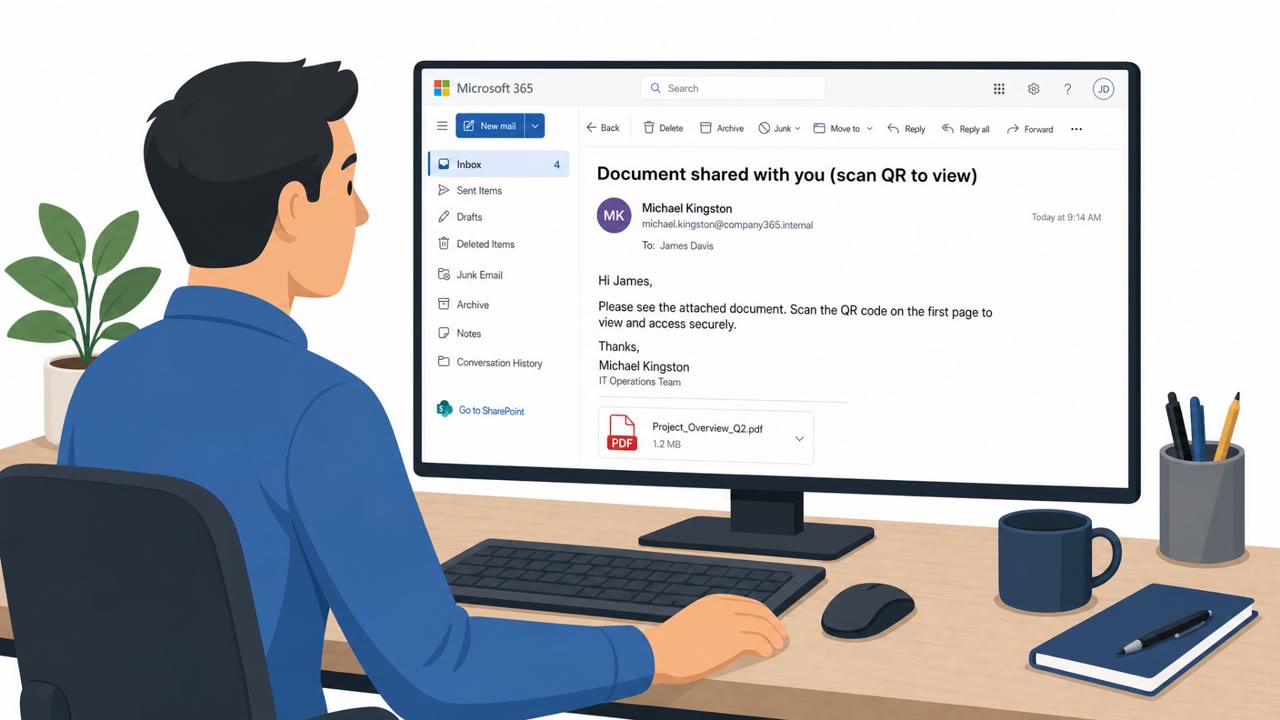
Cisco Talos incident responders identified phishing as the initial access vector in just over half of incidents investigated between March and June 2026. A significant part of that activity was an ongoing, persistent campaign tracked as UAT-11764. The campaign uses auto-generated, victim-tailored PDF documents that contain QR codes. Instead of clicking a link, victims are prompted to scan a QR code with their phone, which routes them to an adversary-controlled Microsoft 365 credential harvesting page.
The phishing pages are hosted on trusted cloud platforms, which helps the campaign blend in with legitimate traffic. By weaponizing existing, trusted infrastructure like SharePoint and Microsoft 365, the operators can bypass many standard email security gateways that would otherwise flag suspicious links.
Why It Succeeded
The core reason this technique evades detection is that the malicious destination is embedded inside an image, the QR code, rather than in text that gateways can scan. Because the lure looks like a normal document review request, and the destination login page appears to sit on familiar Microsoft infrastructure, victims have little visual reason for suspicion.
Once credentials are stolen, attackers do not stop at account access. They create email inbox rules for defense evasion, which can hide replies or alerts, and they use the compromised mailbox to send further phishing emails to the victim's contacts. This self-propagating step extends the campaign's reach without additional attacker infrastructure and increases the chance that recipients trust the message because it comes from someone they know.
What to Watch For
- Unexpected PDF attachments that ask you to scan a QR code to "sign in" or "view a document."
- Authentication prompts that appear only after scanning a QR code, especially for Microsoft 365.
- Messages from known contacts containing unusual sign-in requests, which may indicate their account has already been compromised.
- Unexplained changes to inbox rules, which can be a sign of post-compromise defense evasion.
Building Resistance
- Treat QR codes in unsolicited or unexpected PDFs as suspicious, and verify the request through a separate, known communication channel before scanning.
- Enforce phishing-resistant multi-factor authentication on Microsoft 365 accounts so that stolen passwords alone are not enough for attackers to gain access.
- Monitor for suspicious inbox rule creation and anomalous SharePoint file staging as indicators of post-compromise activity.
- Remember that hosting on a well-known cloud platform does not guarantee legitimacy; attackers routinely abuse trusted services like SharePoint and OneDrive to host credential harvesting pages.
Key findings
- Cisco Talos reported phishing was the initial access vector in “just over half of incidents investigated” (March–June 2026).
- An ongoing, persistent QR-code phishing campaign used “auto-generated victim-tailored PDF documents” containing QR codes that route users to “adversary-controlled Microsoft 365 credential harvesting pages.”
- The campaign (UAT-11764) aimed to evade detection by placing the lure in QR codes and hosting phishing infrastructure on “trusted cloud platforms.”
- After takeover, attackers used the victim mailbox to continue phishing and performed defense-evasion actions like “creating email inbox rules.”
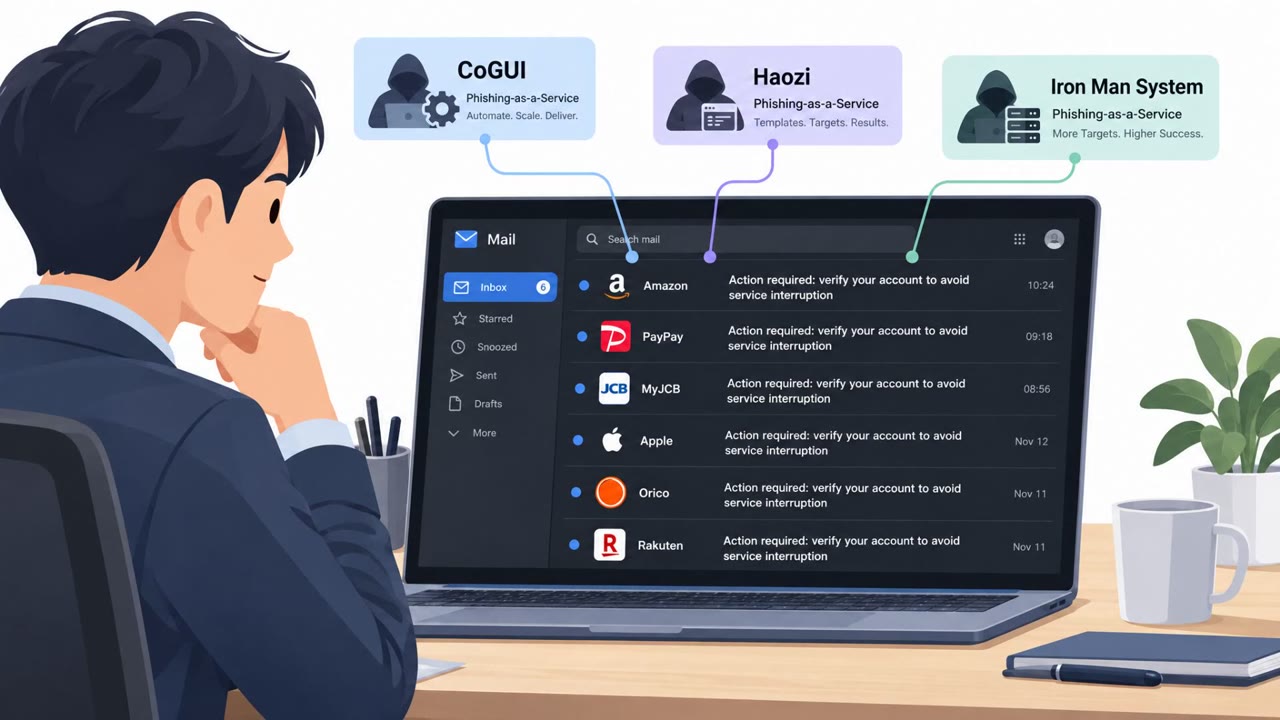
- The report also noted phishing-as-a-service kits are adding post-compromise features (e.g., token management, inbox rule manipulation, SharePoint/OneDrive admin) and anti-analysis techniques.
Who’s being targeted
- Commonly targeted roles: All employees, Executives, Finance, HR, IT / Security, Email administrators.
- Affected industries: Cross-industry (organizations using Microsoft 365).
- Attack channels: email.
- Impersonated: Microsoft 365 (login page) / SharePoint-hosted content, A known internal/external contact (from a compromised account).
Red flags to watch for
- A QR code in a PDF is used instead of a normal link (designed to evade email scanning).
- The sign-in page is controlled by the attacker but appears to be on trusted cloud infrastructure.
- Unexpected request to authenticate just to view a document.
- Email comes from a real contact but contains an unusual authentication request.
- Pressure to scan a QR code rather than using normal sharing and access methods.
- Follow-on behavior after compromise (mailbox rules) may hide replies or warnings.
Frequently asked questions
How does the QR-code PDF phishing campaign work?
Victims receive an auto-generated, victim-tailored PDF containing a QR code. Scanning it leads to an adversary-controlled Microsoft 365 credential harvesting page hosted on trusted cloud infrastructure.
Why do QR codes in PDFs bypass email security?
Because the malicious link is embedded as an image inside a QR code rather than as plain text, it evades detections used by many traditional email gateways to identify potentially malicious behavior.
What happens after credentials are stolen in this campaign?
Attackers access the victim's inbox, create email inbox rules for defense evasion, and use the compromised account to send further phishing emails to the victim's contacts.
What can organizations do to reduce risk from this attack?
Enforce phishing-resistant multi-factor authentication on Microsoft 365 accounts and monitor for suspicious inbox rule creation and anomalous SharePoint file staging.
Read the video transcript
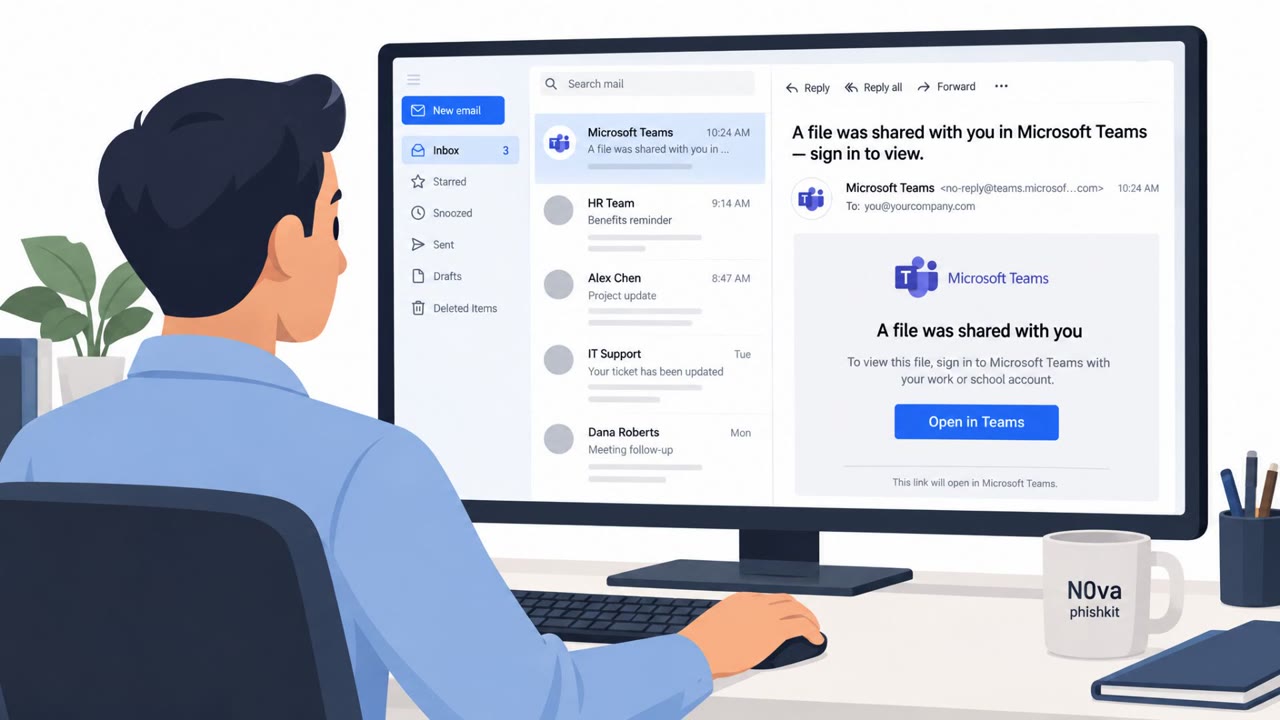
You get an email: “Action required, review the attached PDF and scan the QR code to sign in to Microsoft 365.” Looks routine, right? Behind that PDF is a QR code that jumps you to a fake Microsoft 365 login, hosted on trusted cloud platforms. Cisco Talos saw this QR-code campaign in real incidents, where stolen logins let the system email your contacts too. Here’s the twist: the next QR-code PDF might come from a real coworker, because their mailbox was already taken over. The only weird thing? You’re being pushed to scan a QR code and re-enter your password just to see a simple document. If a PDF tells you to scan a QR code to log in to Microsoft 365, stop. Don’t scan it, contact the sender or go to office.com yourself and open the file from there.