Researchers observed real phishing emails posing as transaction receipts to trick people into opening a PDF attachment. The PDF claims an “Adobe Flash Player update is required,” leading victims to download and run a script that silently installs ScreenConnect for persistent remote access.
How the Attack Worked
This campaign began with phishing emails disguised as transaction receipts, impersonating employees of a US company. The message body asked recipients to review an attached PDF and confirm whether funds had been deposited into their account, a pretext designed to prompt quick, unquestioning action from finance and accounts payable staff.
Opening the attached PDF, named to resemble a transaction confirmation file, displayed what appeared to be an international money transfer document. The PDF then showed a fake prompt claiming an Adobe Flash Player update was required to view the content, encouraging the victim to click a download link. That click used Adobe Reader's external link feature to redirect the victim to attacker-controlled infrastructure hosted on Vercel, where a VBS file disguised as a Flash updater was downloaded.
Why It Succeeded
The attack relied on a familiar business scenario, confirming a payment or deposit, which creates urgency and plausibility without requiring sophisticated technical deception. Layering a second social engineering step inside the PDF itself, the fake software update prompt, added a further barrier that most users are not trained to scrutinize. Running the downloaded script quietly installed a malicious MSI package in the background while displaying a decoy payment receipt PDF, reinforcing the illusion that nothing unusual had happened.
What to Watch For
- Unexpected emails about payment confirmations or transaction receipts that push you to open an attachment
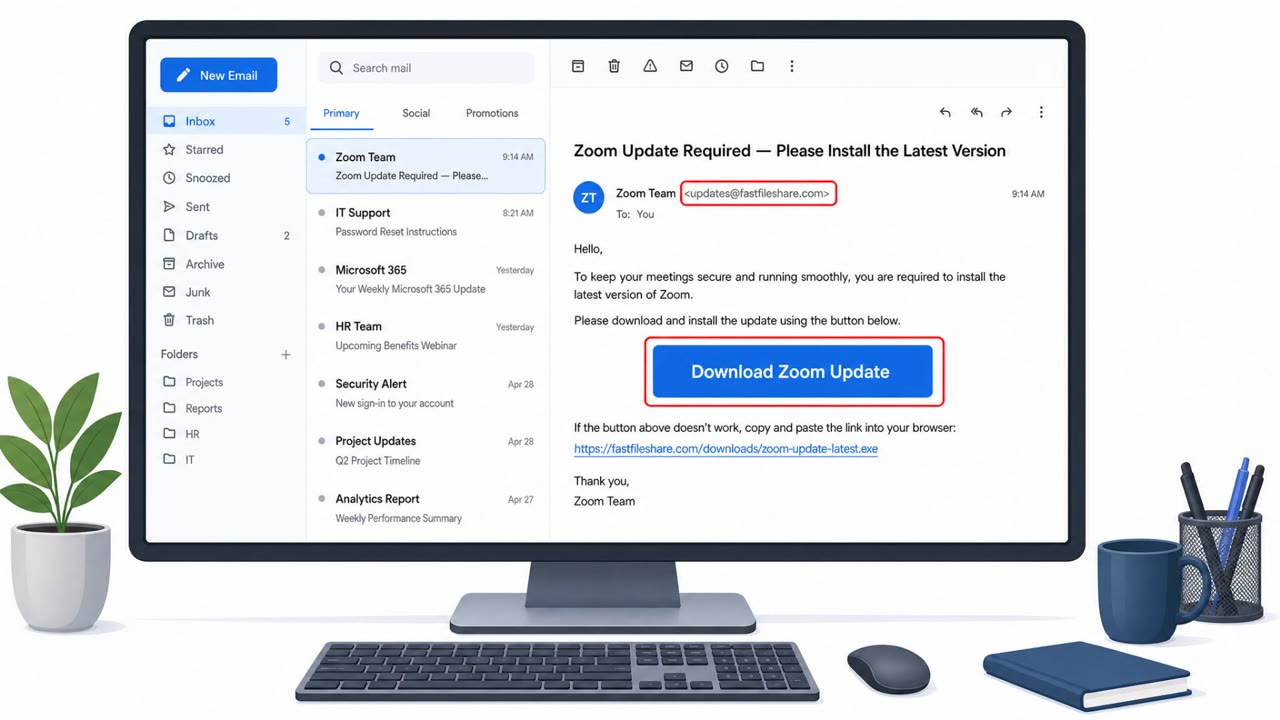
- A PDF or document that claims you need to update software like Adobe Flash Player to view it
- Documents requesting permission to open external links or connect to unfamiliar websites
- Downloaded files with extensions like .vbs rather than expected document formats
- Unexplained installation activity or unfamiliar remote access software appearing on a system
How to Build Resistance
Organizations should train finance and accounts payable staff, along with all employees, to treat unsolicited payment or receipt emails as suspicious and to verify them through a known, trusted contact method rather than the email itself. Employees should be reminded that legitimate document viewers never require in-document software updates, and that Flash Player specifically is obsolete and no longer updated. IT and helpdesk teams benefit from reinforcing that any unexpected download or installation prompt, especially one involving remote access or management software, should be reported immediately so it can be investigated before persistent access is established.
Key findings
- Phishing emails were disguised as transaction receipts and impersonated employees of a US company.
- The email used an attached PDF (“transaction_successful_ID9238249123024.Pdf”) to entice the recipient to open it and verify whether funds were deposited.
- The PDF displayed a fake prompt that an Adobe Flash Player update was required, pushing the victim to click a download button/link.
- The victim is redirected to attacker-controlled infrastructure hosted on Vercel, which downloads a VBS file (“adobe-flash-updater.Vbs”).
- Running the VBS script downloads and installs a malicious MSI in the background, while showing a decoy “payment_receipt.Pdf” to look legitimate.
- The MSI installs ScreenConnect (ConnectWise) and connects out to “relay.Gamedbd.Com:8041,” giving the attacker persistent remote access.
Who’s being targeted
- Commonly targeted roles: All employees, Finance / Accounts Payable, Executives who approve payments, IT / Helpdesk (remote access tooling oversight).
- Affected industries: Unspecified / cross-industry (any organization receiving payment/receipt emails).
- Attack channels: email, website.
- Impersonated: Employees of a specific US company (unnamed in article), Adobe Flash Player updater prompt (within PDF).
Red flags to watch for
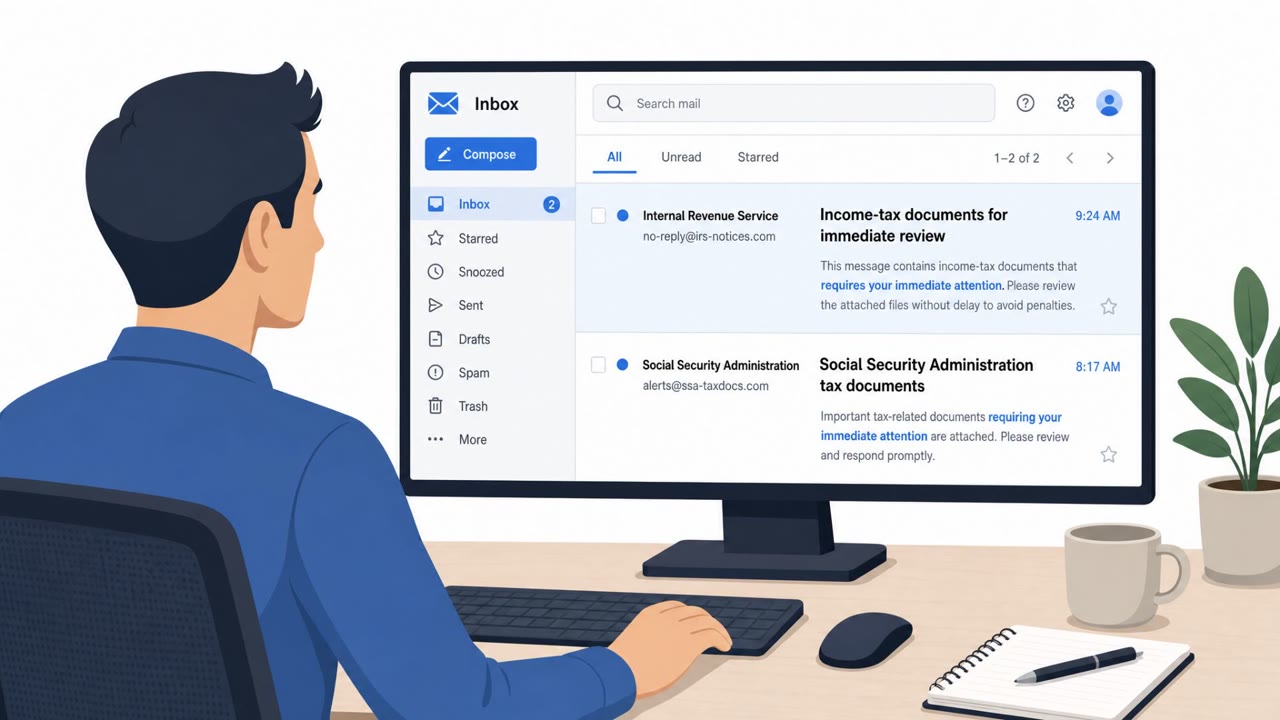
- Unexpected payment/receipt email pushing you to open an attachment to verify funds
- PDF claims you need a software update to view the document (common scam tactic)
- Download link leads to an unrelated external site (Vercel-hosted)
- A PDF asking you to install/update Flash (Flash is obsolete; updates are suspicious)
- A script file download (.vbs) is not a normal document viewer update
- Running the file triggers silent background installation activity
Frequently asked questions
How does the fake transaction receipt phishing attack work?
Victims receive an email claiming a transaction receipt is attached and are asked to confirm whether funds were deposited. Opening the PDF triggers a fake prompt claiming an Adobe Flash Player update is required, which leads to downloading and running a VBS script that installs a remote access tool.
Why is the Adobe Flash update prompt inside the PDF a red flag?
Flash Player is obsolete and no longer requires updates, so any document asking you to install one is a strong indicator of a scam. In this case, clicking the prompt redirected victims to attacker-controlled infrastructure hosting a malicious script.
What tool did the attackers use for remote access?
The malicious installer deployed ScreenConnect, a legitimate remote management solution from ConnectWise, which the attacker used to establish persistent remote access to the infected system.
Who is most at risk from this type of attack?
Finance and accounts payable staff, executives who approve payments, and any employee who handles invoices or payment confirmations are primary targets, though all employees are at risk.
Read the video transcript
You get an email: “Transaction receipt attached, please confirm funds were deposited.” Looks routine, right? You open the PDF. It shows an international transfer receipt, but then a big message pops up: “An updater to Adobe Flash Player is needed to view this PDF.” With a download button. Clicking it sends you to a Vercel site that downloads “adobe-flash-updater.Vbs”. When you run it, a fake payment_receipt.Pdf opens, but in the background ScreenConnect quietly installs and phones home to relay.Gamedbd.com:8041. Here’s the move: if a receipt PDF ever tells you to install or update Flash or any viewer, stop and forward that email to IT security immediately, don’t click anything inside it.