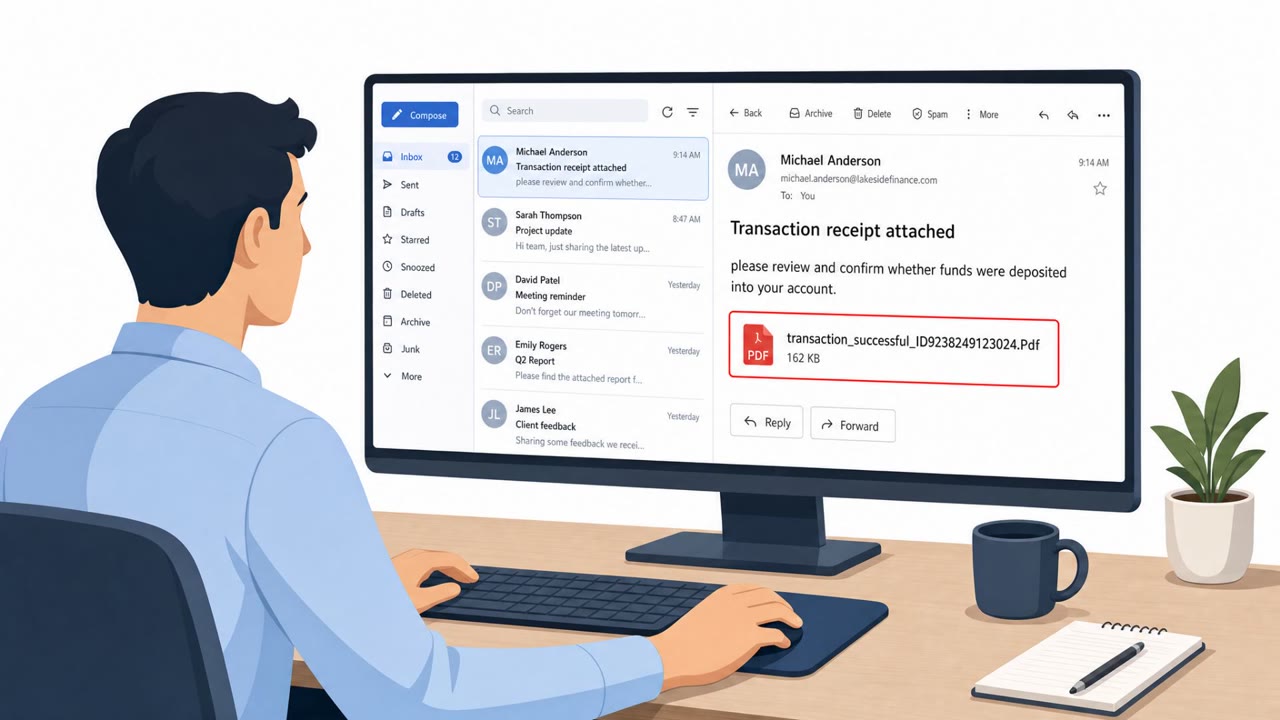
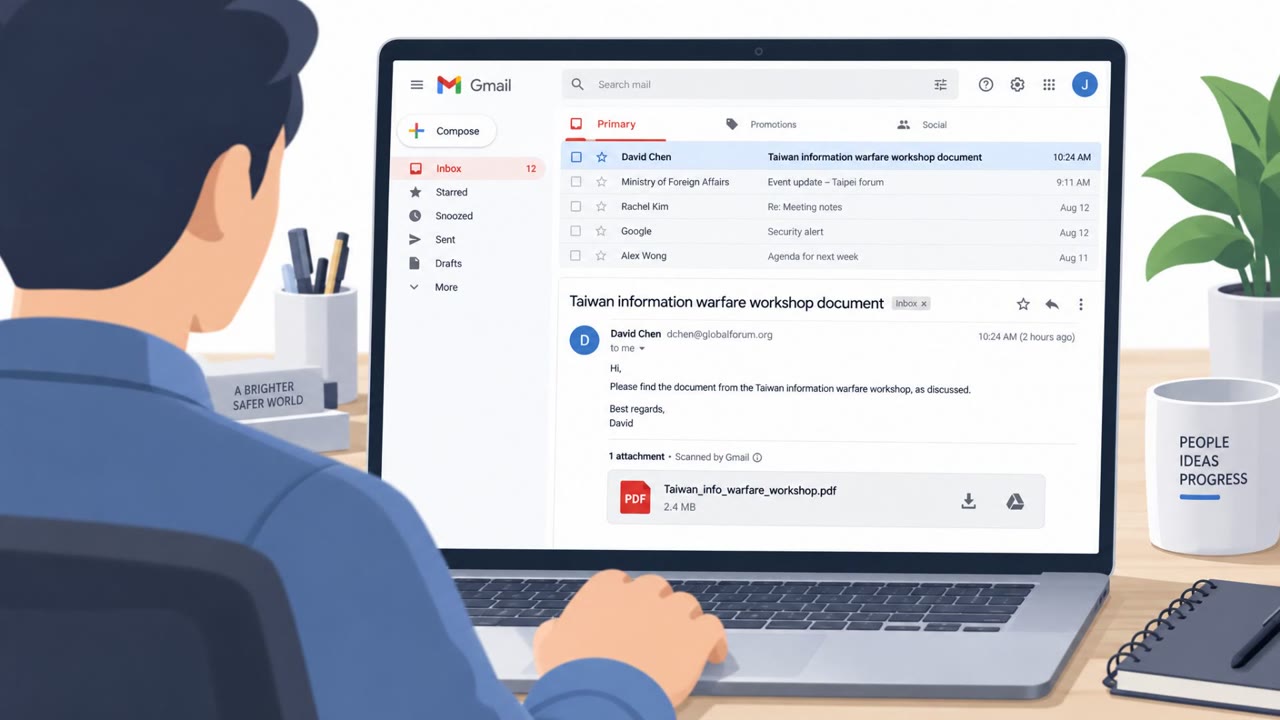
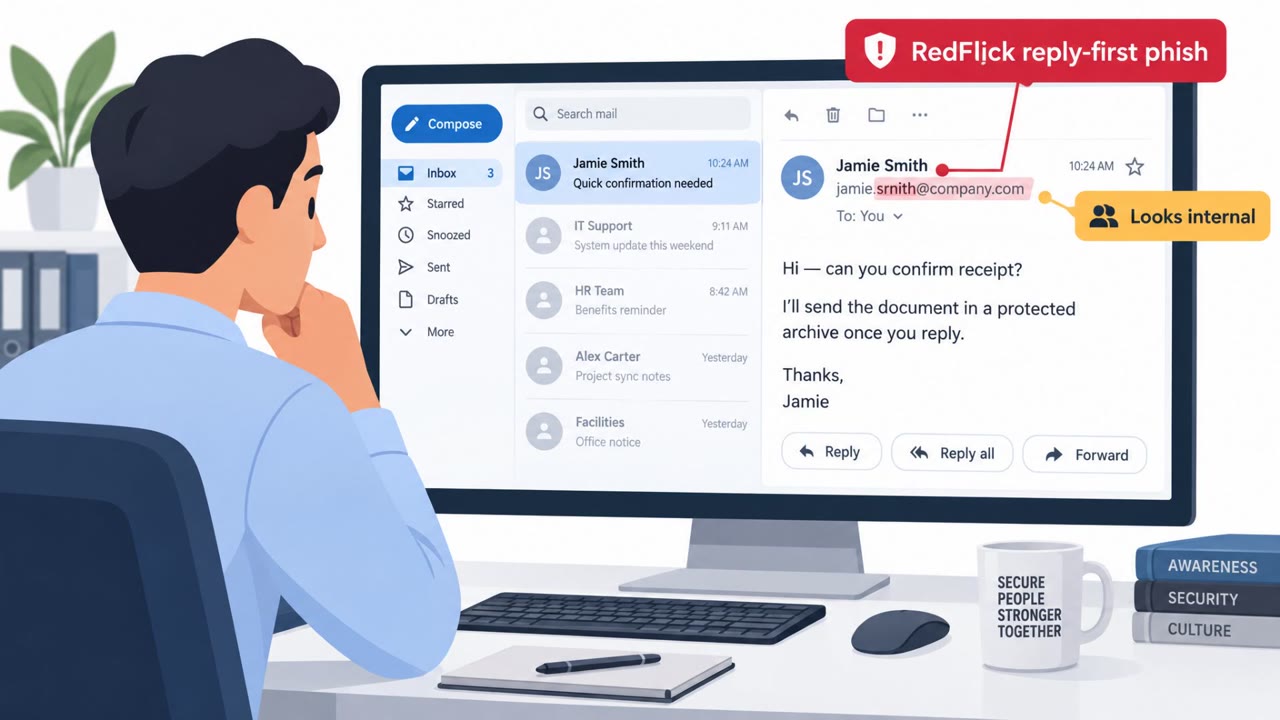
Researchers report real-world attacks in Korea where victims are tricked into opening shortcut (LNK) files or “security software” installers that secretly install the Xctdoor backdoor. The lures use believable filenames (e.g., account statements, lease documents, resumes) and fake installers (e.g., Veraport/SoftCamp) to get users to execute the malware.
Key findings
- Larva-26005 distributed Xctdoor to users in Korea, with campaigns observed through 2026.
- Attackers disguised malware as legitimate security software installers (Veraport and SoftCamp) and also used LNK shortcut files as spear-phishing payloads.
- LNK droppers display a decoy document while creating script files that download and install Xctdoor and related loader components.
- Observed download infrastructure included hesenorm[.]info paths used to fetch encrypted payloads and scripts.
Who’s being targeted
- Commonly targeted roles: All employees, Finance, HR, Sales, IT/helpdesk.
- Affected industries: Corporate users (multiple functions, Korea), General consumers (Korea).
- Attack channels: email.
- Impersonated: Coworker or external business contact sharing a report, Security software vendor / installer package, Business partner / internal team sending routine documents.
Awareness takeaways
- Treat .LNK (shortcut) attachments as high-risk and report them instead of opening them.
- Be suspicious of “decoy document” behavior, if something opens but your computer acts oddly, stop and report it.
- Do not install “security software” from compressed files or unofficial sources; installers can be disguised to side-load malware.
- Train finance/HR/sales teams on document-themed lures (statements, refunds, resumes, contracts) because attackers reuse these themes broadly.
Red flags to watch for
- The “document” is actually a .LNK (Windows shortcut), not a PDF/Word file
- “Confidential”/urgency framing to push quick opening
- Decoy document appears while background scripts run (unexpected behavior)
- Installer arrives as a compressed file from an untrusted source
- Unexpected DLL side-loading behavior (legit EXE + malicious DLL in same folder)
- Creates scripts in public folders and schedules tasks (unusual for an installer)
- Attachment is a .LNK shortcut instead of a normal document
- Filename-only lure with no trustworthy context or expected workflow
- Overly broad themes (accounting, legal, HR) used to match many departments
Read the video transcript
You get an email from a coworker: “***_Comprehensive Status Report_(Confidential)_26.4.4.LNK”. Looks like a secret report, right? In recent Korean attacks, that exact kind of LNK shortcut quietly installed the Xctdoor backdoor. It pops a decoy document on screen while three hidden scripts pull encrypted malware from sites like hesenorm.info. Same campaign also ships fake Veraport or SoftCamp “security installers” in compressed files. You unzip, see a legit-looking EXE next to a shady DLL, run it, and Xctdoor is in, scheduled tasks and all. Here’s the move: if an email attachment is a .LNK shortcut or a compressed “security installer,” don’t open it, report it to Security immediately so we can check it for Xctdoor.