Recruitment Emails Hide BitB Google/Facebook Traps

The Hacker News · High sophistication
Last updated August 17, 2026

Researchers found a large recruitment-themed phishing campaign where victims receive unsolicited interview invites and are sent to fake scheduling or recruitment pages. The pages use “Browser-in-the-Browser” fake login popups to steal Google/Facebook passwords and, in some cases, capture MFA codes in real time to take over accounts.

Key findings

  • CTM360 reported identifying “more than 3,000+ phishing URLs over two months” tied to the campaign it calls “RecruitTrap.”
  • The campaign used recruitment pretexts (interview scheduling / recruitment portals) and impersonated “real recruiters” tied to “more than 50 organizations across 14 sectors.”
  • Victims were pushed into one of two flows: a “counterfeit Calendly-style scheduling page” or a “brand-specific recruitment portal,” both leading to “Continue with Google/Facebook.”
  • Attackers used Browser-in-the-Browser (BitB) to show “a fake authentication popup with a spoofed address bar and padlock.”
  • In advanced cases, the kit relayed MFA: “the fake page then showed the same MFA request and sent the victim’s code back to the attackers.”
  • The phishing kit filtered targets: “The page filtered out personal email domains and only advanced corporate accounts.”

Who’s being targeted

  • Commonly targeted roles: Marketing, HR/Recruiting, All employees (especially active job seekers), IT/Security Service Desk.
  • Affected industries: Recruitment, Technology, Luxury goods, Travel, Marketing/Advertising.
  • Attack channels: email, website.
  • Impersonated: A recruiter at a recognizable organization (using a real recruiter’s identity), Company-branded recruitment portal.

Awareness takeaways

  • Treat unsolicited interview invites as suspicious; verify via official channels and don’t click invite links to ‘schedule’ interviews.
  • Train employees to recognize BitB fake login windows, especially Google sign-in lookalikes, and to check the real website address.
  • Warn that attackers can steal MFA codes in real time; entering an MFA code on an untrusted page can still lead to account takeover.
  • If someone entered credentials/MFA into a suspected recruitment page, respond immediately: change password, revoke sessions, review sign-ins, and alert security.

Red flags to watch for

  • Unsolicited interview invite or meeting request
  • Login prompt appears in a webpage-made popup (BitB) rather than a real Google/Facebook login page
  • You are asked to sign in just to schedule a meeting
  • A recruitment portal that unexpectedly forces Google/Facebook authentication
  • A fake address bar/padlock inside the page (BitB)
  • MFA code requested immediately after entering credentials on an unfamiliar site
Try Mirage

Mirage safely runs attacks like this one against your own team, so you find out what happens before a real adversary does.

Get a demo
Read the video transcript

You get an email: "Interview invitation – please schedule a time." Looks like a real recruiter from a big-name company. You click, land on a Calendly-style page or a company-branded portal, and it says: "Continue with Google" or "Continue with Facebook" to book the slot. Here’s the trap: a Browser-in-the-Browser fake popup appears inside the page, showing a tiny "https://accounts.google.com" bar and padlock. It’s not a real window, just part of the site, built to steal your password and even your MFA code in real time. If an unsolicited interview link ever pops a Google or Facebook login, stop and do this: close it, then go to the company’s official careers site or LinkedIn page yourself to confirm the invite.

Similar attacks

Fake Recruiters & Cloud Email Fuel New Phishing

Fake Recruiters & Cloud Email Fuel New Phishing

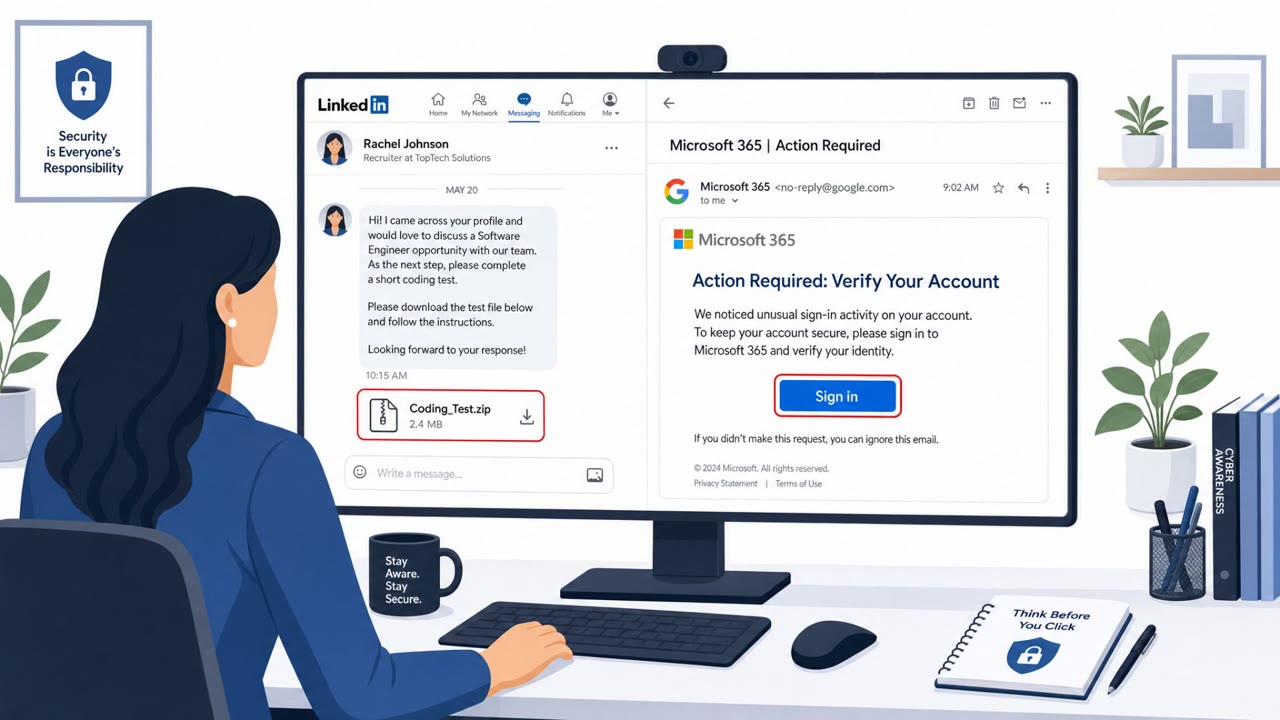
This roundup describes real-world social engineering where attackers impersonate recruiters on LinkedIn and lure developers into running “coding tests” that install malware. It also outlines active phishing campaigns that abuse trusted cloud services (Google, AWS, Azure, Cloudflare) to send…

September 2, 2026
Phishing Link Could Plant a Rogue ChatGPT Agent

Phishing Link Could Plant a Rogue ChatGPT Agent

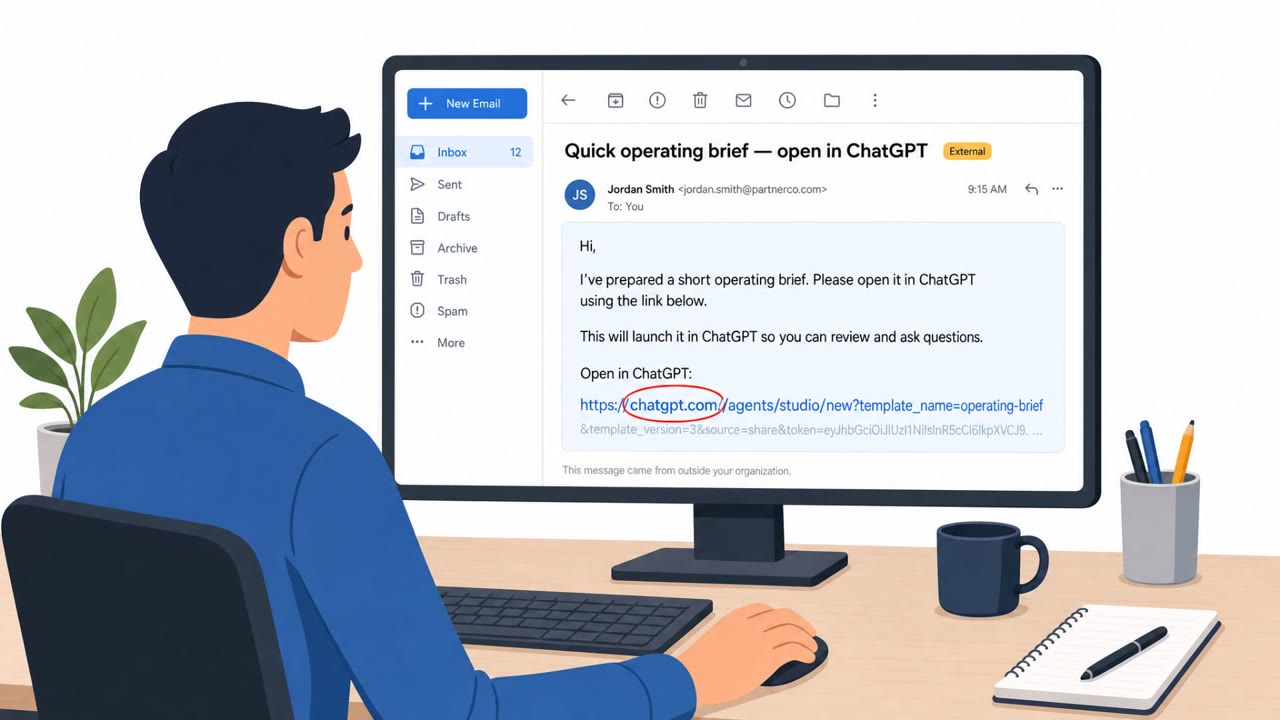
Researchers described a now-patched flaw ("AgentForger") where a single benign-looking ChatGPT link could silently create and publish an attacker-controlled Workspace Agent inside a company. If an employee was already logged in and had connected apps (like email, Drive, Slack, or Teams), the agent…

July 24, 2026
Fake Conferences Fuel OAuth and WhatsApp Phish

Fake Conferences Fuel OAuth and WhatsApp Phish

Google tracked three suspected Russia-linked groups running targeted phishing that abuses real login and authentication features (app passwords, OAuth, and device codes) to get into accounts. The lures often look like legitimate conference or diplomatic invitations, and some campaigns spoof…

August 21, 2026
Attackers Phish via Teams & Slack, Not Email

Attackers Phish via Teams & Slack, Not Email

Research and incident examples show attackers increasingly using trusted collaboration tools (like Microsoft Teams and Slack) to impersonate IT/support or known community members, then push victims to phishing sites, approve MFA prompts, or run malicious files. Because messages come through…

August 20, 2026
Fake Voicemail Alert Steals Google Passwords

Fake Voicemail Alert Steals Google Passwords

A real phishing campaign is tricking employees with a “missed voicemail” message that claims they have a new audio message. Clicking “Play Audio” sends victims through multiple trusted-looking redirects and ends on a fake Google sign-in page that captures Google Workspace credentials, potentially…

August 12, 2026
Fake Zoom/Teams Calls Used to Steal Crypto Wallets

Fake Zoom/Teams Calls Used to Steal Crypto Wallets

North Korea-linked BlueNoroff is using fake Zoom and Microsoft Teams meeting pages shared from hijacked trusted contacts (often via Telegram) to trick victims into “updating” Zoom/Teams and running malicious commands. The phishing kit also fingerprints the victim’s browser to identify installed…

July 24, 2026