Google tracked three suspected Russia-linked groups running targeted phishing that abuses real login and authentication features (app passwords, OAuth, and device codes) to get into accounts. The lures often look like legitimate conference or diplomatic invitations, and some campaigns spoof WhatsApp to trick targets into linking their account to an attacker-controlled device. The activity targets researchers, diplomats, and defense-related staff in Europe and the U.S., often through personal accounts that are harder for organizations to monitor.
Key findings
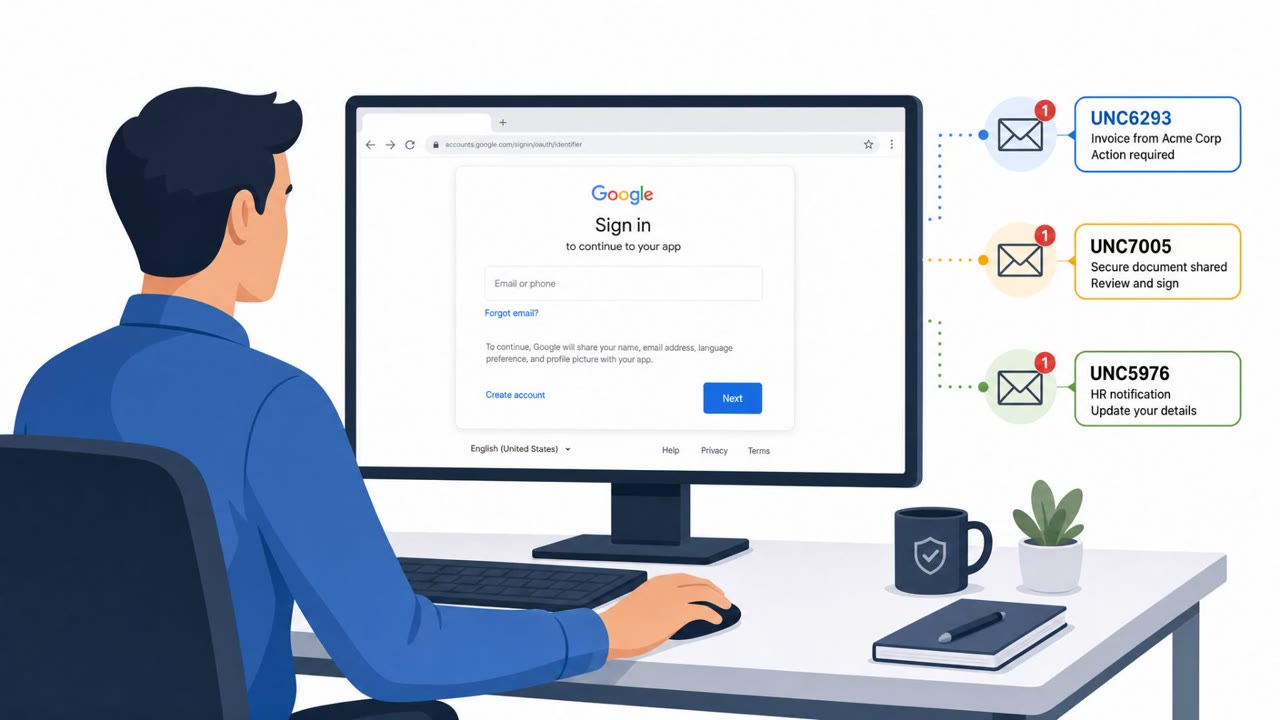
- Three suspected Russia-linked clusters (UNC6293, UNC7005, UNC5976) used persistent phishing that abuses legitimate authentication flows (app passwords, OAuth, and device codes).
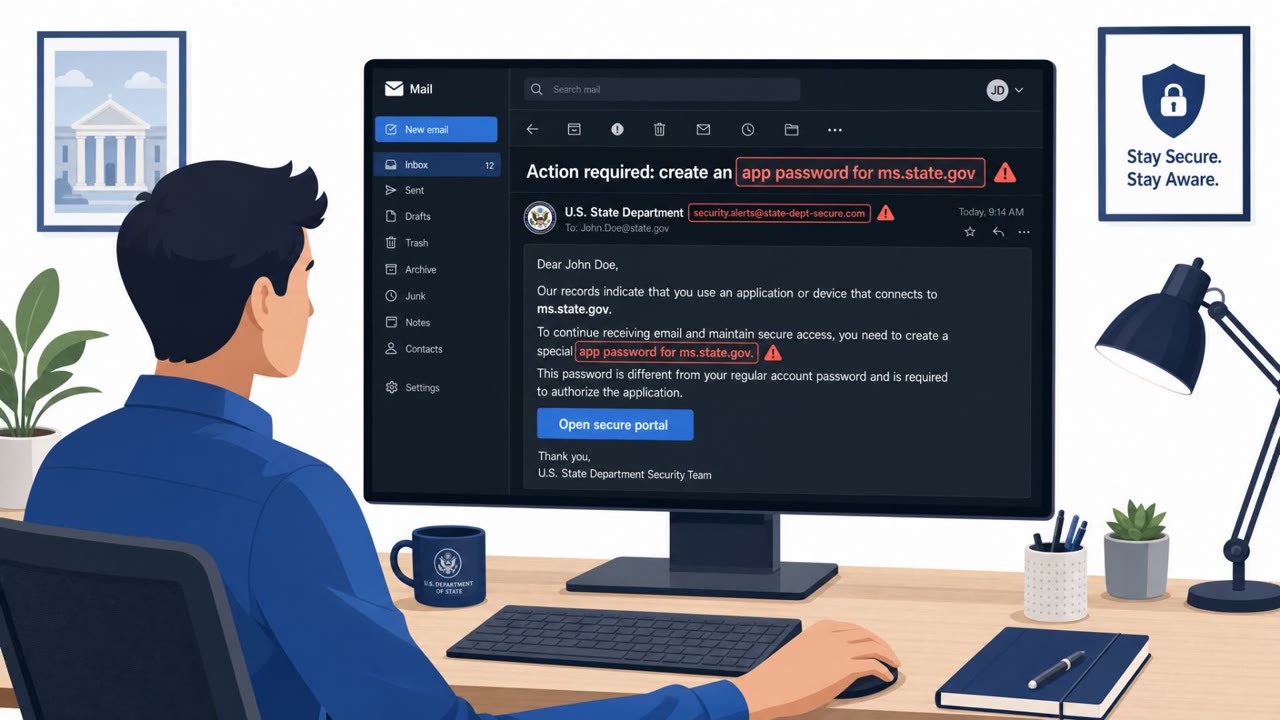
- UNC6293 impersonated U.S. State Department officials and convinced victims to create a specific app password the attacker already knew, enabling login without triggering MFA.
- UNC7005 used conference-themed landing pages (e.g., a spoofed GLOBSEC invitation) to collect registration details and then presented a Microsoft device code for the victim to enter.
- UNC7005 also spoofed WhatsApp with phishing pages that tricked victims into linking their WhatsApp account to an attacker-controlled device; one option requested camera/microphone access and recorded victims.
- UNC7005 ran a fake “Summit Companion App” lure; Windows downloads delivered VIDAR and macOS downloads delivered ATOMIC/AtomicStealer infostealers.
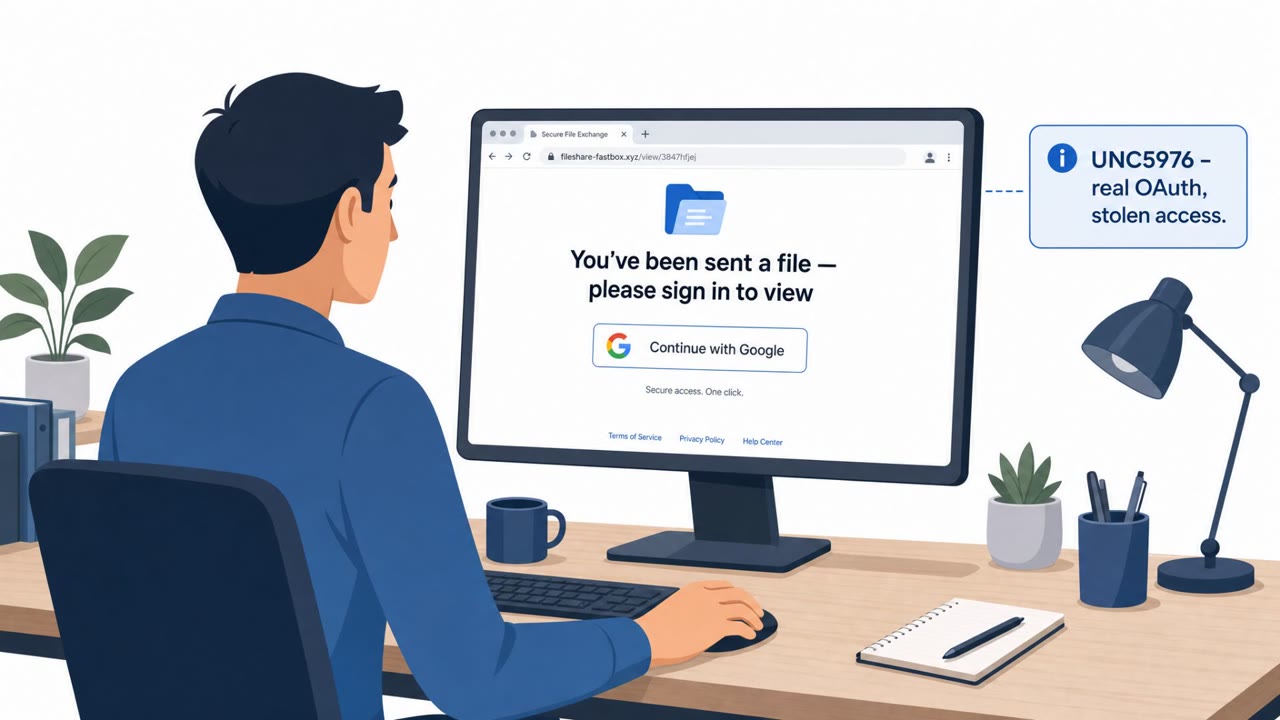
- UNC5976 automated OAuth token theft using file-sharing-themed domains and fake Google sign-in prompts hosted behind attacker-created cloud projects; it quickly rebuilt infrastructure after disruption.
- A key defensive challenge is that targets are often approached via personal accounts and encrypted messaging apps, creating reduced organizational visibility into the initial outreach.
Who’s being targeted
- Commonly targeted roles: Executives, Diplomats / government affairs, Researchers and analysts (think tanks), University faculty and staff, Defense and aerospace staff, Anyone who uses WhatsApp for work communications.
- Affected industries: Government, Defense, Think tanks, Higher education / academia, Nonprofits / NGOs, Aerospace.
- Attack channels: email, website.
- Impersonated: US State Department officials, GLOBSEC conference organizers, WhatsApp.
Awareness takeaways
- Treat any request to create an app password as a high-risk red flag; do not do it based on messages or invitations.
- Be suspicious of ‘legitimate-looking’ login flows that ask you to share a URL or verification code, OAuth and device-code phishing can look real.
- For WhatsApp (and other messengers), regularly review and remove unknown linked devices, attackers may try to link your account via phishing.
- Don’t assume corporate security tools will see the first contact, personal accounts and encrypted messaging can bypass organizational monitoring.
Red flags to watch for
- Anyone asking you to create an app password is unusual and bypasses normal protections
- Conference/diplomatic urgency or exclusivity used to pressure quick action
- Reuse of old lure material (screenshots/templates) with only minor text changes
- Registration asks for odd personal details unrelated to attendance (e.g., dinner/wine selection)
- Template mistakes/leftovers (e.g., references to a different organization/policy)
- Device-code prompts presented by a third-party “invitation” site rather than your normal login path
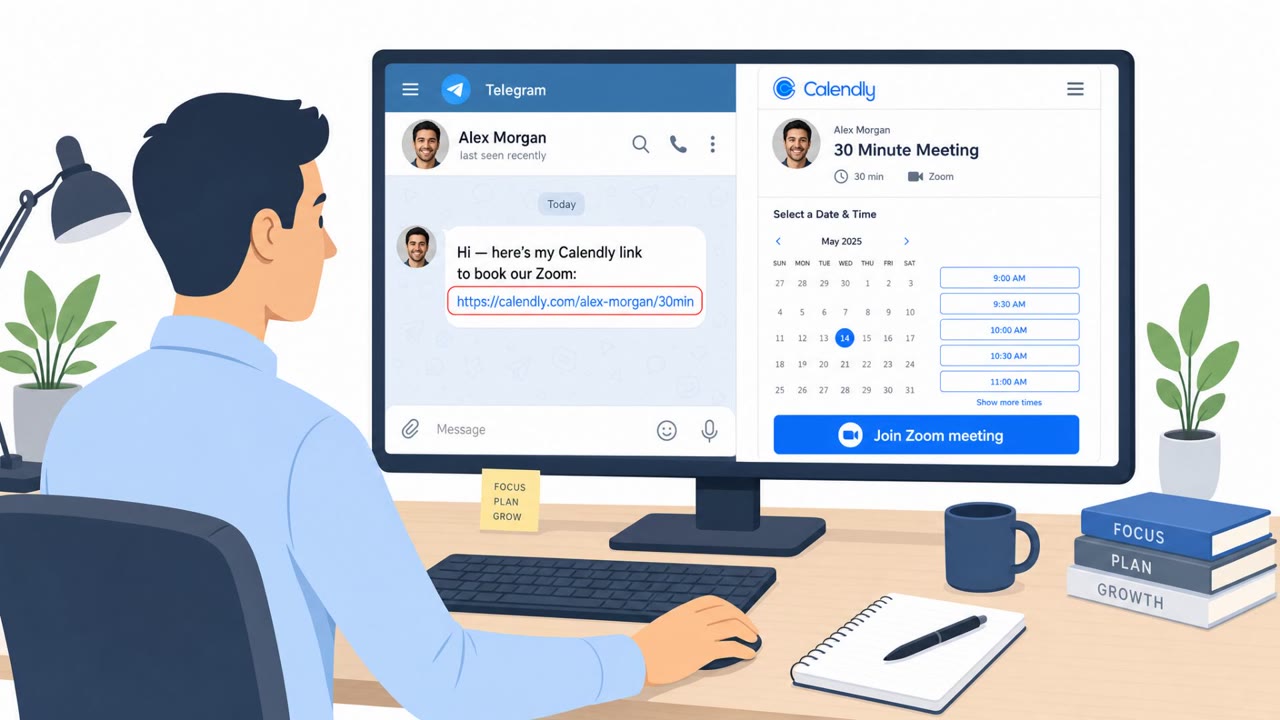
- Unsolicited prompt to ‘link device’ to access a call/chat/file
- Browser requesting microphone/camera permissions from a suspicious page
- Too many choices/actions (call, encrypted chat, download) designed to push quick clicks
Read the video transcript
You get an email from a ‘U.S. State Department’ contact inviting you to an exclusive security conference. The catch? It tells you to create a specific app password so they can ‘pre‑register’ you. That’s an app password the attacker already knows, letting them log in without triggering your MFA. Same play with fake GLOBSEC invites and WhatsApp pages: they look legit, but the page itself is asking for a Microsoft device code or to link your WhatsApp to a new device. Real services don’t need you to send them codes from some random site. If any invite or message tells you to create an app password or enter a code from their page, stop. Close it and contact our security team before you touch your account settings.