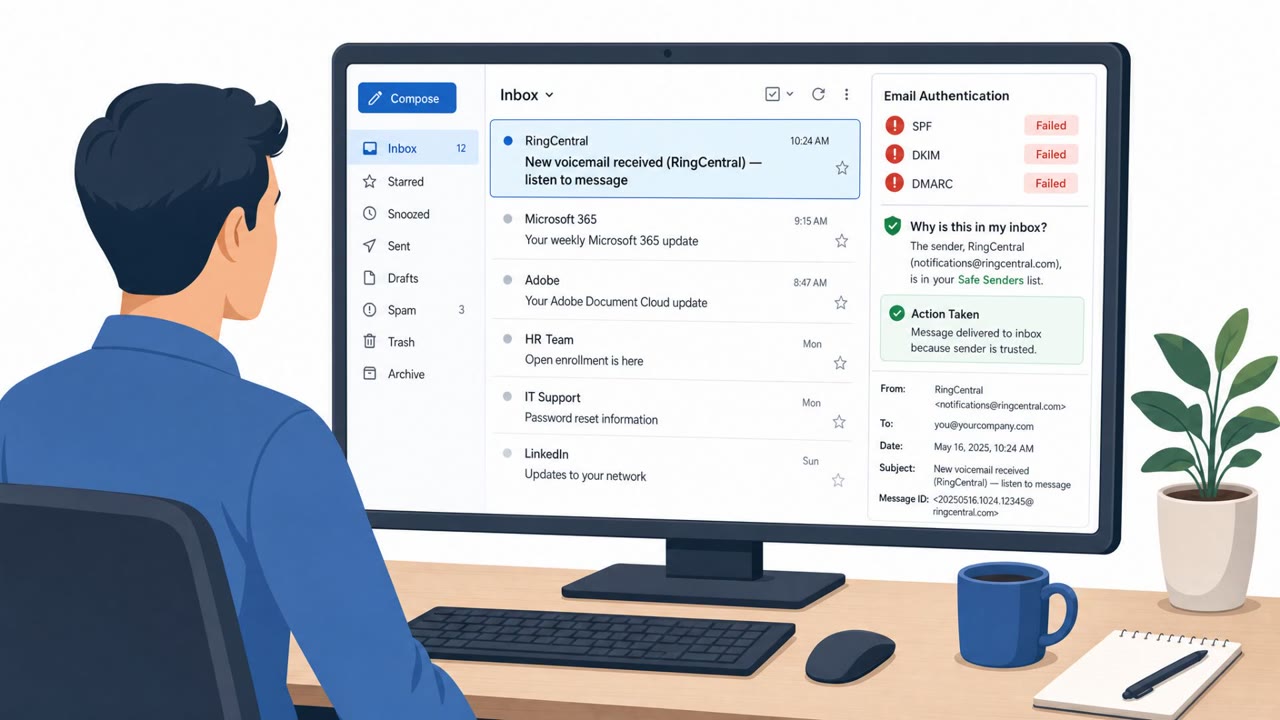
Have I Been Pwned says the RingCentral incident exposed 1.6 million email addresses plus names, phone numbers, and physical addresses, which can make targeted phishing more convincing. Separately, researchers described spoofed RingCentral emails that bypassed defenses due to allowlisting and led victims to Microsoft 365 credential/token theft infrastructure. The article emphasizes that brand-based allowlisting should not override failed email authentication checks.
What happened
Have I Been Pwned added a RingCentral related incident to its breach database, reporting that 1.6 million unique email addresses were exposed along with names, phone numbers, and physical addresses. Separately, researchers described a spoofing campaign in which RingCentral branded emails were used to direct victims toward Microsoft 365 credential and token theft infrastructure. RingCentral stated it discovered a sophisticated social engineering campaign and engaged a third-party forensic firm.
How the spoofed email attack worked
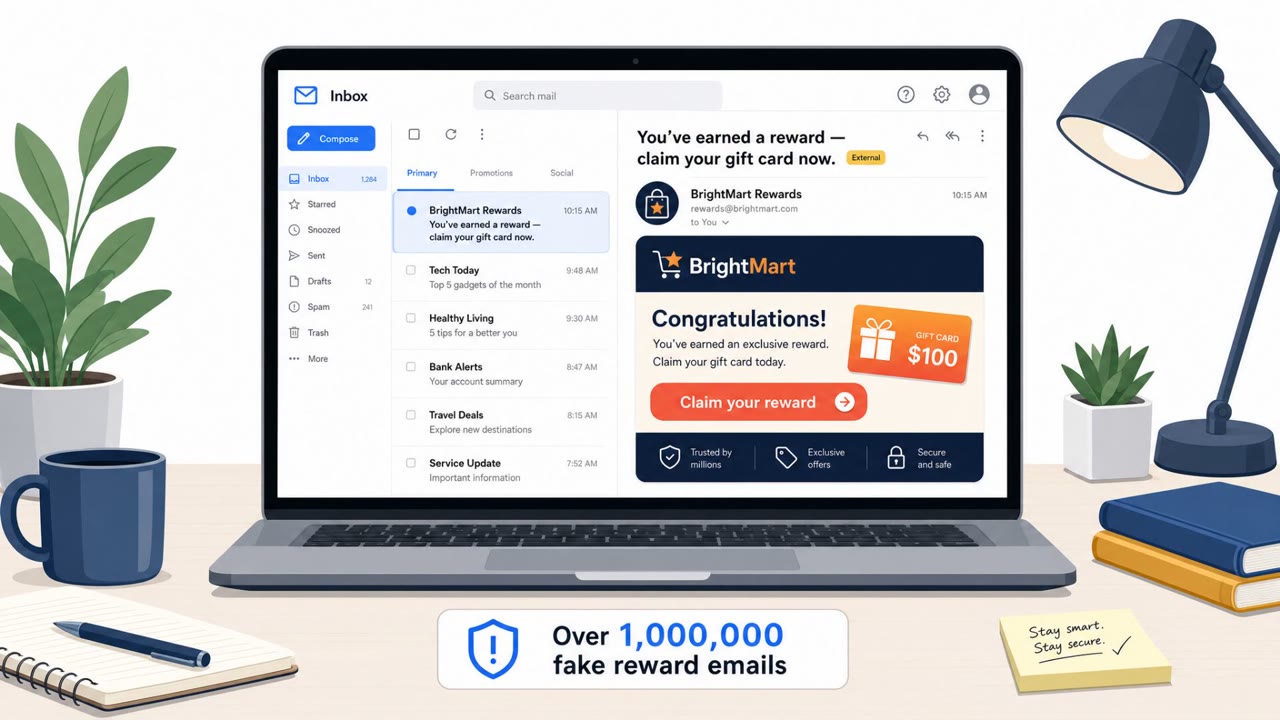
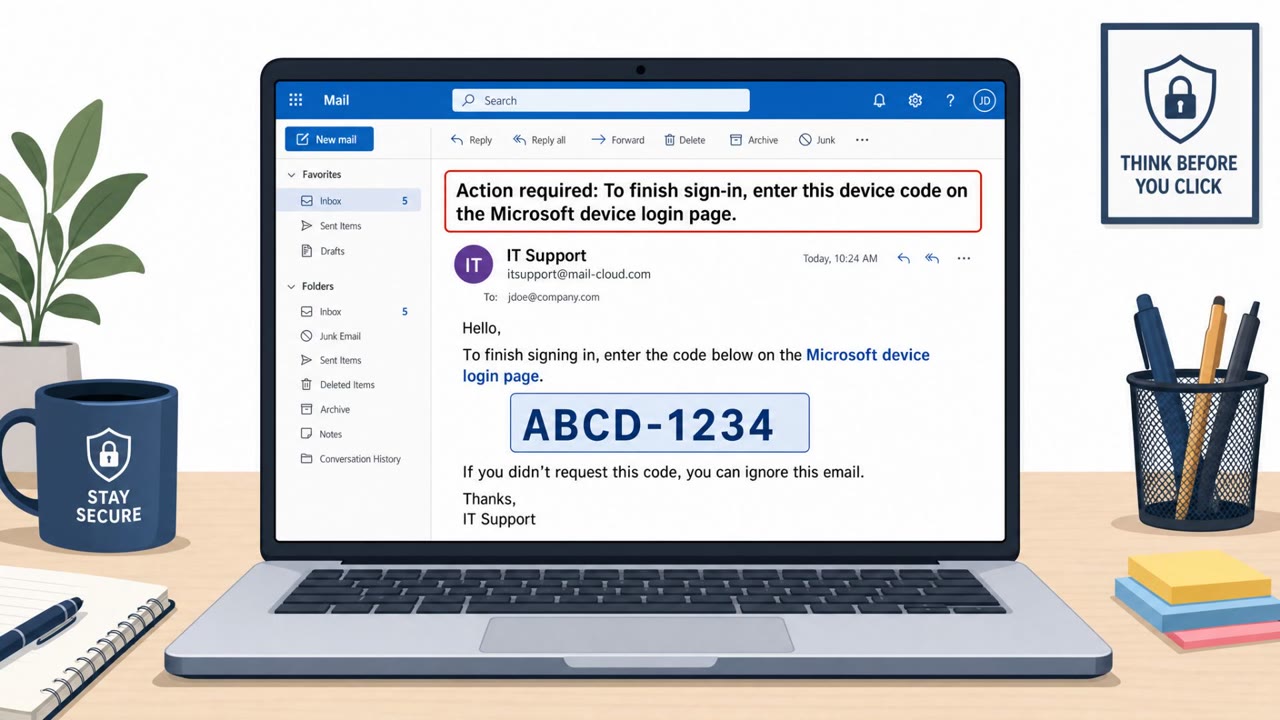
Attackers sent RingCentral branded emails prompting recipients to click a link and sign in. These messages failed SPF and DMARC checks and lacked a DKIM signature, which normally would flag them as suspicious. Despite these authentication failures, the messages were accepted by receiving systems because RingCentral had been whitelisted. Clicking the link routed victims to attacker infrastructure, where adversary-in-the-middle or device-code phishing techniques were used to capture Microsoft 365 credentials or session tokens.
Why it succeeded
The core weakness was not the phishing content itself but a policy gap: brand-based allowlisting overrode the results of standard email authentication checks. When a trusted brand name is whitelisted without regard to SPF, DMARC, or DKIM outcomes, spoofed messages using that brand can slip through even when technical indicators clearly show the message did not originate from the real sender. Separately, the exposed contact data from the breach, including names, phone numbers, and physical addresses, gives attackers material to craft more convincing and personalized phishing attempts referencing RingCentral.
What to watch for
- RingCentral branded emails prompting a sign-in action, especially ones with urgency
- Links that route through unfamiliar infrastructure before reaching any Microsoft sign-in page
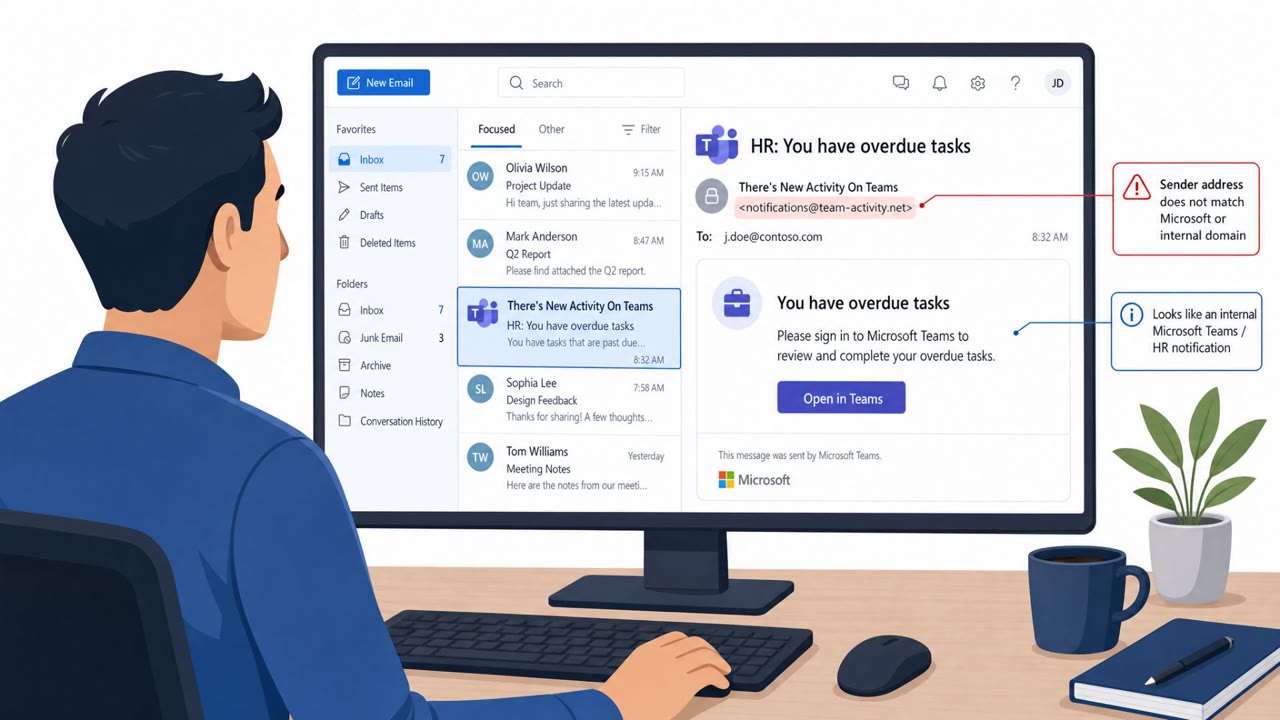
- Personalized messages referencing your name, phone number, or address that use RingCentral's name to build trust
- Reply-to addresses or links that do not match expected RingCentral communication paths
How to build resistance
- Audit safe-sender and allowlisting rules so brand-based exceptions never override failed SPF, DMARC, or DKIM checks
- Treat any unexpected RingCentral branded message as worth verifying through a separate trusted channel
- Have IT and Microsoft 365 administrators review sign-ins originating from hosting providers or VPN infrastructure
- If compromise is suspected, revoke access and refresh tokens and review OAuth consent and Microsoft Graph activity
- Remind finance, helpdesk, and customer-facing staff that accurate personal details in an email do not guarantee legitimacy
Key findings
- HIBP added the RingCentral incident and reported “1.6 million unique email addresses” were exposed along with names, phone numbers, and physical addresses.
- RingCentral stated it “discovered a sophisticated social engineering campaign” in July and engaged a third-party forensic firm.
- A separate spoofing campaign impersonated RingCentral to steal Microsoft 365 access using adversary-in-the-middle or device-code phishing.
- Spoofed emails reportedly failed SPF/DMARC and lacked DKIM, but were still accepted because RingCentral was whitelisted by receiving systems.
- Guidance focuses on auditing safe-sender/allowlisting rules and investigating suspicious Microsoft 365 sign-ins and token activity.
Who’s being targeted
- Commonly targeted roles: All employees, IT/Security administrators, Microsoft 365 administrators, Helpdesk, Finance.
- Affected industries: Technology and SaaS, Any organization using RingCentral, Any organization using Microsoft 365.
- Attack channels: email, website.
- Impersonated: RingCentral, RingCentral (or a RingCentral-related business contact).
Red flags to watch for
- Email authentication failures (SPF/DMARC fail; no DKIM signature)
- Message accepted due to allowlisting/whitelisting despite authentication failure
- Link routes to non-Microsoft infrastructure (“Greatness infrastructure”) before Microsoft 365 access is targeted
- Unexpected RingCentral-related messages using personal details (name/address/phone) to build trust
- Pressure to act quickly based on a supposed account/security issue
- Links or reply-to addresses that don’t match expected RingCentral communication paths
Frequently asked questions
What data was exposed in the RingCentral breach?
Have I Been Pwned reported 1.6 million unique email addresses were exposed along with names, phone numbers, and physical addresses.
How did the spoofed RingCentral emails get past security filters?
The emails failed SPF and DMARC checks and had no DKIM signature, but receiving systems still accepted them because RingCentral had been whitelisted.
What happened after victims clicked the spoofed RingCentral link?
Clicking the lure sent victims to attacker-controlled infrastructure where adversary-in-the-middle or device-code phishing was used to target Microsoft 365 accounts.
What should administrators check if compromise is suspected?
Administrators should look for suspicious Microsoft 365 sign-ins from hosting providers or VPN infrastructure and consider revoking access and refresh tokens while reviewing OAuth consent and Microsoft Graph activity.
Read the video transcript
Imagine a RingCentral email that looks perfect, uses your real phone number, and still leads straight to stolen Microsoft 365 access. After RingCentral’s breach exposed 1.6 million contacts, spoofed RingCentral emails slipped past filters because the brand was whitelisted, even though SPF and DMARC failed and there was no DKIM. Clicking that email’s link sends you through non-Microsoft ‘Greatness’ infrastructure into a fake Microsoft 365 sign-in, where adversary-in-the-middle or device-code phishing quietly grabs your credentials and tokens. Here’s the move: if you see a RingCentral-branded email that leads to Microsoft 365, don’t trust the link, open Microsoft 365 directly from your bookmarks or the app and sign in there instead.