SafePal disclosed that nearly 40,000 customers had personal and order information exposed due to an authorization flaw in an order-tracking plug-in. While wallet secrets were not exposed, SafePal warned that criminals can use the leaked order details to run highly convincing scams (fake support, refunds, firmware updates) designed to trick customers into handing over seed phrases or visiting malicious websites.
What happened
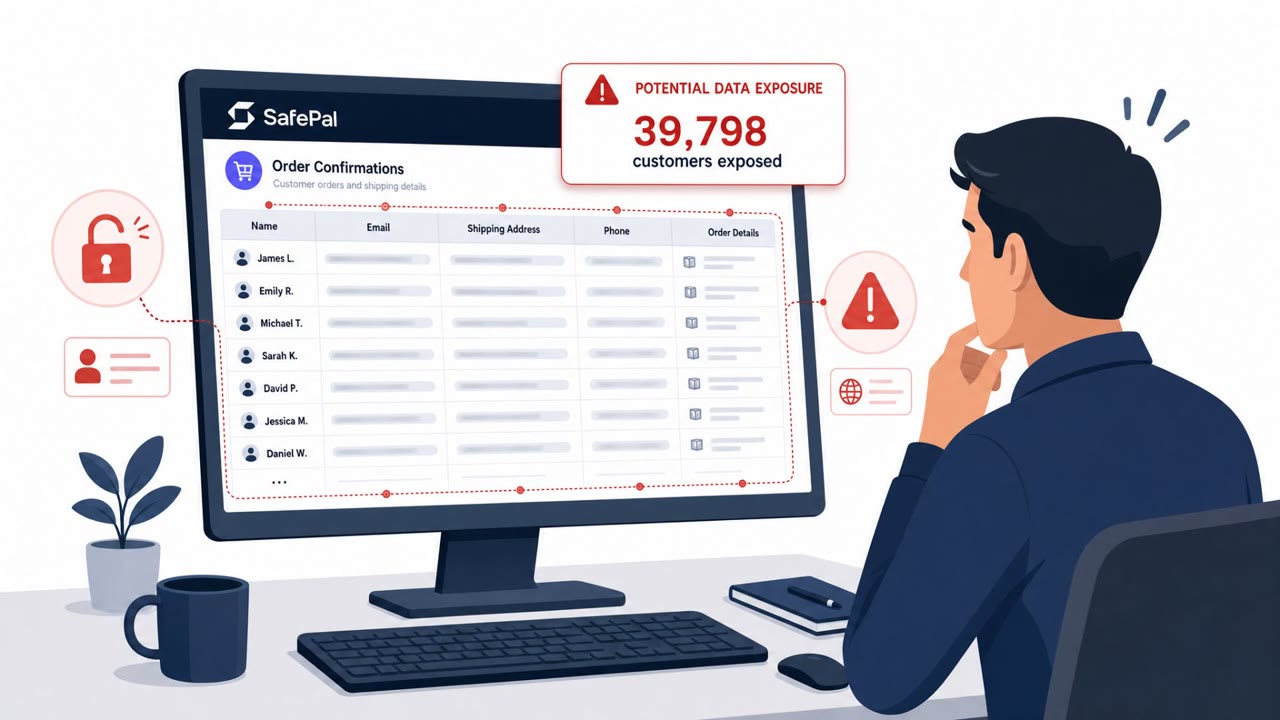
SafePal disclosed that an authorization flaw in an order-tracking plug-in exposed personal and order information for roughly 39,798 customers. The exposed data included names, email addresses, shipping addresses, phone numbers, and purchase details. Wallet secrets such as seed phrases and private keys were not part of the exposure, but the leaked order details give attackers exactly what they need to make follow-on scams feel legitimate.
Why this data makes phishing more convincing
Order and shipping details are not sensitive in isolation, but they are powerful social engineering fuel. A message that correctly references a customer's recent SafePal order, its shipping address, or purchase date builds instant credibility, even when the message itself is fraudulent. SafePal warned that attackers could use this compromised information to create convincing phone calls, emails, text messages, letters, refund offers, firmware-update requests, malicious websites, and fake customer-support communications. This is why breaches involving order metadata, not just credentials, still carry real phishing risk.
Attack pretexts to watch for
Based on the exposed data, expect scams built around a few recurring themes:
- Refund or order-issue emails that push urgency and link to lookalike SafePal pages asking for wallet recovery details.
- Smishing texts claiming a firmware update is required for a device tied to a known order, leading to a suspicious download or site.
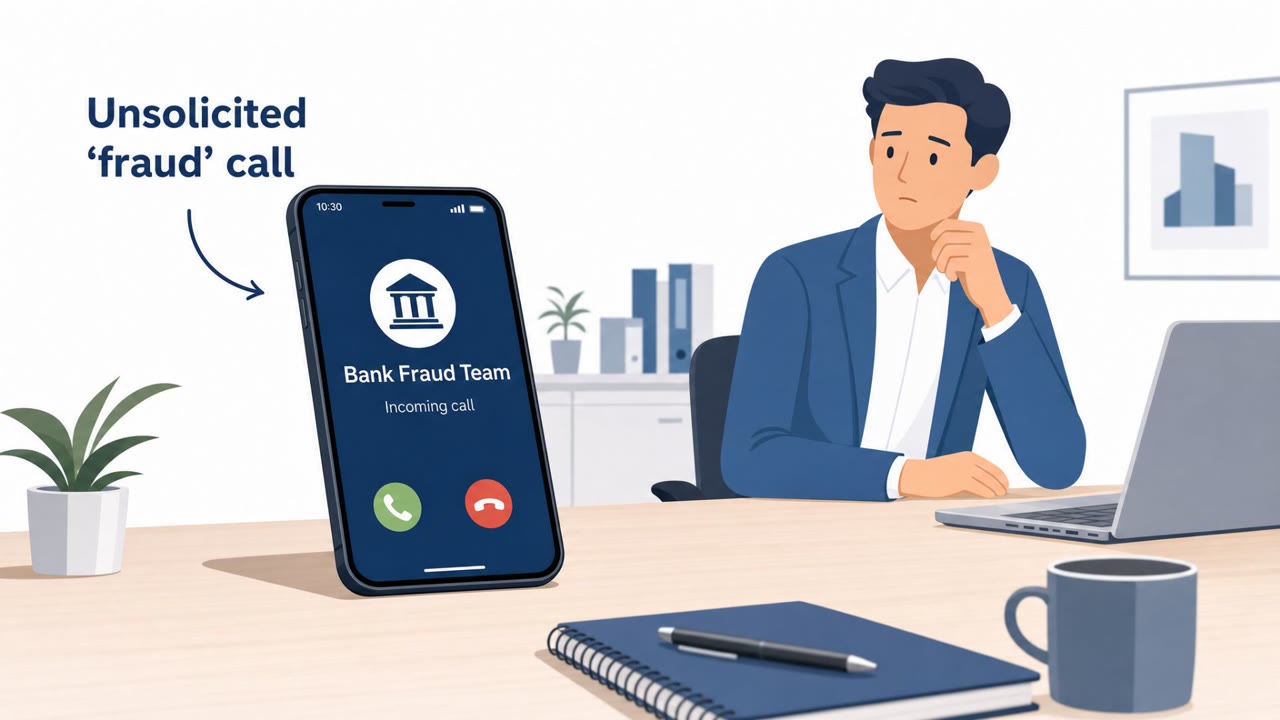
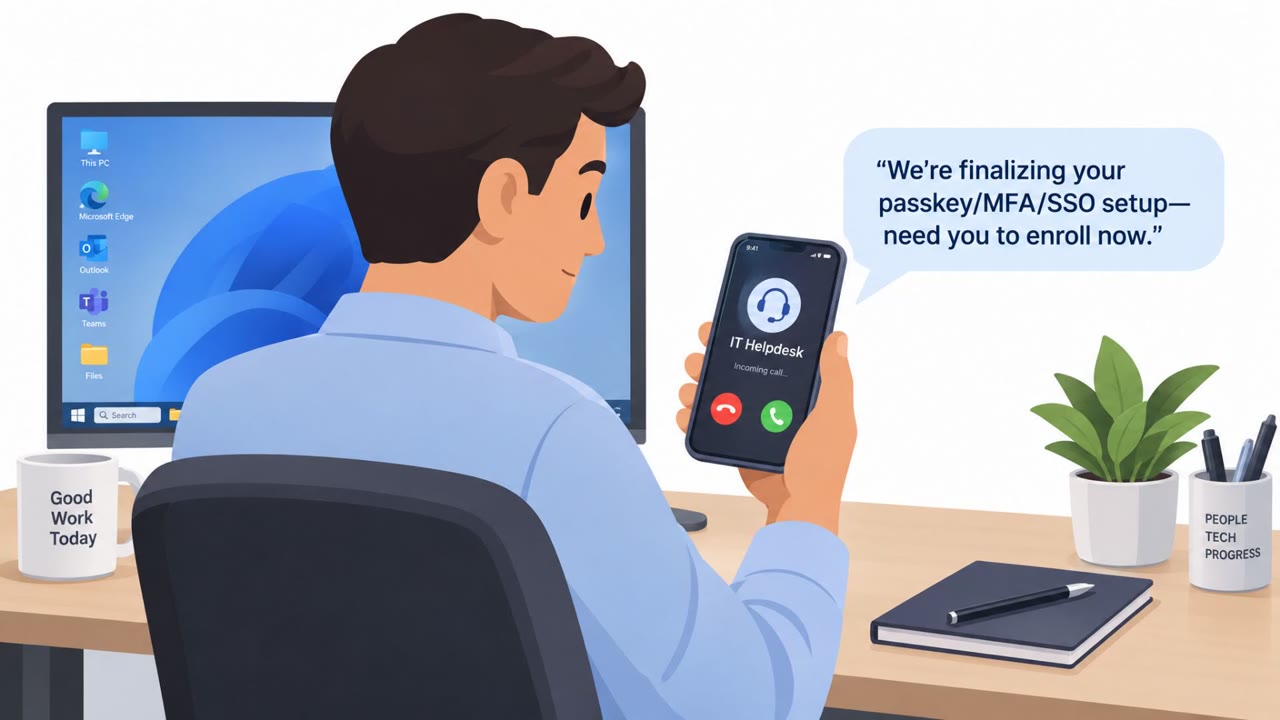
- Phone calls impersonating SafePal support that reference real order or shipping details to seem legitimate before asking for a seed phrase or private key.
Across all three, the common thread is a request, direct or implied, to hand over wallet recovery material or visit an unofficial site.
How to build resistance
- Treat any unexpected message referencing a recent SafePal purchase as suspicious, even if the details are accurate.
- Remember that SafePal will never request a seed phrase, private key, or wallet password by phone, email, or any other channel.
- Be skeptical of urgency tied to refunds, firmware updates, or account security fixes that arrive unprompted.
- Verify any support contact through official channels rather than links or numbers provided in the message itself.
- If a seed phrase or private key was ever entered into a suspicious site or shared with someone claiming to represent SafePal, treat that wallet as compromised and move funds using credentials from a trusted, freshly created wallet.
SafePal reported it has taken down more than 30 fraudulent websites and phishing links tied to this scam activity, but customers remain the last line of defense against messages that use their own order history against them.
Key findings
- An authorization flaw in an order-tracking plug-in exposed customer and order details for ~39,798 customers.
- Exposed data included names, email addresses, shipping addresses, phone numbers, and purchase details, enough to personalize scams.
- SafePal warned attackers may use the exposed data for fake support messages, refund offers, firmware-update requests, malicious websites, and letters.
- SafePal reported it has “taken down more than 30 fraudulent websites and phishing links associated with scam activity.”
- SafePal emphasized it will never ask for a seed phrase, private key, or wallet password via phone/email/other messages.
Who’s being targeted
- Commonly targeted roles: Customers, Executive leadership, Finance, IT, Security, Customer Support.
- Affected industries: Cryptocurrency / Digital asset services, Financial services.
- Attack channels: email, website, smishing, vishing.
- Impersonated: SafePal Customer Support, SafePal (Device/Firmware Team), SafePal Customer Support (Phone Agent).
Red flags to watch for
- Message references your SafePal order/shipping details to build trust, but pushes urgency to act
- Link goes to a non-official website / lookalike domain
- Any request to provide a seed phrase, private key, or wallet password
- Unexpected firmware/update request via text message
- Link leads to a suspicious site or shortened URL
- Request for seed phrase/private key/wallet password during an “update”
- Caller uses real order/shipping details to seem legitimate
- Pressure to share wallet secrets to ‘fix’ a problem
- Refuses verification or discourages calling back via official support channels
Frequently asked questions
What data was exposed in the SafePal incident?
An authorization flaw in an order-tracking plug-in exposed names, email addresses, shipping addresses, phone numbers, and purchase details for nearly 40,000 customers. Wallet secrets like seed phrases were not exposed.
How could attackers use the leaked SafePal data?
SafePal warned attackers could use the exposed order details to craft convincing phone calls, emails, texts, letters, refund offers, firmware-update requests, and fake customer-support outreach.
Will SafePal ever ask for a seed phrase or private key?
No. SafePal stressed that it will never request a seed phrase, private key, or wallet password by phone, email, or any other communication channel.
What should someone do if they already entered a seed phrase into a suspicious site?
Anyone who entered a seed phrase or private key into a suspicious website or shared it with someone claiming to represent SafePal should consider that wallet compromised.
Read the video transcript
If you ever bought a SafePal wallet, your order details might be in a scammer’s playbook right now. Picture this email: “SafePal Support: Refund Offer.” It lists your exact device, your shipping address, even your phone number, and tells you to click a link to process a refund and enter your seed phrase to verify. Or a text: “SafePal: Firmware update required for your device order.” You tap the link, land on a fake SafePal page, and it calmly asks for your seed phrase or private key to complete the update. Here’s the rule: if any message about a SafePal purchase asks for your seed phrase, private key, or wallet password, stop, do not enter it, and go directly to SafePal’s official app or website instead.