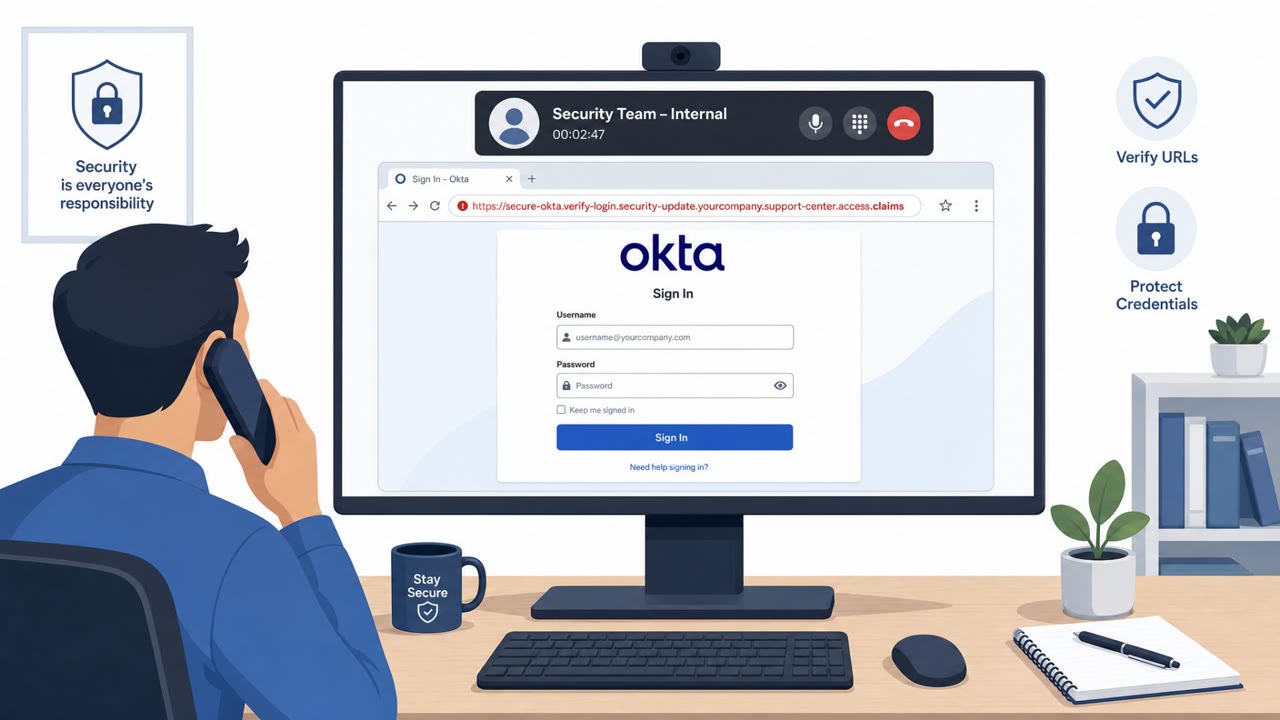
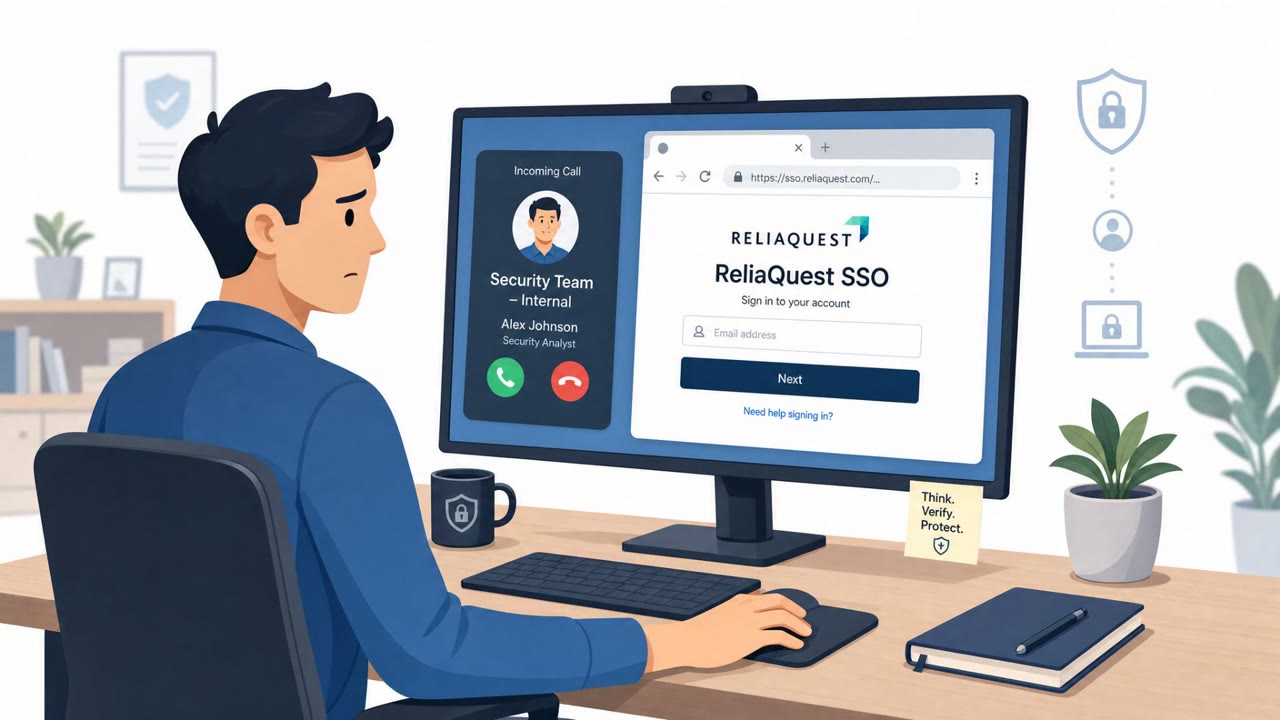
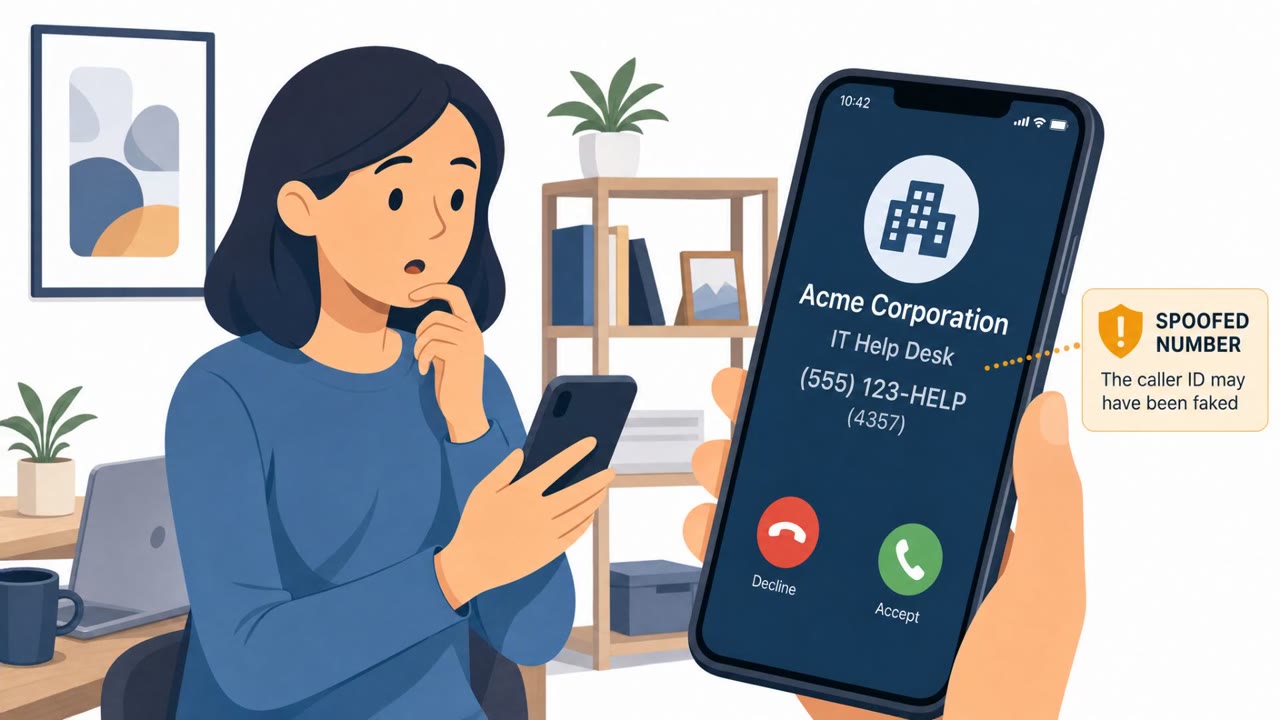
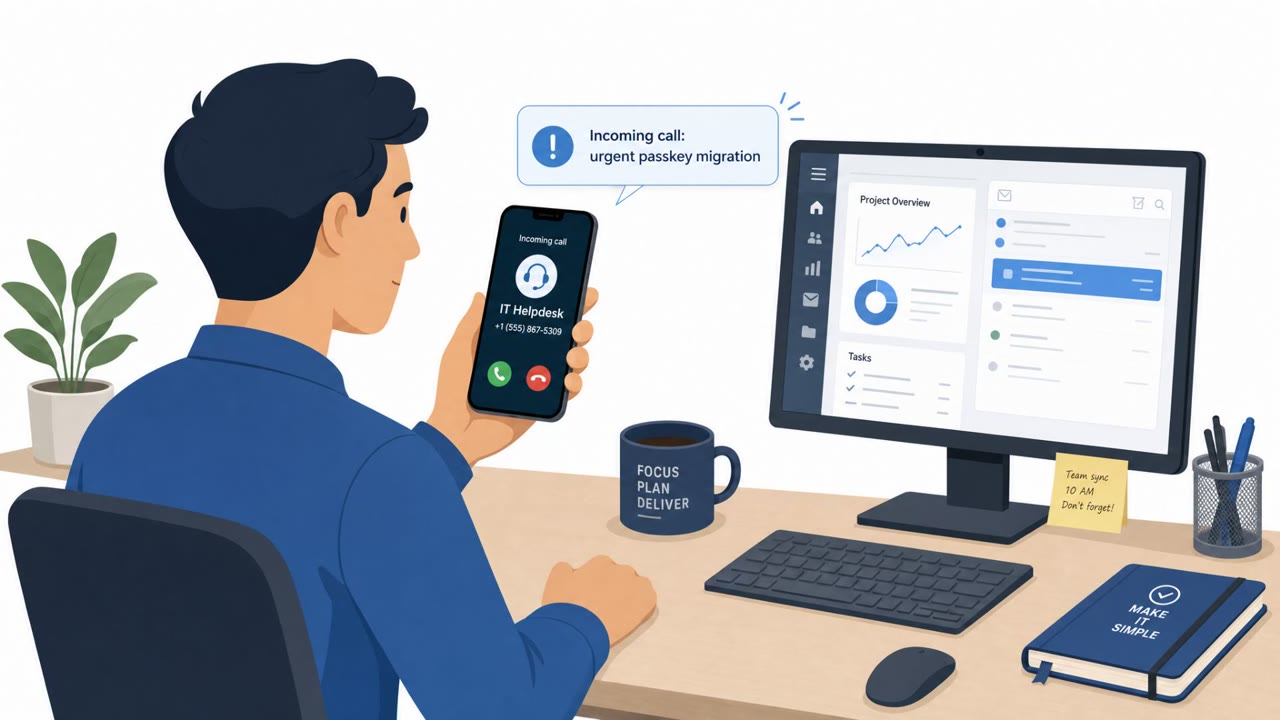
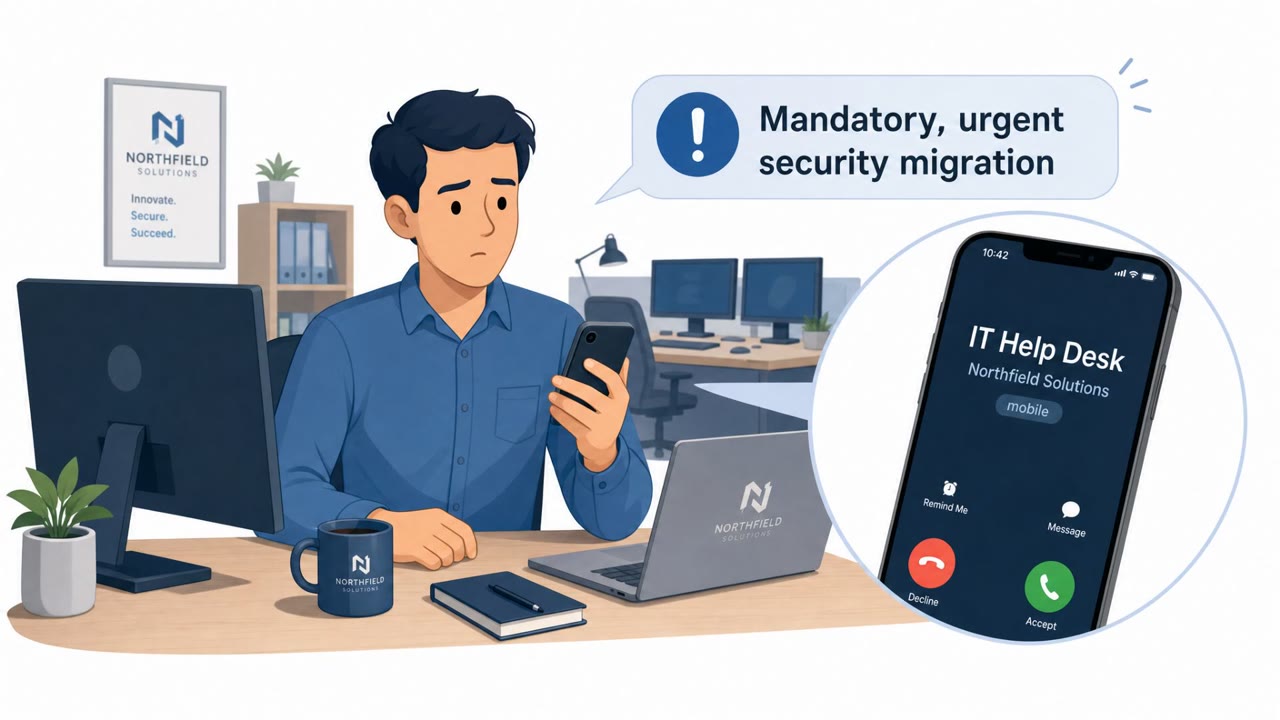
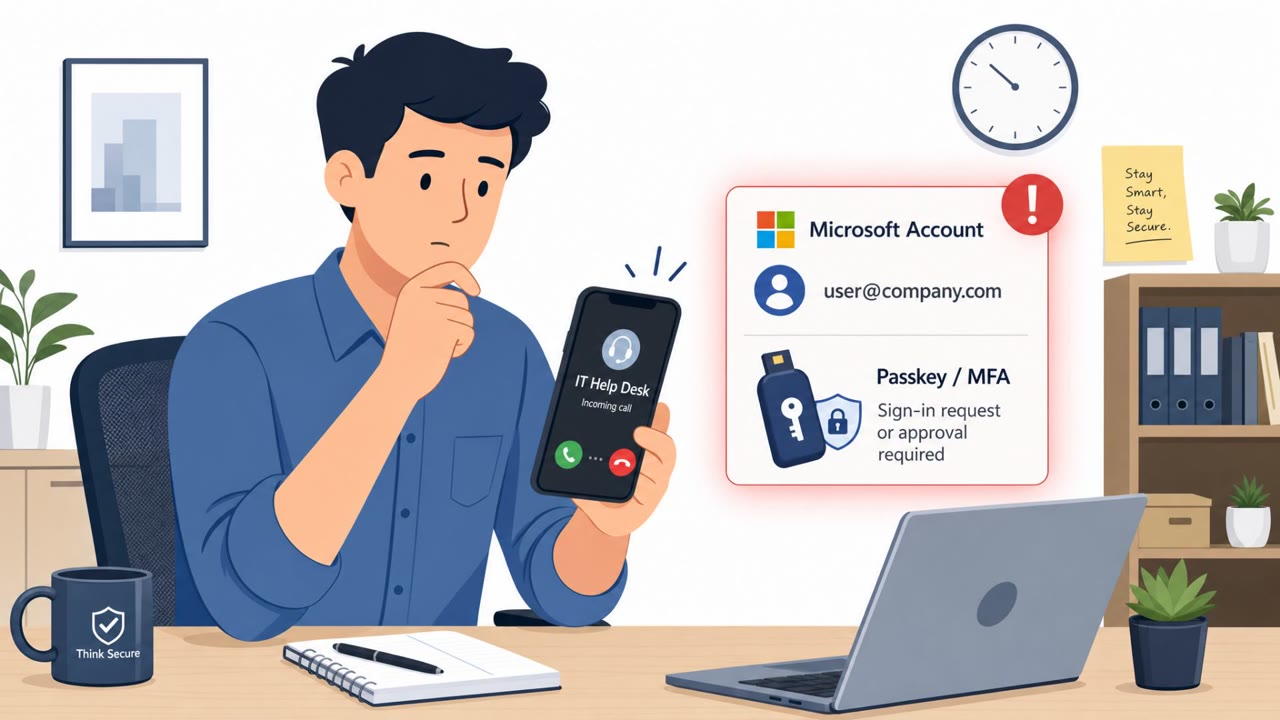
ReliaQuest disclosed a real social engineering incident where attackers registered a lookalike domain, hosted a fake ReliaQuest SSO page, and called employees while impersonating a named security employee. One employee entered credentials and approved an MFA push, briefly giving the attacker view-only access to the company’s identity dashboard before sessions were terminated and authentication factors reset.
Key findings
- Attackers registered a lookalike domain and created a fake ReliaQuest SSO page behind a content delivery network.
- The actor called multiple employees while impersonating a specific security employee by name to drive them to the fake SSO page.
- One employee entered their password and approved an MFA push notification, leading to a brief session on ReliaQuest’s identity dashboard.
- ReliaQuest stated the access was “view only,” and that no customer data, applications, or internal systems were accessed.
- ReliaQuest says claims it was compromised or hit by ransomware were “false,” and it terminated sessions, expired the password, and reset authentication factors.
Who’s being targeted
- Commonly targeted roles: All employees, IT, Security, Identity and Access Management (IAM) administrators, Helpdesk/Service desk.
- Affected industries: Cybersecurity / Threat intelligence, Technology / SaaS.
- Attack channels: vishing, website.
- Impersonated: ReliaQuest security employee (impersonated by name).
Awareness takeaways
- Treat unexpected ‘security’ calls as untrusted until verified via a known internal channel (directory/Teams ticket/official helpdesk number).
- Do not approve MFA push notifications unless you personally initiated the login and recognize the exact system you’re signing into.
- Be alert for lookalike domains and fake login pages; if a login page arrives via a call or message, navigate using a bookmark or trusted portal instead.
- Assume phishing will succeed occasionally and ensure rapid containment steps are clear (session termination, password reset, MFA reset).
Red flags to watch for
- Unexpected call pressuring you to log in immediately
- Lookalike domain and a fake SSO page
- Unprompted MFA push request tied to a login you didn’t start
Read the video transcript
Imagine this: you get a call from someone who knows your name and claims they’re from security, right here at our company. That’s what happened at ReliaQuest. ShinyHunters registered a lookalike domain, spun up a fake ReliaQuest SSO page, then called employees pretending to be a named security staffer and pushed them to that site. One teammate typed their password and hit approve on the MFA push. That combo gave ShinyHunters brief, view-only access to ReliaQuest’s identity dashboard, proof that if they can talk you into approving MFA, it’s game on. Here’s your move: if anyone calls about a login or MFA, hang up and contact security using our official channel yourself, directory, ticket, or helpdesk number you already know.