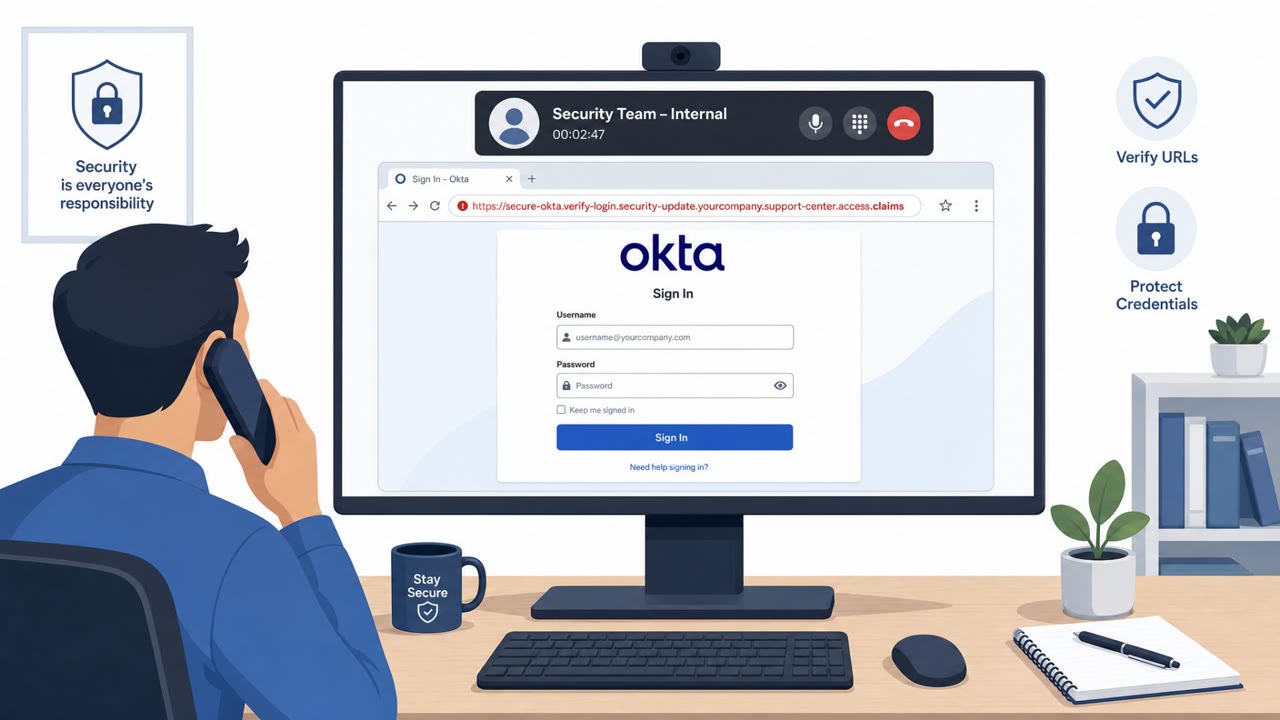
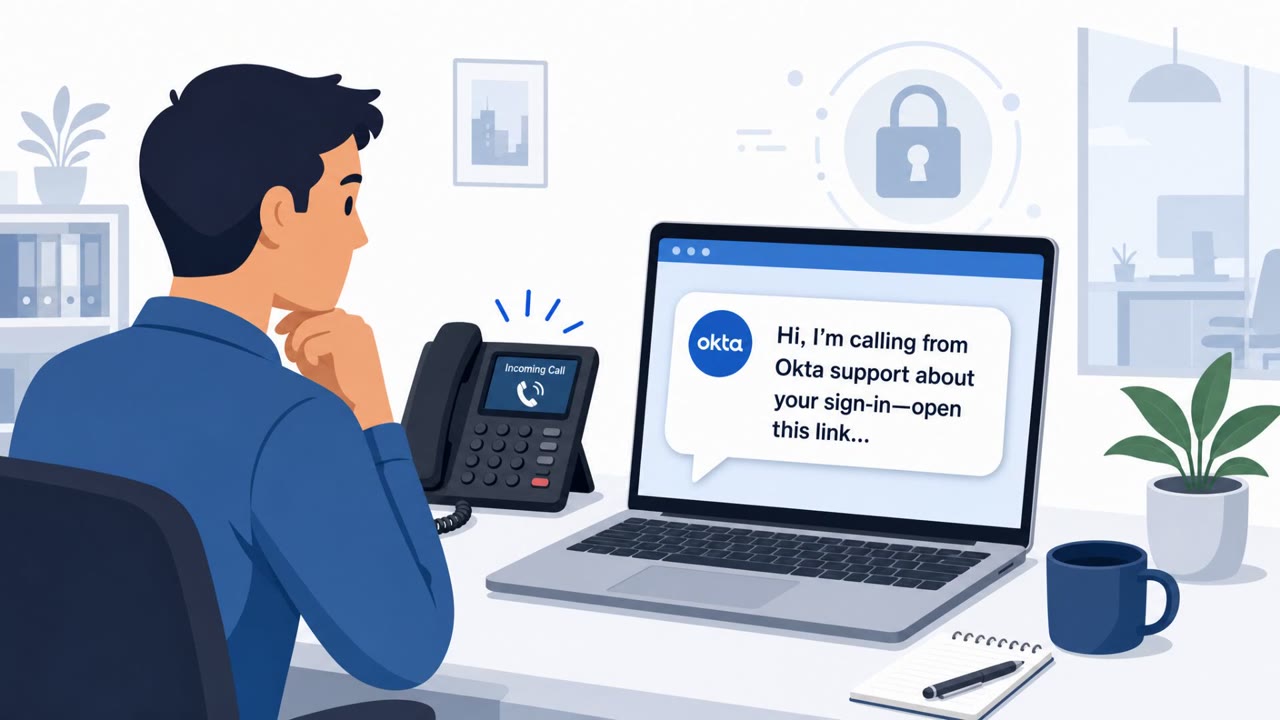
ReliaQuest said it was targeted in a ShinyHunters-linked social engineering attack that used a fake domain hosting a ReliaQuest single sign-on (SSO) phishing page. Attackers then called employees while impersonating named security staff to push victims to the fake login page, resulting in one employee entering credentials and approving an MFA push, giving the attacker brief, view-only dashboard access.
How the attack worked
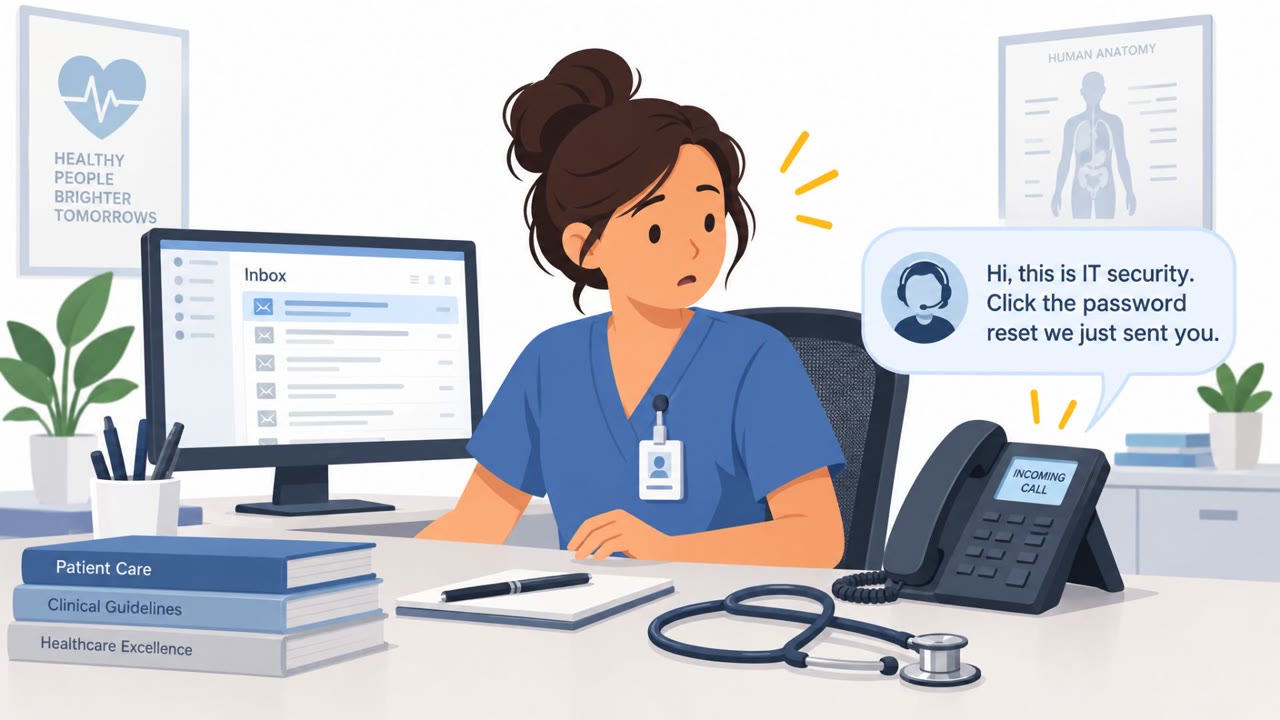
According to ReliaQuest, attackers linked to ShinyHunters registered a fake domain and hosted a lookalike ReliaQuest SSO phishing page on it. The threat actor then called multiple employees, each time posing as a named security staff member to pressure them into visiting the fake login page. One employee entered their password and approved the resulting MFA push notification, which handed the attacker a brief, view-only session on the identity dashboard.
Why it succeeded
The attack combined a phone call from someone claiming to be a known internal security employee with a convincingly branded login page. This pairing of a trusted-sounding voice with a familiar-looking site created urgency and reduced suspicion. The MFA push prompt arrived immediately after credential entry, which can make the request feel like a normal part of a legitimate login flow rather than a red flag.
What to watch for
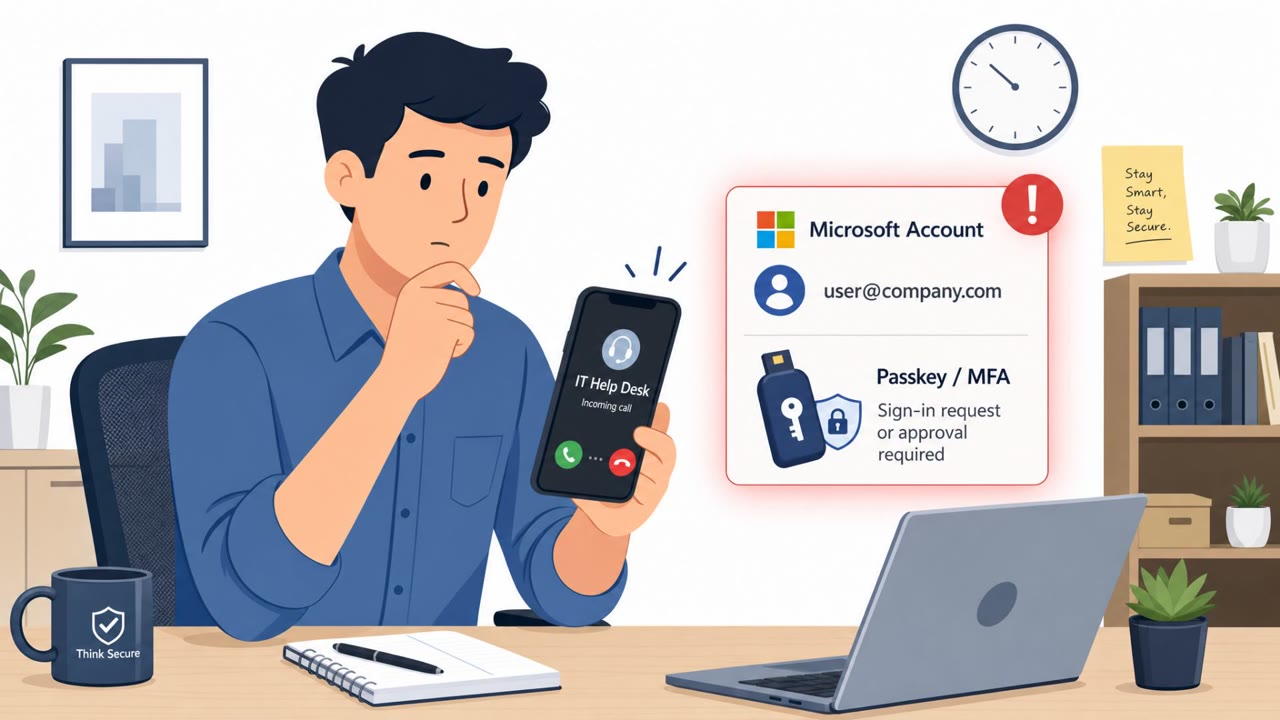
- Unexpected calls from "IT" or "Security" that direct you to log in immediately, even when the caller uses a real employee's name.
- Login pages reached via a link provided during a call rather than a bookmarked or known internal URL.
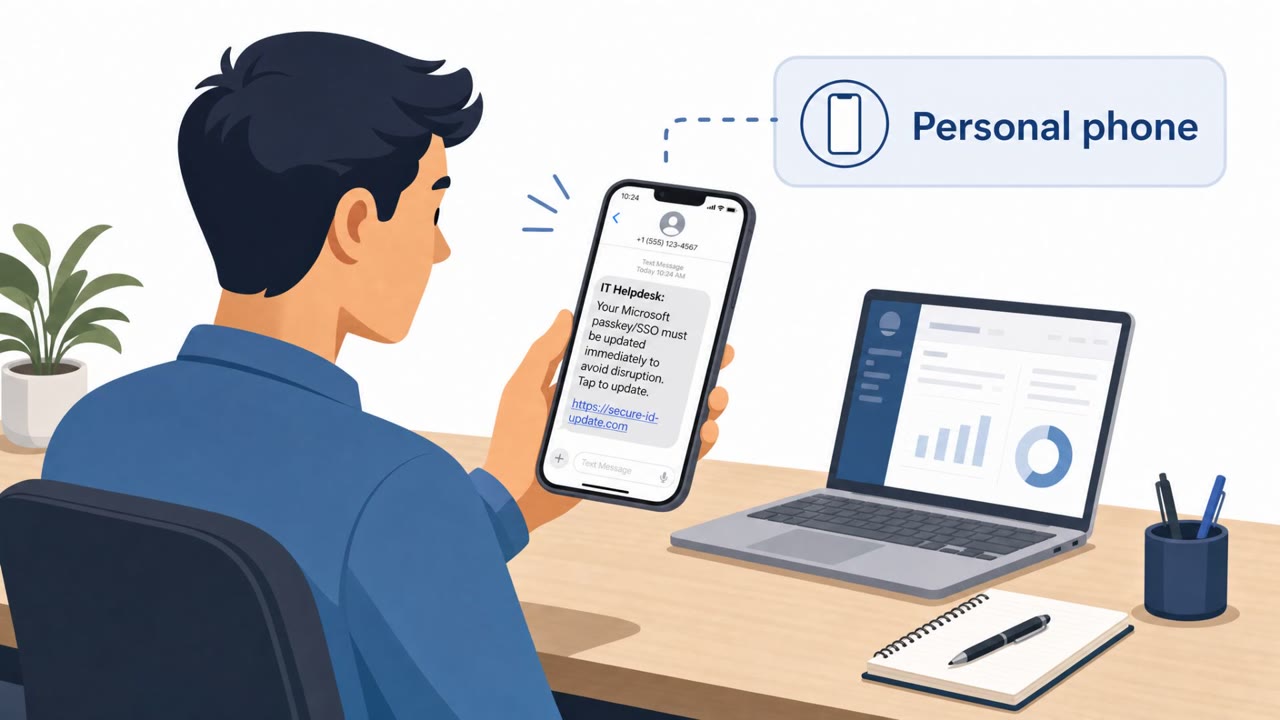
- Domains that resemble but do not exactly match your organization's normal SSO domain, including patterns tied to newly registered lookalike domains.
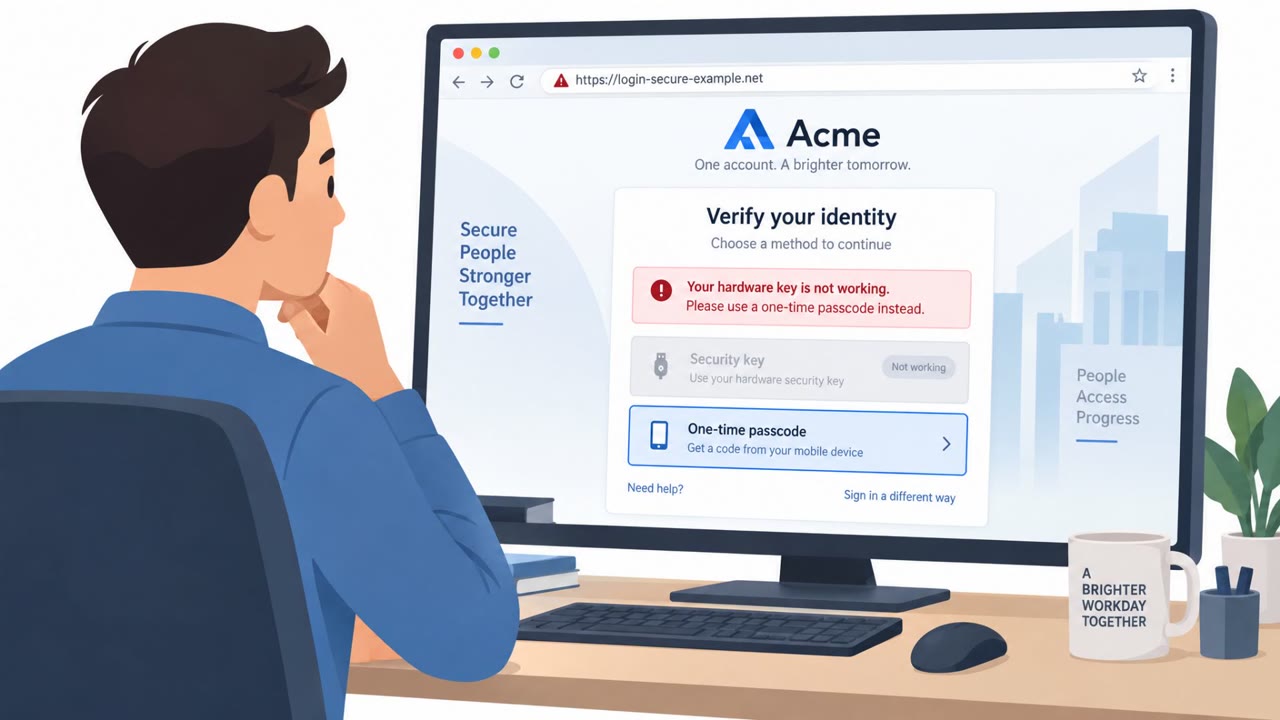
- An MFA or push notification appearing right after credential entry on a page you did not navigate to yourself.
- Expanded impersonation themes beyond IT, including impersonation of legal team members, as part of the same campaign tactics.
How to build resistance
Organizations can reduce the odds of a similar outcome by reinforcing a few habits across all employees, not just IT and security staff. Treat any unsolicited call requesting a login as untrusted until verified through a separate, known internal channel, such as calling back a listed extension rather than a number provided by the caller. Employees should be trained to never approve an MFA or push notification unless they personally initiated the login attempt and trust the destination site. Using bookmarked or company-distributed URLs for SSO, rather than links shared during a phone call, removes one of the easiest openings for this kind of attack. Finally, even when access appears limited or brief, as ReliaQuest reported with its view-only dashboard session, reporting the incident immediately allows security teams to review logs and block any follow-on attempts before they escalate. Given that ShinyHunters has reportedly broadened its impersonation themes to include legal team roles alongside IT and help desk personas, awareness training should extend beyond technical teams to cover all departments that might receive a convincing, name-dropped call.
Key findings
- ReliaQuest reported tracking a ShinyHunters phishing campaign using domains following a “company.claims” pattern.
- Attackers expanded impersonation themes to include legal team impersonation, in addition to IT/help desk impersonation.
- Attackers registered a fake domain and hosted a ReliaQuest SSO phishing page.
- Attackers called multiple employees while posing as a named security employee to steer them to the phishing page.
- One employee entered their password and approved a push notification, giving the attacker a brief identity-dashboard session.
- ReliaQuest stated the attacker only achieved view-only dashboard access and could not reach apps, systems, or customer data.
Who’s being targeted
- Commonly targeted roles: All employees, IT / Help Desk, Security operations, Legal, Identity & Access Management (IAM) administrators.
- Affected industries: Cybersecurity services, Technology / SaaS.
- Attack channels: vishing, website.
- Impersonated: ReliaQuest security employee (by name).
Red flags to watch for
- Caller pressures the employee to log in immediately to a site the caller provides
- Unexpected MFA/push prompt appears right after entering credentials
- Domain does not match the company’s normal login/SSO domain (attacker-registered lookalike)
Frequently asked questions
How did ShinyHunters trick ReliaQuest employees?
Attackers registered a fake domain hosting a ReliaQuest SSO phishing page, then called multiple employees while impersonating a named security staffer to steer them toward the page.
What happened when an employee entered credentials?
One employee entered their password and approved a push notification, which gave the attacker a brief, view-only session on the identity dashboard.
Did the attacker gain access to systems or customer data?
No. ReliaQuest stated the attacker only achieved view-only dashboard access and could not reach apps, systems, or customer data.
What other impersonation themes has this group used?
Beyond IT and help desk impersonation, the group has expanded to include legal team impersonation as part of its social engineering tactics.
Read the video transcript
Imagine this: someone calls you, uses your security team’s real name, and walks you straight into a fake login page. That’s what ShinyHunters did to ReliaQuest: they registered a fake 'reliaquest.claims' site, hosted a copy of the SSO page, then called employees saying, "Hi, this is [Name] from Security, sign in to the ReliaQuest SSO page right now." One teammate typed their password and approved the MFA push that popped up, handing ShinyHunters a brief, view-only session on the identity dashboard. The only real clue? The caller gave them a link, and the domain wasn’t our normal SSO address. If someone calls as ‘IT’ or ‘Security’ and tells you where to log in, don’t use their link, hang up, open your normal SSO bookmark, and, if anything looks off, report it to Security immediately.