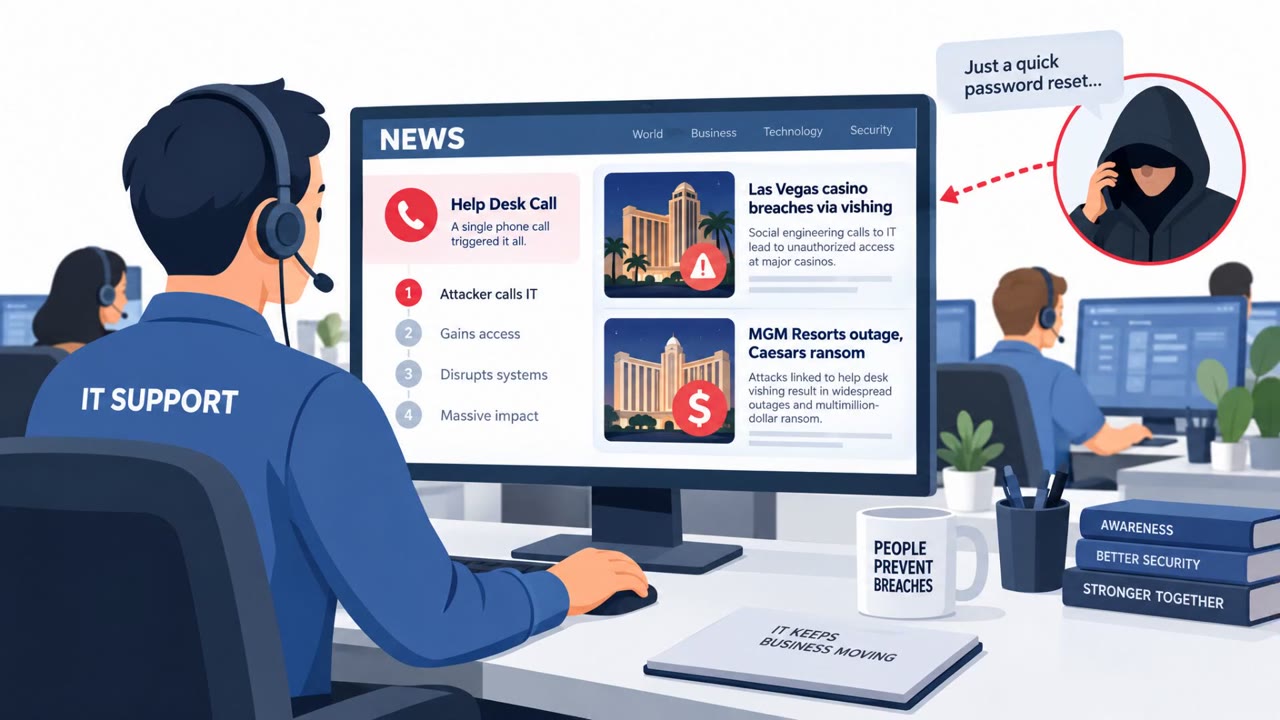
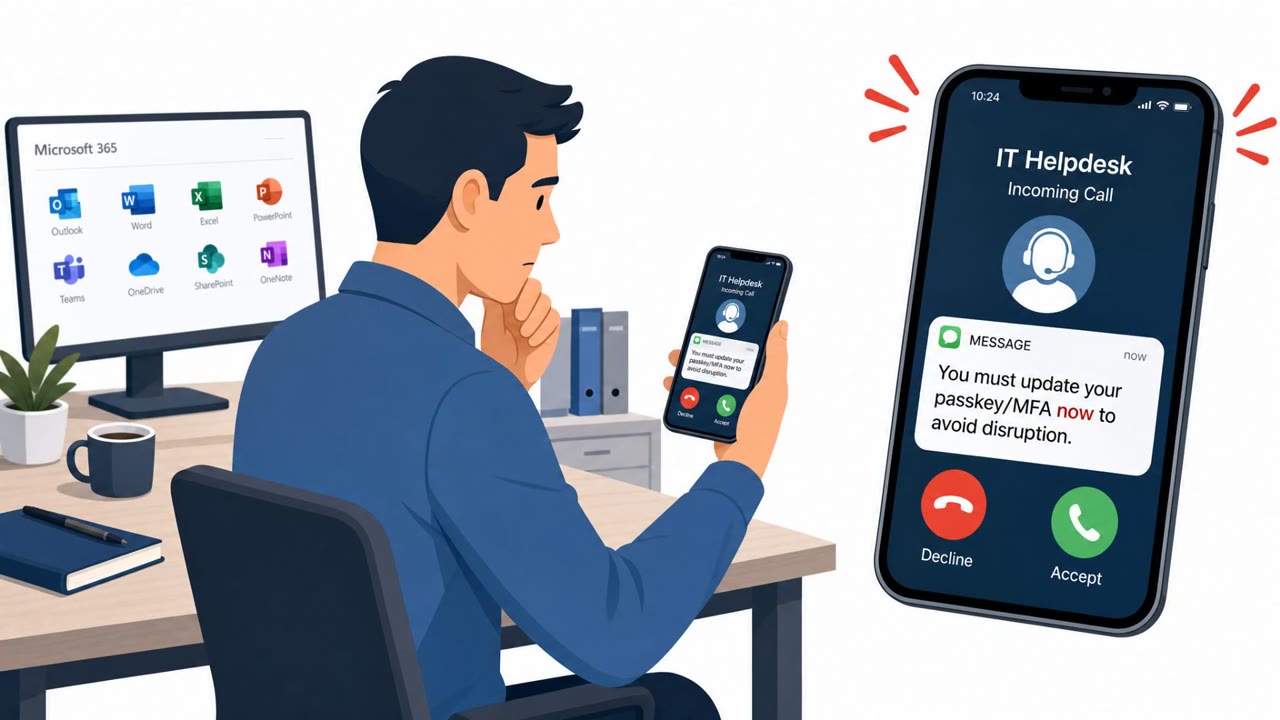
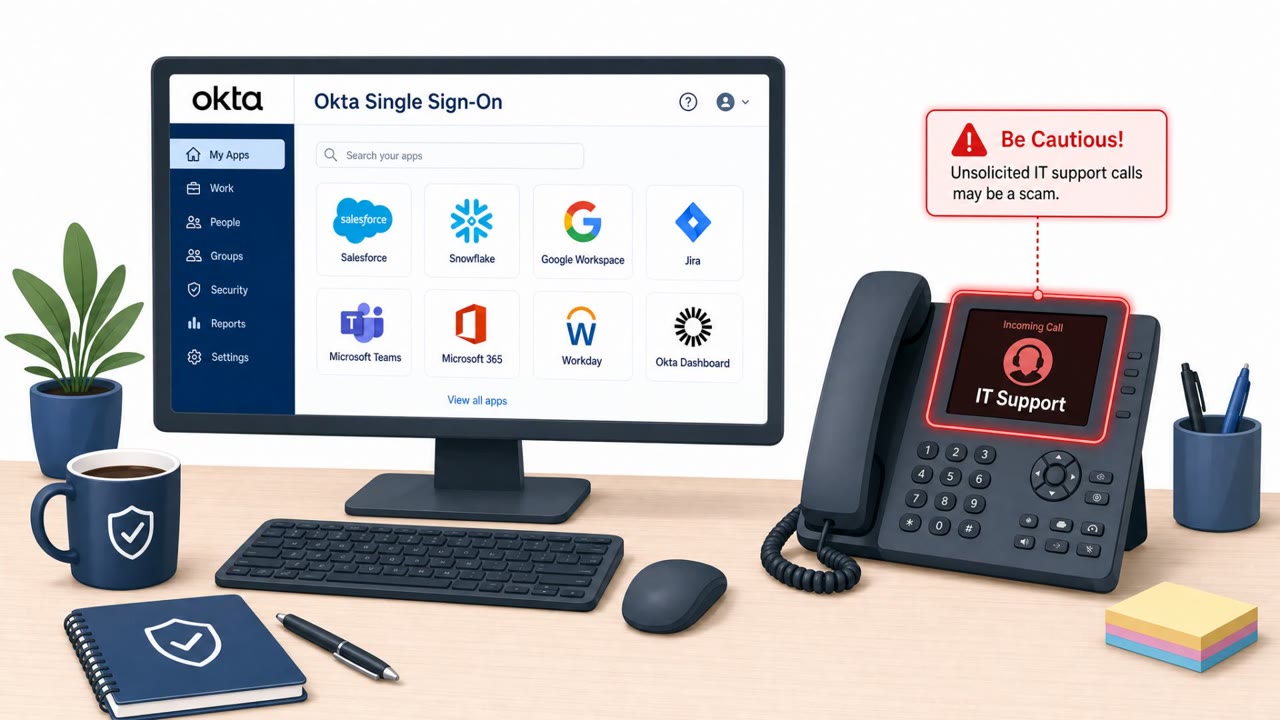
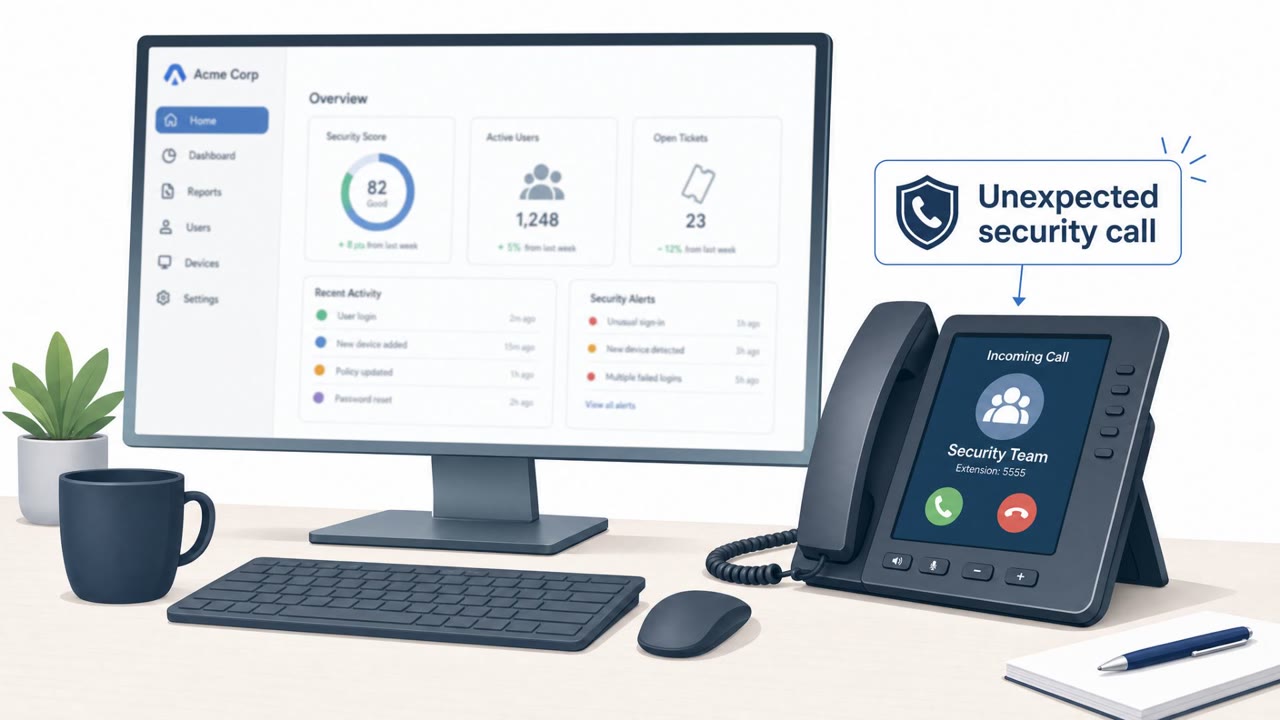
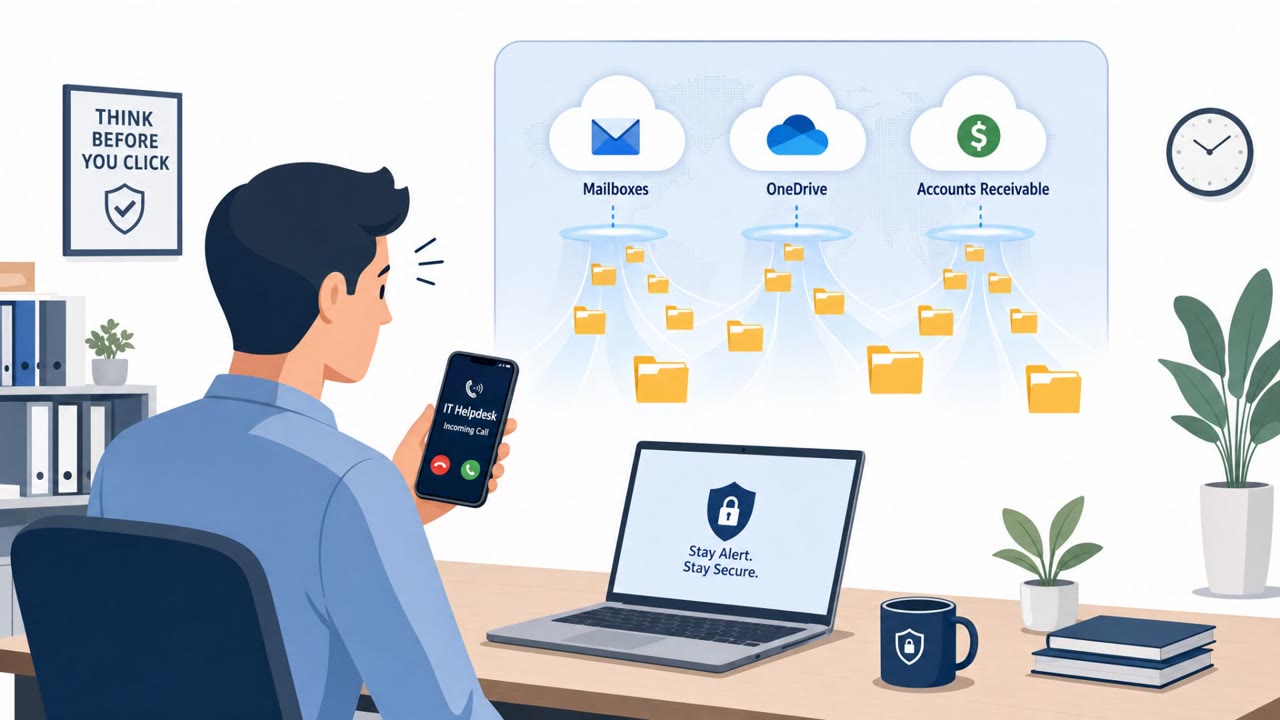
Silent Ransom Group allegedly extorted law firms by using phone calls and social engineering to trick employees into giving access or uploading sensitive files, without encrypting data. Leaked internal chats suggest 27 law firms paid roughly $207M in a six‑month span, with individual payments reportedly reaching $30M. The reporting highlights simple but effective human-manipulation tactics (IT impersonation, credential theft, and file transfer to external cloud storage).
How the Attack Worked
According to the reporting, Silent Ransom Group allegedly extorted law firms without ever deploying ransomware encryption. Instead, the group relied on phone calls and social engineering to gain access or convince employees to hand over sensitive data directly. Leaked internal chats, reportedly totaling 5,692 messages over about 13 months, allegedly document negotiations, access methods, and targeting plans.
Two named examples illustrate the approach. In one, an attacker posed as internal IT and convinced an attorney to upload case files to an external Google Drive, a tactic that required no malware at all. In another, an employee was reportedly tricked into providing login credentials to an unauthorized caller. Internal records claim about $207M was paid by 27 firms over a roughly six-month window, with a reported median payment of $6M.
Why It Succeeded
The attacks did not rely on technical exploits. They worked because employees trusted a voice on the phone claiming to be internal IT or security. Framing the request as urgent and routine, such as moving files for review or confirming account access, reduced the chance that staff would pause and verify. Legal services staff handling sensitive case files and credentials were positioned as high-value targets because a single successful call could produce direct access to client data without needing to breach any network defenses.
What to Watch For
- Unsolicited calls claiming to be IT or security asking for login credentials.
- Requests to upload client or case documents to an external, non-firm cloud storage service.
- Urgency or pressure to bypass standard document-sharing or verification procedures.
- Callers who cannot provide a verifiable internal ticket number or offer a callback through a known channel.
How to Build Resistance
Organizations, especially in legal services, should treat unexpected IT helpdesk calls as high risk and require verification through a known internal number before any action is taken. Staff should be trained to never share credentials over the phone, since legitimate IT and security teams should not ask for passwords this way. Case files and client documents should only be shared through approved firm tools, with any request to use external cloud storage escalated for review. Because this scheme generated significant profits without using malware or encrypting files, awareness training should emphasize unauthorized access and data leakage risks, not just malware or ransomware pop-up scenarios.
Key findings
- The group allegedly extorted victims without deploying ransomware encryption, relying on “phone calls and social engineering.”
- Leaked internal chats (5,692 messages) allegedly document negotiations, access methods, and targeting plans over ~13 months.
- Internal records claim “about $207M paid by 27 firms between April 3 and September 24, 2026,” with a reported median payment of $6M.
- A named example describes an attacker impersonating internal IT and convincing an attorney to upload files to an external Google Drive.
- Another named example states an employee was tricked into providing credentials to an unauthorized party.
- The writeup notes weaknesses in the criminals’ cash-out process, including smaller payments hitting regulated exchanges tied to verified identities.
Who’s being targeted
- Commonly targeted roles: Attorneys, Legal assistants, All staff, IT helpdesk, Information security, Records management / document management.
- Affected industries: Legal services (law firms).
- Attack channels: vishing.
- Impersonated: Internal IT / Helpdesk, Internal IT / Security team.
Red flags to watch for
- Unexpected IT request to upload client/case documents to an external (non-firm) Google Drive
- Pressure/urgency and bypassing normal document-sharing procedures
- No verifiable internal ticket number or callback procedure offered
- Any request to share passwords or access details over the phone
- Unsolicited call claiming an urgent account/security problem
- No independent verification (hang up and call back via known directory number) encouraged
Frequently asked questions
Did Silent Ransom Group use ransomware encryption?
No. According to the reporting, the group allegedly extorted victims without deploying ransomware encryption, relying instead on phone calls and social engineering.
How much money did Silent Ransom Group allegedly extort?
Leaked internal records reportedly claim about $207M paid by 27 firms between April 3 and September 24, 2026, with a reported median payment of $6M.
What tactics did the attackers use to get access?
Named examples describe an attacker impersonating internal IT to convince an attorney to upload files to an external Google Drive, and another case where an employee was tricked into providing credentials to an unauthorized party.
Who should be most concerned about this type of attack?
The targeting focused on legal services, with attorneys, legal assistants, IT helpdesk staff, and information security teams all identified as relevant audiences.
Read the video transcript
Silent Ransom Group pulled in about two hundred seven million dollars from law firms… mostly by phone calls, not malware. Picture this call: 'Hi, this is IT support, urgent issue. I need you to move a few case files to a secure external Google Drive so we can review them.' That exact script convinced an attorney to upload client files to someone’s personal Drive. Another favorite line: 'This is IT security, we’re fixing a sign‑in issue tied to your account. I need to confirm your login so we can restore access.' One employee at a major firm read out their username and password. No malware. Just a phone and trust. Here’s your move: if “IT” calls you out of the blue asking for files or passwords, hang up, look up the real helpdesk number in the directory, and call them back to verify before you do anything.