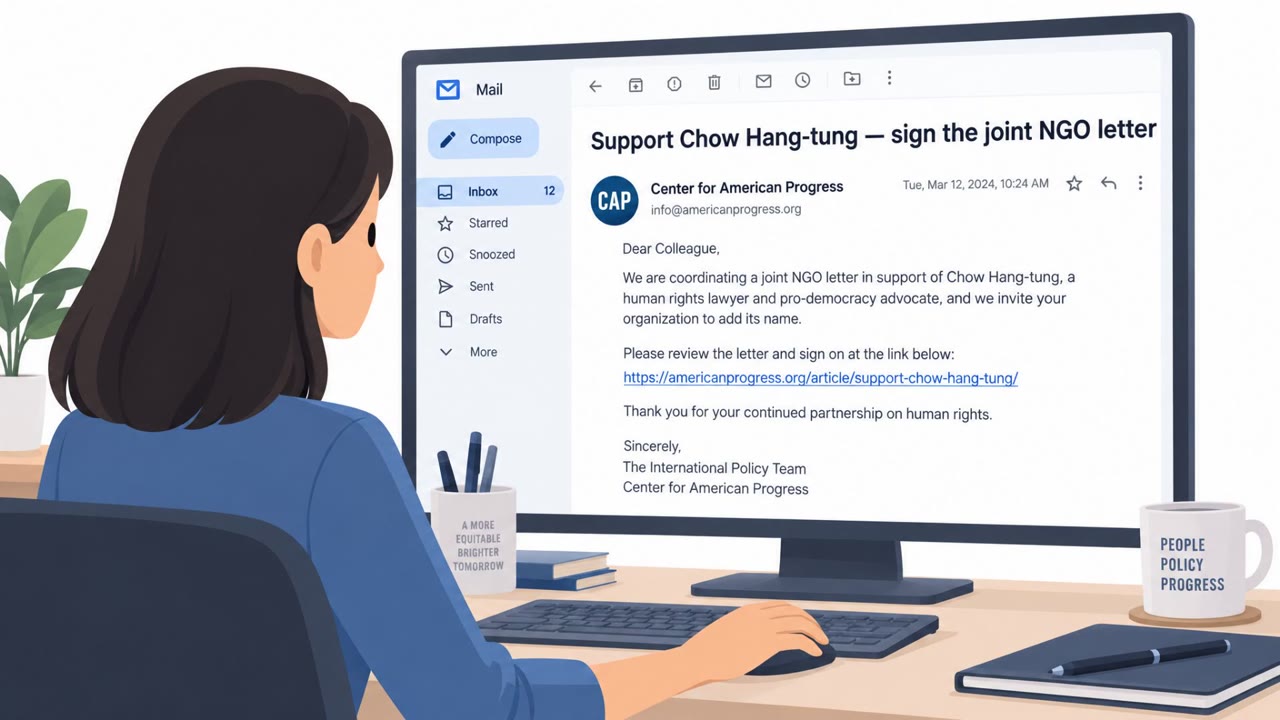
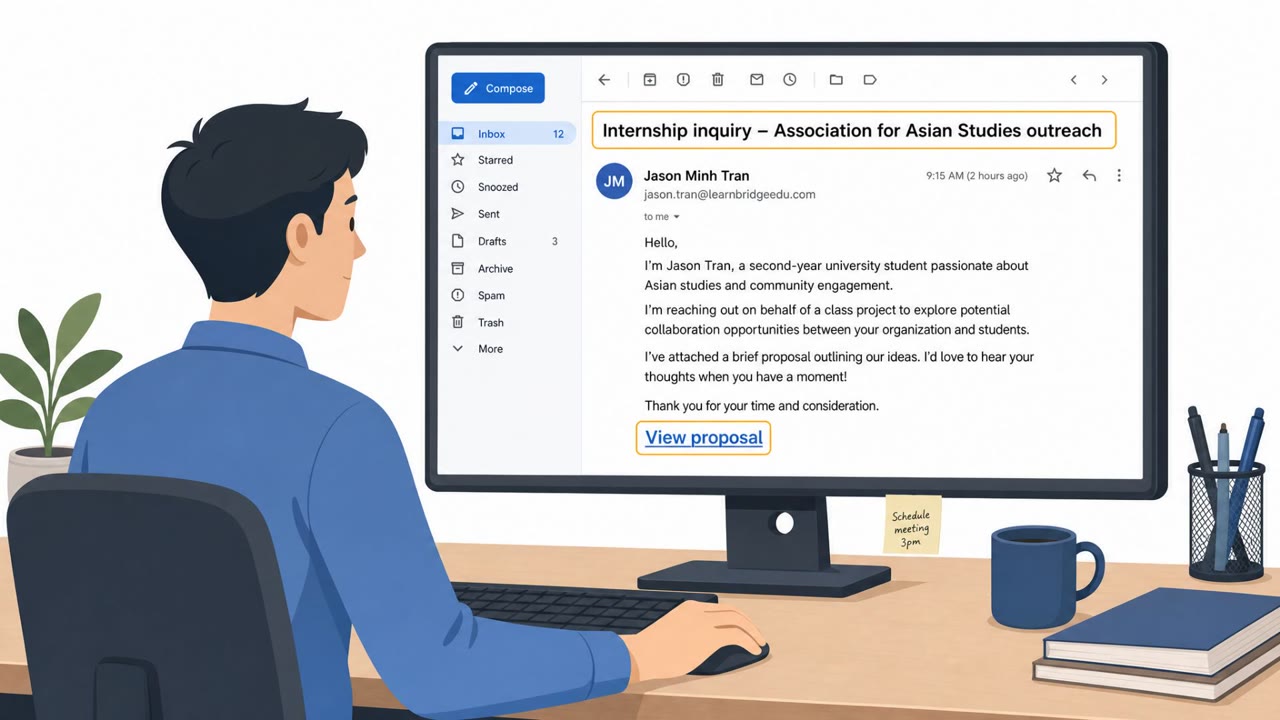
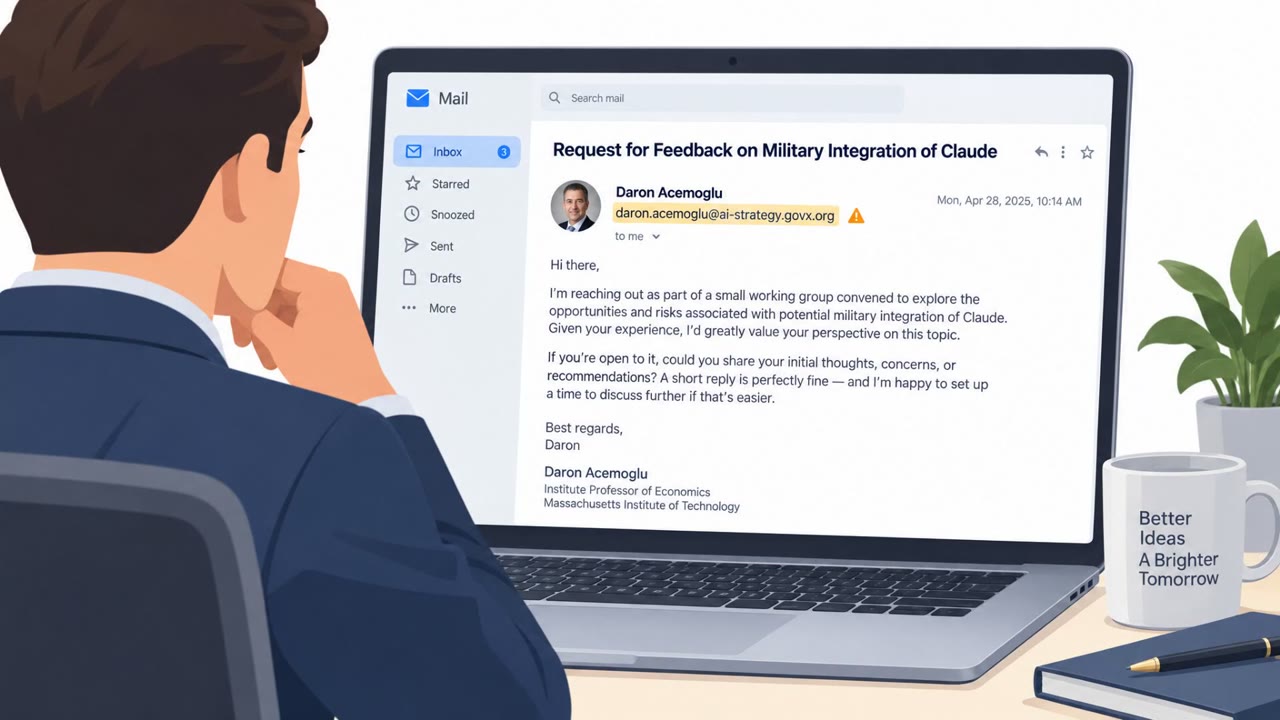
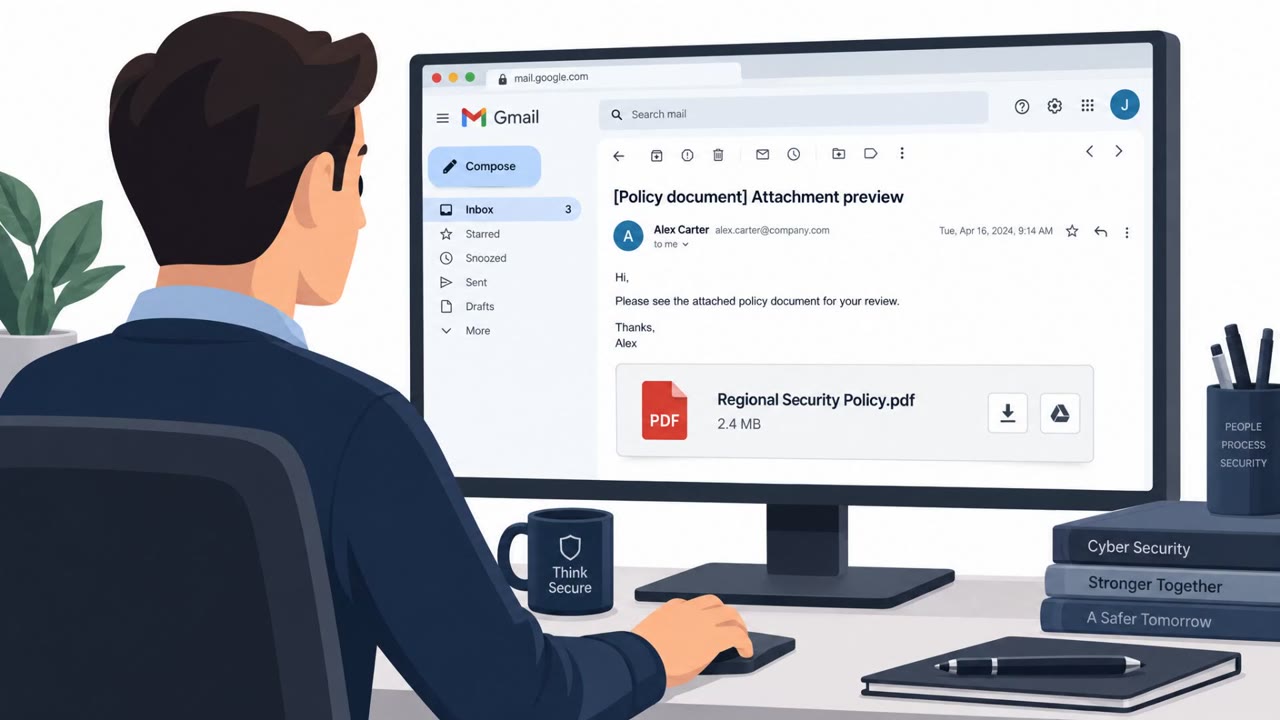
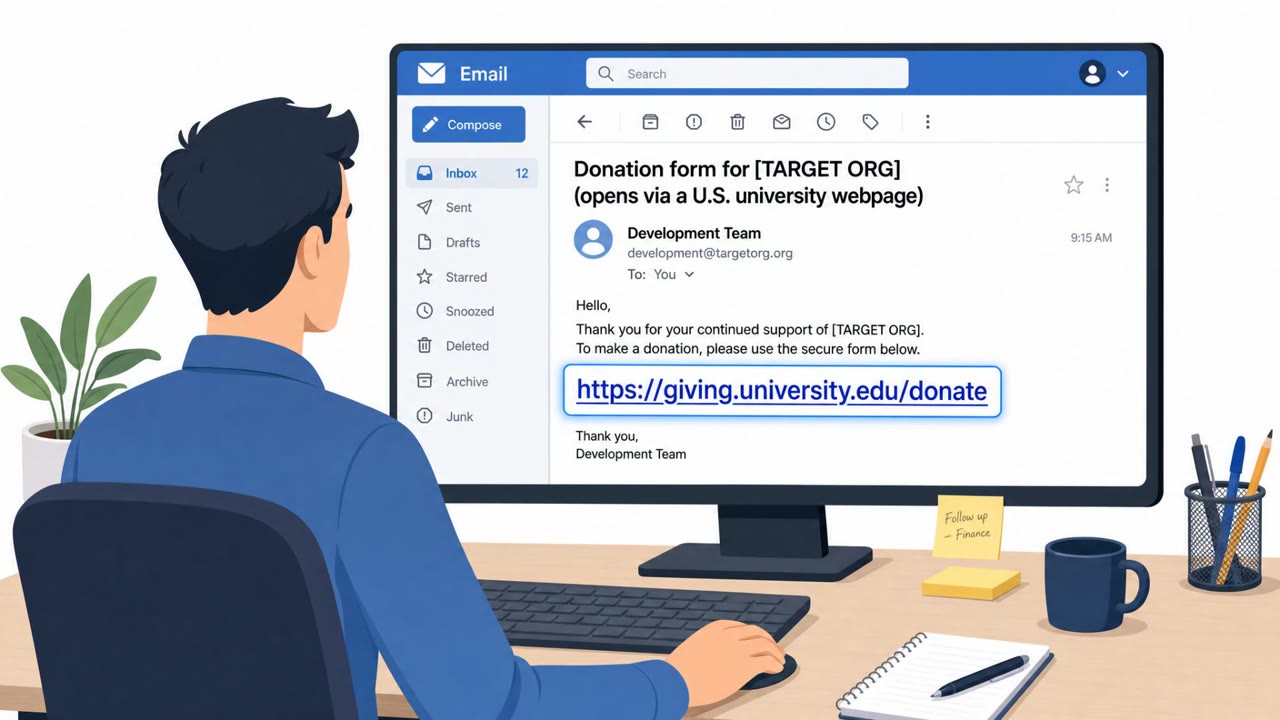
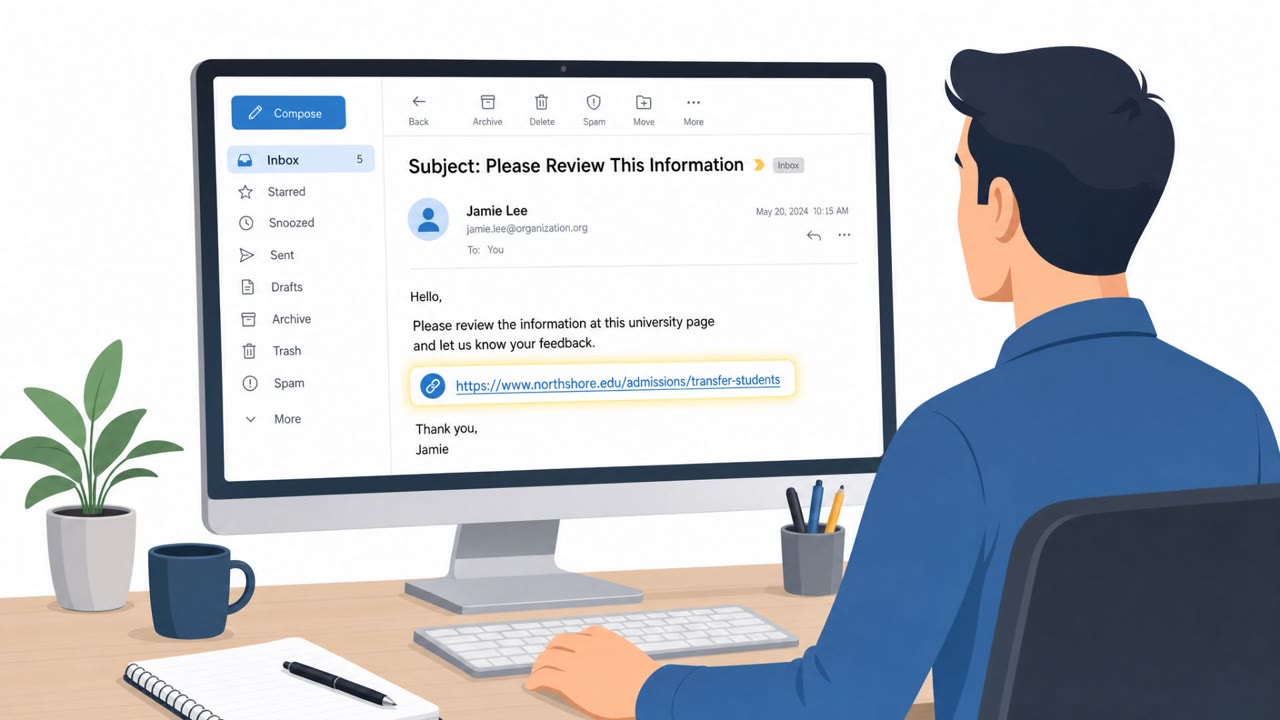
Researchers reported real-world attacks against NGOs that started with a spear‑phishing email containing a link to a legitimate (but vulnerable) university website. Clicking the link redirected victims into a multi-step exploit chain that ultimately gave attackers full control of the victim’s computer and enabled follow-on spying and credential theft.
Key findings
- At least two China-linked threat clusters targeted NGOs using the same Chrome+Windows zero-day exploit chain (“BlueMoon”).
- The initial entry point was a spear-phishing email that linked to a legitimate university website vulnerable to reflected XSS.
- After compromise, one cluster used a JScript backdoor for reconnaissance/command execution; another installed a credential-stealing Chrome extension.
Who’s being targeted
- Commonly targeted roles: All employees (NGOs), Executives and executive assistants, Research/program teams, IT/helpdesk.
- Affected industries: Nonprofits / NGOs.
- Attack channels: email, website.
- Impersonated: A legitimate university website (used as a lure/redirector).
Awareness takeaways
- Treat unexpected links as risky even if they point to a legitimate website, attackers can abuse real sites as stepping stones.
- If you click a link and the page quickly redirects or behaves oddly, stop and report it, this can be a sign of an attack chain in progress.
- Prioritize rapid browser/OS patching because attackers actively exploit the time gap between upstream fixes and user-installed updates.
Red flags to watch for
- Unexpected email pushing you to click a link, even though it points to a legitimate-looking site
- Link leads to a real website but quickly redirects you elsewhere
- The message lacks context (why you, why now) and doesn’t follow normal collaboration channels
Read the video transcript
You get an email: “University brief, please review.” Looks legit, link goes to a real .edu site. Safe, right? In real attacks, clicking that link hit a vulnerable university page with reflected XSS, then silently redirected into a “BlueMoon” Chrome and Windows zero‑day chain that took over the computer. Aha moment: the link itself looked fine. The giveaway was what happened after. The real university page flashed, then quickly bounced to another site and the browser behaved oddly. If you click a link and a real site instantly redirects or acts weird, stop using that browser, take a screenshot, and report it to Security right away.