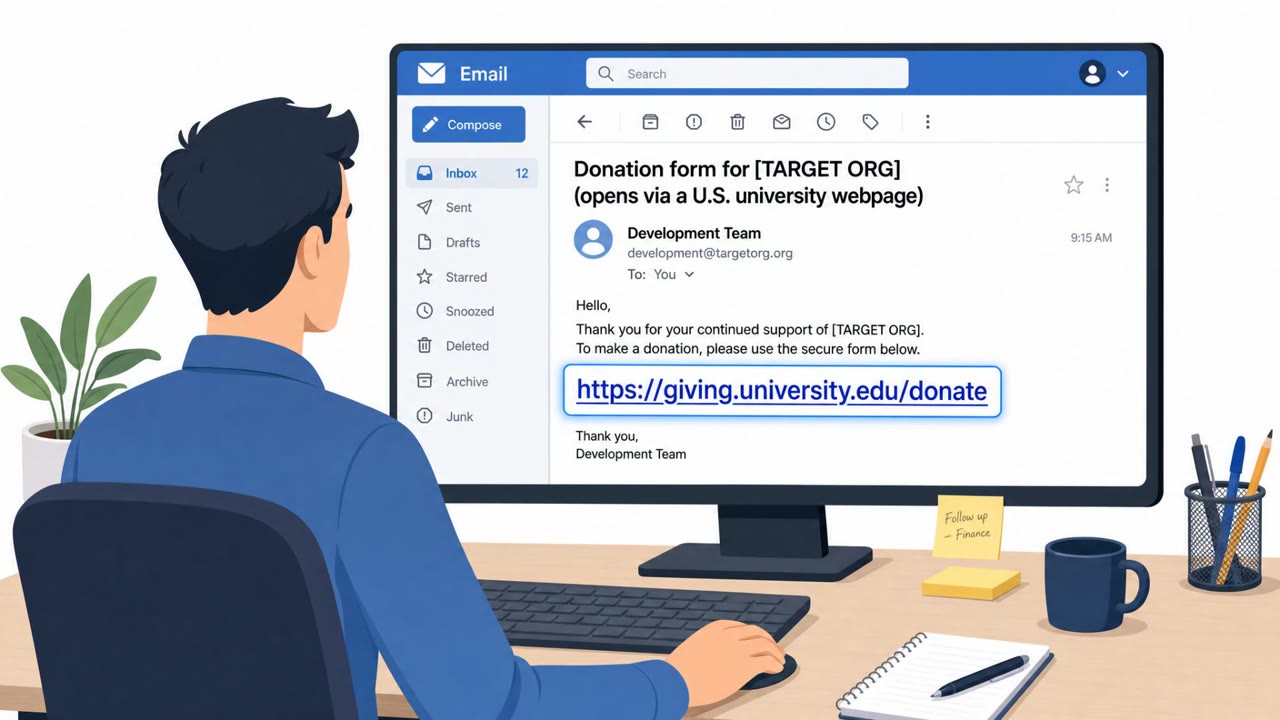
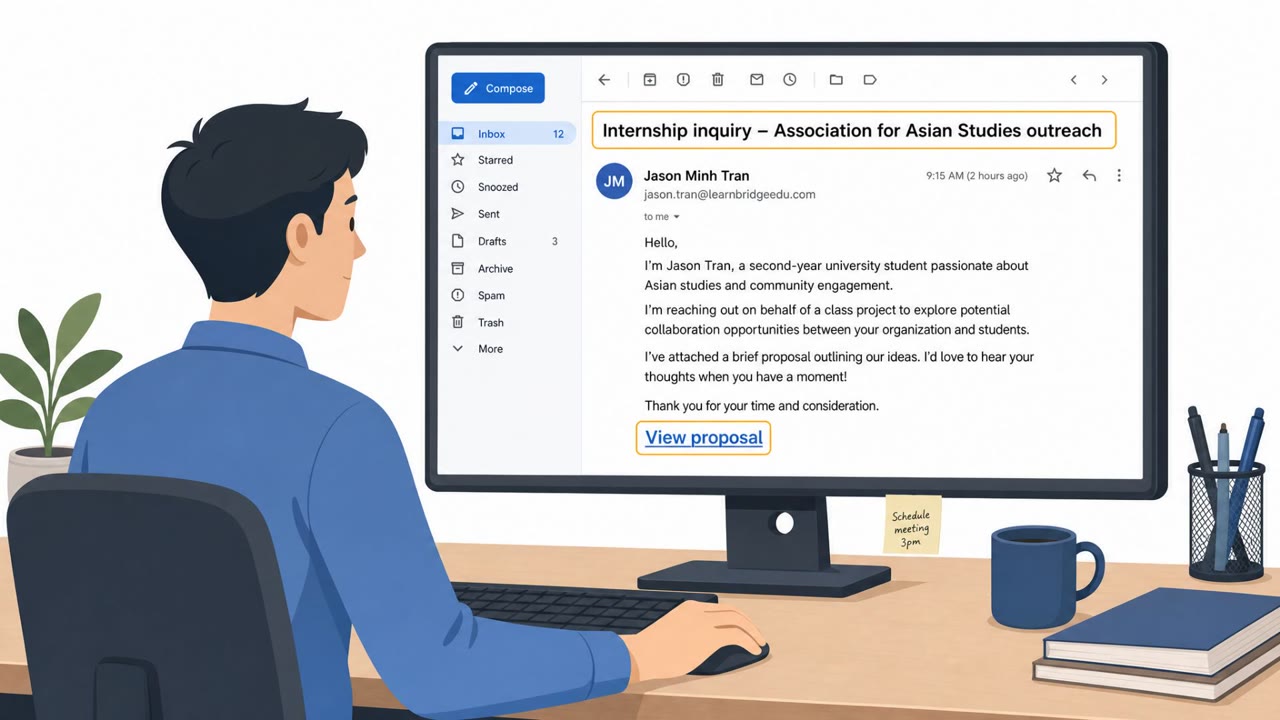
China-linked attackers targeted NGOs with spear-phishing emails that urged recipients to click a link to a legitimate U.S. university website. The link path abused a website flaw to silently redirect victims to attacker infrastructure, which then exploited Chrome and Windows to install malware (including the GRIMWEDGE backdoor). The campaign shows how a “safe-looking” link to a real website can still lead to compromise.
How the attack worked
This campaign began with a spear-phishing email sent to NGO staff on September 1, 2026. The email encouraged recipients to click a link pointing to the website of a legitimate U.S.-based university, a detail that made the message feel low risk. Instead of landing on ordinary university content, the link abused a reflected cross-site scripting flaw on that site, silently redirecting the victim to attacker-controlled infrastructure. That infrastructure hosted a multi-stage exploit chain targeting Chrome and Windows, ultimately achieving code execution and deploying the GRIMWEDGE JavaScript backdoor. GRIMWEDGE polled a command and control server and supported commands for reconnaissance, file access, and running additional tooling.
A second campaign observed using the same exploit chain installed LONGTALE, a credential-stealing Chrome extension that masquerades as a Google Gemini extension to avoid detection.
Why it succeeded
The attack succeeded because every visible element looked legitimate. The destination link pointed to a real, trusted university domain, not a lookalike or newly registered site. Because the compromise happened through a redirect chain hidden behind a legitimate page, most recipients would have no visual cue that anything was wrong. The exploit chain then relied on Chrome and Windows vulnerabilities rather than requiring the victim to enter credentials or open a suspicious attachment, removing the usual points where a cautious user might hesitate.
What to watch for
- Unexpected emails that push urgency or action toward clicking a link, even to a familiar or well-known domain
- A link that appears legitimate but quickly redirects to another site or shows unusual loading behavior
- Browser crashes, blank pages, or repeated loading after clicking a link
- Unexpected prompts to install or enable a browser extension, especially one branded as a well-known product like Google Gemini
- New or unexplained browser permission requests involving cookies, site access, or browsing data
How to build resistance
Organizations, especially NGOs and advocacy or research teams that are frequent targets, should train staff to treat unexpected links as risky even when the destination domain looks trustworthy, and to verify unusual requests through a separate, trusted channel before clicking. Staff should be encouraged to report odd browser behavior or unsolicited extension prompts to IT immediately rather than dismissing them. Because this campaign relied on a patch-gap window, where exploited flaws are addressed after attackers already use them, keeping browsers and operating systems updated as quickly as possible narrows the time attackers have to exploit known issues. IT and helpdesk teams should coordinate rapid patch rollout and maintain clear reporting channels so suspicious activity can be investigated quickly.
Key findings
- NGOs were targeted on September 1, 2026 via spear-phishing emails that pushed users to click a link.
- The emailed link led to a legitimate U.S.-based university site, where a reflected XSS flaw was abused to redirect victims to attacker-controlled infrastructure hosting an exploit chain.
- The chain exploited Chrome and Windows issues to achieve code execution and deploy the GRIMWEDGE JavaScript backdoor.
- GRIMWEDGE polled a C2 server ("ocr.opusaccel[.]top") and supported commands for reconnaissance, file access, and running additional tooling.
- A second China-linked actor (JungleBamboo/APT31) used the same chain to install LONGTALE (GemStone), a credential-stealing Chrome extension masquerading as a Google Gemini extension.
Who’s being targeted
- Commonly targeted roles: All staff (especially NGOs), Executive leadership, Program/operations teams, Research/advocacy teams, IT/Helpdesk (for reporting and rapid patching coordination).
- Affected industries: Nonprofits / NGOs.
- Attack channels: email, website.
- Impersonated: U.S.-based university website (via a link presented as legitimate), Google Gemini Chrome extension.
Red flags to watch for
- Unexpected email pushing urgency or action to click a link
- A legitimate-looking link that quickly redirects to another site
- Unusual prompts or behavior after clicking (browser crash, blank page, repeated loading)
- Extension installation/enablement prompted after clicking an email link
- Extension branding that doesn’t match official distribution expectations
- Browser requesting new permissions unexpectedly (access to cookies, sites, or browsing data)
Frequently asked questions
How did clicking a legitimate university link lead to malware?
The link abused a reflected cross-site scripting flaw on the university website, which silently redirected victims to attacker-controlled infrastructure hosting a multi-stage exploit chain targeting Chrome and Windows.
What malware was installed in this campaign?
The exploit chain deployed the GRIMWEDGE JavaScript backdoor, which polled a command and control server for commands like reconnaissance and file access. A second actor used the same chain to install LONGTALE, a credential-stealing Chrome extension disguised as a Google Gemini extension.
Why is this attack considered highly sophisticated?
It combined spear-phishing with a website vulnerability, a browser and OS exploit chain, and a patch-gap window, all chained together to gain code execution without obvious warning signs to the victim.
What should employees watch for after clicking a link like this?
Watch for unusual browser behavior such as crashes, blank pages, or repeated loading, and be suspicious of any unexpected prompt to install or enable a browser extension after clicking an emailed link.
Read the video transcript
You get an email: “Please review the information at this university page and let us know your feedback.” Looks harmless, right? In a real attack, that link went to an actual U.S. university site, then abused a reflected XSS bug to silently bounce people to ocr.opusaccel.top, where Chrome and Windows exploits dropped the GRIMWEDGE backdoor. Another group reused the same chain to push LONGTALE, a fake “Google Gemini” Chrome extension that steals cookies and logins. Aha: the dangerous part wasn’t the email text or the university name, it was the redirect after you clicked. If an email link to a “legit” site suddenly redirects, crashes, or pops an extension install, stop and report it to security immediately, don’t keep clicking.