Researchers reported four separate espionage groups using the same “BlueMoon” exploit kit within days, targeting organizations in the US and Southeast Asia. The attacks began with phishing emails that lured recipients to attacker-controlled websites, where Chrome and Windows vulnerabilities were chained to install malware and gain higher system permissions. Even after patching, affected machines may still contain backdoors or other persistence.
How the attack worked
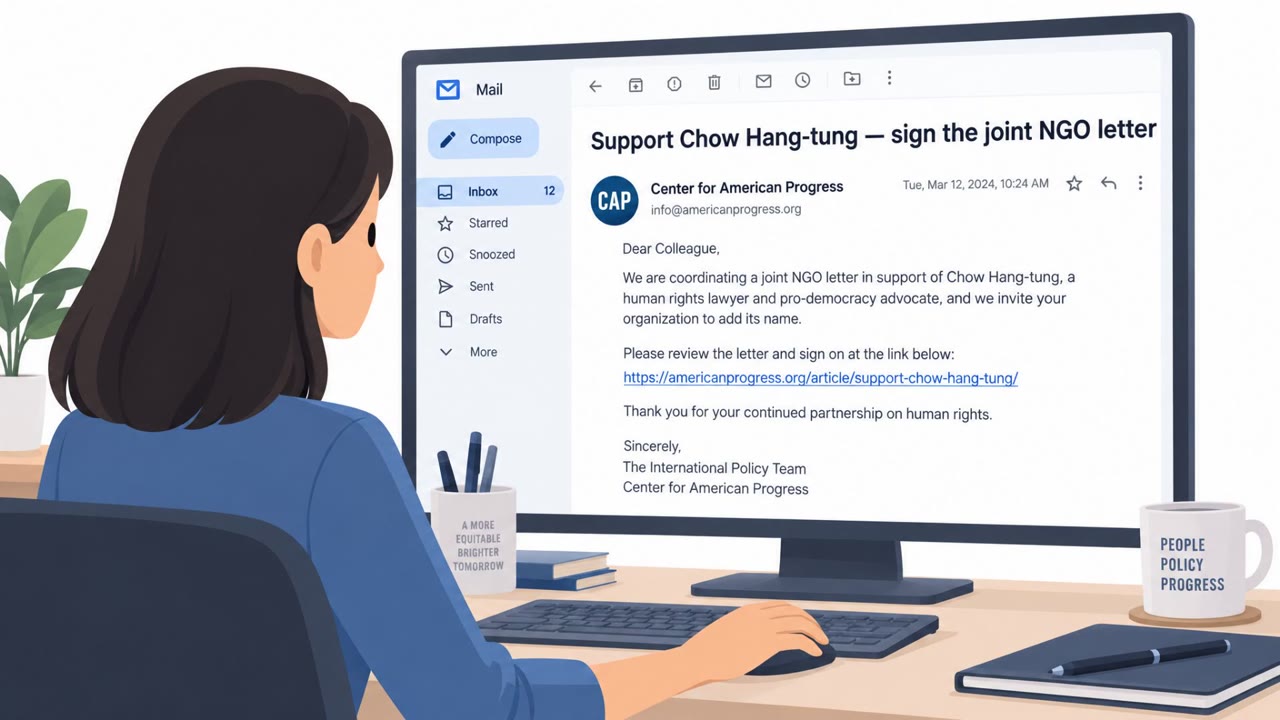
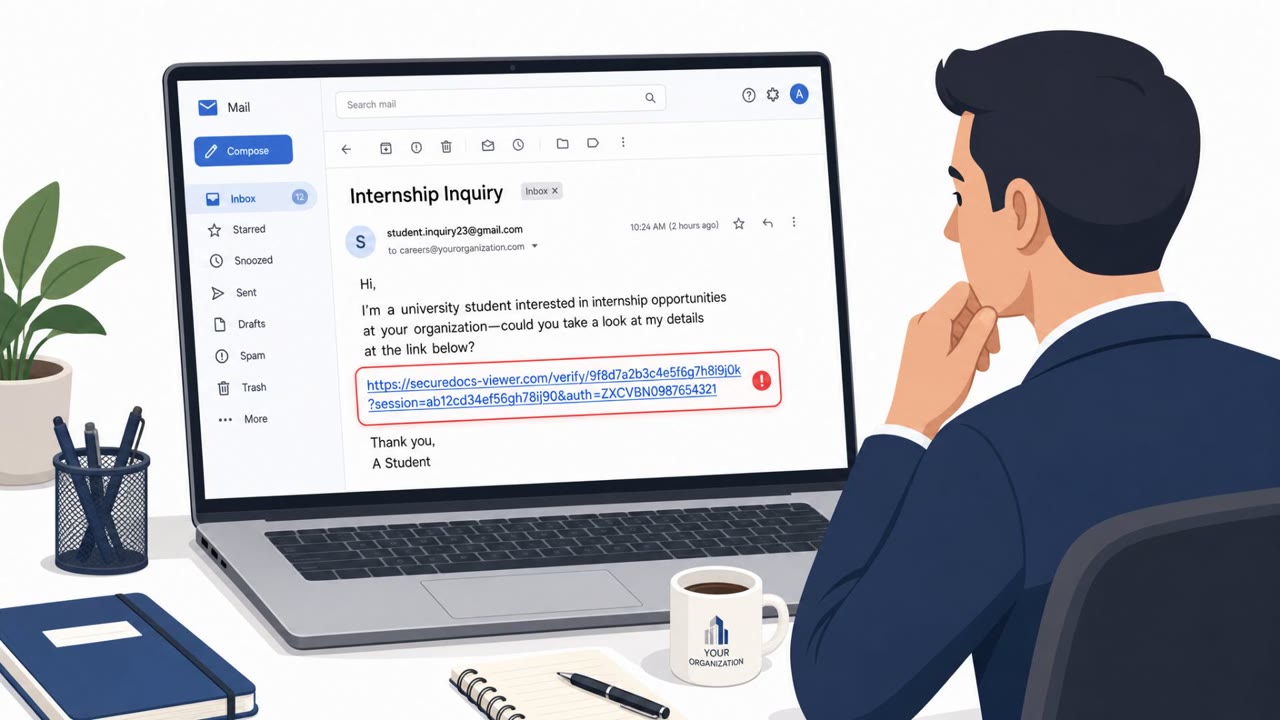
Four separate espionage groups were observed using the same BlueMoon exploit kit within about a week of each other, targeting organizations in the US and Southeast Asia. The attack chain began with ordinary phishing emails that directed targets to attacker-controlled websites. Once a victim clicked through in Chrome or a Chromium-based browser, BlueMoon chained browser exploits with a Windows vulnerability to escape the sandbox, elevate privileges, and deliver operator-selected malware.
One of the campaigns, attributed in the reporting to TA412 (also tracked as APT31), targeted NGOs, mining companies, and commodity trading firms with a lure that resulted in the installation of GemStone, a malicious Chrome extension disguised as Google's Gemini AI assistant. Other campaigns deployed different payloads, including ShadowPad and other malware families.
Why it succeeded
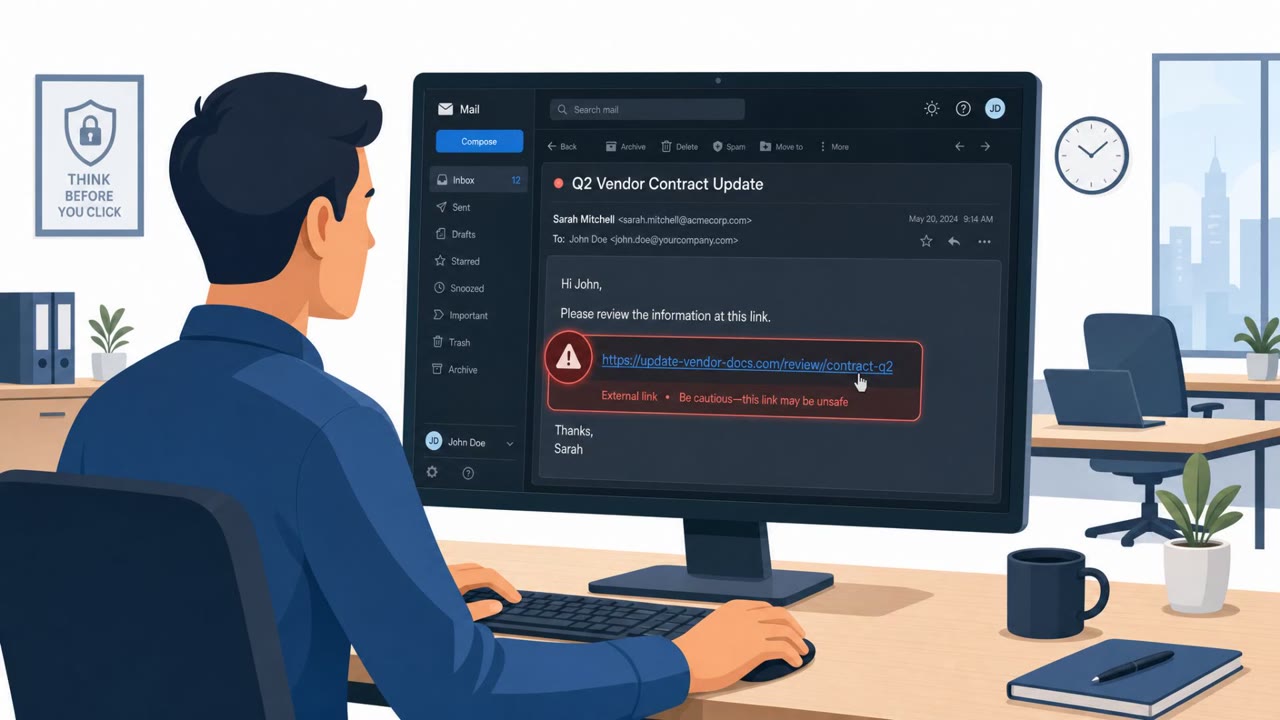
The lure itself was simple: an email prompting the recipient to click a link and view content on a website. There was no need for the message to be elaborate, because the real work happened after the click, inside the browser exploit chain. This makes the initial phishing message harder to flag through content alone, since red flags rely more on context (an unexpected email pushing urgent link-clicking) than on obvious grammar or spoofing errors.
The speed of adoption across four separate groups is also notable. Once one group demonstrated a working exploit chain, others adopted nearly identical code within days, leaving little time between disclosure of a fix and active exploitation in the wild.
What to watch for
- Unexpected emails prompting an urgent visit to a website, especially with a link to an unfamiliar or unrelated domain
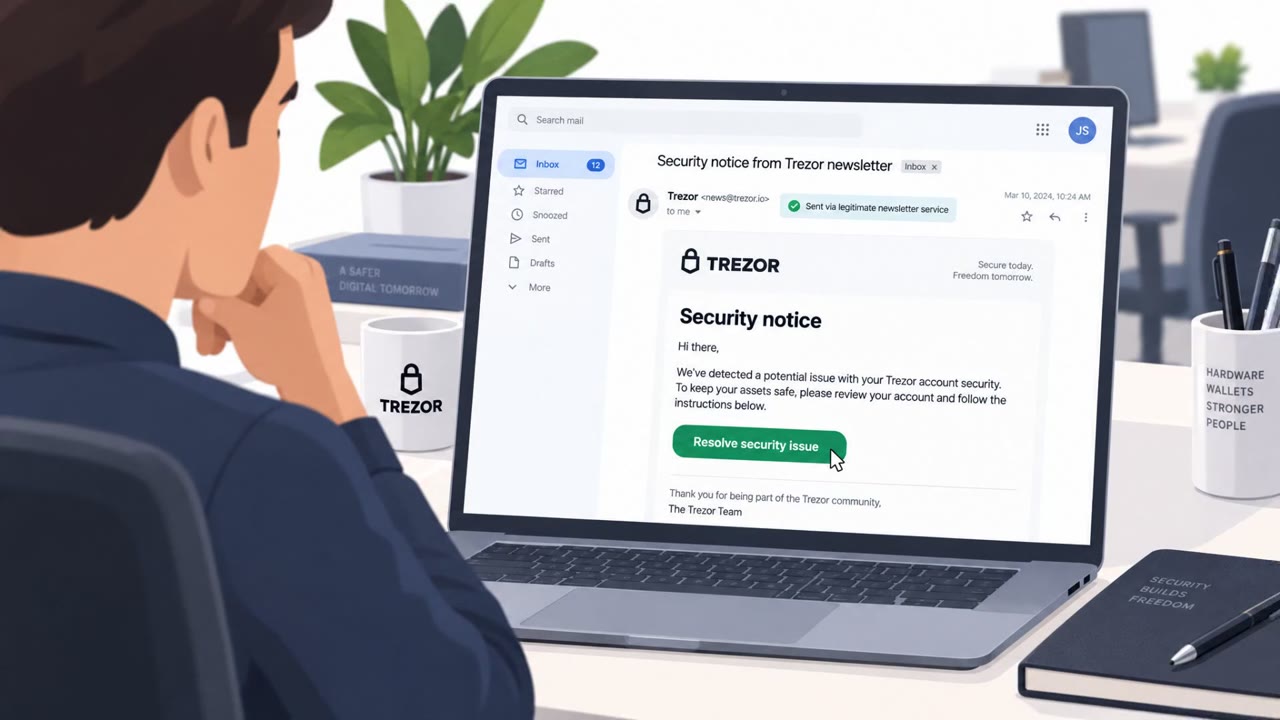
- Requests to install a browser extension outside of normal IT-approved channels, including extensions claiming to be well-known tools like an AI assistant
- Unusual browser or system behavior right after clicking an email link
- Suspicious process activity or scheduled tasks on endpoints, which security teams can use as investigation clues
Building resistance
Organizations affected or at risk, including NGOs, mining and commodities firms, aerospace, manufacturing, government, consulting, and financial services, should reinforce a few habits. Staff across all roles, not just executives, should treat unsolicited emails with links as high risk, particularly when there is pressure to act immediately. IT and helpdesk teams should reiterate that browser extensions are only installed through approved, official channels. Because patching alone does not remove malware or persistence mechanisms already installed before an update, endpoint checks should follow emergency patches rather than being treated as optional. Fast, clear reporting channels for suspicious browser behavior give defenders a better chance of catching activity during the narrow window between vulnerability disclosure and active exploitation.
Key findings
- Four espionage groups adopted the same BlueMoon exploit kit within about a week, reducing defenders’ response time.
- The attack chain started with phishing emails that sent targets to attacker-controlled websites, then used Chrome and Windows exploits to escape the sandbox and elevate privileges.
- One campaign installed “GemStone,” a malicious Chrome extension disguised as Google’s Gemini AI assistant; other campaigns deployed ShadowPad and other malware.
- Even if systems are patched, organizations may still need endpoint checks because malware/persistence could already be present.
- Proofpoint shared investigation clues such as unusual process chains (chrome.exe spawning cmd.exe then curl.exe) and suspicious scheduled tasks.
Who’s being targeted
- Commonly targeted roles: All employees (phishing awareness), Executives and assistants, NGO program teams, Aerospace staff, Mining/commodities staff, IT/helpdesk and endpoint teams.
- Affected industries: Nonprofits/NGOs, Mining and commodities, Aerospace, Manufacturing, Government, Consulting/Professional services, Financial services.
- Attack channels: email, website.
- Impersonated: Unspecified (email sender not identified in article), Google Gemini AI assistant (impersonated via extension disguise).
Red flags to watch for
- Unexpected email prompting you to visit a website
- Link leads to an unfamiliar or unrelated domain
- Request to view urgent content without prior context
- Browser/extension install prompted from outside official stores or standard IT processes
- An extension claims to be a well-known brand but appears after visiting a random website
- Unexpected Chrome behavior after clicking an email link
Frequently asked questions
What is the BlueMoon exploit kit?
BlueMoon is an exploit kit that chains Chrome and Windows vulnerabilities to escape the browser sandbox and elevate privileges after a victim clicks a phishing link to an attacker-controlled website.
How did victims first get compromised?
The attacks started with phishing emails that directed targets to attacker-controlled websites, which then triggered the browser-based exploit chain.
What was GemStone?
GemStone was a malicious Chrome extension disguised as Google's Gemini AI assistant, installed as part of one of the campaigns targeting NGOs, mining companies, and commodity trading firms.
Is patching enough to remove the threat?
No. Patching closes the vulnerabilities, but it does not remove malware or persistence mechanisms that were already installed on a system before the update, so endpoint checks are still needed.
Read the video transcript
You get an email: “Please review the information at the link below.” Looks boring, right? That click is all BlueMoon needs. Behind that link is the BlueMoon exploit kit. It hits Chrome, then Windows, and can quietly drop tools like a fake Gemini AI Chrome extension called GemStone. Here’s the scary part: even after we patch Chrome and Windows, BlueMoon’s backdoors and scheduled tasks can still be sitting on that machine, waiting. If you ever click a link and Chrome suddenly asks to install an assistant or extension, stop and hit Report Phishing so IT can check your machine fast.