Researchers reported two China-linked groups targeting NGOs with spear-phishing that led victims through a legitimate U.S. university website before redirecting them to attacker infrastructure. The attackers used a chained Chrome/Windows exploit to take control, then deployed different payloads, one a backdoor and the other a malicious Chrome extension that steals credentials and sessions.
Key findings
- Volexity observed a spear-phishing campaign targeting NGOs that led victims through a legitimate U.S. university website with an XSS flaw, then redirected to attacker servers.
- Attackers chained a Chrome V8 type-confusion bug with additional browser and Windows kernel flaws to break out of Chrome’s sandbox and run code.
- Two different China-linked groups (UTA0560 and JungleBamboo/APT31) used byte-for-byte identical exploit shellcode but different infrastructure and payloads.
- UTA0560 deployed the GRIMWEDGE JScript backdoor; JungleBamboo deployed SUPERSTOMP to install the LONGTALE credential-stealing Chrome extension.
- Victims were shown a fake donation form image made to look like it belonged to the targeted organization; it was used to steal rather than collect donations.
- The campaign exploited a “patch gap” where Chromium source fixes existed but Chrome stable releases hadn’t shipped them yet, leaving users exposed.
Who’s being targeted
- Commonly targeted roles: Executive leadership, All staff (NGO users), Fundraising/Development, Communications, IT/Helpdesk, Security/IT operations.
- Affected industries: Nonprofits / NGOs, Aerospace, Manufacturing.
- Attack channels: email, website.
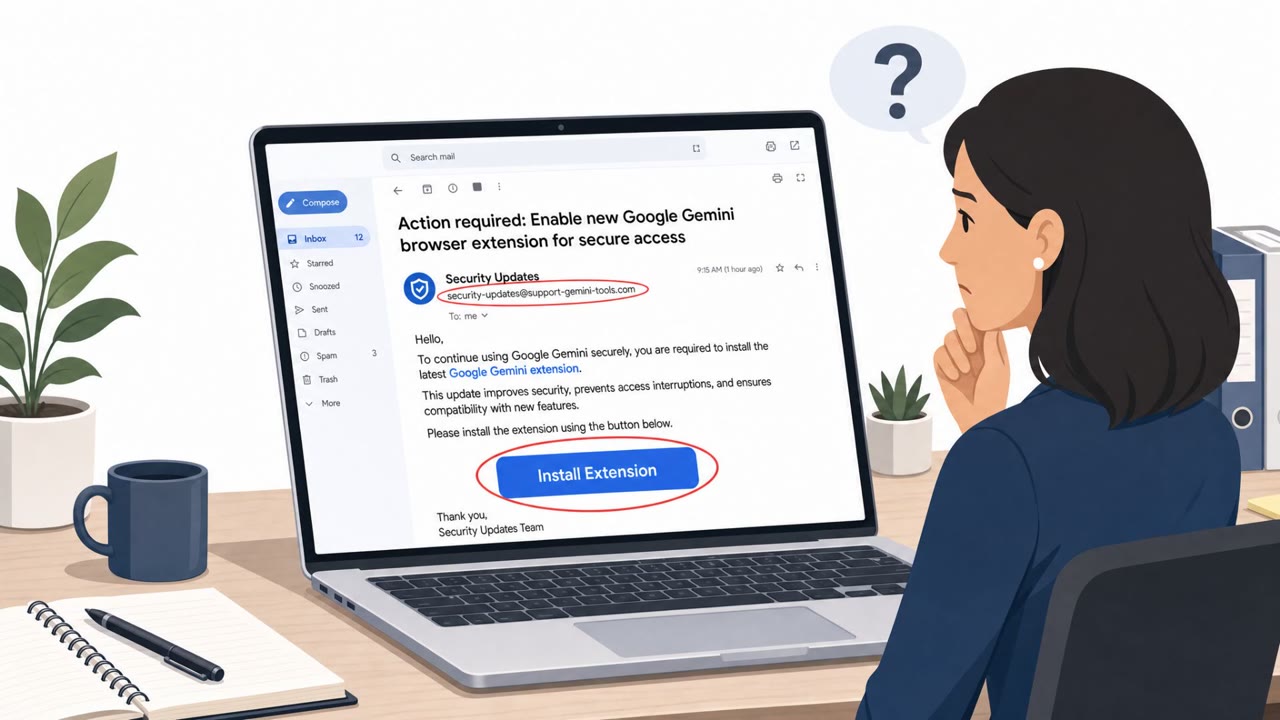
- Impersonated: A legitimate U.S. university website (used as an initial trusted hop) and a donation page branded as the target NGO, Google Gemini assistant (via a malicious Chrome extension named LONGTALE).
Awareness takeaways
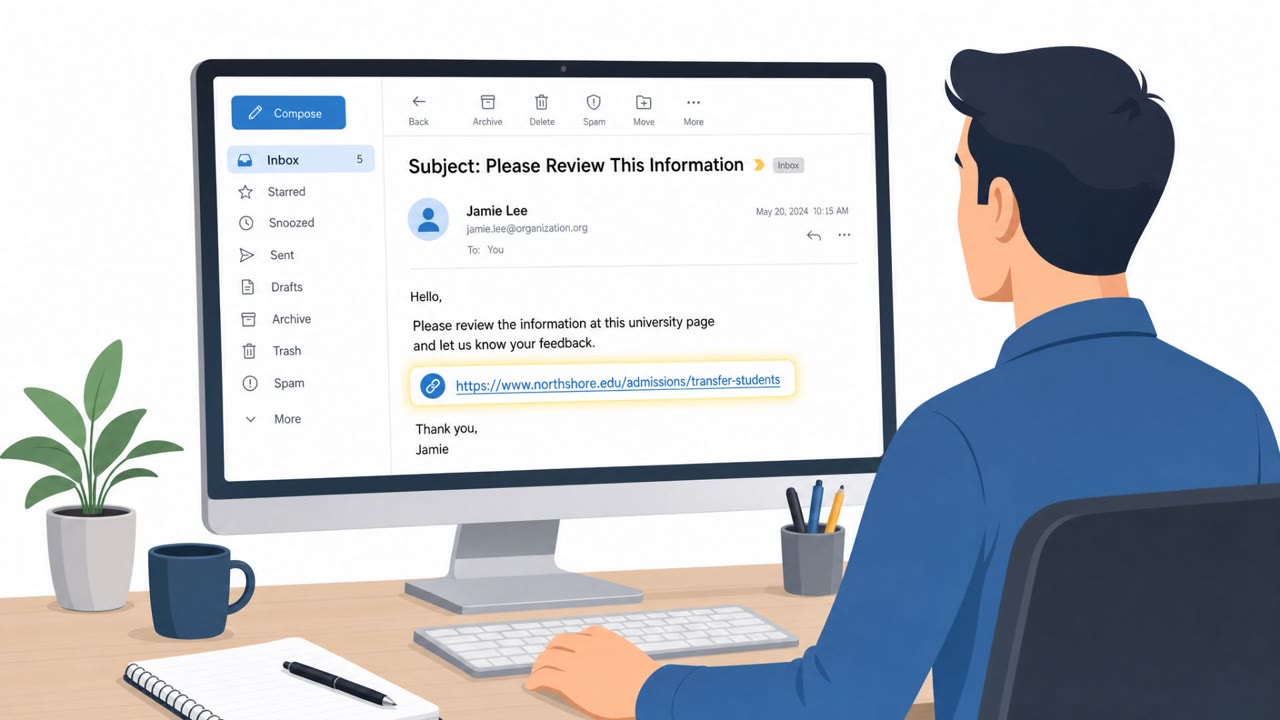
- Treat “trusted domain” links as suspicious if they quickly redirect somewhere else, especially if the brand/purpose doesn’t match (e.g., donations via an unrelated university site).
- Be cautious of donation or fundraising pages that are just images or don’t use a normal, secure payment workflow, report them to security instead of proceeding.
- Train staff to report any unexpected browser extension installs or “assistant” tools that appear without explicit approval, since extensions can steal logins and sessions.
- Emphasize rapid browser patching and verifying versions, attackers may exploit the time gap between an upstream fix and when end-user updates are actually deployed.
Red flags to watch for
- Email link goes to a university site unrelated to the requested donation
- After loading the first site, the browser is unexpectedly redirected
- Donation page is just an image made to look like the organization (not a normal payment flow)
- Unexpected prompts related to browser extensions or profile changes
- An assistant/extension appears without a user-initiated install from the official Chrome Web Store
- Unusual behavior after browsing to a link (new extension, session logouts, security alerts)
Read the video transcript
You get an email: "Donation form for our NGO – opens via a U.S. university webpage." Looks legit, right? You click. First you see the real university site… then it instantly flips to a "donation" page that’s just an image of your logo. Behind that flip, a Chrome 0‑day chain is quietly taking over your browser. In cases Volexity saw, one group dropped a GRIMWEDGE backdoor. Another installed a fake "Google Gemini" Chrome extension called LONGTALE that logs keystrokes, cookies, and screenshots of your NGO work. If a "trusted" link jumps you to a different site or a donation page that’s just an image, stop. Don’t fill it out, screenshot it and report it to security immediately.