Google says multiple suspected Russia-linked espionage clusters targeted academics, government, and defense-related personnel by abusing legitimate sign-in features instead of using obvious fake login pages. The campaigns used realistic lures (file sharing, conference invites, and “secure WhatsApp” communications) to trick targets into handing over OAuth tokens or linking WhatsApp to an attacker-controlled device, enabling account takeover.
How the Attack Worked
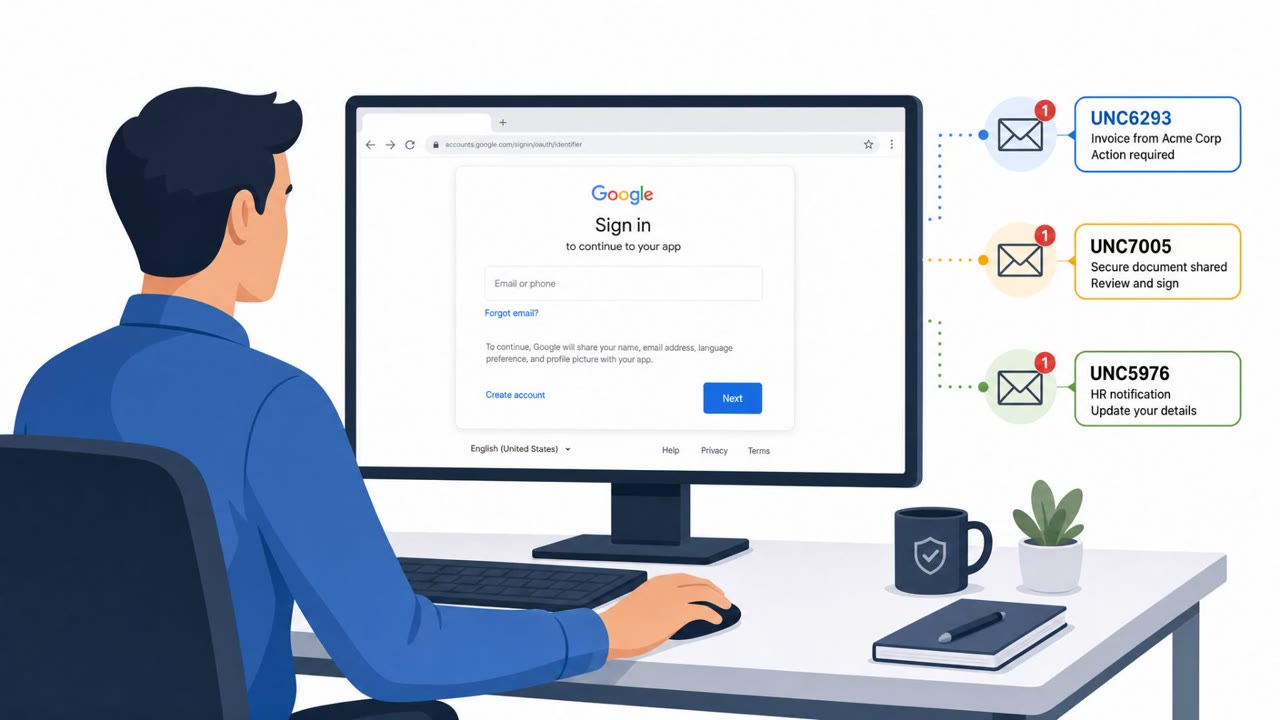
Google identified three suspected Russia-linked espionage clusters, UNC6293, UNC7005, and UNC5976, that abused legitimate authentication flows rather than relying only on obvious fake login pages. UNC5976 registered domains resembling file-sharing services and hosted fake file-sharing pages with a "Continue with Google" button. Clicking it sent victims through the real Google OAuth login page, and scripts hosted in cloud infrastructure then stole the authentication token from the redirect URL.
UNC7005 took a different approach, spoofing WhatsApp pages that displayed a legitimate QR code and linking instructions, convincing targets to link their WhatsApp account to a device controlled by the attacker. Once linked, victims received further prompts to join a call, chat, or accept a file, extending the compromise. The same cluster also spoofed a summit site referencing a resolution in support of Ukraine, pushing victims toward a malicious companion app download.
Why It Succeeded
These campaigns worked because each step used a real, trusted service, an actual Google sign-in page, an authentic WhatsApp linking code, or a plausible event invitation. None of the individual actions looked like classic phishing. Targets were academics, diplomatic and government affairs staff, defense and aerospace personnel, and think tank employees, groups often accustomed to receiving file-sharing links, conference invitations, and secure communication requests as part of normal work.
What to Watch For
- Unfamiliar file-sharing domains that prompt a "Continue with Google" sign-in
- Any web page asking you to link WhatsApp or another messaging app to a new device via a scanned code
- Event or summit invitations that require downloading a "companion app" just to view a document
- Requests, from anyone, to share a verification code or the full URL you land on after signing in
Building Resistance
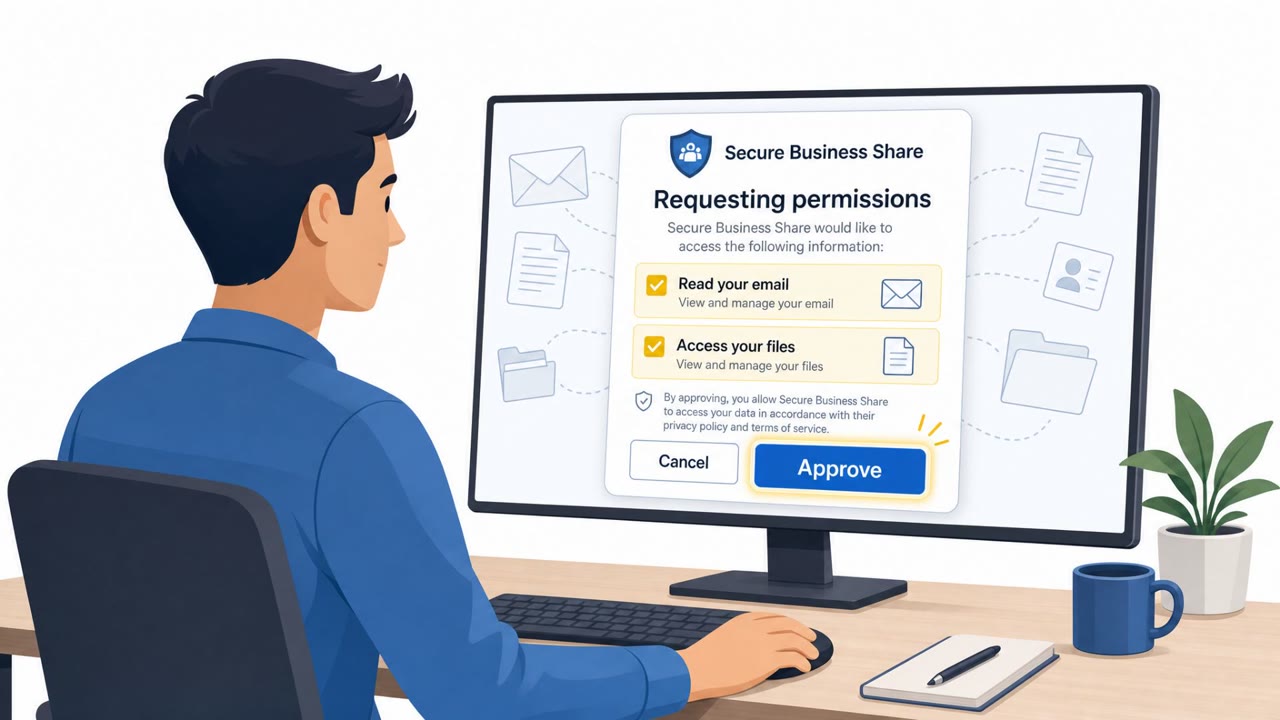
Organizations in academia, government, defense, and nonprofit sectors should train staff to treat OAuth prompts on unfamiliar sites as a red flag, even when the sign-in screen itself is genuinely Google's. Any request to link a messaging app to a new device should be verified through a separate, trusted channel before acting. Staff should also be reminded that sharing a verification code or a post-login URL with anyone, regardless of the reason given, can hand over full account access. Building this awareness helps close the gap that legitimate-looking authentication flows can otherwise exploit.
Key findings
- Three suspected Russian espionage clusters (UNC6293, UNC7005, UNC5976) used "legitimate authentication flows" to compromise accounts rather than only relying on traditional fake login pages.
- UNC5976 used fake file-sharing domains and a "Continue with Google" flow to send victims through real Google OAuth, then stole tokens from the redirect URL using scripts hosted in cloud infrastructure.
- UNC7005 spoofed WhatsApp to trick victims into linking their WhatsApp account to an attacker-controlled device using a legitimate QR/linking code workflow, then pushed additional prompts (call/chat/file) for further compromise.
- UNC7005 also spoofed a summit site about a "resolution in support of Ukraine" to push a companion app download from a malicious link.
- Google observed OAuth phishing where targets were asked to share "the full URL or verification code" after a legitimate login, enabling attackers to access the account once shared.
Who’s being targeted
- Commonly targeted roles: Executives, Academia / research staff, Government affairs / diplomatic teams, Defense and aerospace staff, Nonprofits / think tanks, IT helpdesk and identity/security teams.
- Affected industries: Academia, Government, Aerospace and defense, Think tanks / nonprofits, Defense industrial base.
- Attack channels: website, email.
- Impersonated: File-sharing service (fake site) and Google OAuth sign-in, WhatsApp (spoofed linking page), Summit/event organizers.
Red flags to watch for
- File-sharing site/domain doesn’t match a known provider
- Unexpected pop-up login prompt after visiting a page
- You are redirected to an unfamiliar cloud project URL after signing in
- Any request to link a new device via a web page you reached from a link
- A WhatsApp ‘secure call’ requirement that starts with entering your phone number on a non-WhatsApp site
- Unexpected follow-up prompts to join a call/chat or download a file immediately after linking
- Event-themed urgency pushing software installation
- Link goes to an unfamiliar domain instead of an official event site
- A ‘companion app’ is required just to read a document
Frequently asked questions
How did attackers steal accounts without fake login pages?
Groups like UNC5976 sent victims through the real Google OAuth login via a fake file-sharing site, then captured the authentication token from the redirect URL instead of harvesting a password directly.
What is the WhatsApp linking attack?
UNC7005 spoofed WhatsApp pages that displayed a legitimate QR or linking code, tricking targets into linking their WhatsApp account to an attacker-controlled device.
Who was targeted in these campaigns?
Academics, government affairs and diplomatic staff, defense and aerospace personnel, and nonprofit or think tank workers were among the targeted groups.
Why is sharing a verification code dangerous?
Google observed attackers asking targets to share the full post-login URL or a verification code, which alone can let attackers access the account even after a legitimate sign-in.
Read the video transcript
Imagine this: you tap a real Google login… and that’s exactly how UNC5976 walks into your account. Their fake file-sharing page sends you through real Google OAuth, then scripts grab your token from the redirect URL, no fake password box, just stolen access. Same play with WhatsApp: a spoofed ‘secure WhatsApp call’ page walks you through linking, but the QR actually connects your WhatsApp to their device, then pushes chats and file prompts. Here’s the move: any unfamiliar site asking you to 'Continue with Google' or link WhatsApp from a link, stop, close it, and open the service yourself from your own bookmark or app instead.