
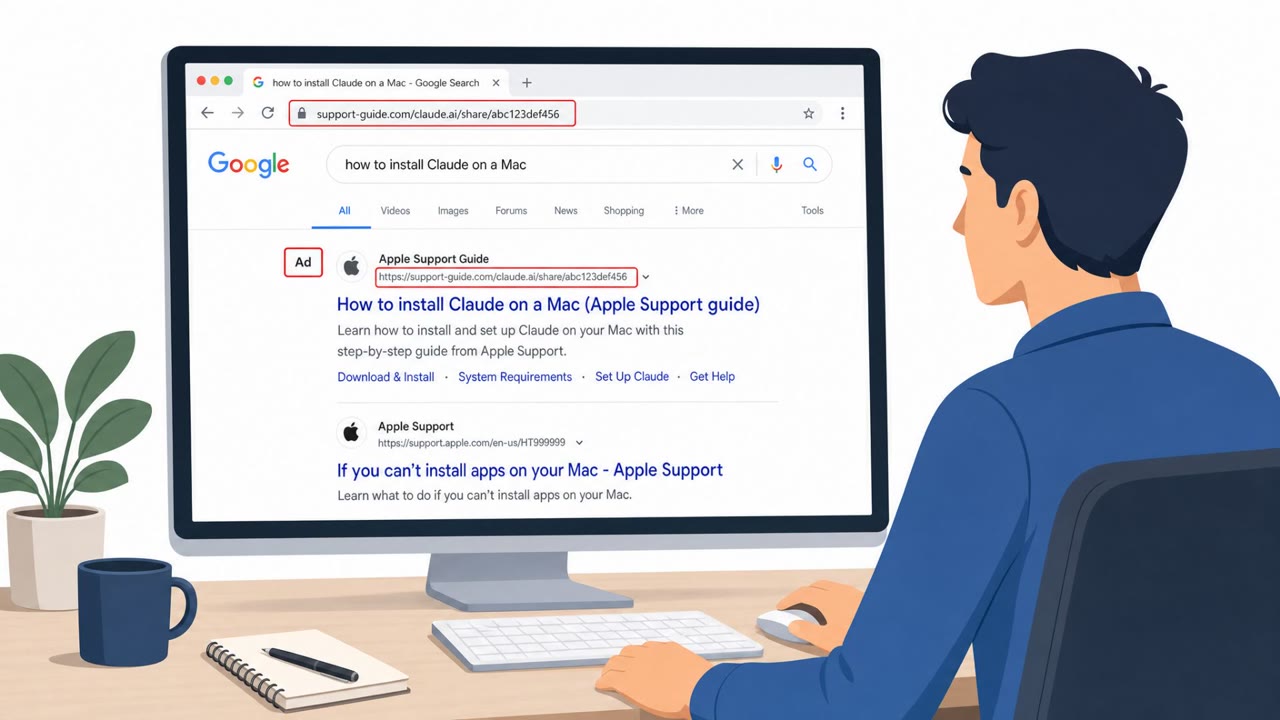
Fake Install Guides and Helpdesk Calls Drive Attacks
This bulletin describes multiple real-world social engineering campaigns where attackers trick people into trusting a familiar screen, like a search result…
July 30, 2026
Researchers reported a real student employment phishing campaign that used compromised school email accounts to send messages that passed common email authenticity checks. The lure pushed students to a Google Form to collect sensitive personal and banking details, consistent with money-mule recruitment and account takeover prep.
A student employment phishing campaign used compromised school email accounts to distribute job offer lures to students. Because the messages originated from real, compromised accounts, they passed common email authentication checks that many people rely on as a signal of legitimacy. The lure directed recipients to a Google Form, which then collected banking information, residential addresses, and other personal details. Researchers observed at least 3,200 messages tied to this campaign, and the data collected is consistent with money mule recruitment and account compromise preparation.
This campaign combined two trust signals that people rarely question: a familiar school email address and a widely used tool, Google Forms. Recipients had little reason to suspect the message wasn't legitimate since it came from a real school account and passed authentication checks. Using Google Forms instead of a spoofed login page also lowered suspicion, since the form itself carries no obvious phishing indicators like a fake domain or broken branding. The pretext, an on-campus or student job opportunity, is plausible and appealing, especially to students actively looking for work.
Students, faculty, and staff should treat unsolicited job offers, particularly ones requesting banking details upfront, as suspicious until verified through official school hiring channels. A message coming from a legitimate school address, or one that passes authentication checks, is not proof that the request itself is legitimate. Anyone asked to submit sensitive data through a Google Form should confirm who owns the form and why it's being used before entering any information. Student services and financial aid offices can reinforce this by publishing clear guidance on official hiring processes and reminding students that legitimate employment offers rarely require banking details as a first step.
Mirage safely runs attacks like this one against your own team, so you find out what happens before a real adversary does.
The campaign used compromised school email accounts, so messages passed common email authentication checks and appeared legitimate to recipients.
It attempted to collect banking information, residential addresses, and other personal details, consistent with money mule recruitment or account compromise.
Google Forms served as the collection mechanism for victim data, making the scam appear less suspicious than a fake login page while still gathering sensitive details.
Researchers observed at least 3,200 messages sent as part of the campaign.
You get an email from careers@youruniversity.edu: “Student employment job opportunity, apply now.” Looks totally legit, right? But this real campaign hijacked school email accounts and blasted over 3,200 of these messages, all passing security checks, pushing students to a Google Form asking for bank info and home address. Here’s the trap: it looks like a normal school job, but the form lives on Google Forms, not the official campus hiring portal, and it wants your banking details upfront, that’s classic money‑mule recruitment. If a “student job” email sends you to a Google Form or asks for bank details to proceed, stop and verify it through your school’s official jobs site, don’t fill out that form.
This bulletin describes multiple real-world social engineering campaigns where attackers trick people into trusting a familiar screen, like a search result…
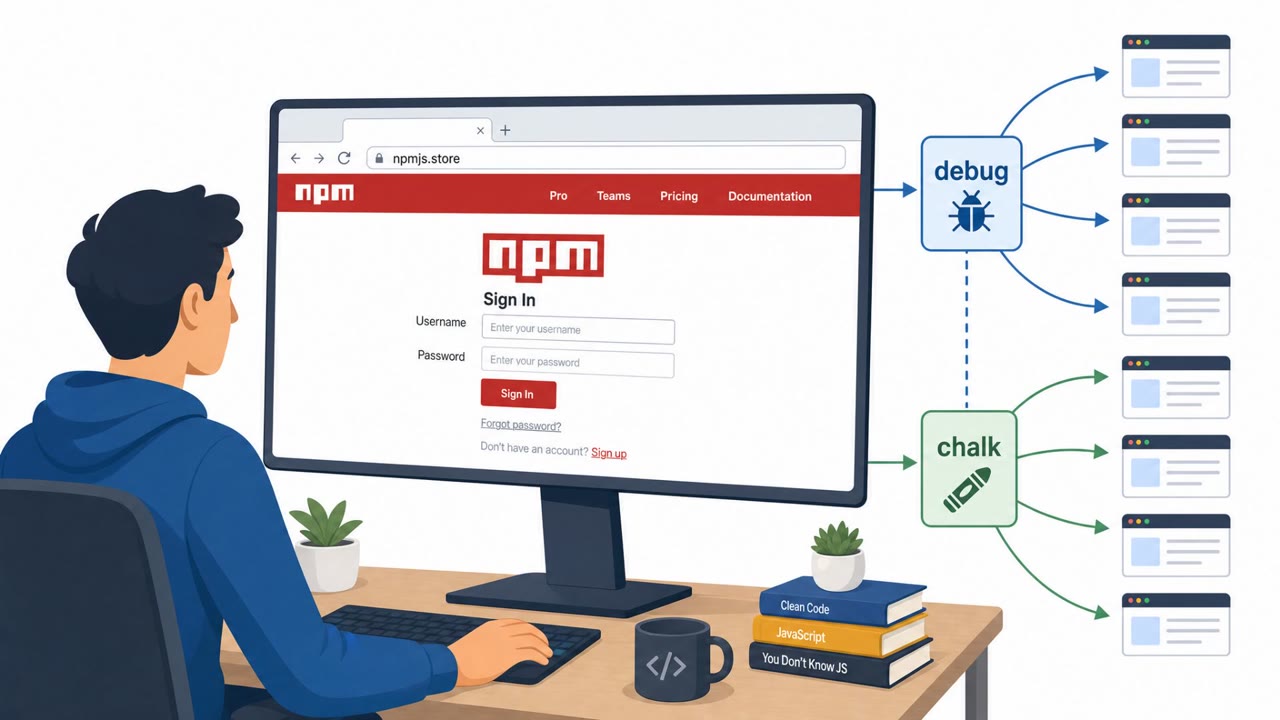
Amazon says North Korea-linked actors compromised widely used npm packages (including debug and chalk) by tricking a trusted maintainer into signing in through…
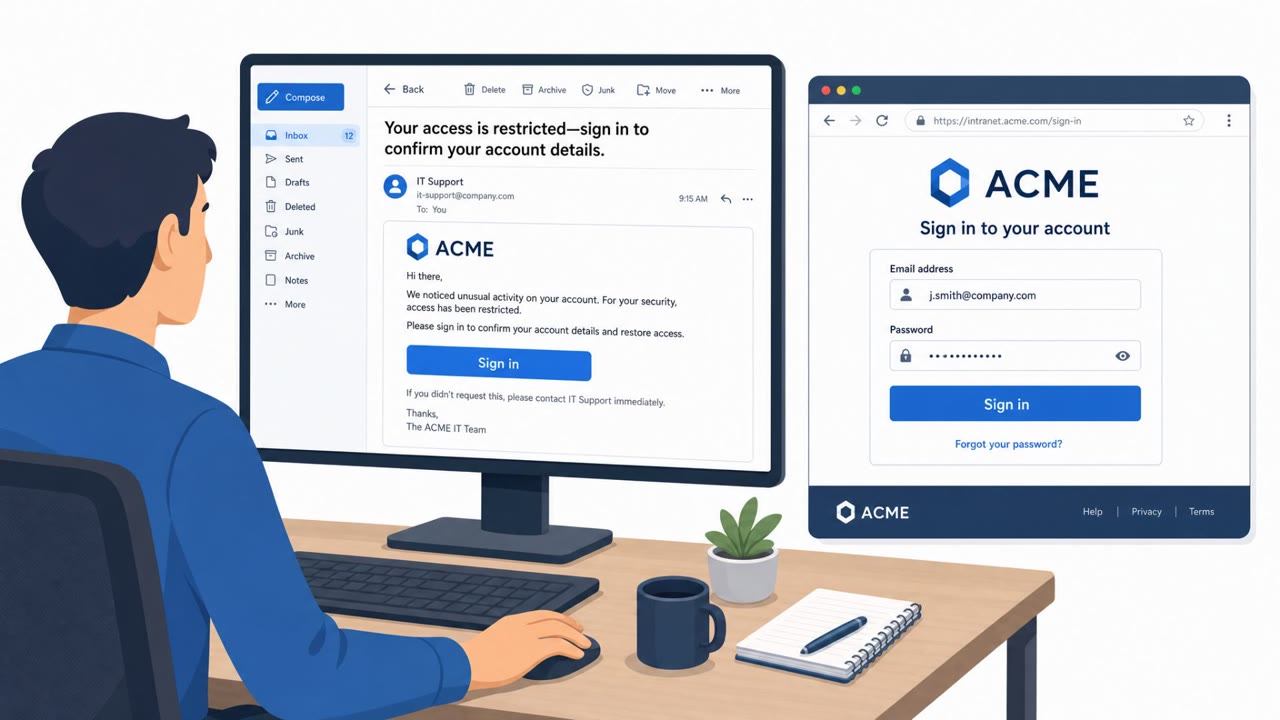
Researchers observed LogoKit phishing campaigns that create a unique fake login page for each recipient in real time. The kit pulls a live screenshot of the…

Criminal groups are stealing Meta Business Manager and Google Ads accounts using phishing that arrives through trusted platforms like Salesforce, Google…
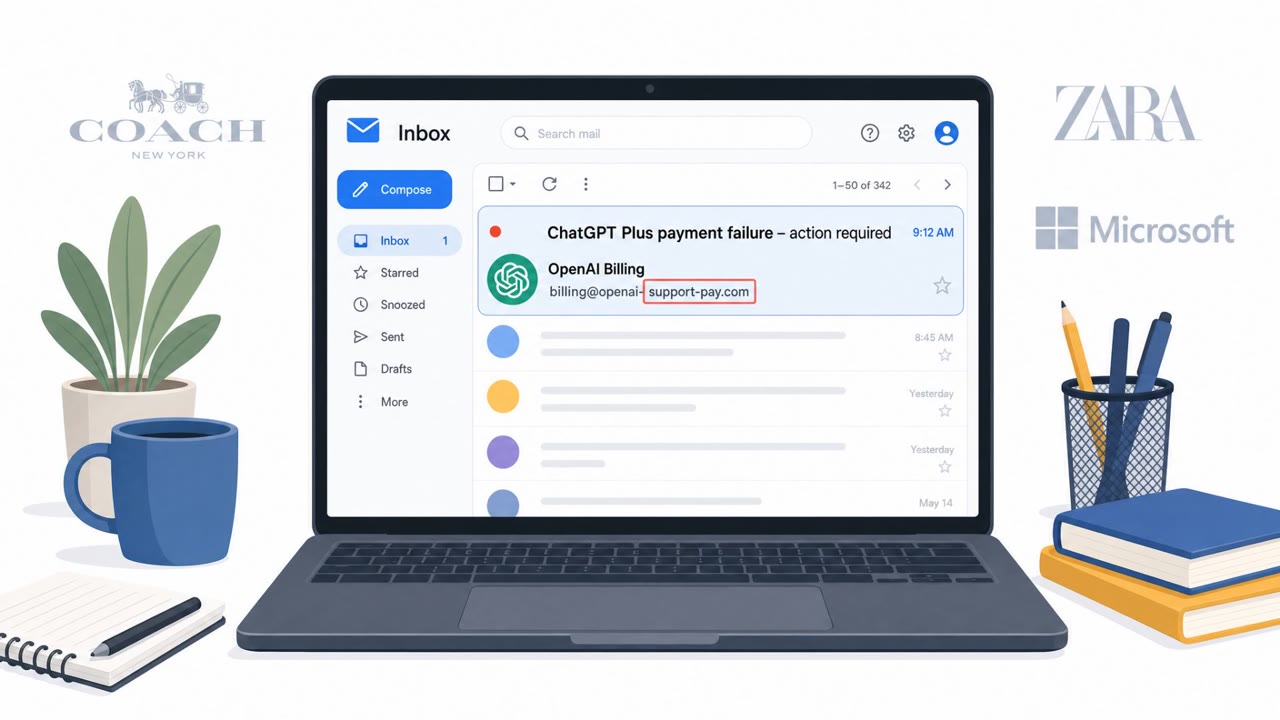
Check Point reports that scammers are now impersonating ChatGPT/OpenAI in phishing campaigns, reflecting how mainstream the service has become. One documented…
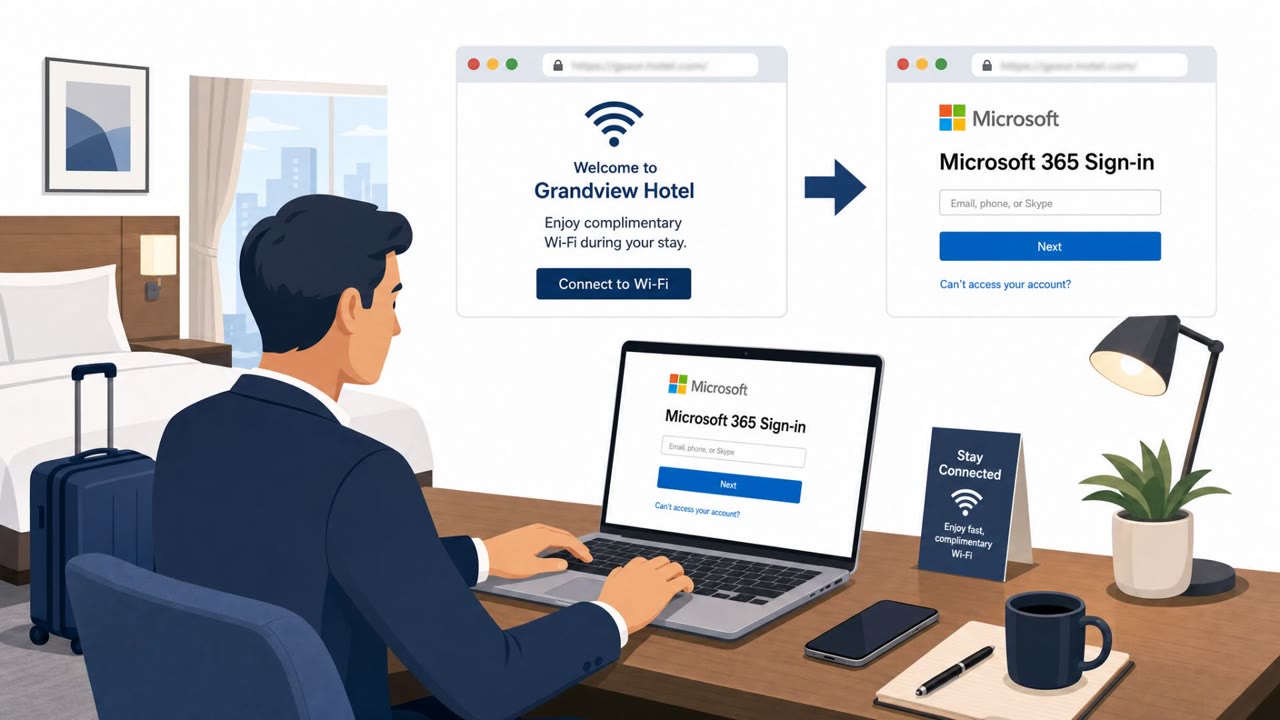
Attackers are taking over hotel and conference Wi‑Fi gateways and changing DNS settings so travelers are silently redirected to fake Microsoft 365 sign-in…