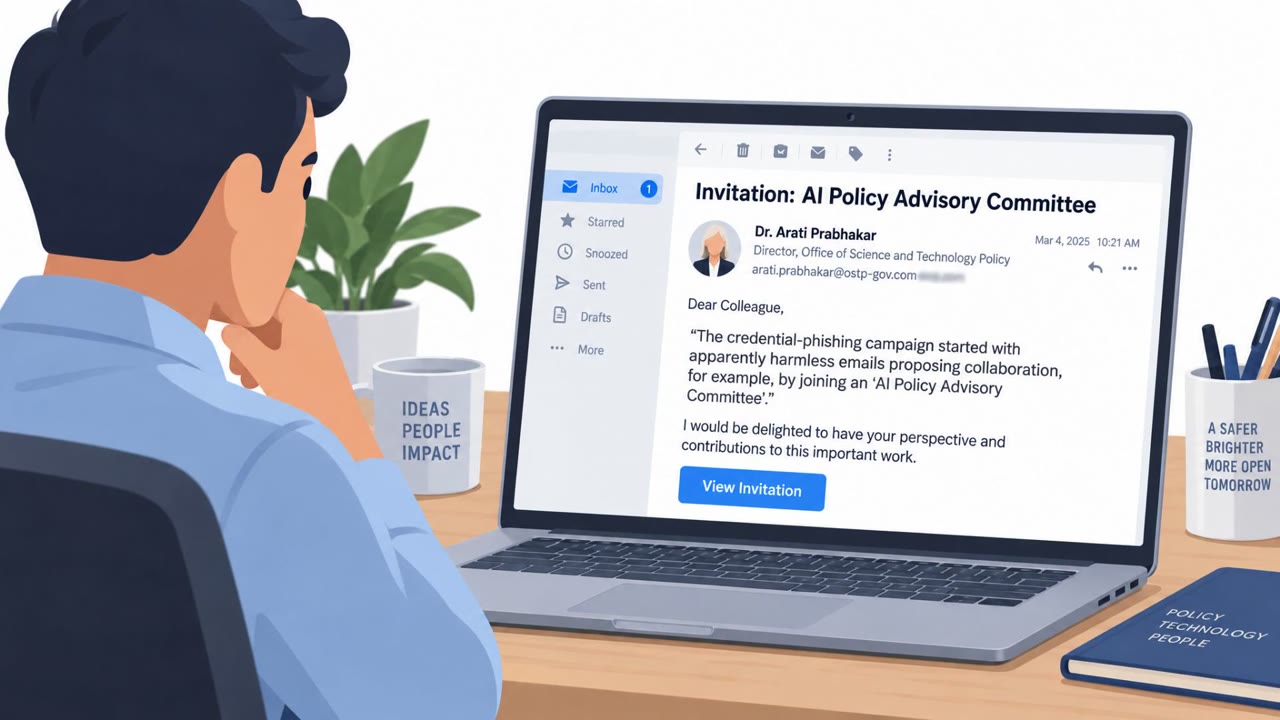
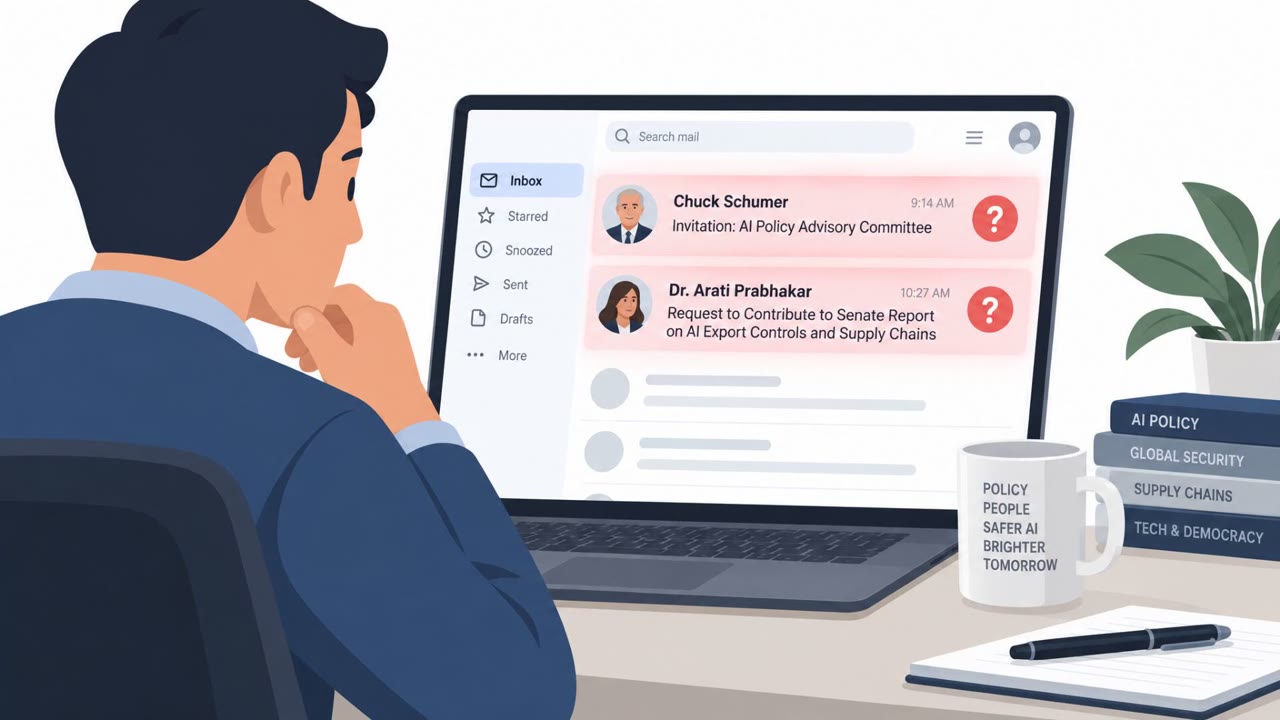
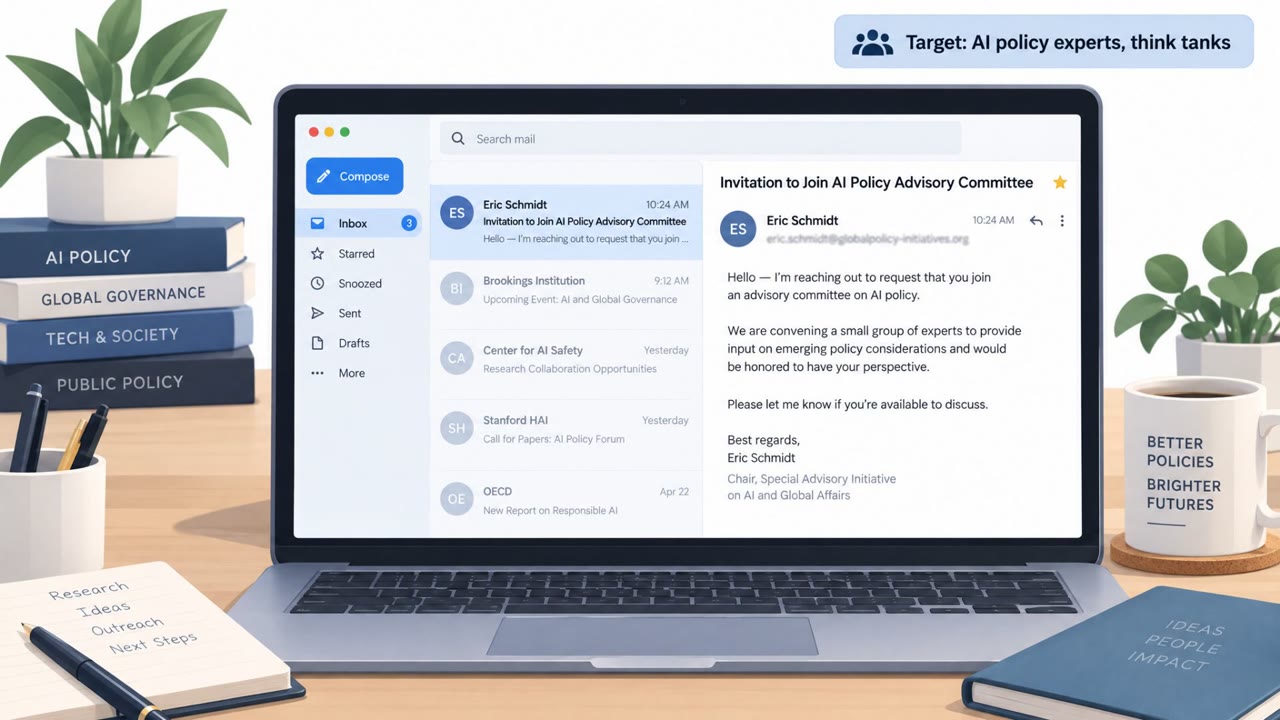
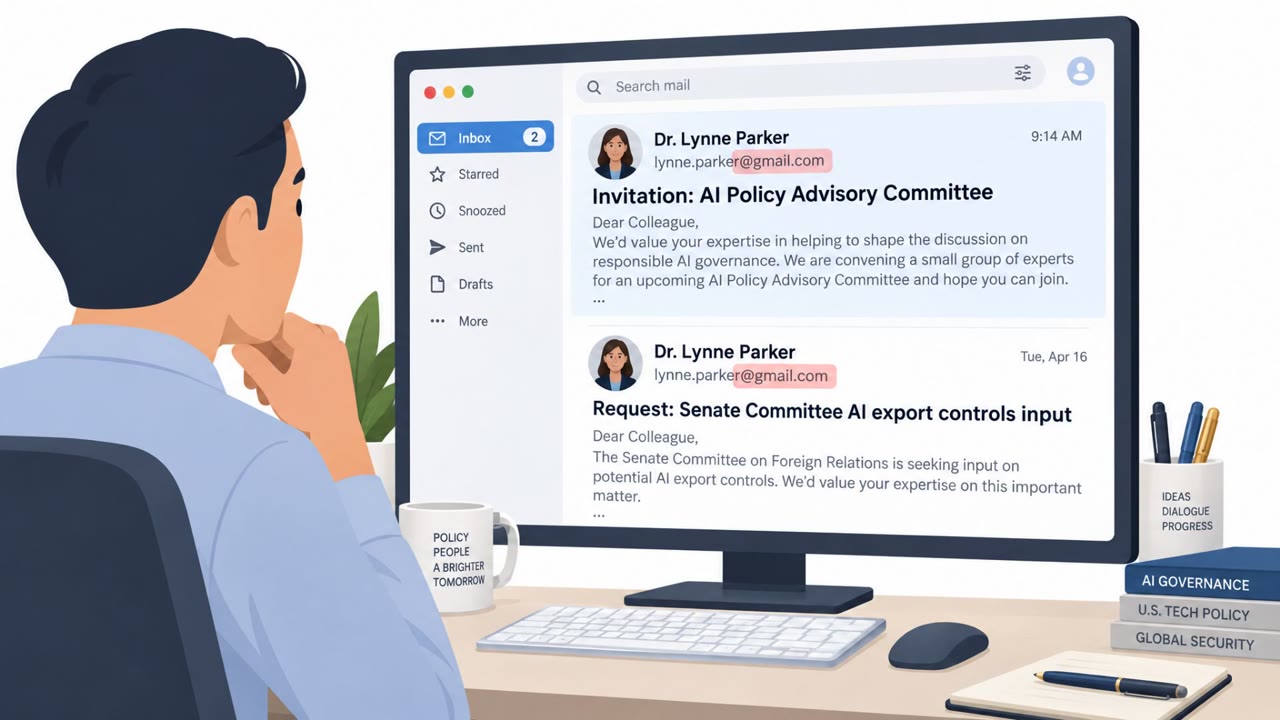
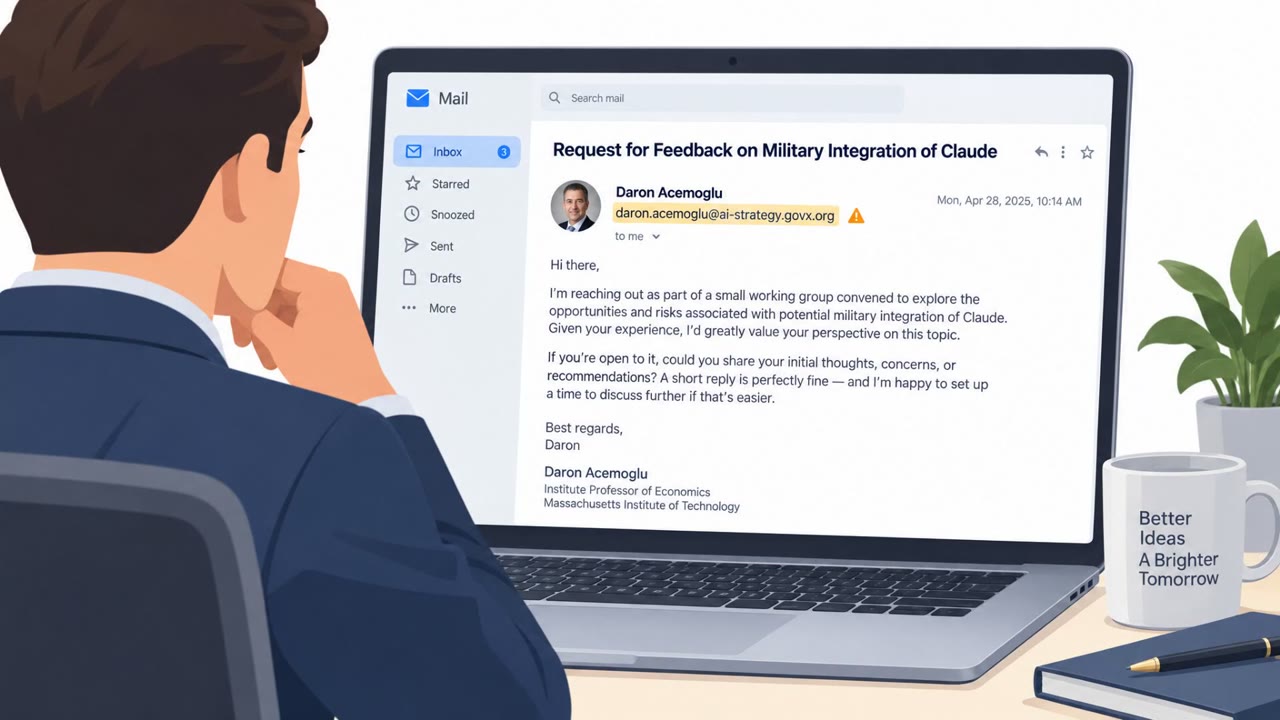
A China-aligned espionage group (TA419) targeted U.S. AI policy experts by impersonating well-known public figures and sending credible policy-related invitations. After victims replied, the attackers sent shortened links that led to a fake OneDrive login designed to capture passwords, MFA codes, and session cookies for cloud account takeover.
Key findings
- TA419 impersonated a former White House OSTP leader and other prominent figures to target U.S. AI policy experts.
- Initial emails were conversational and contained no links; the malicious link arrived only after the target replied.
- Follow-up messages used shortened URLs that led to a fake OneDrive adversary-in-the-middle (AitM) phishing flow.
- The phishing site used Cloudflare Turnstile, a fake OneDrive loading screen, and a browser-in-the-browser (BitB) fake Chrome login window.
- The kit aimed to capture session cookies at the end of login, enabling account access even after MFA.
- TA419 used Cloudflare CDN to hide hosting IPs and commonly registered domains via NameSilo, with cloud/file-sharing themed domains.
Who’s being targeted
- Commonly targeted roles: AI policy teams, Research/think tank staff, Executive leadership, Anyone with Microsoft 365/OneDrive cloud accounts.
- Affected industries: Think tanks, Policy research organizations, Government/policy community, Academia/research.
- Attack channels: email, website.
- Impersonated: Former White House OSTP official / prominent economist (impersonation of real individuals), Senior Anthropic employee.
Awareness takeaways
- Treat “no-link” outreach as a warning sign if it tries to start a relationship and later introduces a link or document share.
- Be cautious with shortened URLs in professional conversations, verify the destination before clicking.
- Watch for lookalike OneDrive/Cloud document pages and abnormal sign-in flows (embedded login windows) that indicate credential theft.
- MFA alone may not protect you from advanced phishing; report suspicious cloud login prompts immediately because attackers may steal session cookies.
Red flags to watch for
- A policy invitation that becomes a shortened link only after you reply
- Link leads to a OneDrive lookalike requiring login to view basic documents
- Unusual login experience (fake browser window embedded in the page)
- Unexpected outreach claiming to be from a senior employee at a high-profile AI company
- Pressure to review sensitive policy content via shared cloud documents
- Cloud login request to access supposed documents related to the inquiry
Read the video transcript
You get an email from a former White House science advisor inviting you to join an AI Policy Advisory Committee. No links, just a friendly, detailed note. You reply. Then comes the hook: a follow-up with a shortened URL to “view additional information” on OneDrive. That link actually leads to a fake OneDrive adversary-in-the-middle page using a browser-in-the-browser, or BitB, fake Chrome login window. This kit relays everything you type, your password, MFA code, even session cookies, so TA419 can take over your cloud account, whether it’s OneDrive or a shared Anthropic Claude document link. The giveaway is the weird login flow: a OneDrive lookalike with a login window floating inside the page instead of your browser’s real tab bar. If any high-profile invite suddenly turns into a shortened link and a strange cloud login popup, stop and forward it to security before you click or sign in.