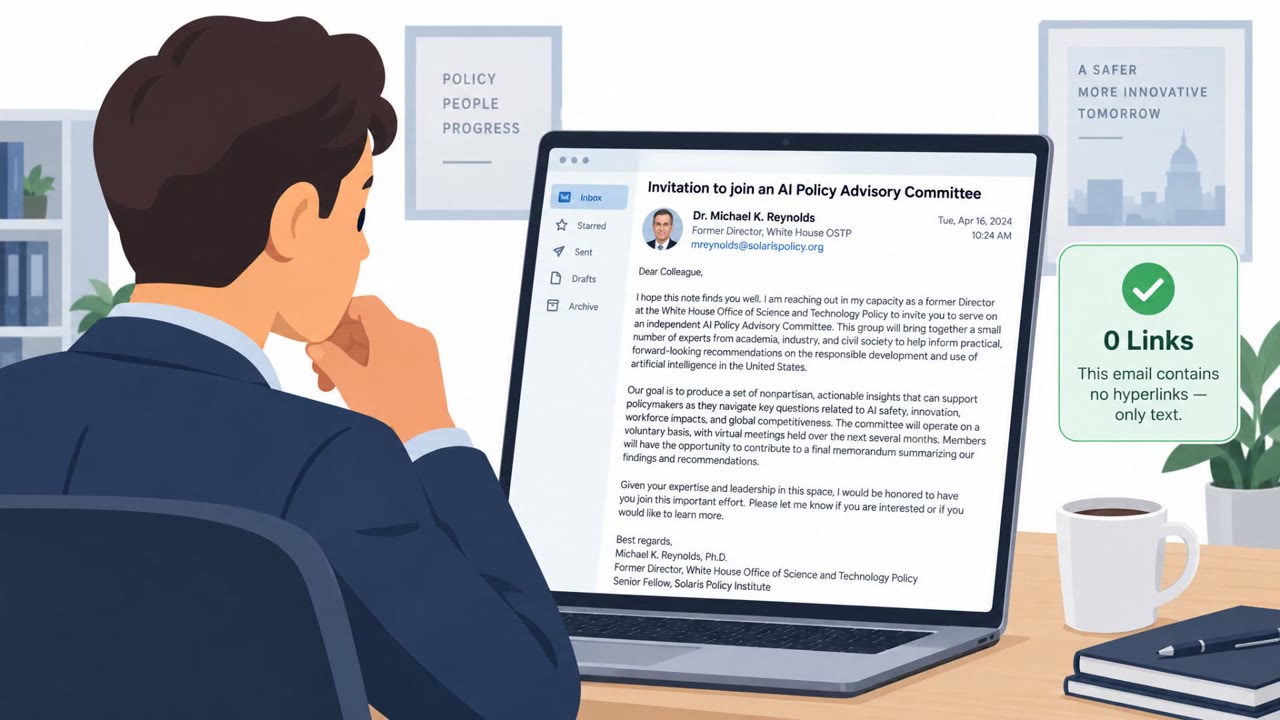
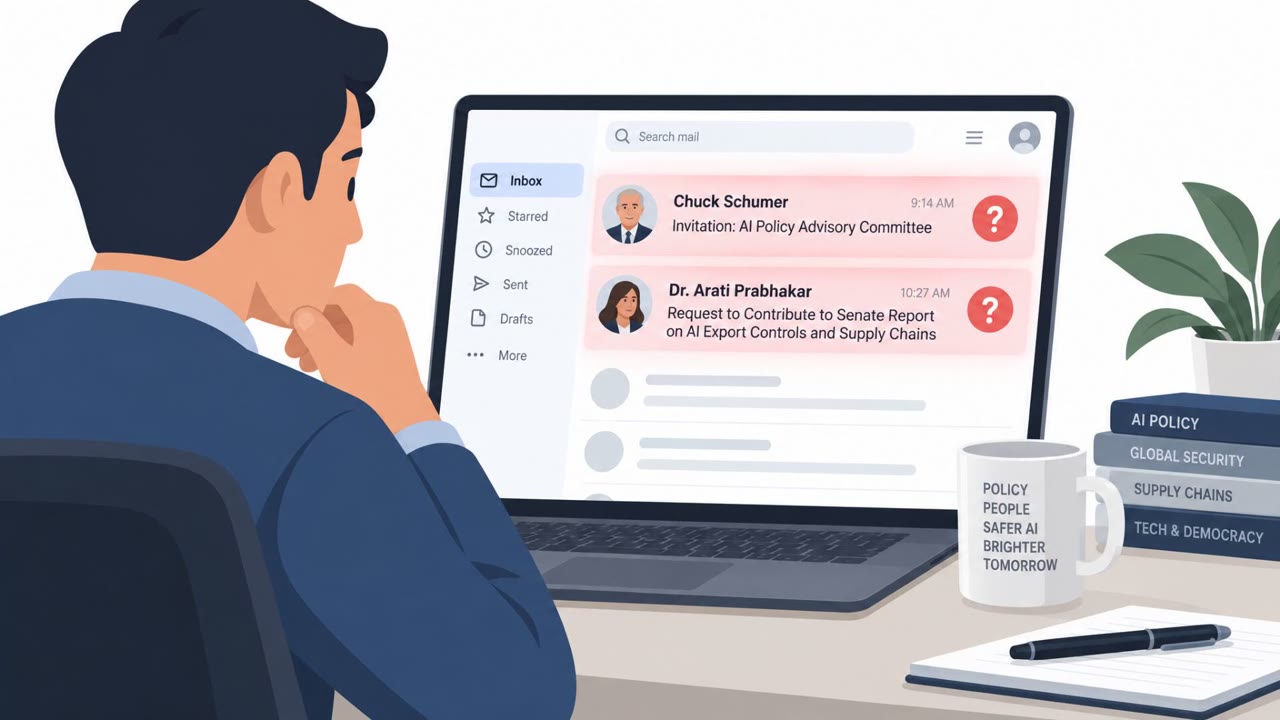
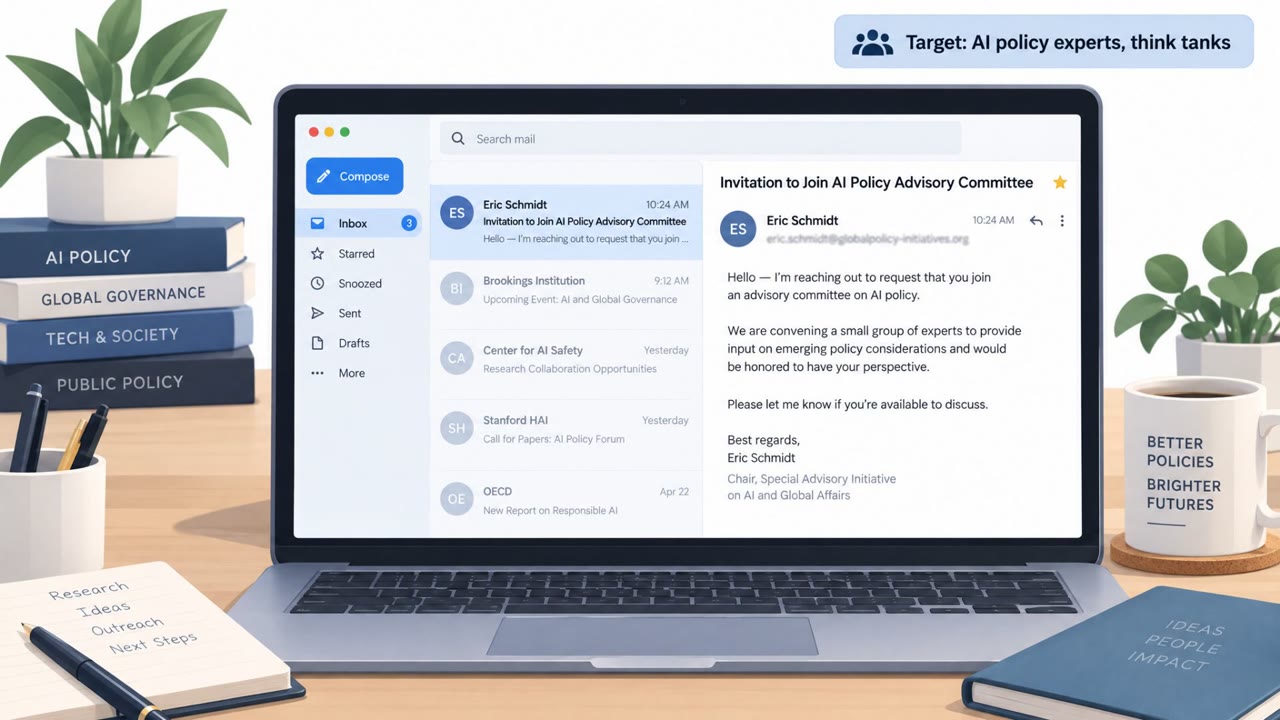
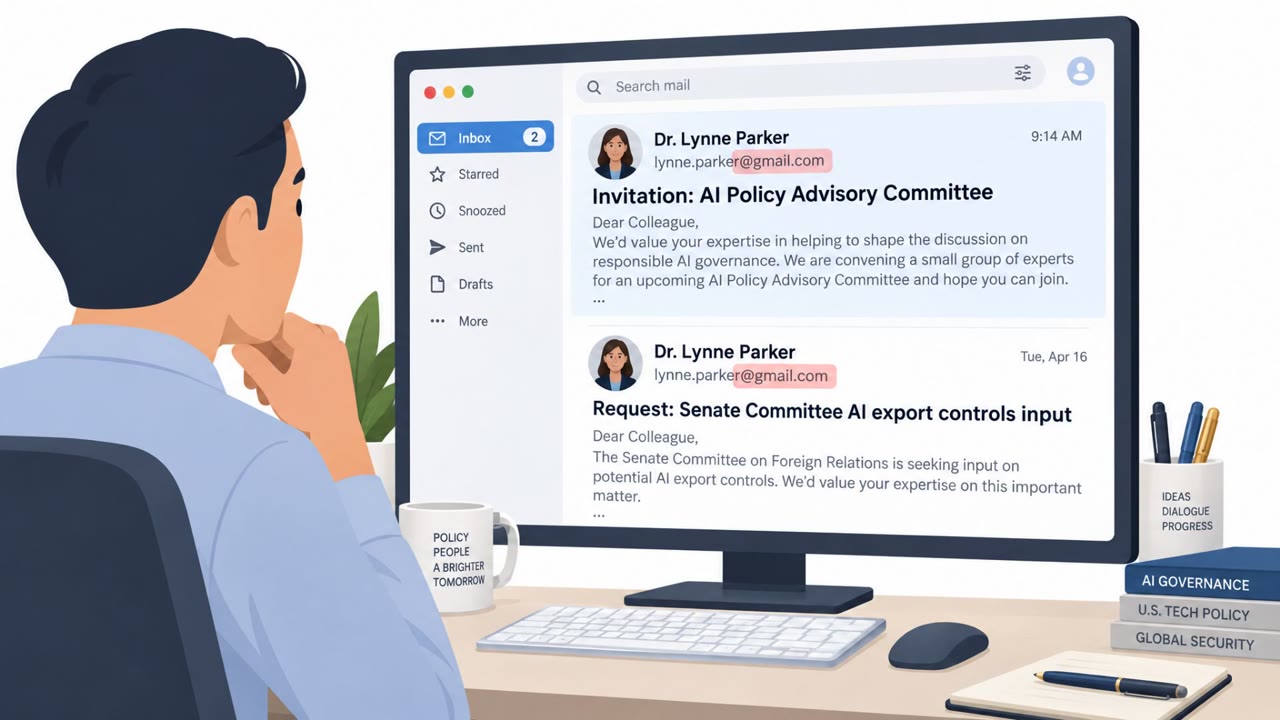
A China-aligned group (TA419) targeted US AI policy experts by impersonating well-known AI and policy figures and sending friendly “collaboration” emails. If the target engaged, the attackers redirected them through multiple URLs to a fake Microsoft login pop-up designed to steal Microsoft 365 passwords, MFA codes, and session cookies.
Key findings
- TA419 impersonated real people (including US government and AI-company-linked identities) to build credibility with AI policy targets.
- Initial outreach used benign-sounding collaboration lures such as joining an “AI Policy Advisory Committee.”
- Victims who responded were sent through a multi-stage redirection chain into an Adversary-in-the-Middle credential phishing flow.
- The attack used a Browser-in-the-Browser technique (Frameless BitB) to show a fake Microsoft login pop-up over a OneDrive-like page.
- The phishing flow relayed credentials to real Microsoft infrastructure to steal Microsoft 365 passwords, MFA codes, and session cookies.
- Cloudflare CDN was used to help obscure backend hosting, and domains were mostly registered via NameSilo.
Who’s being targeted
- Commonly targeted roles: Think tank staff, AI policy teams, University researchers, Legal and regulatory teams, Executives working on AI strategy/policy.
- Affected industries: Think tanks, Universities, Law firms, Defense contractors.
- Attack channels: email, website.
- Impersonated: A real AI policy/US government subject-matter expert (e.g., former White House OSTP leadership member), A senior employee of Anthropic.
Awareness takeaways
- Treat unsolicited “collaboration” requests, especially from famous experts or executives, as high-risk and verify via a separate, known-good contact method.
- Be suspicious of document-sharing pages that display a pop-up Microsoft login window; go to Microsoft 365 directly instead of signing in via an embedded prompt.
- Understand that attackers may capture more than a password; entering MFA codes into a phishing site can still compromise your account.
- For higher-risk teams (policy, executive, research), consider phishing-resistant authentication such as passkeys.
Red flags to watch for
- Unsolicited collaboration request using a high-profile person's identity
- Unexpected sign-in prompt presented as a pop-up over a document-sharing page
- Link redirects through multiple steps before reaching the login screen
- Unexpected outreach about sensitive AI/military topics from someone you have not previously worked with
- Pressure to review content via a link that requires a Microsoft login
- Login prompt appears as an embedded/overlay window rather than a normal sign-in page
Read the video transcript
You get an email from a former White House AI advisor inviting you to an “AI Policy Advisory Committee.” Sounds flattering, right? If you reply, they send a link. It bounces through a few URLs, lands on a OneDrive-looking page, and then, here’s the trick, a fake Microsoft login pops up inside the page. That’s a Browser-in-the-Browser, or BitB, stealing your Microsoft 365 password, MFA code, and even session cookies. They’ve done this while impersonating US government AI leaders and even a senior Anthropic employee asking for feedback on the military integration of Claude. The red flags: you didn’t expect this outreach, the link hops around, and the Microsoft sign-in appears as a pop-up over a document page instead of a normal login tab. Here’s your move: any time a collab email sends you to a pop-up Microsoft login over a OneDrive-style page, close it and go sign in at office.com or outlook.com yourself instead.