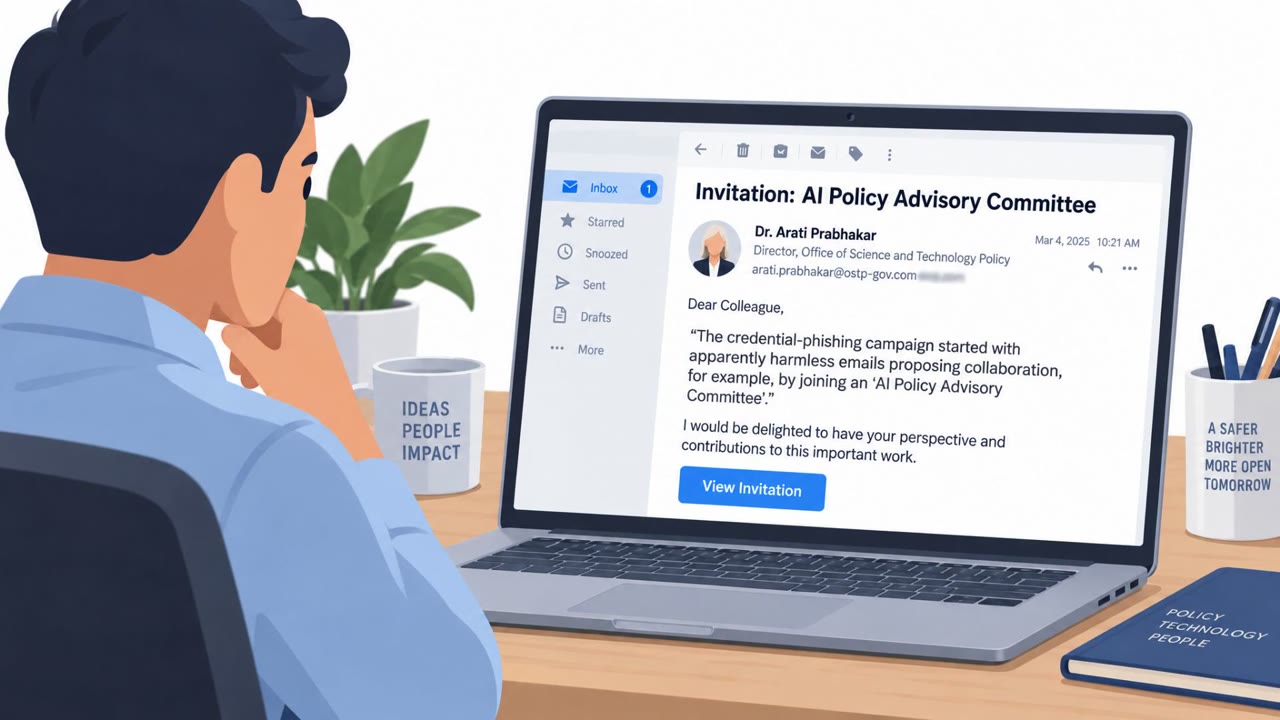
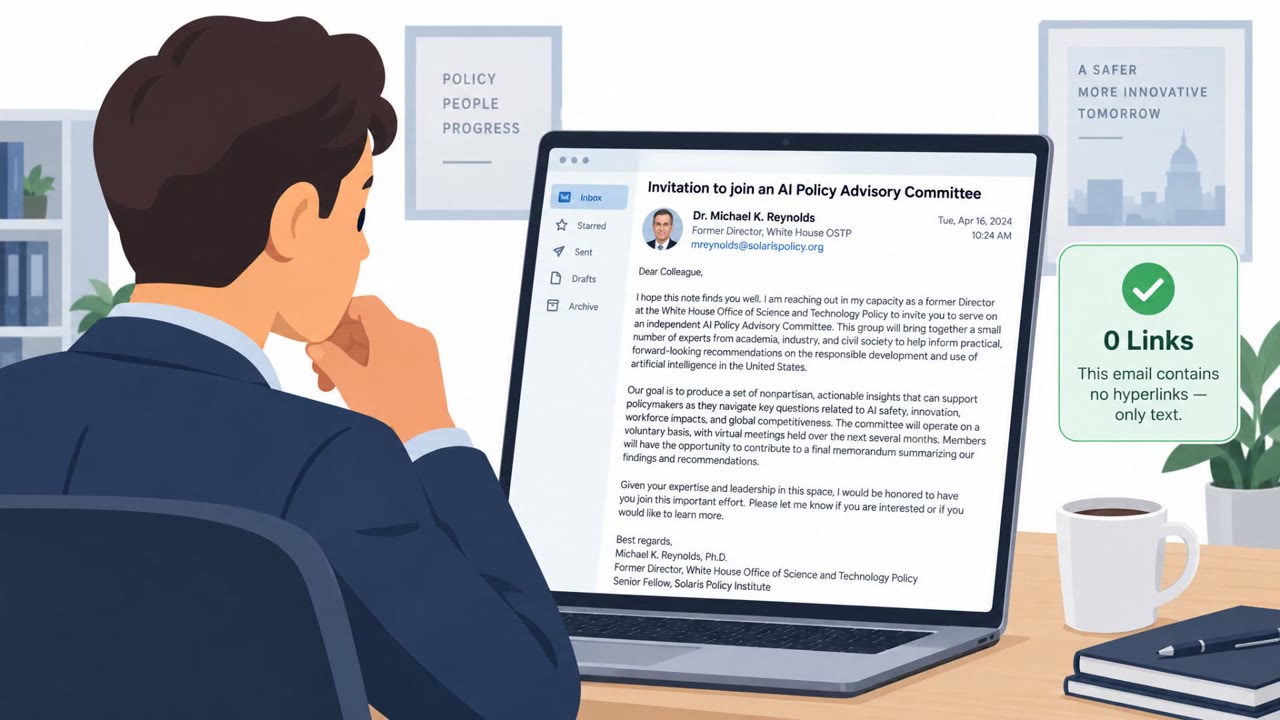
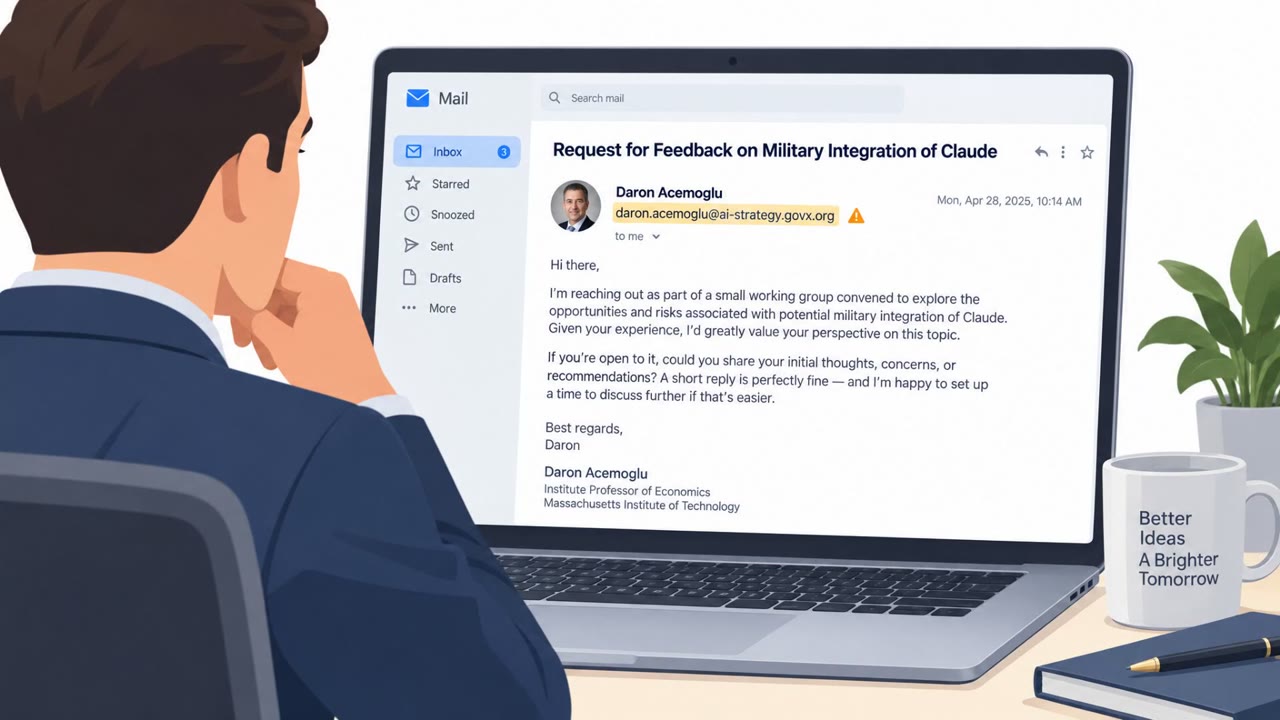
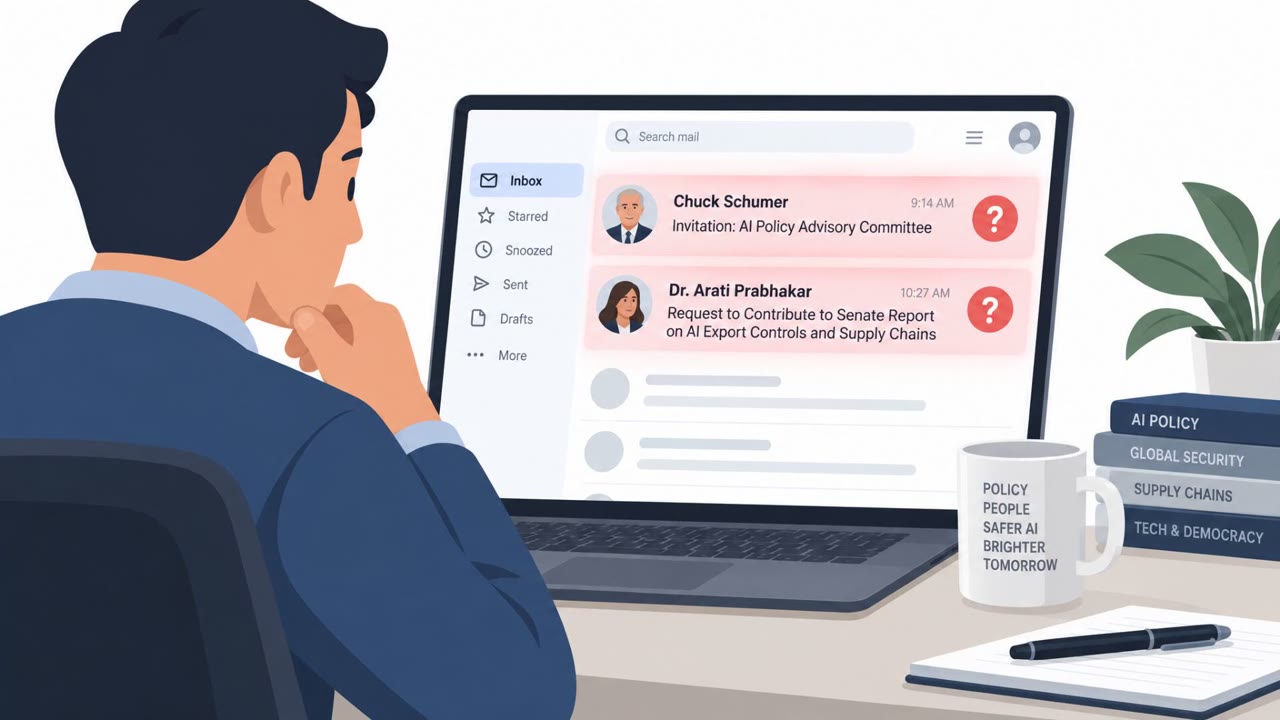
A China-aligned group (tracked as TA419) impersonated real AI policy figures and sent benign-sounding outreach to people working on AI policy at US and Japanese organizations. Once targets replied, the attackers sent a shortened link that ultimately led to a fake OneDrive/Microsoft 365 login page designed to steal credentials and hijack live sessions (including MFA).
Key findings
- TA419 impersonated well-known AI policy figures/economists to build trust with AI policy specialists.
- Initial outreach was designed to look harmless (committee invitation / request to help with a Senate report).
- After a target replied, attackers sent a shortened link that redirected to a spoofed OneDrive login page.
- The phishing page used an adversary-in-the-middle (AitM) reverse proxy approach to capture passwords, MFA codes, and session cookies in real time.
- Targets included staff at think tanks, defense contractors, universities, and law firms in the US and Japan.
- Proofpoint recommended phishing-resistant authentication such as passkeys and independent verification of unexpected outreach.
Who’s being targeted
- Commonly targeted roles: Think tank researchers and leadership, University faculty/research staff, Legal professionals (law firms), Defense contractor staff working on policy/national security, Executives and assistants who handle external outreach, IT/Security awareness program owners.
- Affected industries: Think tanks / policy research, Higher education (universities), Legal services (law firms), Defense contractors, National security / foreign policy organizations.
- Attack channels: email, website.
- Impersonated: Well-known AI policy figure or economist (e.g., former White House OSTP official), Microsoft OneDrive / Microsoft 365 sign-in page.
Awareness takeaways
- Treat unsolicited “expert” outreach as a possible setup step and verify it via a separate, trusted channel (not by replying to the same email).
- Be especially cautious when a conversation quickly turns into a request to sign in via a shortened link or redirects to a cloud login page.
- Adopt phishing-resistant sign-in methods (e.g., passkeys) to reduce the impact of credential phishing and MFA interception.
Red flags to watch for
- Unexpected unsolicited outreach using a famous person's name
- Shortened link and multiple redirects before reaching a login page
- Login page asks for Microsoft 365 sign-in in response to a simple email conversation
- Web login experience embedded/faked (unusual window-in-page behavior)
- Pressure to authenticate for a simple document or invitation
- Sign-in prompts like "Keep me signed in" being auto-selected unexpectedly
Read the video transcript
You get an email from a big AI name, “AI Policy Advisory Committee” or a Senate report on AI export controls. Feels flattering, right? This is TA419’s play: once you reply, they send a shortened link that bounces through redirects into a fake OneDrive Microsoft 365 login, built with an adversary-in-the-middle kit to steal your password, MFA, and live session. The aha: a simple “happy to help” email should NOT suddenly demand a Microsoft 365 sign-in through a short link, multiple redirects, and a OneDrive page that auto-ticks “Keep me signed in.” That’s not normal policy outreach, that’s credential theft. If you get surprise “expert” outreach that suddenly wants you to log in, stop and independently verify the person and request using a trusted channel, don’t just reply and click their link.