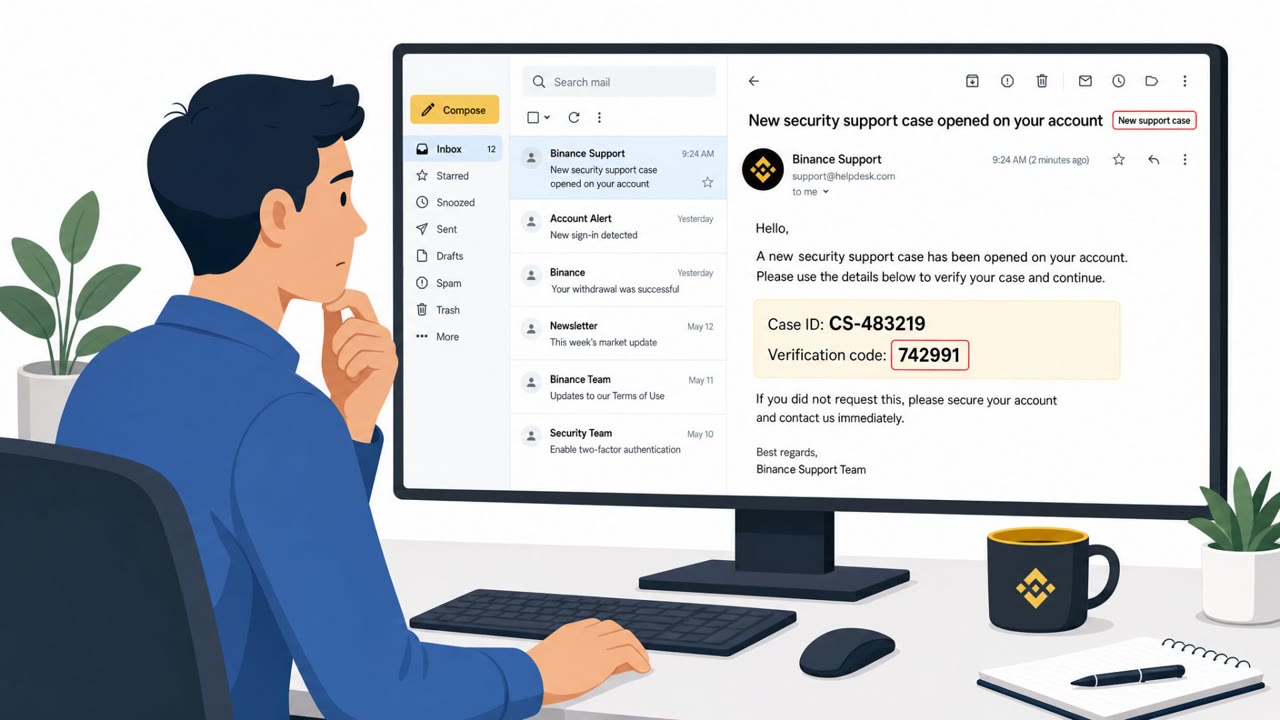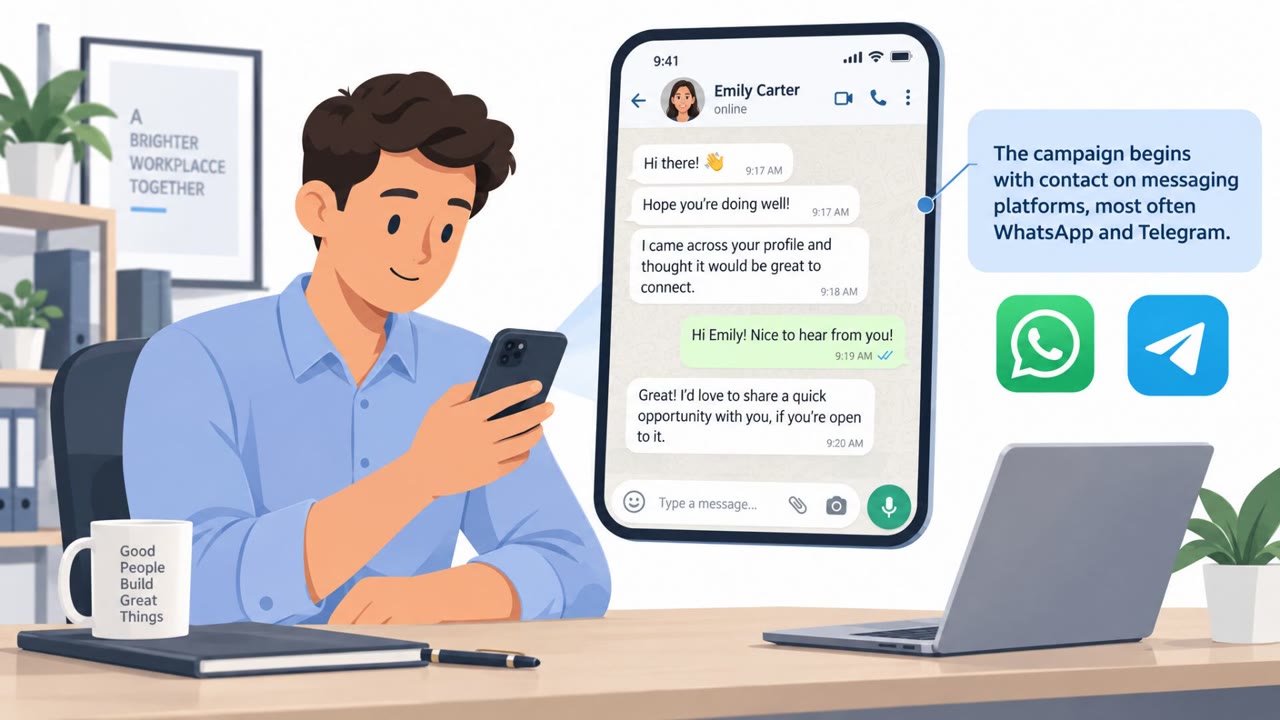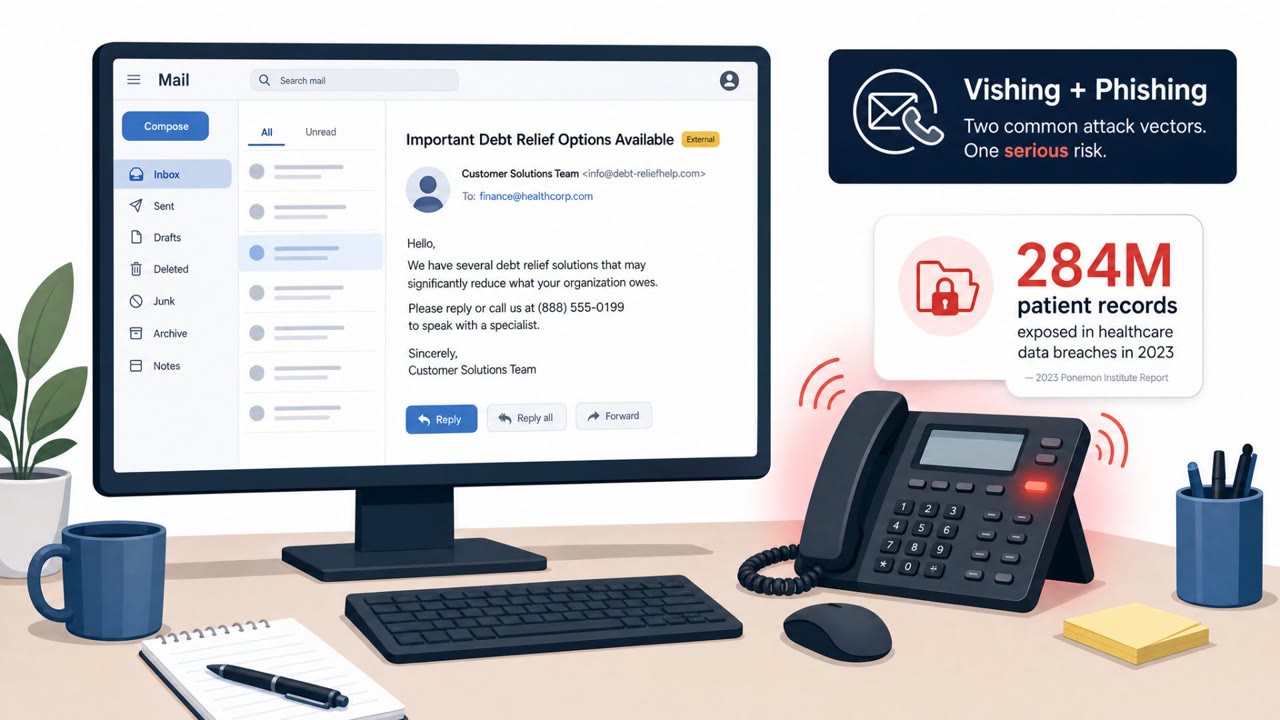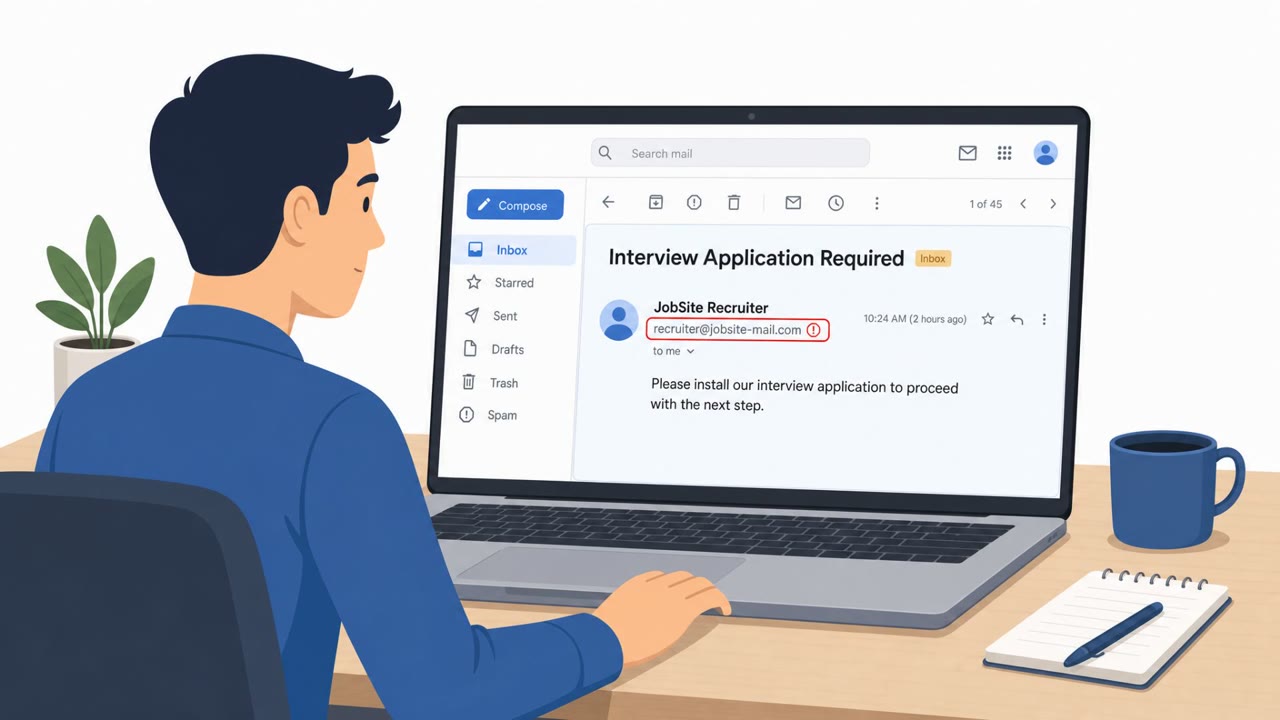
This bulletin highlights multiple real-world threats, including voice-phishing (vishing) operations that industrialize account takeovers and a fake CCleaner download site that installs spyware. The items provide concrete, repeatable lures (a vishing-driven takeover workflow and a lookalike software download) that can be turned into realistic awareness simulations.
Key findings
- Okta described “Work Panel,” a platform that helps criminals rapidly run vishing-driven account takeover campaigns (including domain registration, brand cloning, and launching phishing sites).
- A fake CCleaner site (“ccleanerwind[.]top”) was reported delivering malware that installs a malicious Chrome extension (“GhostDesk”) to steal credentials and monitor victims.
- An ongoing “City-Forum” campaign was reported stealing data via unauthenticated guest access in Salesforce Experience Cloud and ServiceNow portals (not primarily social engineering, but a notable data-theft operation).
Who’s being targeted
- Commonly targeted roles: All employees, IT, Service Desk, Finance, Executives, Developers.
- Affected industries: Identity and access management (IdP), Software and cloud services, Telecommunications, Banking and financial services, Public sector portals, Consumers (Windows/Chrome users).
- Attack channels: vishing, website.
- Impersonated: Identity provider (IdP) support / security team, CCleaner download page (lookalike).
Awareness takeaways
- Treat unexpected “security” phone calls as suspicious, and verify through a known, trusted channel (e.g., internal directory or vendor main support line).
- Never follow a caller’s instructions to log in via a link/domain they provide; use known bookmarks or your company’s official login portal.
- Only download software from official vendor sites or approved company app catalogs; be wary of lookalike domains.
- If installing a tool unexpectedly modifies your browser or adds extensions, stop and report it, this can be spyware stealing passwords and screenshots.
Red flags to watch for
- Unexpected security call pressuring immediate action
- Caller directs you to a login page they provide
- Request to share sign-in codes or complete login steps while on the phone
- Non-official download domain (lookalike URL)
- Installer triggers unexpected browser changes/extensions
- Software prompts unusual permissions or installs add-ons without clear consent
Read the video transcript
Imagine this: your phone rings, and a "security team" walks you straight into a fake login and spyware install in under two minutes. There’s a tool called Work Panel that lets criminals spin up vishing campaigns like a call center: one button to register a phishing domain, clone your company’s login, and launch a brand-new fake site in minutes. The script sounds like this: "Hi, this is the security team about suspicious sign-in activity." They give you a login link, watch you sign in, grab your codes, then send you to a fake CCleaner site like ccleanerwind.top that drops a GhostDesk Chrome extension to steal your passwords and screenshots. Your move: if anyone calls about “securing your account” and tells you where to log in or what to install, hang up and instead use your normal bookmark or our official portal to check your account yourself.