Rapid7 uncovered an active cryptocurrency fraud operation that combined phishing emails, follow-up phone calls, and counterfeit wallet apps to trick victims into handing over wallet recovery (seed) phrases. The attackers validated and enriched phone-number leads first, then used matching “support case” details across email and calls to build trust before pushing victims to install fake Ledger/Trezor/Exodus apps and exfiltrating secrets via Telegram.
How the attack worked
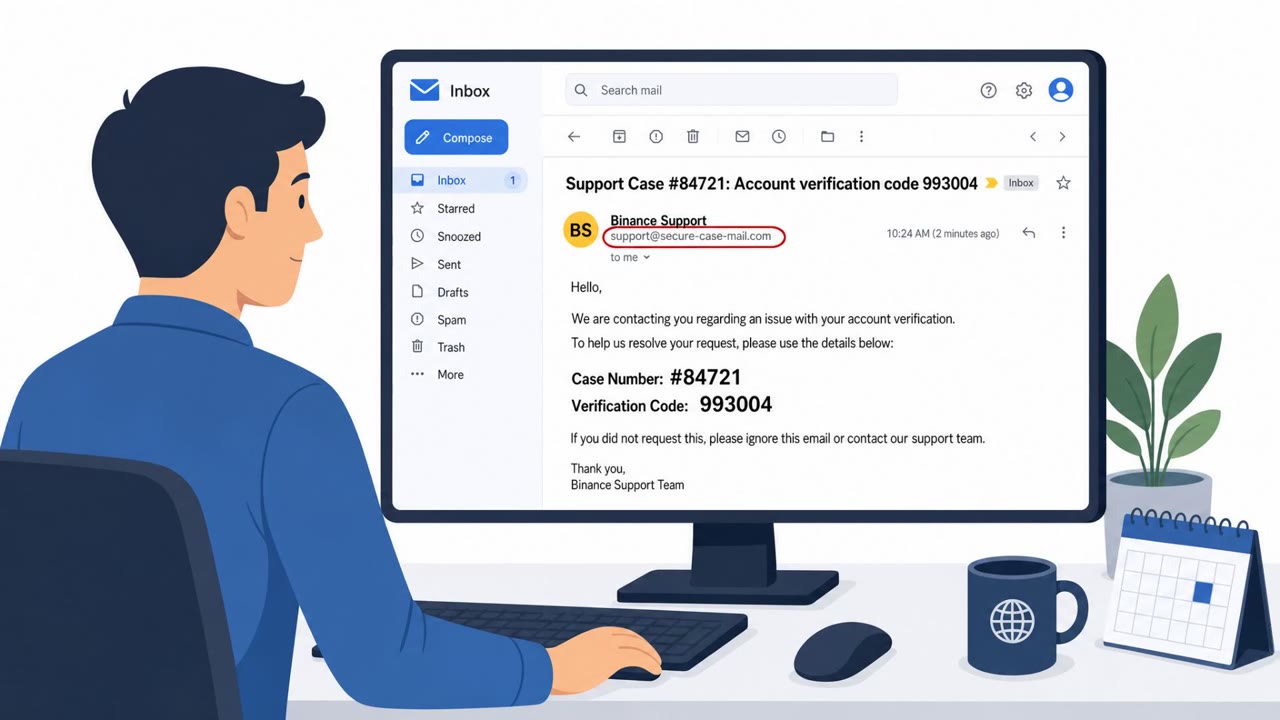
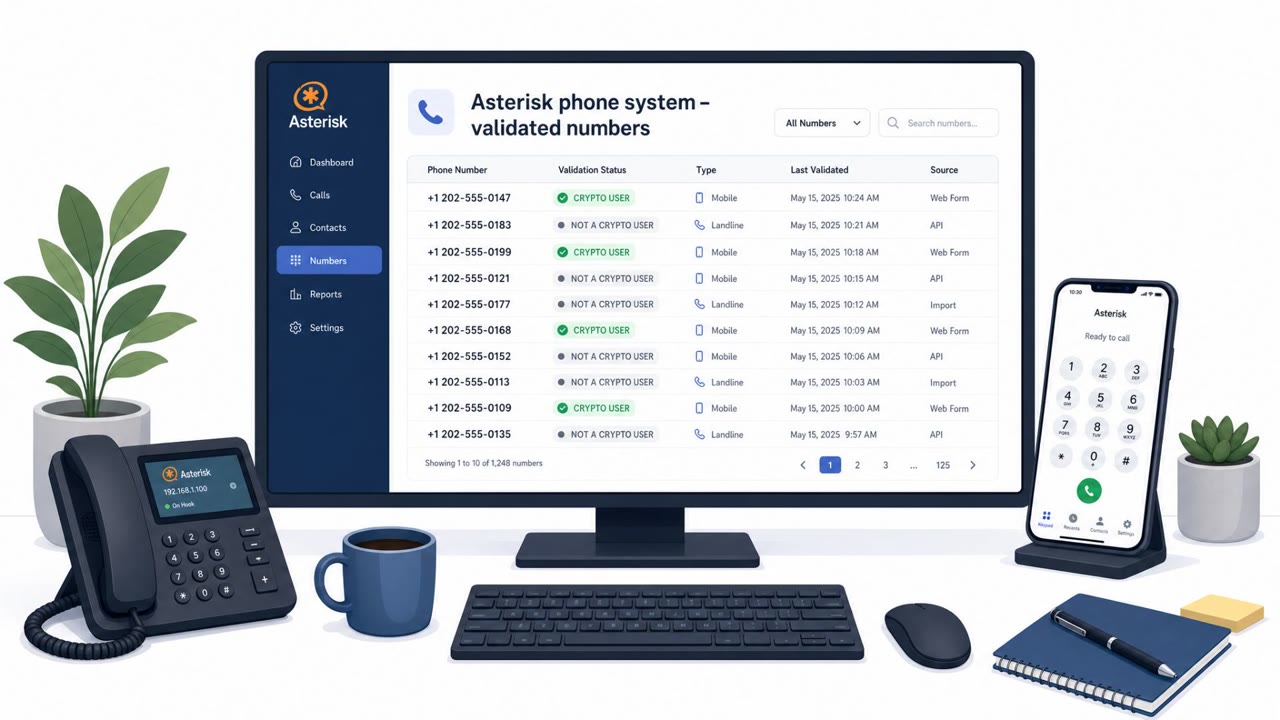
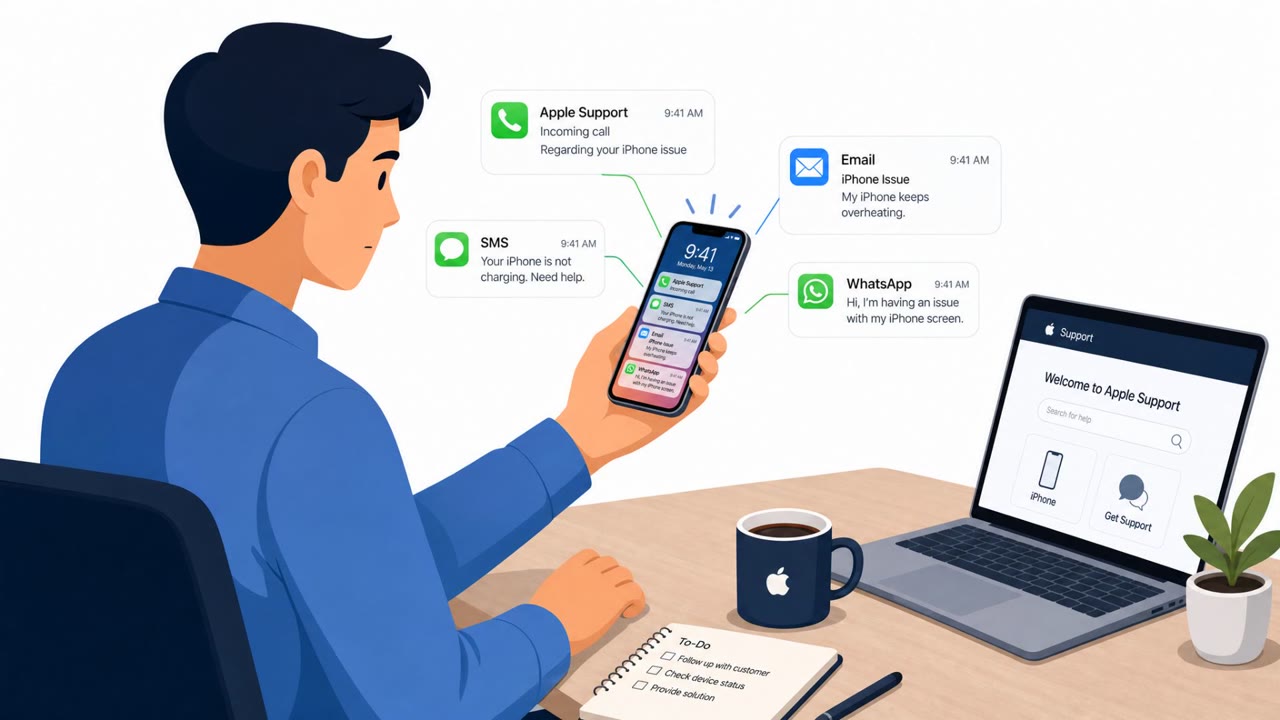
This operation, tracked by Rapid7 as Operation ASTERIX, combined multiple channels to build a false sense of legitimacy before going after the real target: wallet recovery phrases. Attackers first validated large phone lists to confirm which numbers belonged to actual cryptocurrency exchange users. Those confirmed leads were then contacted with phishing emails that created a fake support case, complete with a case identifier and a verification code.
A follow-up phone call came next. The caller referenced the same case ID and code from the email, which made the call feel expected and made the earlier email feel legitimate in return. This back-and-forth reinforcement is what made the pretext convincing: the email supported the call, and the call supported the email.
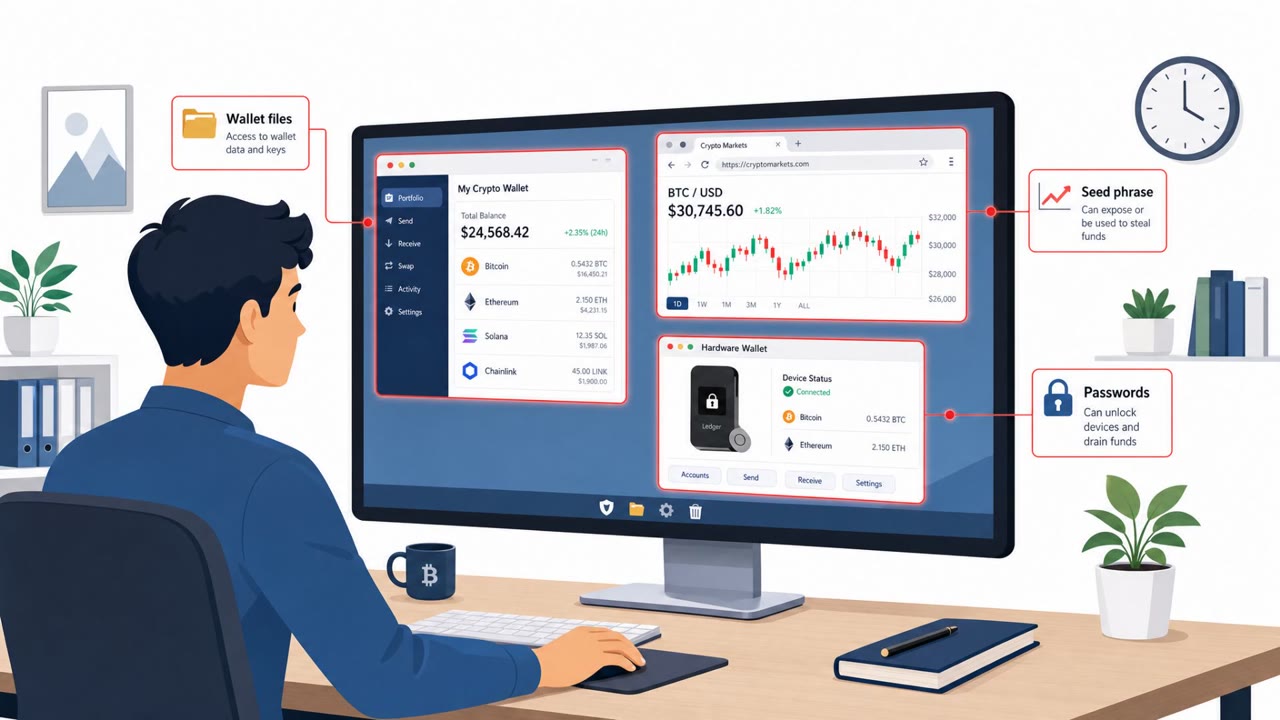
Once trust was established, victims were directed to install counterfeit versions of Ledger Live, Trezor Suite, or Exodus. These fake apps prompted a 'security check' that asked for the wallet's recovery (seed) phrase and, in some cases, an optional passphrase. If a phrase looked incomplete, the fake app would nudge the victim to slow down and re-enter it, increasing the odds the attackers received a full, accurate phrase. Stolen phrases were then exfiltrated to the attackers over Telegram.
Why it succeeded
The layered pretext is the key reason this worked. Each piece of contact (the email, the phone call, the fake app) validated the others. Victims had no single moment where something looked obviously wrong; instead, each step quietly reinforced the last. Attackers also used personal details gathered during lead enrichment, such as name, email, location, and account information, to make the interaction feel tailored and credible.
What to watch for
- An unsolicited support case email you did not open yourself
- A caller who can repeat a case ID or verification code from an email
- Any prompt, in an app or otherwise, that asks for a wallet recovery or seed phrase
- Pressure to act quickly to 'secure' an account outside of normal support channels
- Being asked to install or update wallet software as part of a call or email instruction
Building resistance
Organizations with employees who manage corporate crypto accounts, including finance, treasury, and customer support teams, should reinforce a few core habits: never share a recovery or seed phrase with anyone, verify support cases only through channels you initiate yourself, and install wallet applications only from official sources you navigate to directly rather than links or instructions from a call or email. Personal details referenced by a caller should never be treated as proof of legitimacy, since that information may already be known to attackers before contact is made.
Key findings
- Attackers validated large phone lists to identify confirmed crypto exchange users before contacting them.
- Phishing emails created fake support cases and verification codes that were then referenced in follow-up phone calls to increase credibility.
- Victims were directed toward counterfeit Ledger/Trezor/Exodus applications designed to steal wallet recovery (seed) phrases.
- Stolen phrases were exfiltrated to the attackers via Telegram.
- Rapid7 observed AI coding assistants being used to build/modify the campaign tooling, including attempts to bypass safety controls.
Who’s being targeted
- Commonly targeted roles: Finance/Treasury, Executives with payment authority, Employees who manage corporate crypto accounts, Customer Support/Call center teams, IT/Service Desk (who may get dragged into ‘install this app’ requests).
- Affected industries: Cryptocurrency exchanges, Fintech, Consumers/individual crypto holders.
- Attack channels: email, vishing, website.
- Impersonated: Crypto exchange customer support (e.g., Crypto.com/Binance), Trezor Suite / Ledger Live / Exodus wallet application.
Red flags to watch for
- Unexpected support case you didn’t open
- Caller references a code from an email to manufacture trust
- Pressure to take urgent ‘security’ steps outside normal support channels
- Any app/site asking for your seed phrase (especially during a ‘security check’)
- App behavior that replaces/impersonates a legitimate wallet window
- Being redirected to a legitimate site after entering secrets (classic cover-up behavior)
Frequently asked questions
How did the phishing emails and phone calls work together?
Attackers sent phishing emails that created fake support cases with verification codes, then called victims and referenced those same case details, making both the email and the call appear more legitimate.
What did the fake wallet apps do?
Counterfeit versions of Ledger Live, Trezor Suite, and Exodus were used to prompt victims to enter their wallet recovery (seed) phrase during a supposed security check, then send that phrase to the attackers via Telegram.
Why is sharing a recovery phrase always risky?
No legitimate support process requires a wallet recovery or seed phrase, so any request for one, especially during an unsolicited 'security check', is a red flag.
Does knowing my personal details prove a caller is legitimate?
No. The attackers had already validated and enriched phone leads with personal details like name, location, and account information, so personalization alone does not confirm legitimacy.
Read the video transcript
You get an email from “Binance Support” about a new case you never opened, with a case ID and a six‑digit code. Minutes later, your phone rings. The caller says they’re Crypto.com security, repeats your name, that same case ID, and the exact code from the email, then walks you through installing a “Ledger update” to secure your funds. Inside the fake Ledger or Trezor app, a window pops up: 'Security check – enter your 24‑word recovery phrase and optional passphrase to validate your wallet.' That’s the entire scam. Once you type it, it’s gone over Telegram. If any email plus phone call leads to an app or site that asks for your recovery phrase, hang up, close it, and contact the exchange or wallet only through their official site or app you open yourself.