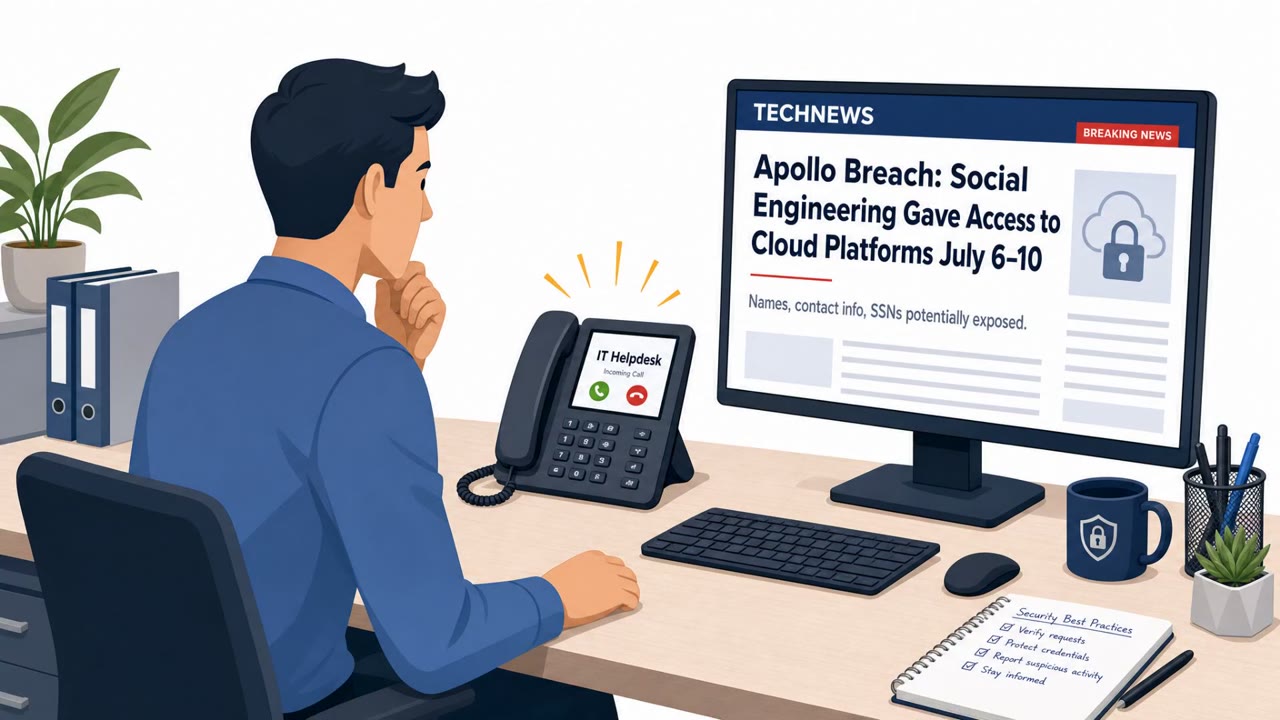
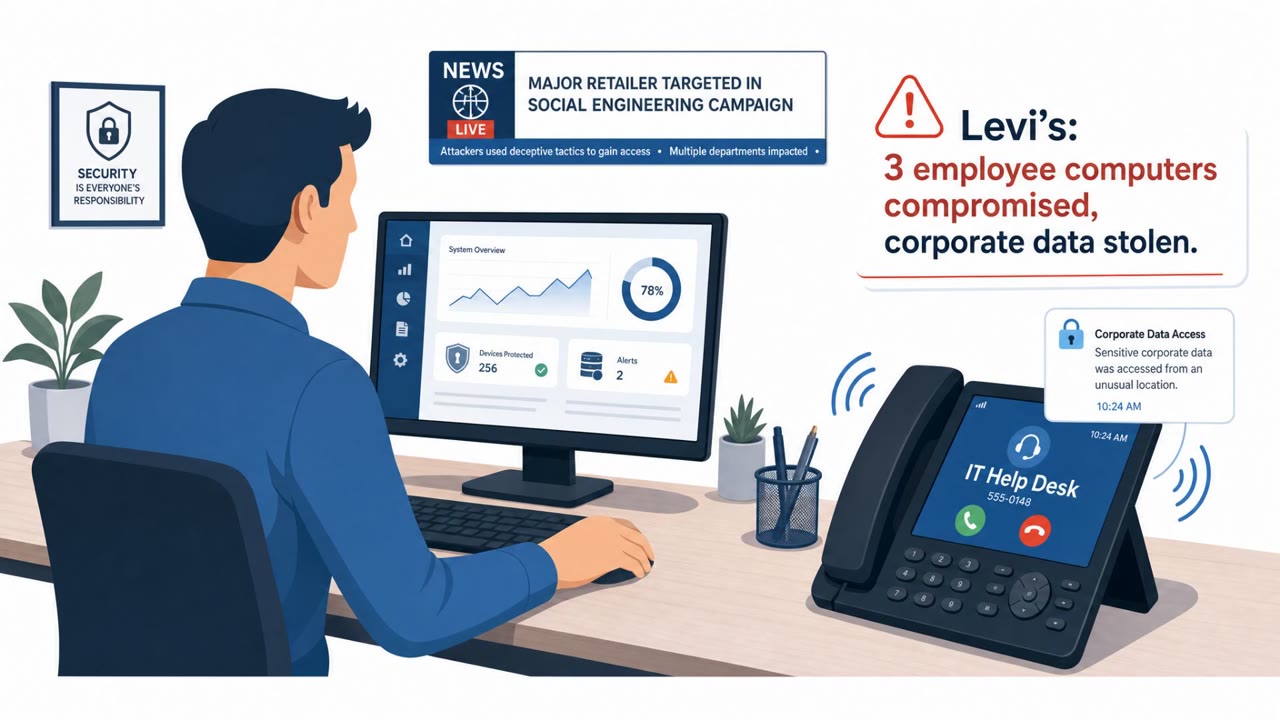
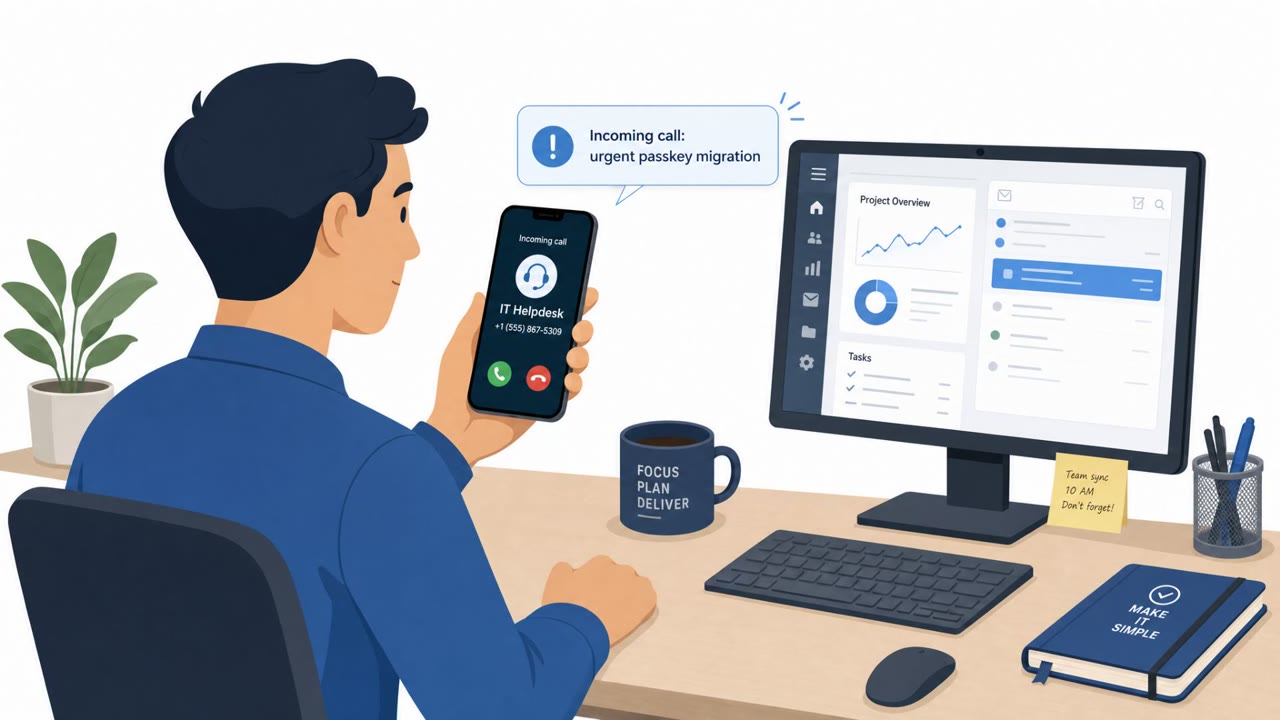
A real campaign of voice-phishing (vishing) calls targeted major hedge funds and private equity firms by impersonating internal IT/help desk staff. Victims were pressured into completing “routine” security steps and were sent to fake login pages that captured usernames, passwords, and MFA codes in real time, enabling attackers to access Microsoft 365/Okta data and later attempt extortion.
Key findings
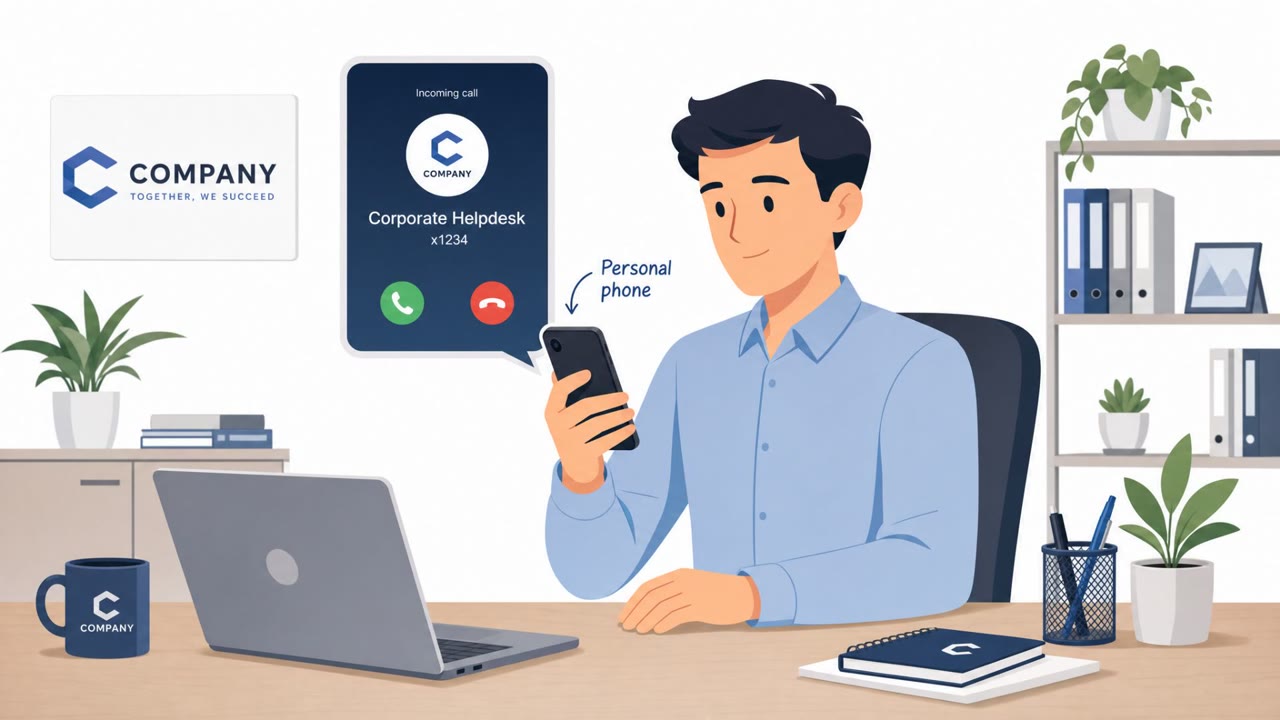
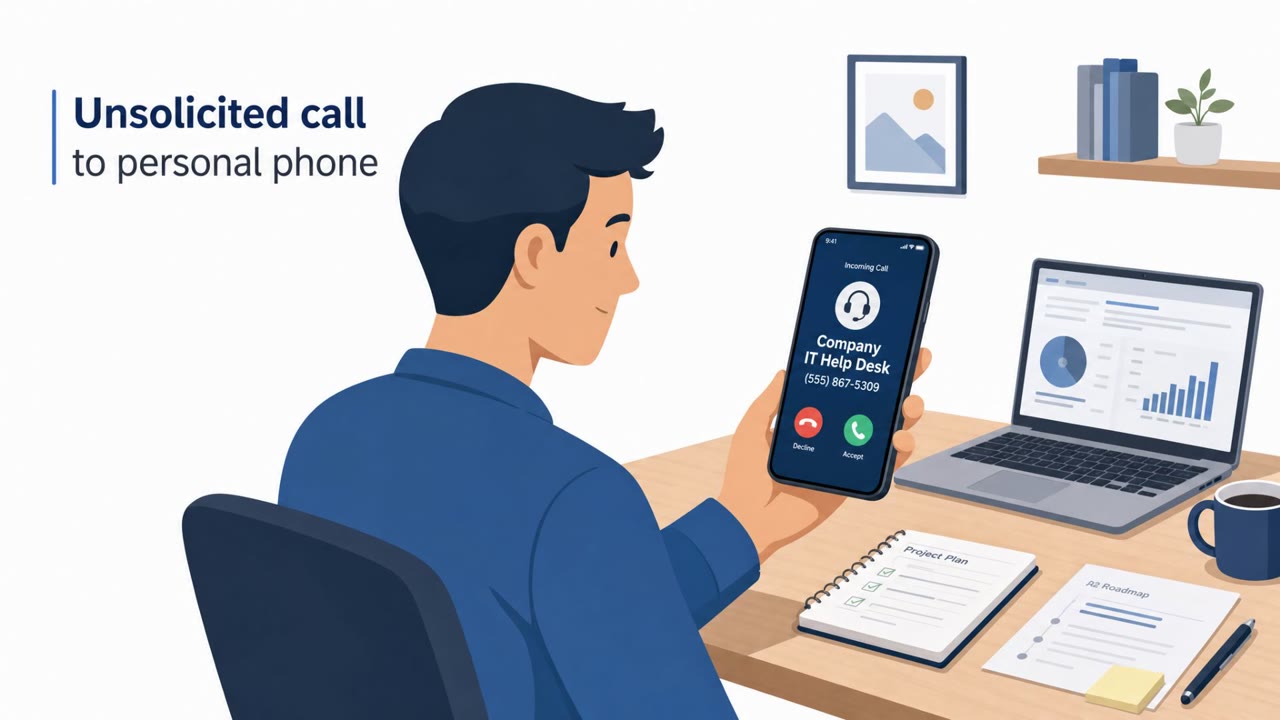
- Callers impersonated corporate IT/help desk staff, sometimes spoofing the legitimate help desk phone number and calling personal cellphones.
- The pretext created urgency around routine security actions (enrolling a FIDO2 passkey or updating MFA).
- Victims were directed to convincing fraudulent authentication sites using the targeted company’s name.
- An adversary-in-the-middle setup captured usernames/passwords and attempted to capture the second factor (MFA) in real time.
- Attackers then registered their own MFA devices to maintain access and moved through Microsoft 365 and Okta to reach SharePoint, OneDrive, and connected apps (e.g., Zendesk, Salesforce).
- Automated scripts could exfiltrate large amounts of data before victims were approached for extortion.
- Google did not confirm AI/cloned voices in these incidents, though the article notes synthetic speech is an increasing risk.
Who’s being targeted
- Commonly targeted roles: All employees, Executives, Finance, IT, Service Desk/Help Desk, Security team.
- Affected industries: Hedge funds, Private equity, Financial services, Professional services.
- Attack channels: vishing, website.
- Impersonated: Corporate IT / Help Desk.
Awareness takeaways
- Treat phone calls as an untrusted channel for identity, verify the caller via a known, official route before doing security/account actions.
- Do not authenticate (log in, approve MFA, enroll passkeys) from links/sites provided during an unsolicited call; instead navigate to known internal portals.
- Be alert for ‘routine security task + urgency’ patterns (passkey enrollment, MFA updates) and escalate to security/IT when pressured.
- Watch for signs of account takeover after an interaction (new MFA devices, unusual cloud access, large downloads) and report immediately.
Red flags to watch for
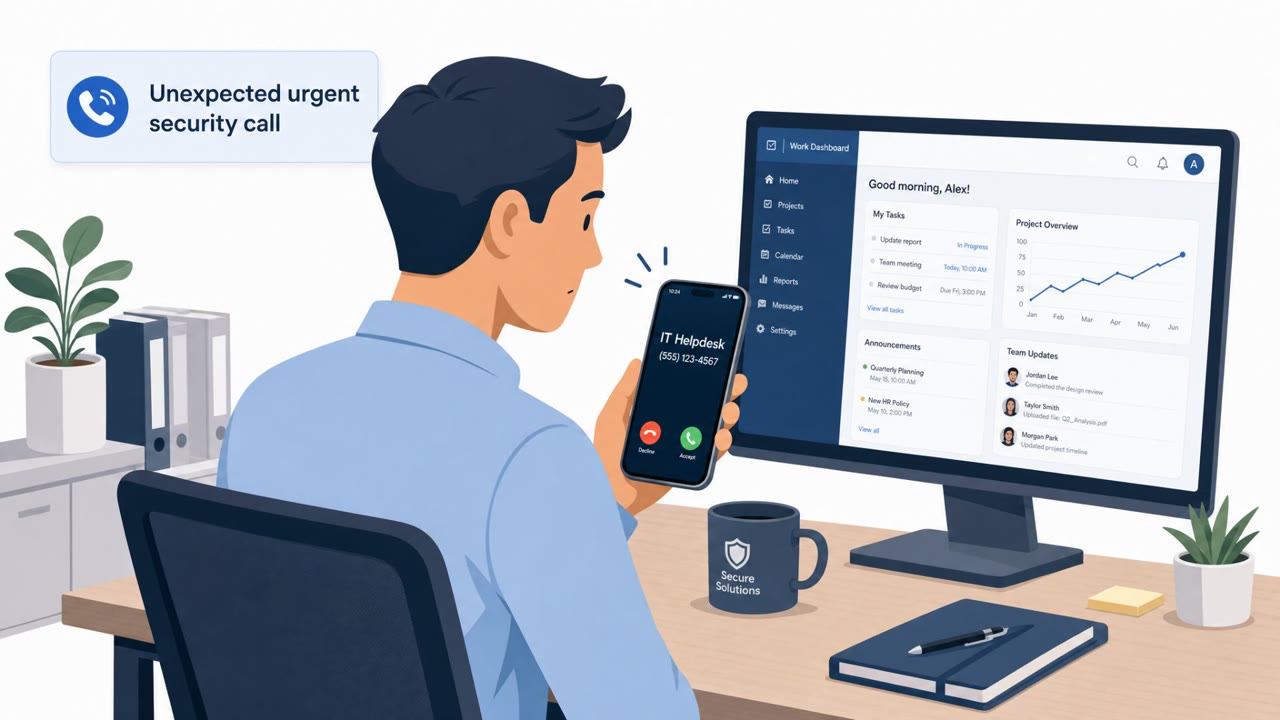
- Unexpected urgent call about authentication changes
- Caller ID/number appears legitimate but could be spoofed
- Being directed to a login site as part of a phone call
- Pressure to complete MFA changes immediately
- Login prompts initiated from a site you reached via an unsolicited call
- Requests to read/approve MFA codes during a “help desk” interaction
Read the video transcript
You get a call on your personal cell: “Hi, this is the help desk, we need you to enroll your FIDO2 passkey right now.” Sounds routine, right? They rush you: “Open our company authentication site and sign in so we can finish the update.” You type your Microsoft 365 login, approve MFA, and an adversary-in-the-middle page quietly grabs everything. Behind the scenes, they register their own MFA device, then walk through Microsoft 365, Okta, SharePoint, OneDrive, even apps like Salesforce or Zendesk, auto-scripting massive data downloads before trying extortion. Here’s the move: if a “help desk” call asks you to log in or approve MFA, hang up and call the real help desk using the number on your intranet, never from the number that just called you.