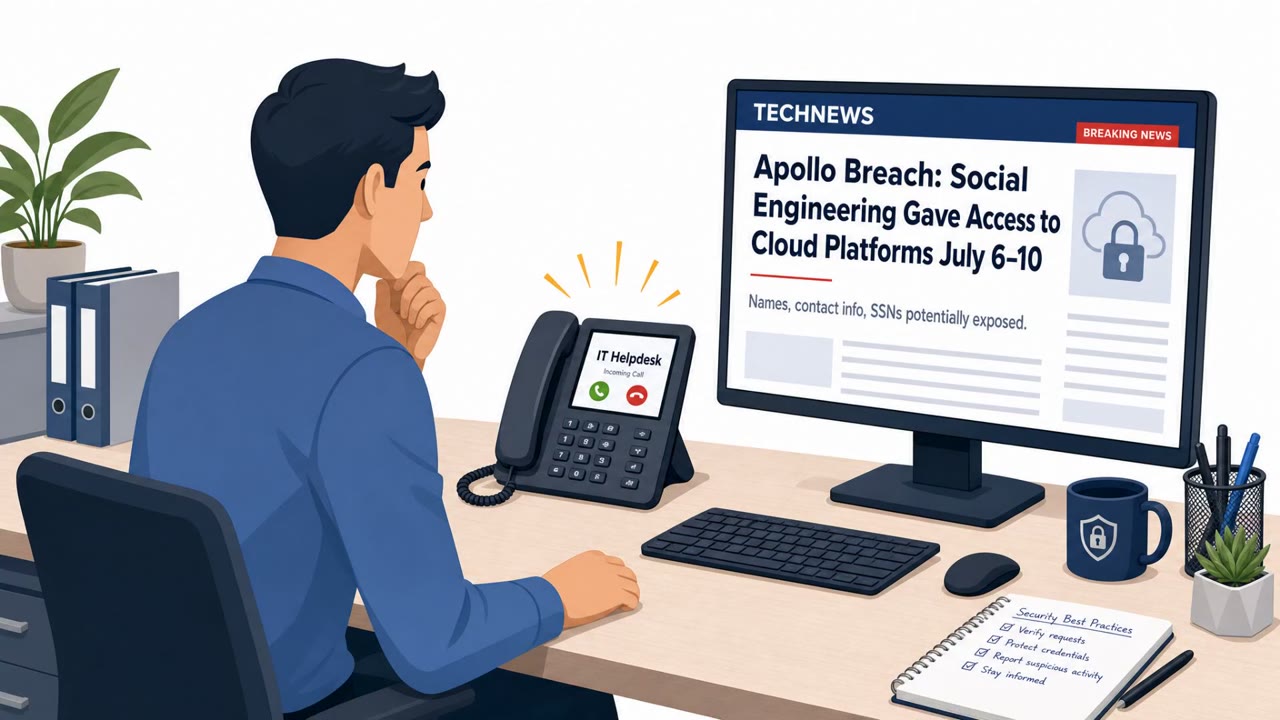
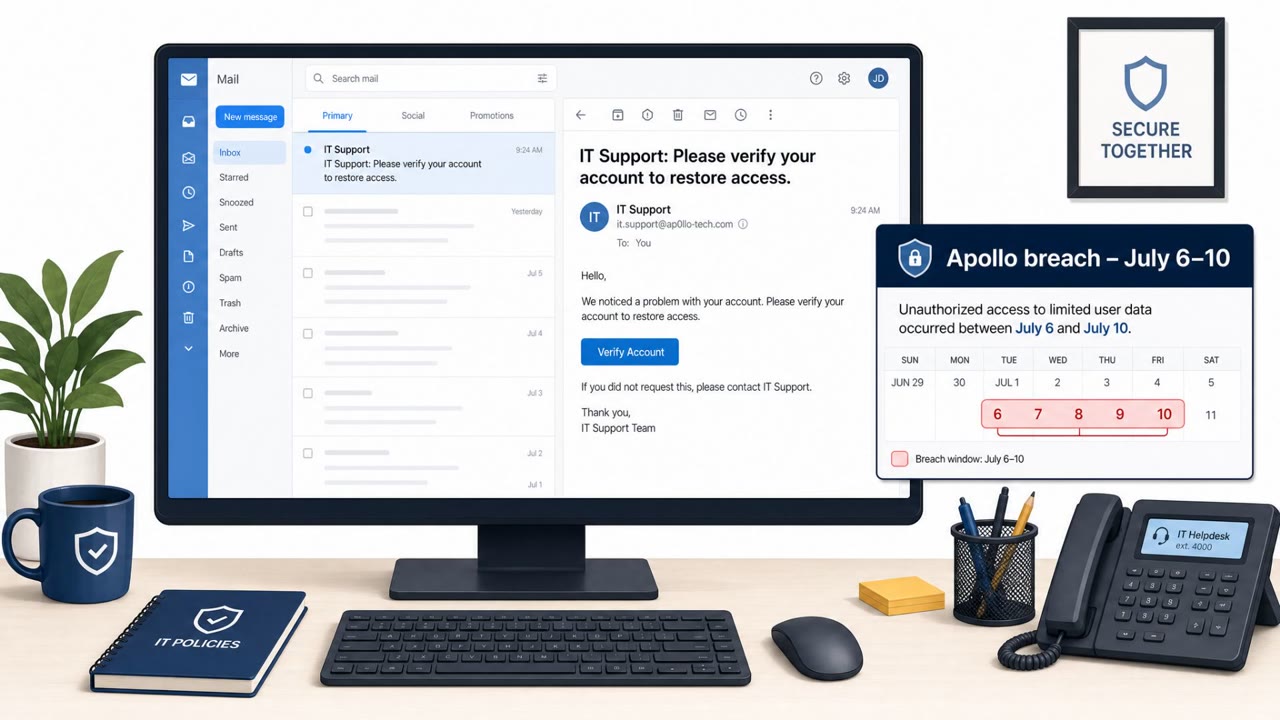
A ransom-focused hacking group targeted major U.S. financial and other firms by calling employees on their personal phones while impersonating the company help desk. Victims were pushed to “update passkeys or multifactor authentication” and sent to look‑alike websites designed to steal passwords and capture one-time MFA codes live on the phone.
How the Attack Worked
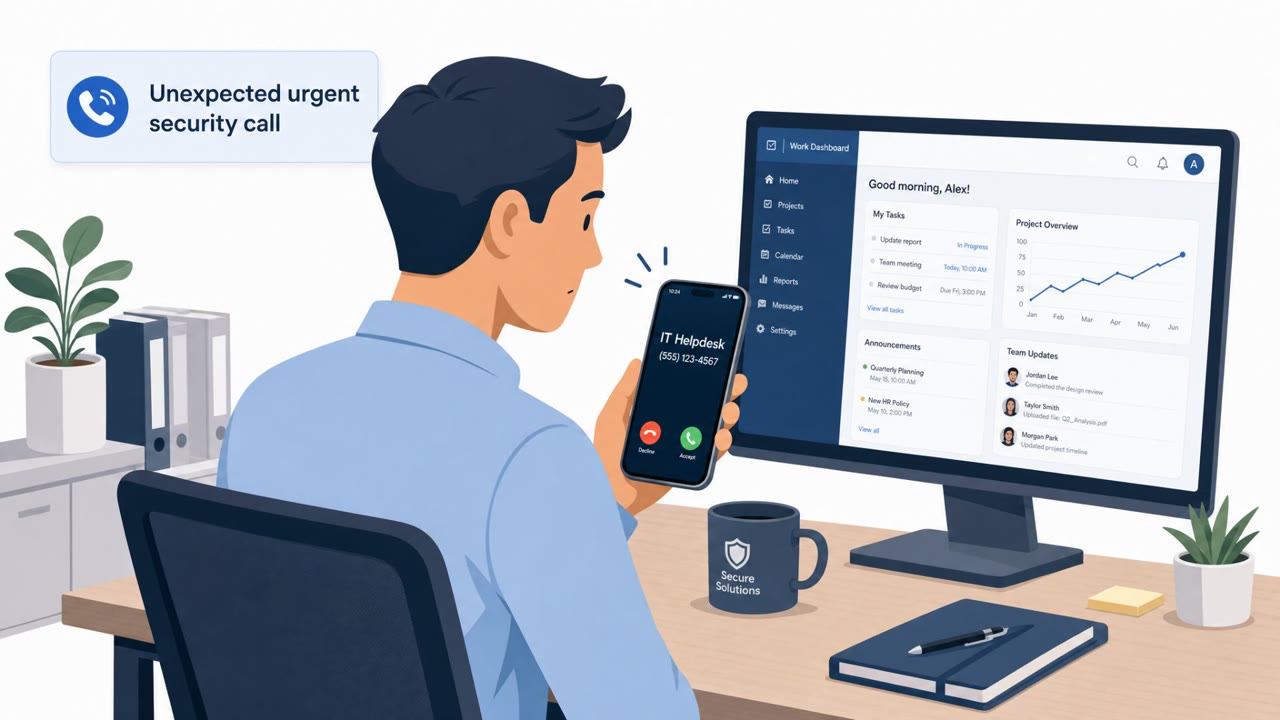
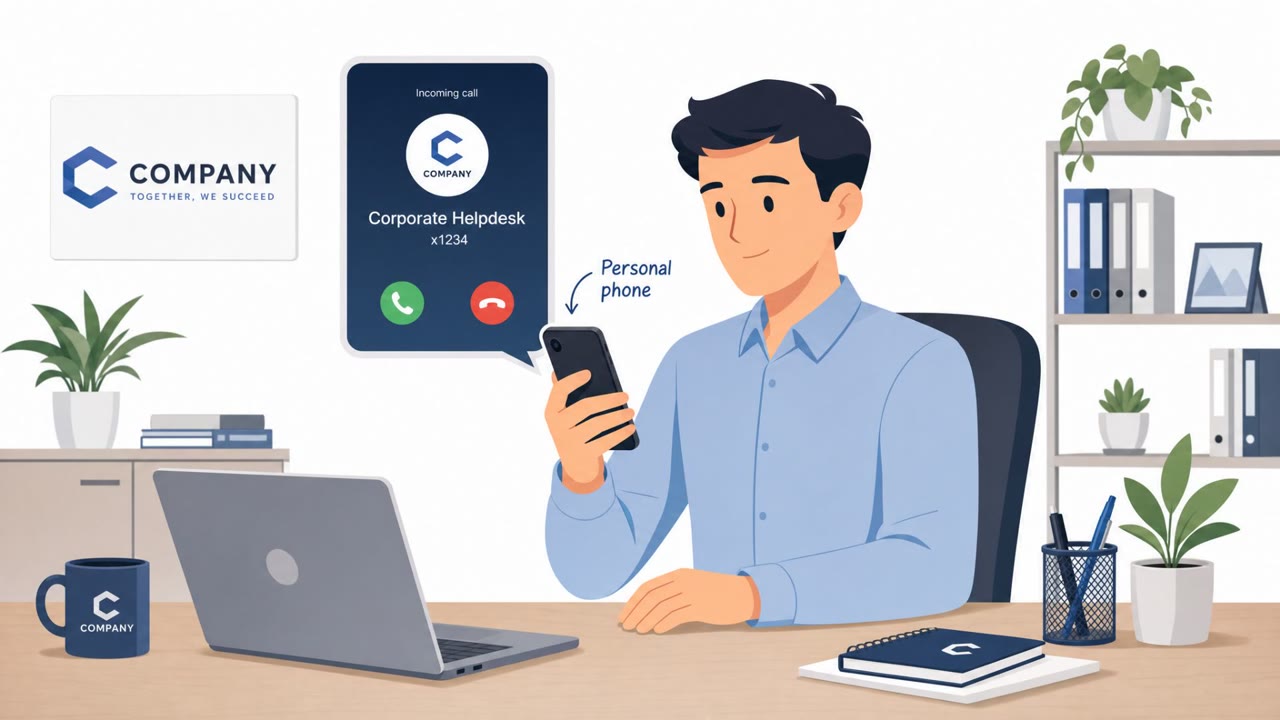
Attackers called employees directly on their personal cellphones while posing as the company's internal IT help desk. In some cases, the caller ID displayed the correct help desk phone number, adding a layer of false legitimacy to the call. The pretext was simple: an urgent directive from IT required the employee to update their passkeys or multifactor authentication immediately.
Once the employee was on the phone, they were steered toward a booby-trapped website with domain names designed to look official, such as those resembling 'passkeyhelpdesk' or 'secure-passkey.' If the employee entered their password on that site, the attackers captured it immediately. Because the attacker was still on the line, they could then ask the victim to read back or approve the one-time passcode sent by text or generated by an authenticator app, harvesting it live and hijacking the account before the call ended.
Why It Succeeded
This attack did not rely on advanced malware or technical exploits. It relied on urgency, a plausible authority figure, and a live phone conversation that gave the attacker real-time control over the victim's actions. Reaching employees on personal phones bypassed corporate call filtering and security awareness cues that might apply to work lines. The spoofed help desk number reinforced trust at the exact moment the victim was asked to act quickly.
The technique also exploited a structural weakness in one-time passcodes: they are only secure if entered on a legitimate site and never shared verbally. By combining a credential-harvesting site with a live phone call, attackers closed that gap and defeated MFA in real time.
What to Watch For
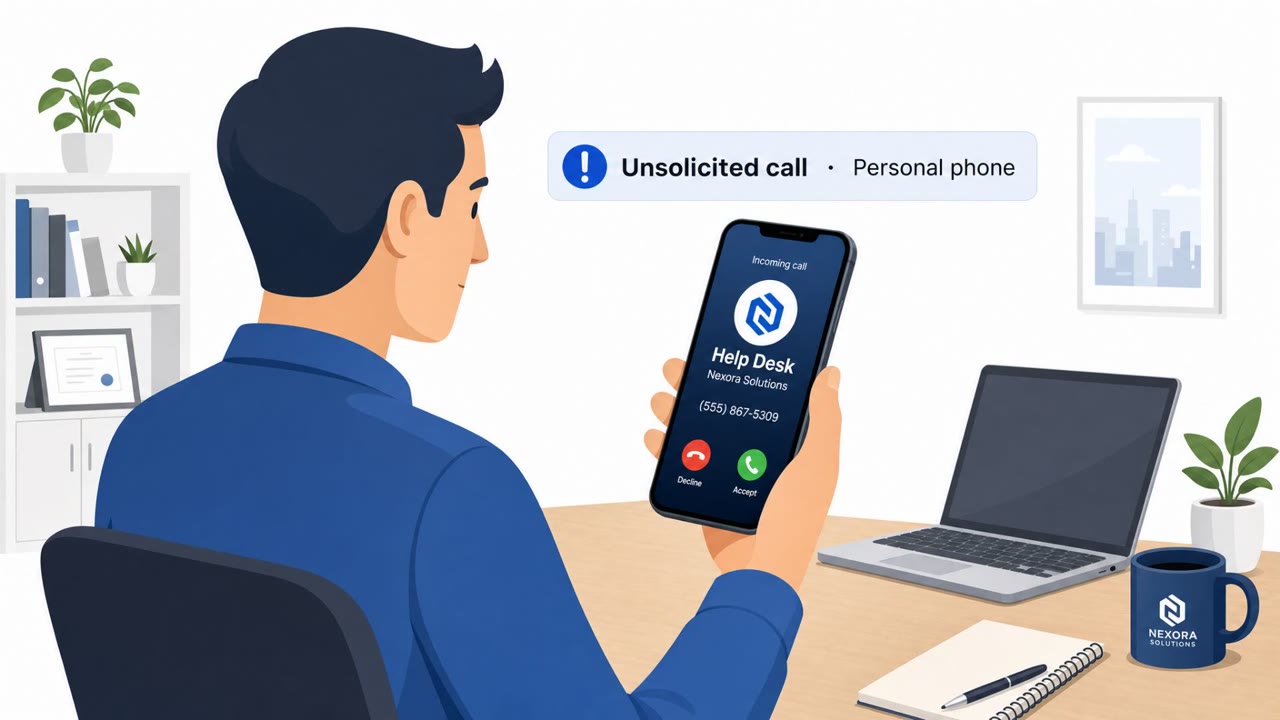
- An unsolicited call to a personal cellphone from someone claiming to be the company help desk, even if the caller ID looks correct.
- Pressure to act immediately on a claimed IT directive to update passkeys or multifactor authentication.
- Being directed to a website with an unfamiliar or slightly altered domain name related to passkeys or account security.
- Any request to read out, approve, or confirm a one-time passcode while on a phone call.
Building Resistance
Organizations across the affected sectors, including private equity, hedge funds, financial services, and law firms, can reduce exposure by reinforcing a few core behaviors. Employees should be trained to treat unsolicited help desk calls to personal numbers as high risk and to hang up and call back using a number from a trusted internal directory rather than one provided by the caller.
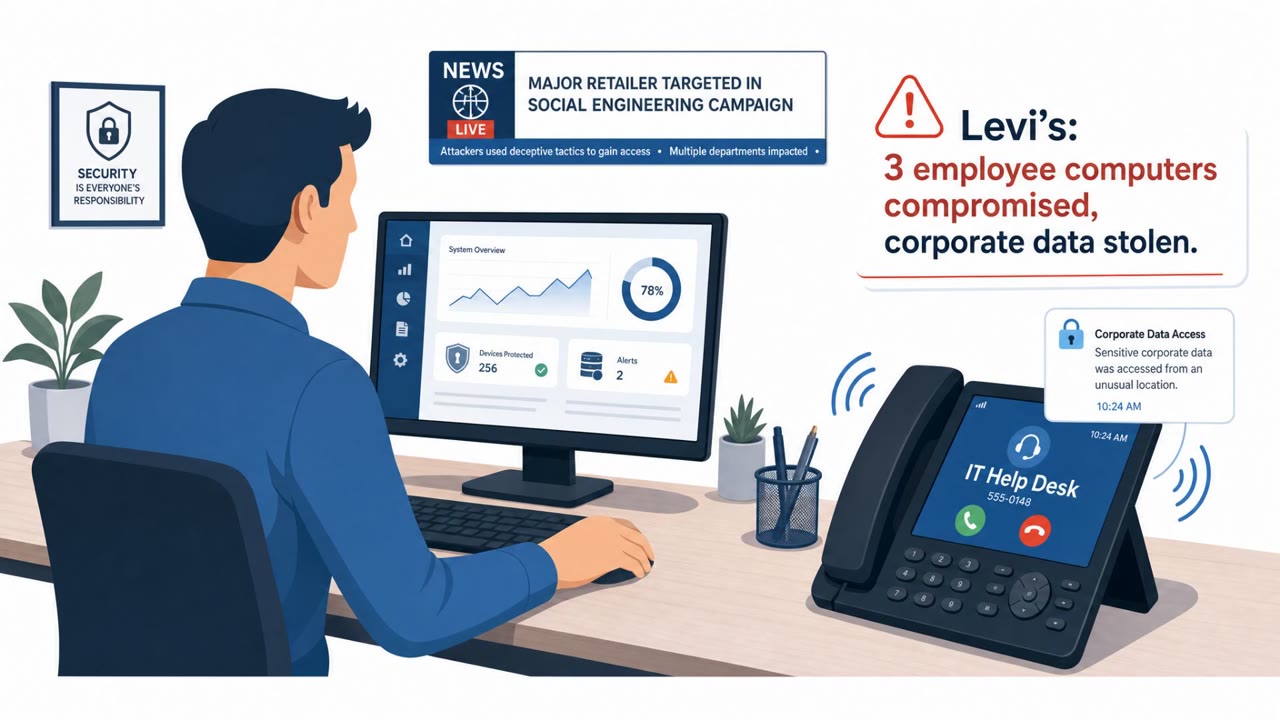
Staff should also be reminded that legitimate IT teams do not ask employees to read out or approve MFA codes during an inbound call, and that any password or MFA update should happen through official self-service portals the employee navigates to independently. As one security researcher observed regarding this activity, the tactics were not technically sophisticated but were highly effective, underscoring that awareness training must focus on identity verification and resisting real-time pressure rather than solely on spotting technical red flags.
Key findings
- Attackers called employees on personal cellphones while posing as the company help desk (sometimes spoofing the real help desk number).
- Targets were told there was an urgent IT directive to update passkeys or MFA, then were guided to booby-trapped websites created to steal credentials.
- If the victim entered a password, attackers harvested the victim’s one-time MFA/passcode live over the phone and took over the account before the call ended.
- Google said the actors operated under multiple names (Redact, Pink, Falcon, Helix) and built malicious sites/subdomains tailored to specific companies.
- Google reported that in some cases unnamed companies paid ransoms; Reuters could not confirm which firms were successfully compromised.
Who’s being targeted
- Commonly targeted roles: All staff, Finance teams, Investment teams, Operations/Back office, Executives, IT help desk (for caller-verification procedures).
- Affected industries: Private equity, Hedge funds, Financial services, Law firms, Financial ratings agencies, Retail and hospitality (industry commentary source), Technology/Internet services.
- Attack channels: vishing, website.
- Impersonated: Company IT help desk (caller ID may show the correct help desk number).
Red flags to watch for
- Unsolicited help desk call to a personal cellphone
- Pressure/urgency to update passkeys/MFA immediately
- Being directed to a look-alike site (e.g., domains resembling “passkeyhelpdesk” or “secure-passkey”) and asked to share an MFA code live
Frequently asked questions
How did attackers impersonate the IT help desk in this attack?
They called employees on their personal cellphones, sometimes spoofing the correct help desk phone number, and claimed there was an urgent directive to update passkeys or multifactor authentication.
How did the attackers bypass MFA protections?
After directing victims to a look-alike website to enter their password, the attackers harvested the one-time passcode live over the phone and hijacked the account before the call ended.
Which industries were targeted in this campaign?
The campaign affected private equity firms, hedge funds, financial services companies, law firms, and financial ratings agencies, among others.
What should employees do if they get an unexpected IT help desk call?
Hang up and call back using a trusted number from the internal directory, and never enter a password or read out an MFA code during an inbound call.
Read the video transcript
You’re at home, personal cellphone rings: caller ID says “Company IT Help Desk.” They sound legit, and urgent. They say, “There’s an urgent directive from IT to update your passkeys and MFA.” Then they walk you to a site like passkeyhelpdesk-dot-com and ask you to log in while they wait. Here’s the trap: the moment you type your password, they grab it, and then say, “Read me the one-time code you just got.” They hijack your account before you hang up. If “IT” calls your personal phone about passkeys or MFA, hang up and call the help desk back using the number in our internal directory, never the one that just called you.