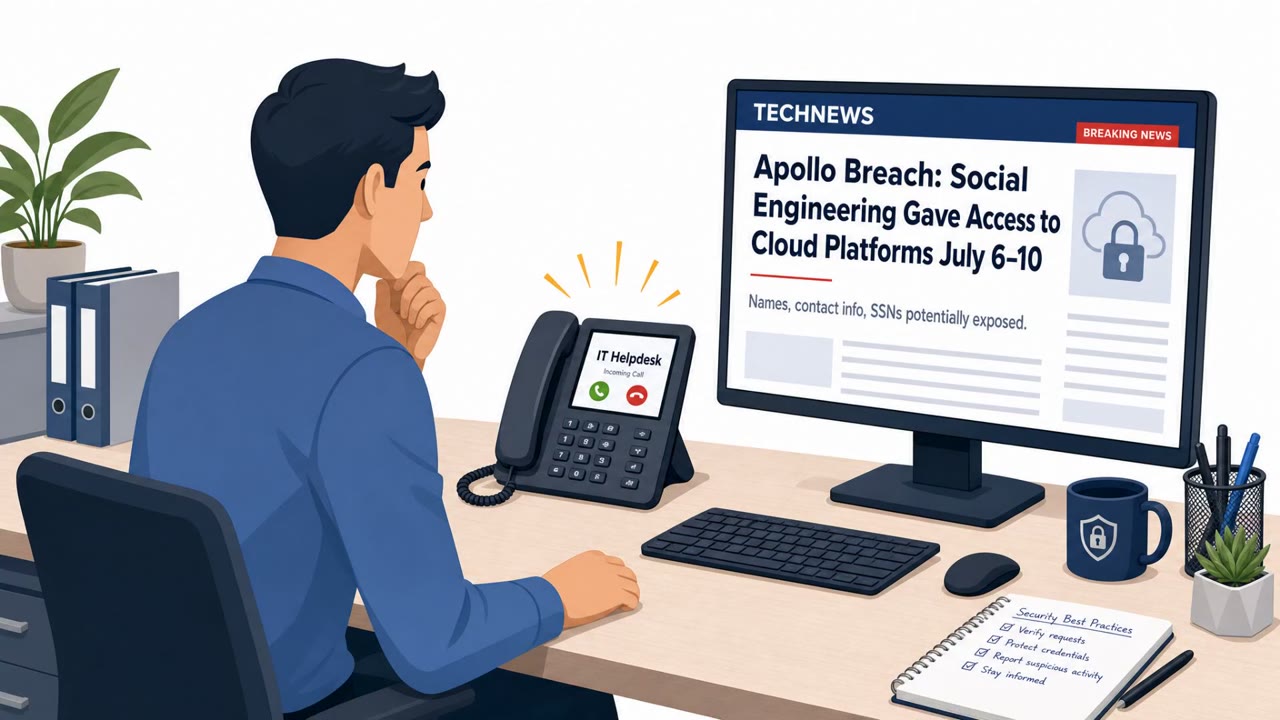
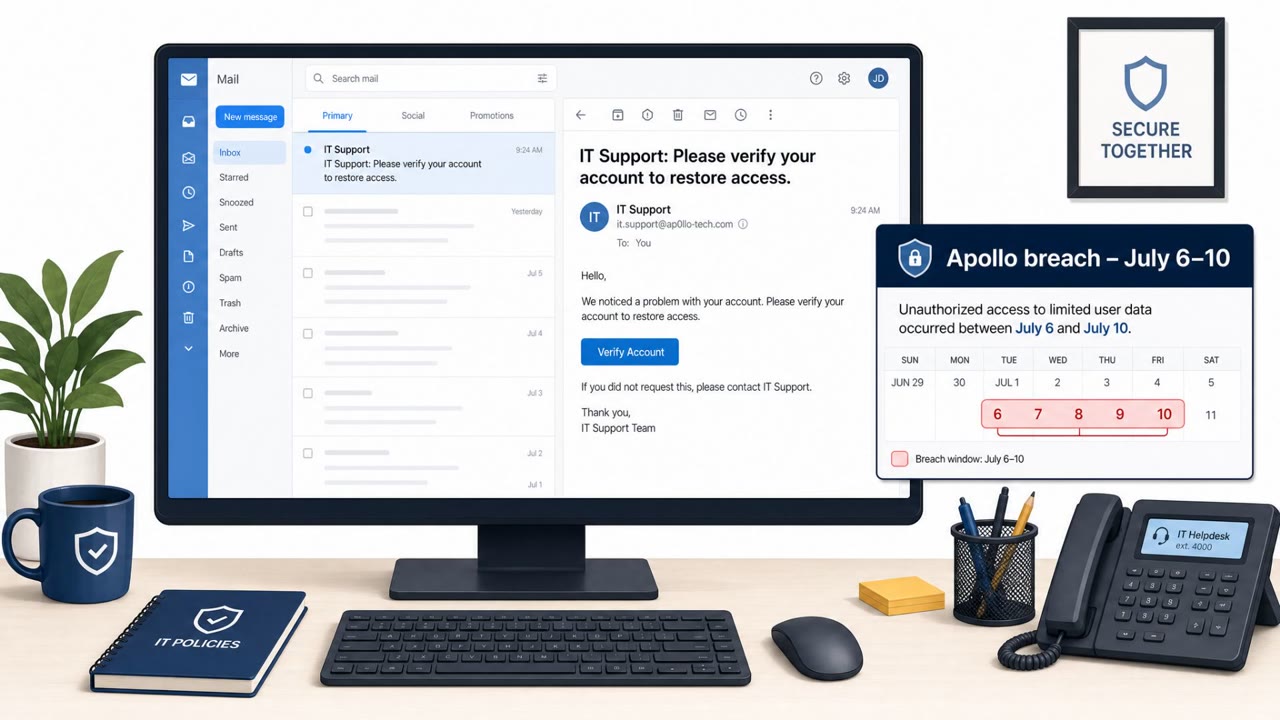
A phone-first extortion campaign targeted dozens of major U.S. financial firms by calling employees and posing as corporate help-desk staff. Victims were pushed to “update” passkeys/MFA and sent to fake login pages; attackers captured passwords and MFA codes in real time to take over accounts and later extort victims.
How the attack worked
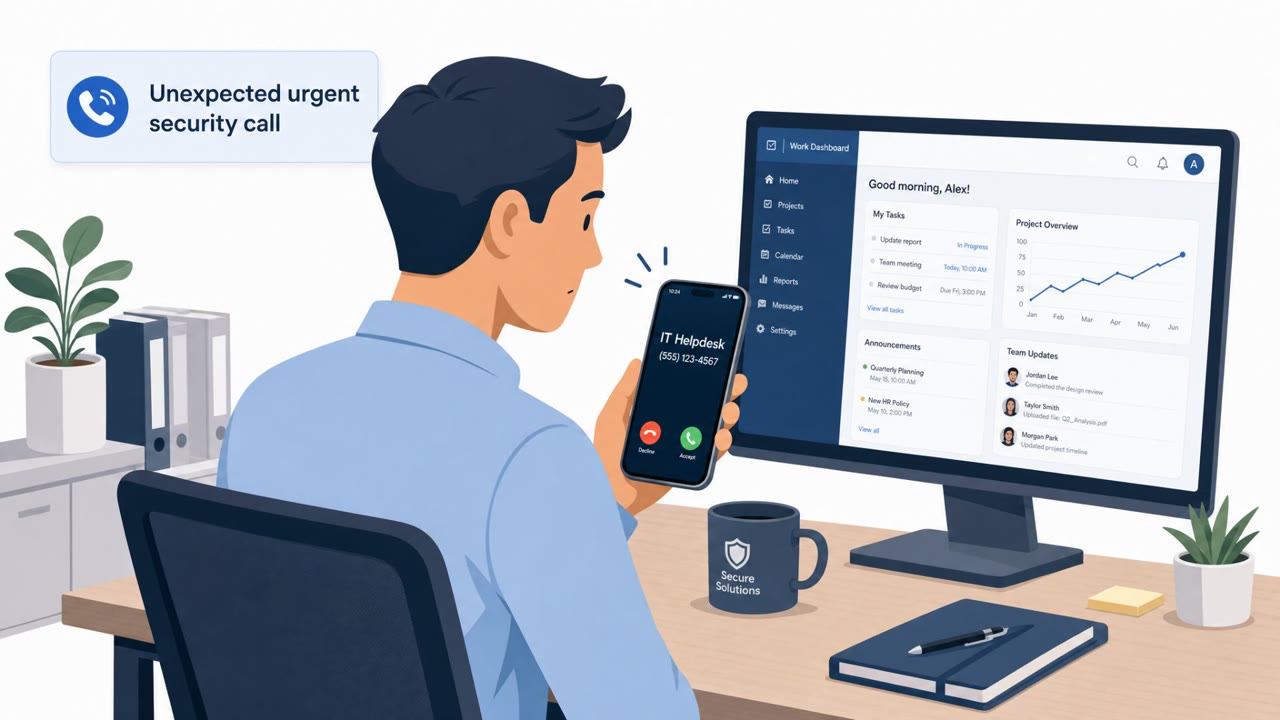
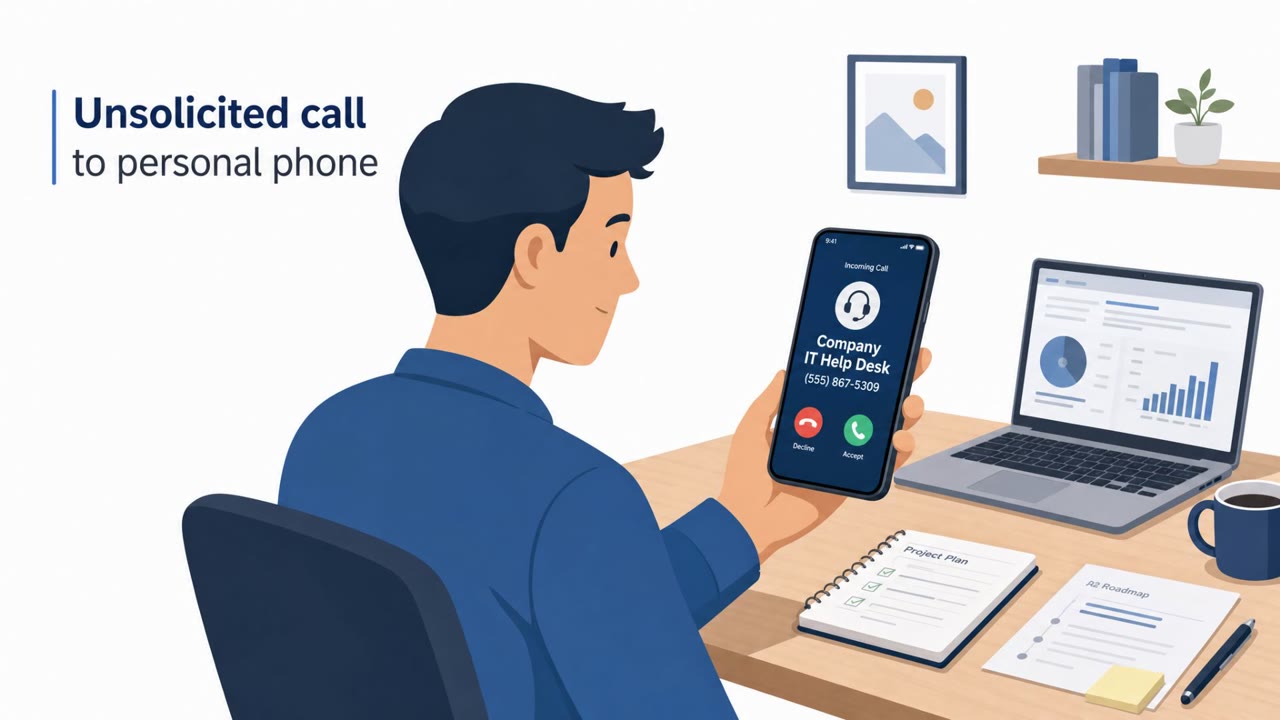
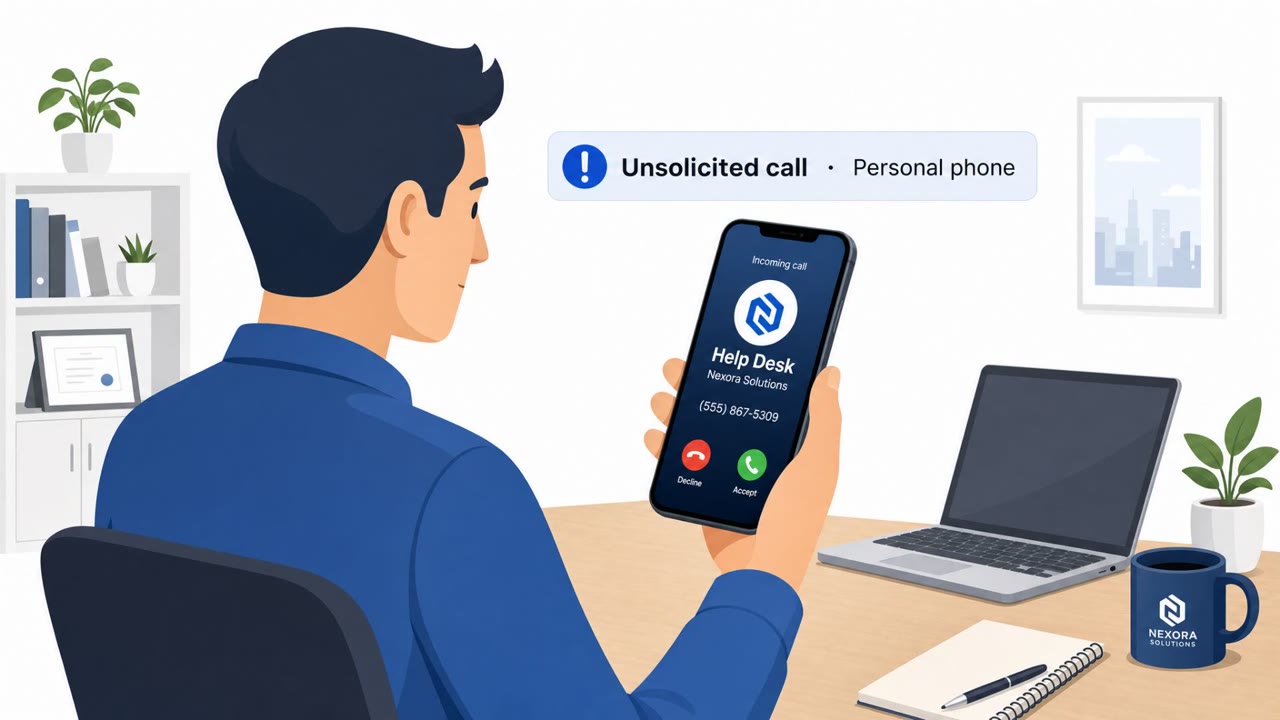
This campaign relied on a phone call rather than an email to start the intrusion. Attackers called employees directly on their personal phones, posing as corporate help-desk staff. In some cases the calls even displayed the legitimate help-desk number, which added a layer of false credibility before the pretext was even delivered.
Once on the line, the caller claimed there was an urgent request to update a passkey or multifactor authentication setting. Employees were directed to fake login pages using domain names such as "passkeyhelpdesk" and "secure-passkey." These pages were built to look like legitimate corporate authentication portals.
Why it succeeded
The technique worked because it combined three pressures at once: a spoofed or legitimate-looking caller ID, a plausible IT pretext tied to security hygiene (updating MFA), and urgency delivered live over the phone. Because the request came through a voice call instead of an email or text, many of the usual phishing red flags, like a suspicious sender address or hover-over link preview, were not present.
Once a victim entered a password on the fake page, the attackers captured the authentication code sent by text message or generated by an authenticator app while the call was still underway. This let them complete account takeover in real time, without waiting for a delayed credential dump or code reuse.
What to watch for
- Unexpected IT or help-desk calls arriving on a personal phone number rather than a work line
- A caller ID that looks legitimate but is paired with urgency and a request to visit a specific website
- Being asked to read out, confirm, or enter an MFA code during a live phone call
- Login pages with unusual domain names referencing passkeys or help-desk terms that are not the organization's standard portal
Building resistance
Defending against this kind of attack means training employees to treat unexpected phone calls with the same scrutiny as phishing emails. Staff should independently verify any IT request through a known, trusted channel rather than relying on caller ID, urgency, or instructions given during the call itself.
Organizations should also reinforce that MFA codes are a security control, not information to be shared verbally, and that employees should navigate to official portals themselves rather than following links given during an unsolicited call. Because account takeover in this campaign was tied to potential extortion, teams should have a clear, fast path for reporting suspected help-desk impersonation so security teams can respond before access is misused.
Key findings
- Attackers used phone calls to employees’ personal numbers while impersonating corporate help-desk staff; caller ID sometimes showed the legitimate help-desk number.
- Pretext was an “urgent request” to update a passkey or MFA setting; victims were directed to fake login pages.
- Attackers captured passwords and the MFA code (SMS or authenticator app) during the live call, enabling immediate account takeover.
- Google linked activity to multiple extortion brands (Redact, Pink, Falcon, Helix) that appeared to share infrastructure.
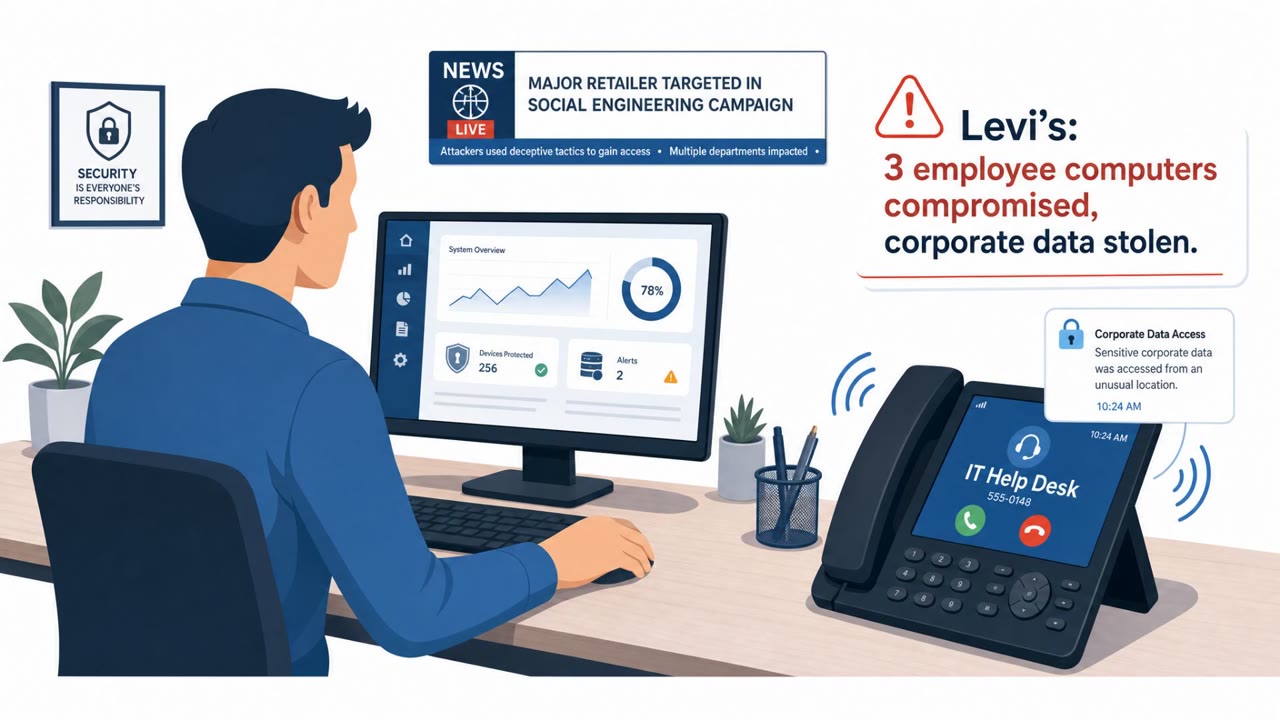
- Infrastructure indicated targeting of 200+ organizations over ~five weeks, beyond finance (including Uber, Zillow, Levi Strauss, and major law firms).
Who’s being targeted
- Commonly targeted roles: All employees, Executive leadership, Finance teams, IT/Helpdesk, Security team, Legal/Compliance.
- Affected industries: Financial services (private equity, hedge funds, exchanges, ratings firms), Technology/Internet services, Real estate/online marketplaces, Retail/apparel, Legal services.
- Attack channels: vishing, website.
- Impersonated: Corporate IT help-desk staff.
Red flags to watch for
- Unexpected IT request delivered to a personal phone
- Caller ID appears legitimate but the request is urgent and asks you to use a provided site
- Being asked to share or confirm an MFA code during a live call
Frequently asked questions
How did the helpdesk impersonation attack work?
Attackers called employees on personal phones posing as corporate IT help-desk staff, claiming an urgent need to update a passkey or MFA setting, then directed victims to fake login pages that captured passwords and MFA codes in real time.
Why did caller ID not protect employees?
In some cases the calls displayed the legitimate help-desk number, so caller ID alone could not confirm the call was genuine.
What should employees do if they get an urgent IT call like this?
Employees should independently verify the request through a known, trusted channel rather than relying on caller ID, urgency, or instructions given during the call, and should never read out or confirm an MFA code over the phone.
What was the end goal of the attackers?
According to the reporting, account takeover was used to access sensitive corporate information and provide leverage for extortion.
Read the video transcript
Imagine this: your personal phone rings, caller ID says Corporate Helpdesk, and they say your passkey update is urgent. They say, “We need you to update your passkey or MFA right now. Go to passkeyhelpdesk-dot-com and log in while I’m on the line.” You type your password, then read back the MFA code that just hit your phone. Here’s the trap: while you’re talking, they capture your password and that one-time code and log in as you, same trick used against Wall Street, Uber, Zillow, Levi’s, and big law firms in a five-week blitz. If anyone on the phone ever asks you to log in using their link or share an MFA code, hang up and call the real helpdesk using the number on our intranet, never the one that just called you.