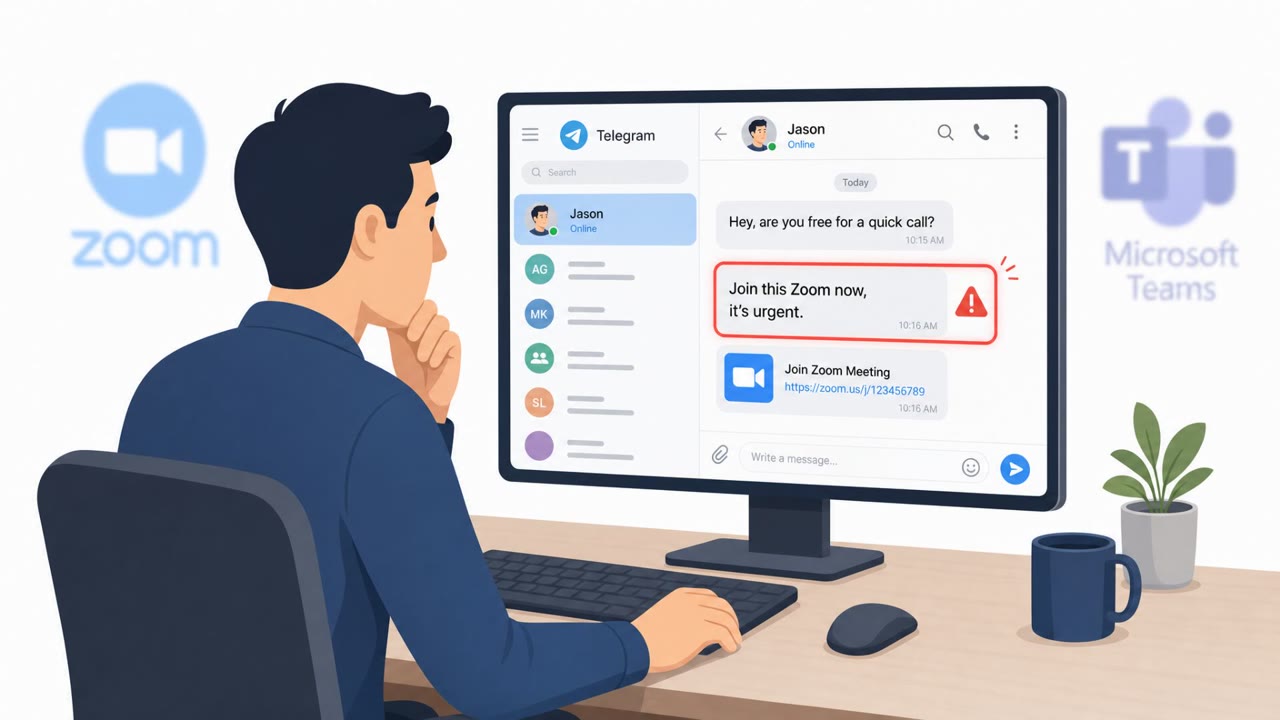
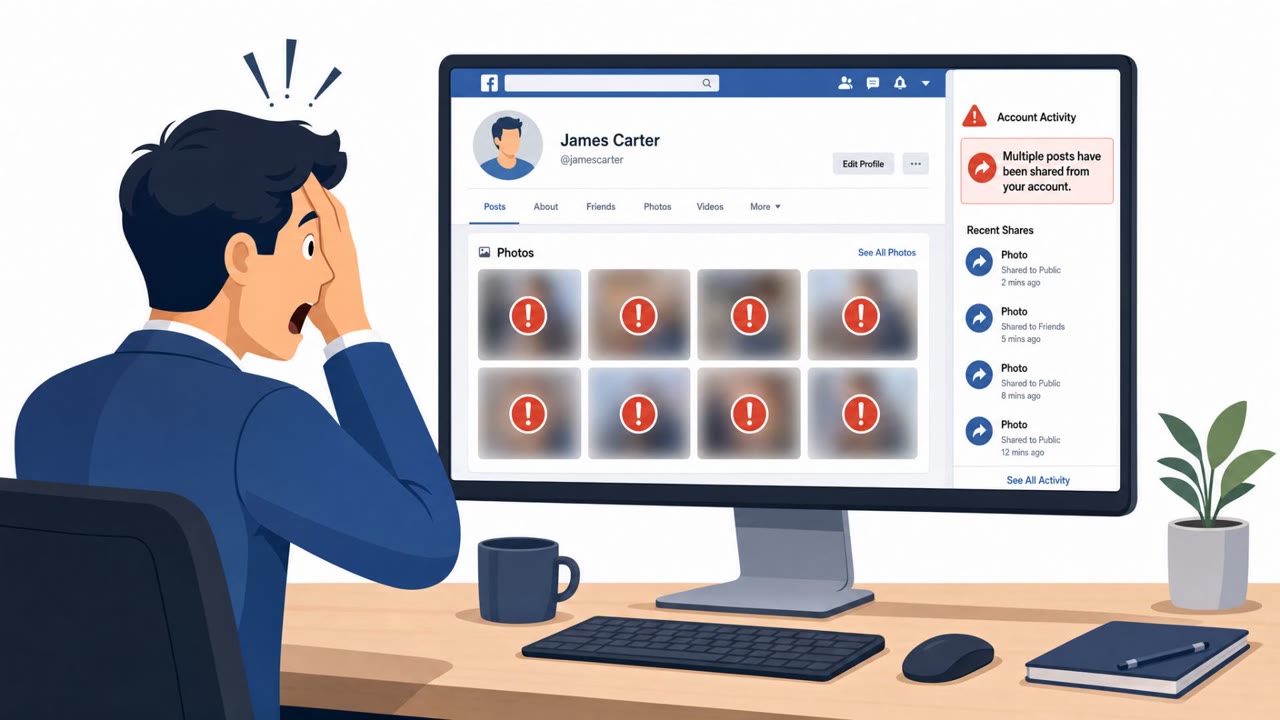
WhatsApp “Vote for My Friend” Scam Takes Over Accounts

Infosecurity Magazine · Medium sophistication
Last updated August 4, 2026

Attackers hijack WhatsApp accounts by sending a message from a compromised contact asking the recipient to “vote” in an online contest. Instead of a real voting page, victims are guided into linking the attacker’s device to their WhatsApp account, giving the attacker ongoing access to read and send messages and spread the scam further.

Key findings

  • The scam spreads from already-compromised WhatsApp accounts, so messages appear to come from real contacts.
  • The lure asks recipients to vote for a friend in an online contest (examples mentioned: ballet performance, dog competition, school event).
  • Victims are tricked into linking the attacker’s device using WhatsApp’s “Linked devices” feature (not by giving up a password).
  • The attacker gains ongoing access similar to a legitimate second device: reading messages, sending messages, and monitoring chats in real time.
  • Because no login occurs, victims may not see password reset emails or failed sign-in alerts; compromise may only be visible in the linked devices list.
  • Attackers use the hijacked account to forward the same scam to contacts and to ask friends/family for money.

Who’s being targeted

  • Commonly targeted roles: All employees, Executives, Finance teams, Customer support / customer-facing teams, Anyone using WhatsApp for work.
  • Affected industries: General public / consumers, Any organization using WhatsApp for business communications.
  • Attack channels: whatsapp, website.
  • Impersonated: A known WhatsApp contact (whose account is already compromised).

Awareness takeaways

  • Treat unexpected “help me vote” or “support my child/pet” messages, especially those that lead to account setup steps, as suspicious, even if they come from a known contact.
  • Never scan a QR code or enter a device-linking code unless you personally started the linking process.
  • Regularly review WhatsApp ‘Linked devices’ and immediately log out anything unfamiliar to remove attacker access.
  • If you suspect compromise, log out all linked devices and warn contacts quickly to stop the scam from spreading.

Red flags to watch for

  • A “voting” link that "did not lead to a voting page"
  • The site "redirected to a page resembling WhatsApp"
  • You are prompted to link a device even though you did not initiate it
  • Someone asks you to enter a device-linking code you did not request
  • Unexpected “help me vote” request that leads to account/security actions
  • Linked Devices shows a new device you don’t recognize
Try Mirage

Mirage safely runs attacks like this one against your own team, so you find out what happens before a real adversary does.

Get a demo
Read the video transcript

You get a WhatsApp from a friend: “Hey, can you vote for my kid in this contest?” Looks totally normal, right? But that link doesn’t go to a voting page. It jumps to a site that looks like WhatsApp and walks you through “WhatsApp Web” or “Linked devices” to cast your vote. Here’s the trick: they’re not stealing your password. They’re quietly adding their phone as a linked device, so they can read your chats and message your friends as you, asking them for money or more votes. Your move: if any “help me vote” link leads to WhatsApp Web or Linked devices, stop, then open WhatsApp Settings, check Linked devices, and log out anything you don’t recognize.

Similar attacks

Fake Conferences Fuel OAuth and WhatsApp Phish

Fake Conferences Fuel OAuth and WhatsApp Phish

Google tracked three suspected Russia-linked groups running targeted phishing that abuses real login and authentication features (app passwords, OAuth, and device codes) to get into accounts. The lures often look like legitimate conference or diplomatic invitations, and some campaigns spoof…

August 21, 2026
APT Groups Lure Targets Into Fake Zoom/Teams Meets

APT Groups Lure Targets Into Fake Zoom/Teams Meets

This threat trend report describes multiple real-world APT campaigns where attackers rely on social engineering and trusted services (Zoom/Teams, Telegram, webmail, GitHub) to steal credentials and access cloud accounts. Notable examples include fake meeting lures to deliver malware, and abuse of…

August 20, 2026
FBI Warns of Social Media Reset-Code Scams

FBI Warns of Social Media Reset-Code Scams

The FBI says criminals are using social engineering to take over social media accounts, steal explicit content, and sell or post it online along with victims’ personal information. Reported tactics include pretending to be a social media company representative, spamming victims with password-reset…

August 12, 2026
LoL Friend-Request Bots Push Discord & OnlyFans

LoL Friend-Request Bots Push Discord & OnlyFans

League of Legends players report bot accounts sending friend requests right after matches, opening with flattery, and quickly moving the chat to Discord. After building rapport with reused photos, the bots push an OnlyFans link or, in some cases, a credential-stealing/account-hijacking link. The…

August 7, 2026
WhatsApp “Vote for My Friend” Scam Takes Over Accounts

WhatsApp “Vote for My Friend” Scam Takes Over Accounts

A WhatsApp scam spreads through messages that ask you to “vote” for a friend in an online contest. The link leads to a WhatsApp-looking flow that tricks you into linking your account to a device controlled by the attacker. Once linked, the attacker can read messages and impersonate you to scam your…

August 4, 2026
Passkey Helpdesk Scam Hijacks Microsoft 365

Passkey Helpdesk Scam Hijacks Microsoft 365

Microsoft reports active intrusions where attackers trick employees with “passkey/SSO update” helpdesk pretexts delivered by phone, SMS, or even Microsoft Teams. Victims are sent to lookalike Microsoft sign-in pages or guided through device-code sign-in, letting attackers capture session access and…

September 9, 2026