Researchers found thousands of malicious GitHub repositories designed to look like real developer tools, including hundreds posing as AI “Skills” and Model Context Protocol (MCP) servers. In a technique dubbed “AgentBaiting,” attackers rely on AI assistants to discover these repos and pass the installation steps to users, leading them to download and run malware that steals credentials and active sessions.
How the attack worked
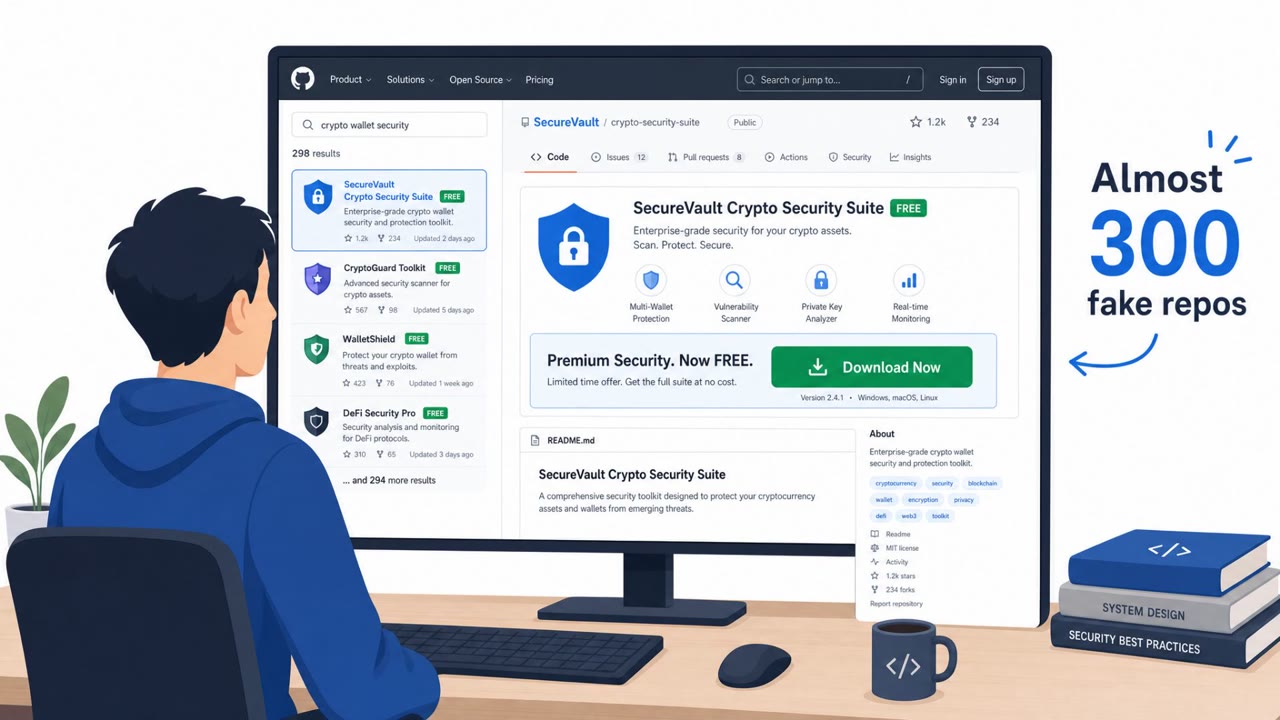
Researchers identified around 7,600 malicious GitHub repositories, including more than 800 posing as AI Skills or Model Context Protocol (MCP) servers, tied to roughly 6,600 accounts. The campaign, dubbed FakeGit, relied on copied projects, lookalike developer profiles, and convincing READMEs to make the repositories look like legitimate open-source tools. Victims who followed the install steps were led to download ZIP or EXE files that delivered SmartLoader, malware that establishes persistence and then installs StealC to steal credentials and active sessions.
What sets this campaign apart is a technique called AgentBaiting. Instead of relying solely on a human clicking a malicious link, attackers count on AI assistants to find the malicious repos during a routine search for a tool or capability. In testing, AI assistants surfaced these campaign repositories without ever being shown a link, and in one case an assistant recommended a legitimate option while also passing along the malicious repository's installation steps in the same response, including instructions to download an executable and click past a Windows security warning.
Why it succeeded
The attack exploits trust in two layers at once: trust in GitHub as a platform for open-source tools, and trust in AI assistants as a reliable filter for finding those tools. Public AI registries that listed or mirrored repository READMEs added a third layer, carrying malicious download links onto other platforms under those registries' own credibility. Because the AI agent, not the person, does the searching, the agent effectively becomes the target, standing in for the user it works for.
What to watch for
- Install instructions that tell you to download and run an executable, which is unusual for many legitimate Skills or MCP servers.
- Guidance that explicitly tells you to bypass a Windows security warning.
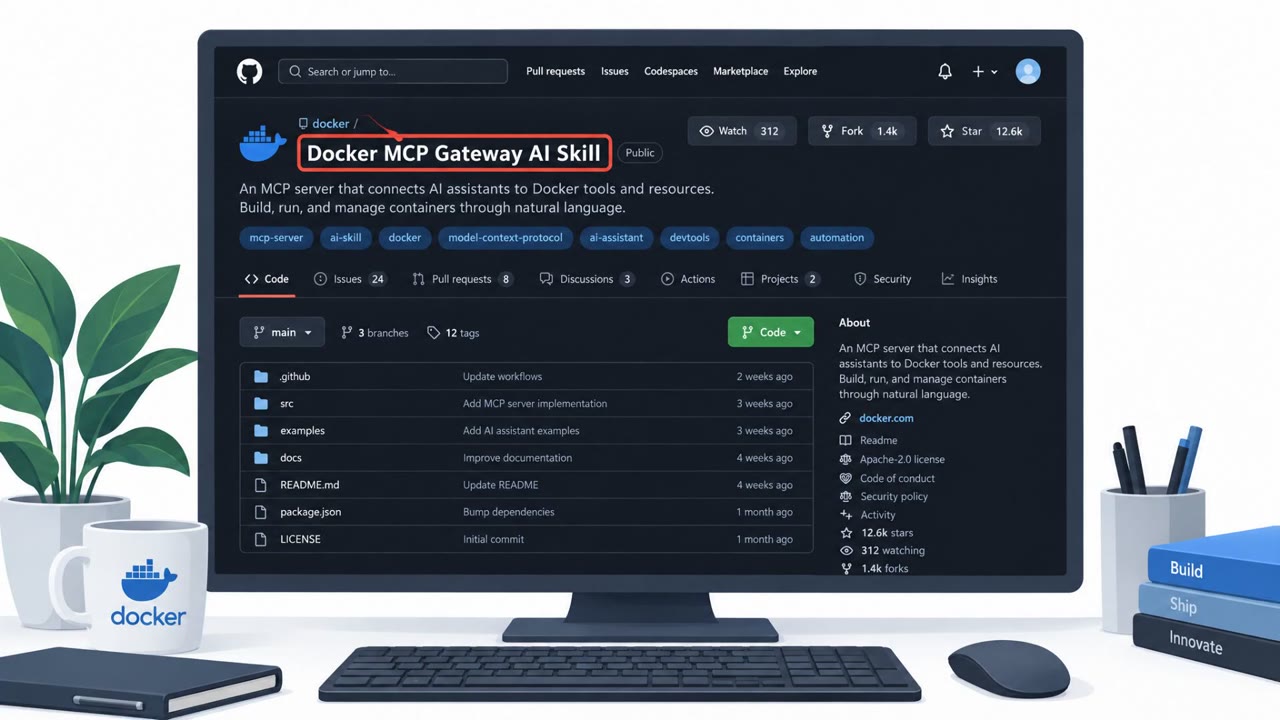
- A repository or publisher that looks slightly off, such as a lookalike handle or a copied README and layout.
- Brand-name integrations, such as a company-specific MCP server, offered for free from an unofficial or unverified publisher.
Building resistance
Organizations can reduce exposure by treating AI assistant recommendations as a starting point rather than a trusted source, and by verifying the publisher and project before installing anything. Building a curated, reviewed catalog of approved Skills and MCP servers, and testing new capabilities in a sandboxed environment first, limits exposure to unvetted repositories. If SmartLoader execution is suspected, isolate the affected endpoint and revoke active browser sessions, OAuth grants, API tokens, and cloud and developer credentials rather than just resetting passwords, since StealC targets live sessions directly.
Key findings
- ~7,600 malicious GitHub repositories were identified, including 800+ posing as AI Skills or MCP servers, tied to ~6,600 accounts.
- The campaign (“FakeGit”) used copied projects, lookalike developer profiles, and convincing READMEs to trick users into downloading malicious ZIP/EXE files.
- Malware delivered: SmartLoader, which establishes persistence and installs StealC to steal credentials and active sessions.
- “AgentBaiting” targets AI agents: assistants may find malicious repos and relay installation steps to users even without being given a link.
- Public AI registries (e.g., LobeHub, Glama, MCP.so, MCP Market) listed or mirrored repo READMEs, potentially propagating malicious download links.
Who’s being targeted
- Commonly targeted roles: Developers, DevOps/Platform Engineering, AI/ML Engineering, IT administrators, Security awareness training for employees who install tools/plugins.
- Affected industries: Software development / DevOps, IT services, Enterprise IT, AI/ML teams, Open-source users (individual and enterprise).
- Attack channels: website.
- Impersonated: Legitimate open-source project / developer (lookalike repo and profile), Walmart (brand-impersonating MCP server project on GitHub).
Red flags to watch for
- Install instructions tell you to download and run an .exe (unusual for many open-source skills)
- Instructions explicitly encourage bypassing a Windows security warning
- Repo and publisher look slightly “off” (lookalike handle, copied README/layout)
- Brand-name integration offered “for free” from an unofficial GitHub publisher
- Repo appears legitimate at a glance (stars/forks/README copied) but is not verified
- The download comes from GitHub release assets rather than a trusted package manager
Frequently asked questions
What is AgentBaiting?
AgentBaiting is a technique where AI assistants discover malicious GitHub repositories on their own and relay the attacker's installation steps to the user, even without being given a direct link.
What malware does the FakeGit campaign deliver?
The campaign delivers SmartLoader, which establishes persistence and then installs StealC to steal credentials and active browser sessions.
How many malicious repositories were found?
Researchers identified roughly 7,600 malicious GitHub repositories, including more than 800 posing as AI Skills or MCP servers, tied to about 6,600 accounts.
Why is resetting passwords not enough after this attack?
StealC captures live sessions in addition to passwords, so defenders also need to revoke active browser sessions, OAuth grants, API tokens, and cloud and developer credentials.
Read the video transcript
You ask your AI assistant for a free “cinematic prompt” Skill, and it confidently hands you a GitHub repo. Looks legit, right? Behind that link might be a FakeGit repo, one of thousands of lookalike projects built to push SmartLoader malware that steals your credentials and active sessions. In tests, AI agents surfaced malicious Walmart MCP server repos as their top pick, then passed along steps telling users to download an .exe from GitHub Releases and click past a Windows security warning. Here’s the move: if any AI-recommended Skill or MCP server tells you to run an .exe or bypass a security warning, stop and report it, don’t install it.