Ukrainian CERT says Sandworm-linked actors (UAC-0145) posed as recruiters to lure IT workers into a fake hiring process. Victims were guided from job-site chats to Telegram and Zoom, then emailed “VPN assessment” files that pushed a trojanized WireGuard-based VPN client capable of silently running commands on the victim’s computer.
Key findings
- Attackers posed as recruiters on job sites, targeting Ukrainian system administrators and IT specialists.
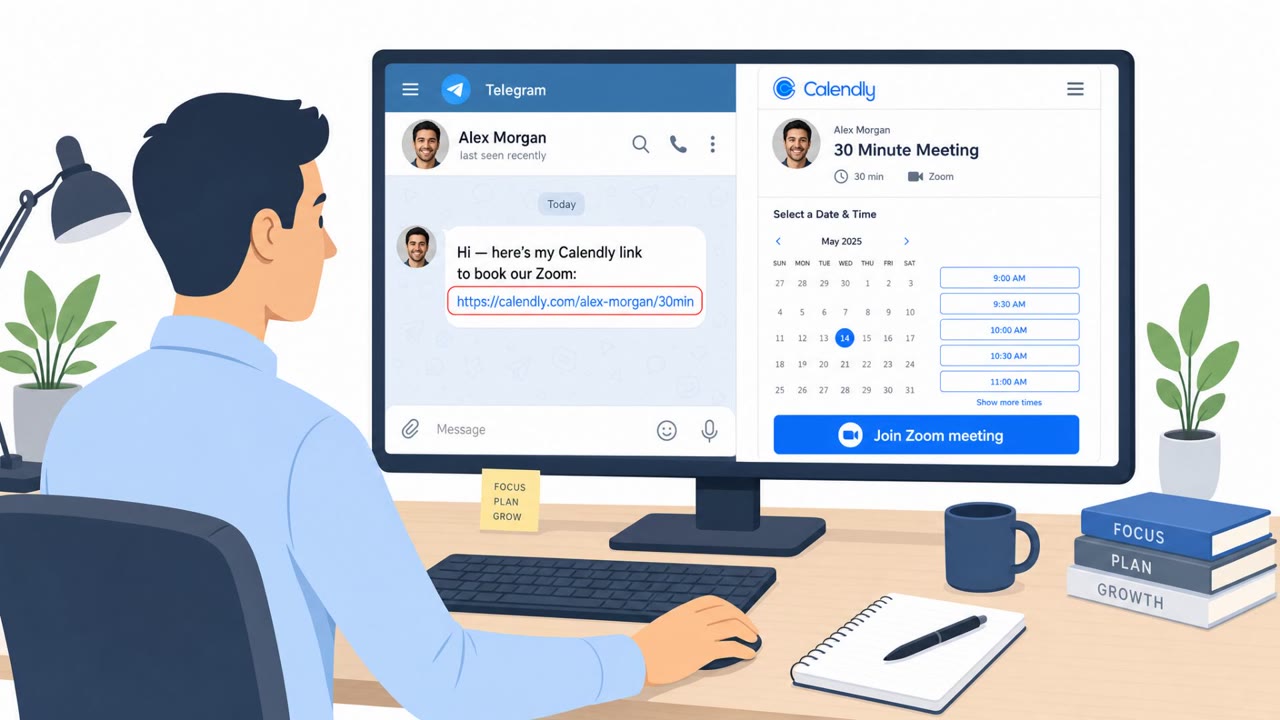
- Conversation moved from job-site chat to Telegram with a supposed HR manager, then to Zoom interviews.
- Victims received an email with VPN configuration files (WireGuard) as part of a ‘technical assessment.’
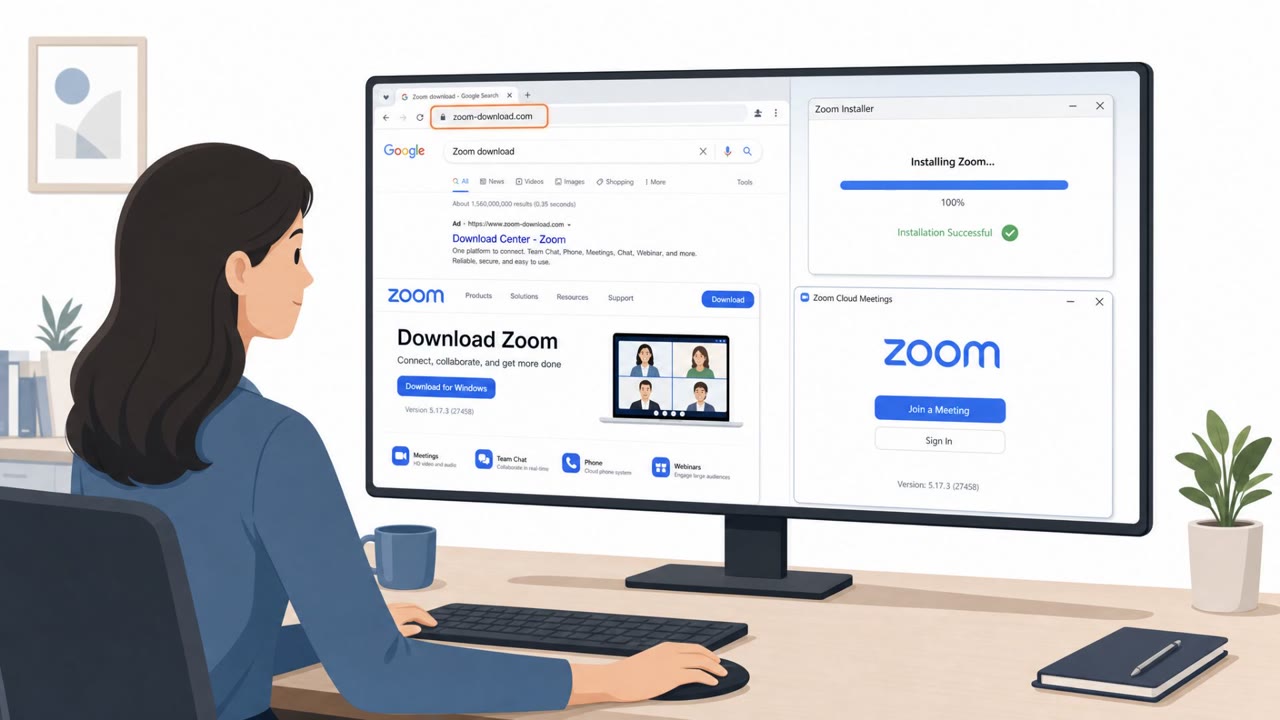
- When configs ‘failed,’ attackers directed victims to download a custom VPN client (‘SopraVPN’) via a fake lookalike domain and SourceForge projects.
- The modified WireGuard client could decrypt and execute PowerShell commands on the victim host without their knowledge.
- Windows variant created a scheduled task to download a secondary payload; Linux variant used cURL to download an executable over the VPN.
Who’s being targeted
- Commonly targeted roles: IT, System Administrators, Security/IT Operations, Helpdesk, Engineering, HR/Recruiting teams (for awareness of recruiter impersonation).
- Affected industries: IT services, Technology, Government (Ukraine-focused targeting).
- Attack channels: website, telegram, email, zoom.
- Impersonated: Recruiter / HR manager for Sopra Steria Bulgaria (and an IT company such as ATLAS Business Group), Sopra Steria Bulgaria / Sopra Steria corporate IT.
Awareness takeaways
- Treat recruiter-driven requests to install software (VPNs, “assessment tools”) as high risk and verify through official company channels.
- Watch for lookalike domains and third-party download hosting when asked to install “corporate” tools.
- Limit access to company resources to managed, monitored devices, especially for IT staff with elevated privileges.
Red flags to watch for
- Hiring process quickly moves to Telegram and relies on off-platform coordination
- Unusual requirement to install/use provided VPN configs as part of an interview
- Unclear identity of interviewer (possible synthetic persona)
- Lookalike domain (soprasteria-bg[.]com) used instead of an official corporate domain
- Software download hosted via third-party project pages (SourceForge) for a ‘corporate VPN’
- Pressure to install an unfamiliar VPN client to proceed with the interview
Read the video transcript
You’re in a Zoom interview, recruiter says, “To start the technical test, connect to our corporate VPN.” Sounds legit, right? CERT Ukraine saw fake recruiters for Sopra Steria Bulgaria push IT admins from job sites to Telegram, then Zoom, then email you WireGuard VPN configs as a ‘technical assessment.’ When they ‘fail,’ you’re told to install a special client called SopraVPN. Here’s the catch: SopraVPN comes from a fake domain, soprasteria-bg[.]com, and a SourceForge project. It’s a trojanized WireGuard client that can silently run PowerShell commands and scheduled tasks on your machine while you think you’re just doing an interview. If any recruiter asks you to install a VPN or ‘assessment tool’ like SopraVPN, stop and verify through the company’s official website or HR contacts, before you install anything.